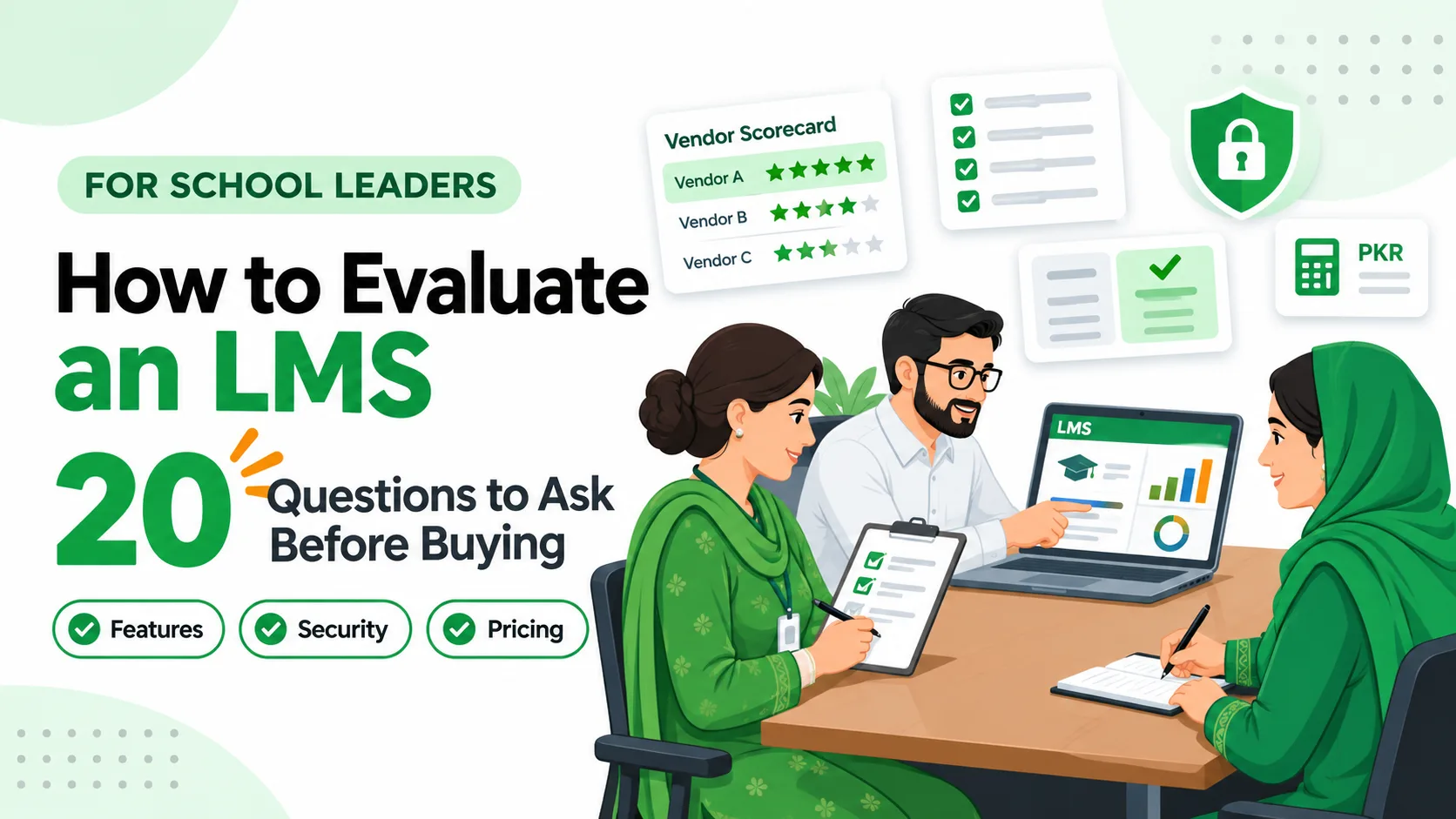
How to Evaluate an LMS for Your School: 20 Questions to Ask Before Buying
By the time a school starts comparing learning management system (LMS) vendors, the question is no longer "Do we need an LMS?" It is "Which one, and how do we avoid an expensive mistake?" Every vendor demonstration looks polished. Every brochure lists similar features. The differences that matter, such as how much work the platform creates for teachers, what happens to your data, and what the second year really costs, rarely appear on a product page.
This guide is for school owners, principals, academic coordinators, IT administrators, and procurement teams who are evaluating LMS providers. It explains why a structured evaluation process matters, what to evaluate, and 20 questions to ask every vendor before buying. It also includes an evaluation scorecard, red flags to watch for, and a practical way to compare vendors and prepare for demonstrations.
Why Schools Need a Structured LMS Evaluation Process
An LMS is not a one-term purchase. Once teachers have built courses, students have submitted work, and parents have accounts, switching platforms is disruptive and costly. A decision made on the strength of one impressive demonstration can lock a school into years of workarounds.
A structured evaluation process protects the school in several ways:
- It starts from your needs, not the vendor's pitch: you decide what matters before anyone shows you what their product does best.
- It makes vendors comparable: every provider answers the same questions and is scored against the same criteria.
- It involves the right people: teachers, coordinators, IT staff, and finance all look at the areas they understand best.
- It surfaces hidden costs and risks: pricing, data handling, and contract terms get examined before signing, not after.
- It creates a record: the school can explain and defend its decision to owners, boards, and parents.
If you are still deciding whether your school needs an LMS at all, start with our overview of the benefits of an LMS for schools. This guide assumes you have made that decision and are now choosing a provider.
What Should Schools Evaluate Before Choosing an LMS?
Before contacting vendors, write down your school's requirements. A short requirements document, agreed by academic and administrative leaders, keeps the evaluation focused. Most school LMS requirements fall into seven areas:
| Evaluation Area | What to Look At |
|---|---|
| Teaching and learning | Course management, assignments, assessments, feedback, and support for your curriculum and teaching model |
| Users and roles | What students, teachers, parents, coordinators, and principals can each see and do |
| Progress and reporting | How student progress is tracked and what reports are available at class and school level |
| Data, privacy, and security | Where data is stored, who can access it, how it is protected, and what happens when you leave |
| Technology and access | Devices, browsers, mobile access, connectivity requirements, and integrations with existing systems |
| Implementation and support | Onboarding, training, migration, ongoing support, and realistic timelines |
| Cost and contract | Full pricing, additional charges, payment terms, renewal conditions, and exit terms |
Mark each requirement as a must-have or a nice-to-have. A platform that misses a must-have should not progress, however impressive its other features are. Our guide to key LMS features can help you decide which capabilities belong in each category.
20 Questions to Ask an LMS Vendor Before Buying
Ask every shortlisted vendor the same 20 questions, ideally in writing as well as during the demonstration. For each one, the guidance below explains why it matters and what a strong answer looks like.
1. Does the LMS meet our school's academic requirements?
A platform built for universities or corporate training may not fit a school with grades, sections, subjects, terms, and a national or international curriculum. Share your academic structure and ask the vendor to show how it would be set up, not describe it.
Strong answer: the vendor demonstrates your grades, subjects, and term structure in the platform and explains how your assessment and grading approach would work.
2. How easy is it for teachers to use?
Teachers decide whether an LMS succeeds. If creating an assignment or recording marks takes too many steps, adoption will stall. Ask a teacher from your school to complete everyday tasks during the demonstration: create a lesson, set an assignment, build a short quiz, and give feedback.
Strong answer: a teacher who has never seen the platform completes common tasks with little help, and the vendor can show its teacher training materials.
3. What can students do within the platform?
Ask to see the student view, not only the teacher and admin views. Students should be able to find their courses, see what is due, submit work, take assessments, read feedback, and check their progress without confusion. Consider younger students separately, since a layout that works for Grade 10 may overwhelm Grade 3.
Strong answer: the vendor logs in as a student and walks through a typical day, including submitting work and viewing feedback.
4. How does parent access work?
Many schools want parents to see progress, results, and announcements. Ask what parents can see, how accounts are created, how parents with several children are handled, and whether the school can control what is visible. Parent access is valuable only if it is easy to use and shows meaningful information.
Strong answer: the vendor demonstrates a parent account, shows how the school controls what parents see, and explains how parents are onboarded.
5. What assessment capabilities are available?
Ask which question types are supported, which can be graded automatically, how teachers mark written work, and how results flow into gradebooks and reports. Check whether the platform supports both quick classroom checks and formal assessments.
Strong answer: the vendor builds a short assessment in front of you, submits it as a student, and shows how the results appear for the teacher.
6. How can teachers monitor student progress?
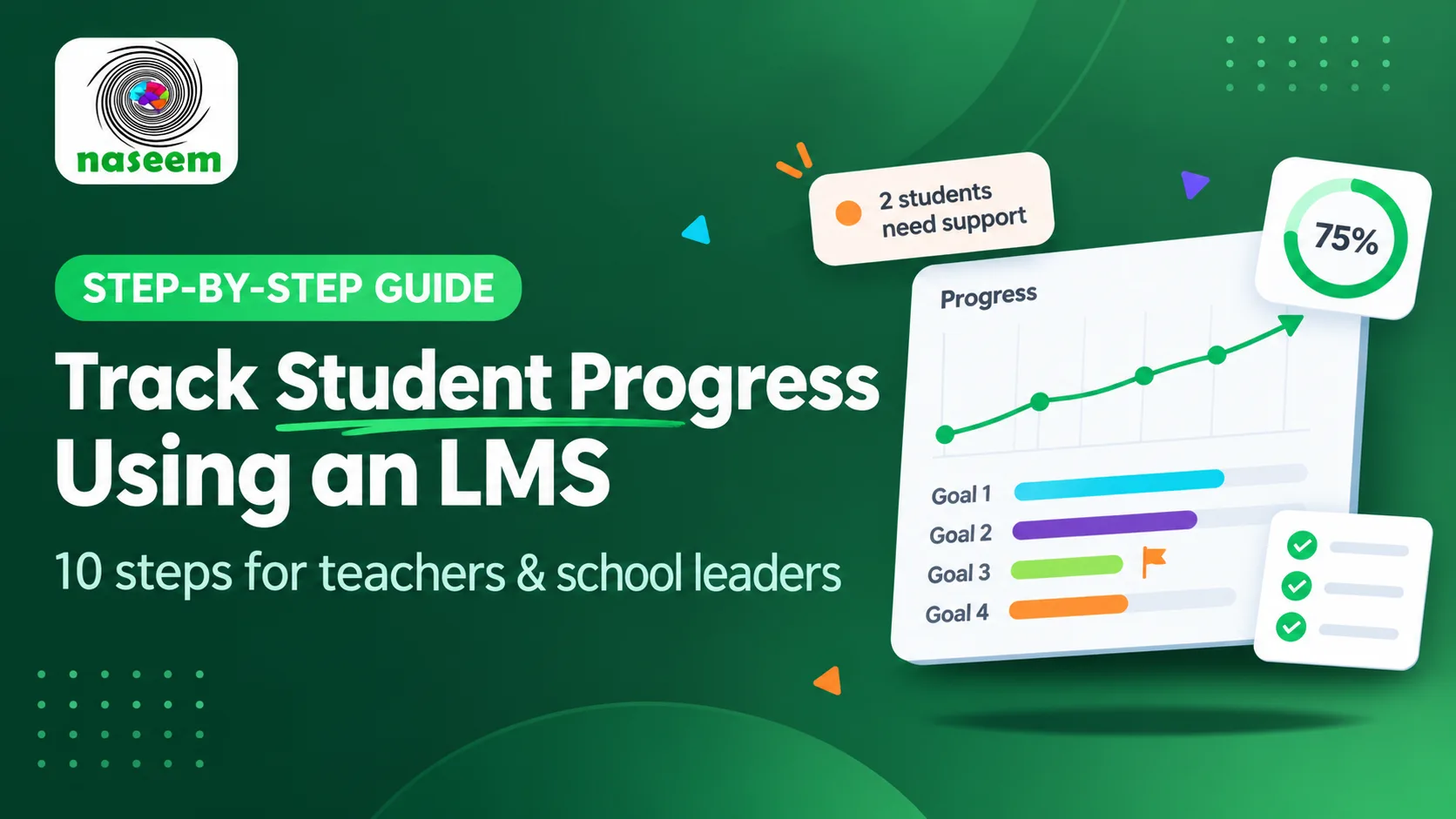
Progress tracking should help teachers spot students who are falling behind early, not just store grades. Ask what information teachers see for each student and class, such as submissions, results by topic, and completion, and how quickly it updates. Our guide to tracking student progress with an LMS explains what useful progress information looks like.
Strong answer: the vendor shows a class view where a teacher can quickly see who has missed work or is struggling with a topic.
7. What reporting and analytics are available?
Principals and coordinators need a view across classes, grades, and subjects. Ask which reports are included, whether they can be filtered and exported, and whether school leaders get their own dashboard. Be cautious of analytics that look impressive but do not answer the questions your leadership actually asks.
Strong answer: the vendor shows reports that answer your specific questions, such as which classes have the lowest assignment completion this month.
8. Can the platform support personalized learning?
Ask whether teachers can assign different tasks or resources to different students or groups, and whether students can work at different paces. Personalization depends on the teacher, but the platform should make it practical. Our guide to personalized learning explains what this looks like in a classroom.
Strong answer: the vendor shows a teacher assigning an extension task to one group and extra practice to another within the same course.
9. How does the platform handle student and school data?
This is one of the most important questions. Ask where data is stored, who owns it, who can access it, how long it is kept, whether it is shared with any third parties, and whether you can export all of it if you leave. Request the vendor's privacy policy and data handling terms in writing.
Strong answer: the vendor confirms in writing that the school owns its data, explains storage and retention clearly, and describes how a full export works.
10. What access controls and security measures are available?
Ask how user roles and permissions work, how passwords and logins are protected, whether data is encrypted, how backups are handled, and how the vendor responds to security incidents. Check that teachers can see only their own classes and parents only their own children.
Strong answer: the vendor demonstrates role-based permissions and provides security documentation instead of general reassurances.
11. Does it support our school's devices?
List the devices your students, teachers, and parents actually use, including older computers, low-cost smartphones, and shared family phones. Ask whether there is a mobile app or a mobile-friendly website, and test the platform on your own devices rather than the vendor's laptop.
Strong answer: the platform works smoothly on a typical student smartphone and the school's own computers during the trial.
12. What happens when internet access is unreliable?
In many schools, especially in Pakistan, connectivity varies by area and time of day. Ask how the platform behaves on a slow connection, whether work is saved if the connection drops, and whether any features work offline. Our guide to LMS in Pakistan discusses connectivity and device planning in more detail.
Strong answer: the vendor explains clearly what works on low bandwidth and what does not, and you confirm it during a trial on your own network.
13. What onboarding and training are provided?
Ask what is included: setup, account creation, teacher training, administrator training, parent and student guides, and whether training is live, recorded, or written. Confirm whether training is included in the price or charged separately.
Strong answer: the vendor provides a clear onboarding plan with named steps, training for each user group, and costs stated upfront.
14. How much ongoing support is available?
Problems will happen during exam weeks and term starts. Ask how support is provided (phone, email, chat), during which hours, in which languages, and how quickly the vendor typically responds. Ask whether you will have a named contact and whether support costs extra.
Strong answer: support channels, hours, and expected response times are written into the agreement.
15. How long does implementation typically take?
Ask for a realistic timeline for a school of your size, from signing to the first classes using the platform, and what the school must do at each stage. Plan the launch around your academic calendar rather than in the middle of exams. If you are moving from another platform, our guide to switching LMS platforms covers migration planning.
Strong answer: the vendor gives a phased plan with clear responsibilities for both sides, based on schools similar to yours.
16. Can the platform accommodate our school structure?
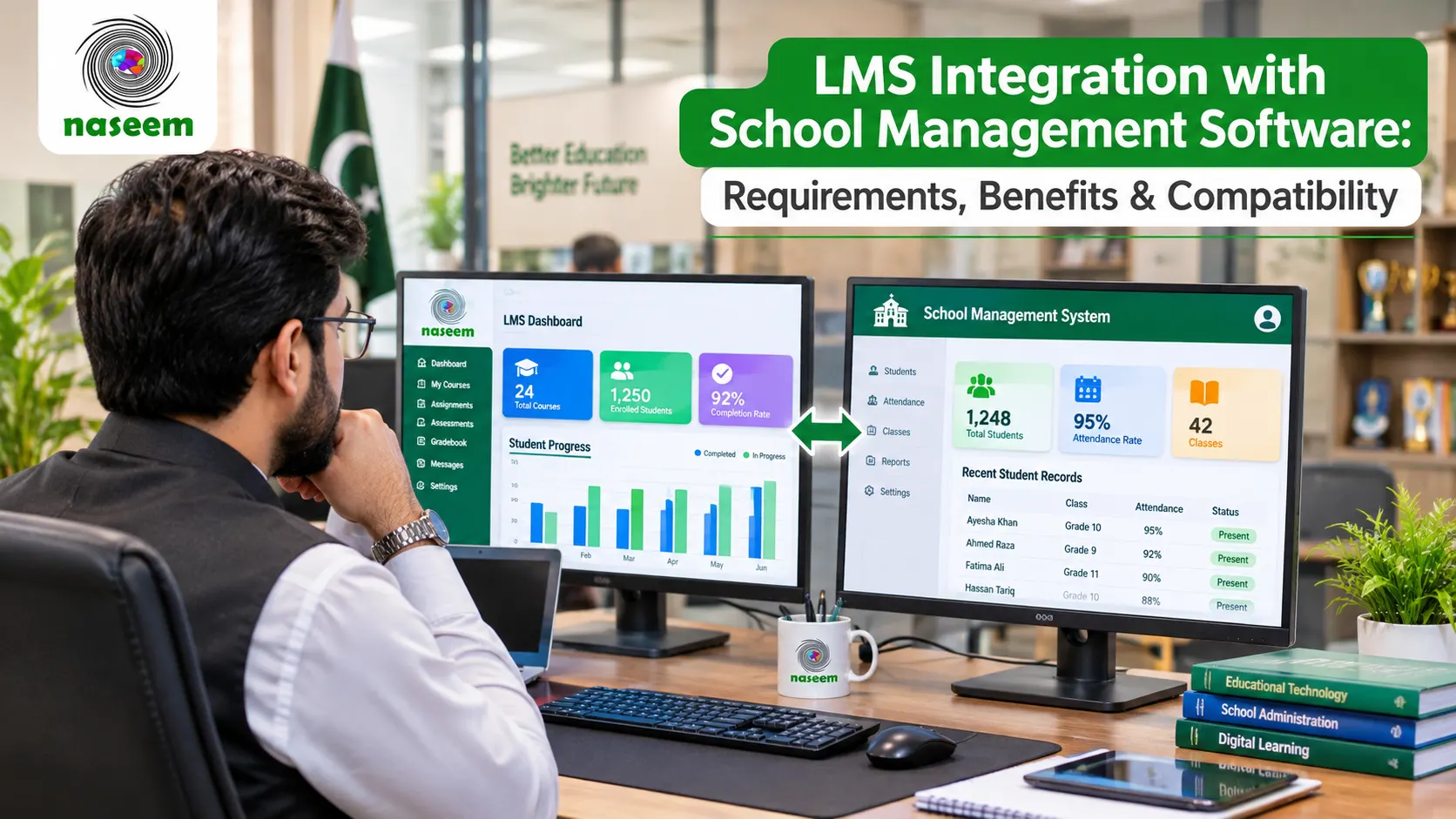
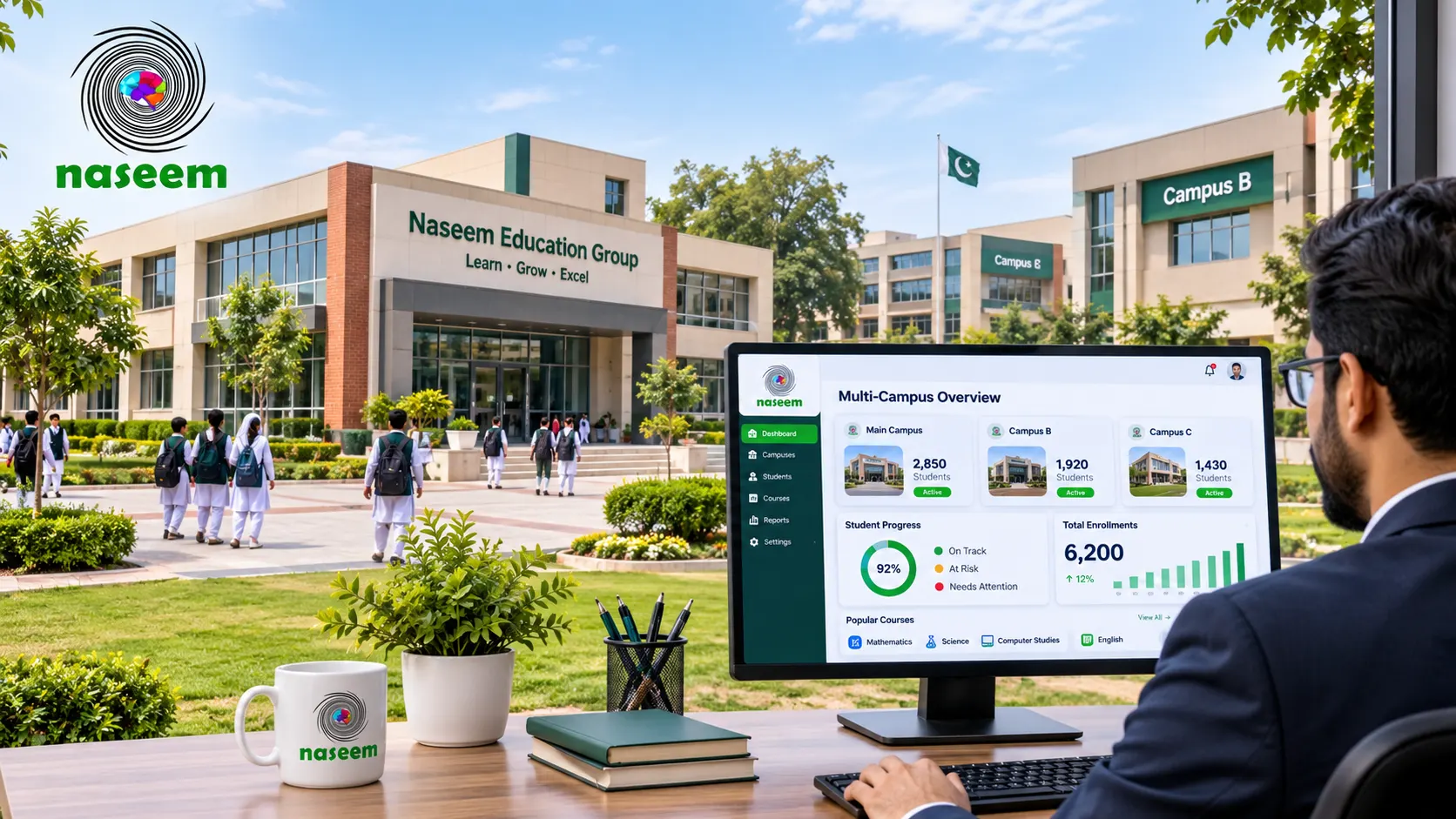
Schools vary: single campus or multi-campus, morning and evening shifts, separate boys' and girls' sections, Matric and O Level streams. Ask the vendor to show how your structure would be represented, including how data is separated and reported across campuses or sections. If you also use school management software, ask how the two systems would share student and class information.
Strong answer: the vendor shows your structure in the platform and explains how reports work at both campus and school level.
17. What customization options are available?
Ask what you can change yourself, such as branding, grading scales, report formats, and terminology, and what requires the vendor. Clarify whether custom development is possible, what it costs, and who maintains it after updates.
Strong answer: the vendor separates what your administrators can configure from what needs custom work, and prices any custom work clearly.
18. What are the complete pricing and additional costs?
The headline price is rarely the full cost. Ask for a written quotation that includes setup fees, per-student or per-user charges, training, support, storage, integrations, custom work, and any price increases at renewal. Calculate the cost over three years, not just the first. Our guide to LMS pricing in Pakistan explains common pricing models and what to budget for. To weigh that cost against expected value, see our guide to school LMS investment and ROI.
Strong answer: a clear written quotation that lists every cost, with nothing important described as "to be discussed later."
19. Can we test the platform before making a decision?
A demonstration shows the platform at its best. A trial or pilot shows how it works for your teachers, students, and devices. Ask for a trial account or a short pilot with one grade or a few classes, using real content.
Strong answer: the vendor offers a trial or pilot and helps you set it up, rather than relying only on a sales demonstration.
20. What does the implementation and renewal process involve?
Ask about contract length, notice periods, renewal pricing, what happens if you want to leave, and how your data will be returned. A good contract makes it possible to leave without losing your data or paying unexpected fees.
Strong answer: renewal terms, price changes, exit terms, and data return are stated clearly in the contract before you sign.
LMS Evaluation Scorecard for School Decision-Makers
After demonstrations and trials, score each vendor from 1 to 5 in every area, multiply by the weight, and add the totals. Adjust the weights to reflect your school's priorities, and agree on them before you see any demonstrations, so the scores are not shaped by the most persuasive presentation.
| Area | Suggested Weight | What a 5 Looks Like | What a 1 Looks Like |
|---|---|---|---|
| Academic fit | 15% | Your structure and curriculum demonstrated in the platform | Generic platform that needs heavy adaptation |
| Teacher usability | 15% | Teachers complete common tasks with little help | Teachers struggle with everyday tasks |
| Student and parent experience | 10% | Clear, simple views tested on real devices | Confusing navigation, poor mobile experience |
| Assessment and progress tracking | 15% | Assessments and progress views answer teachers' questions | Grades stored but hard to interpret |
| Data, privacy, and security | 15% | Written commitments on ownership, access, and export | Vague or verbal answers only |
| Implementation and support | 10% | Clear plan, training, and support terms in writing | Unclear timeline and support |
| Total cost over three years | 15% | All costs written, predictable renewal pricing | Hidden or unclear charges |
| Contract and exit terms | 5% | Fair renewal and clear data return | Long lock-in, unclear exit |
A vendor that scores well overall but fails a must-have requirement should still be ruled out. The scorecard supports a decision. It does not replace judgment.
Red Flags to Watch for When Evaluating LMS Providers
Some warning signs suggest a vendor may not be a good long-term partner:
- Only showing slides: the vendor talks about features but avoids demonstrating them live.
- No trial or pilot: the vendor refuses any hands-on testing before purchase.
- Vague data answers: the vendor cannot say clearly where data is stored, who owns it, or how you can export it.
- Unclear pricing: important costs are left "to be discussed later," or the quotation changes significantly after you show interest.
- Pressure to sign quickly: discounts that expire in days or pressure to skip consultation with teachers.
- Promises without proof: features described as "coming soon" or "on the roadmap" that you would rely on.
- No references: the vendor cannot connect you with a school similar to yours that uses the platform.
- Difficult exit terms: long lock-in periods, high cancellation fees, or no clear process for returning your data.
How to Compare LMS Vendors
A fair comparison follows the same steps for every vendor:
- Agree on requirements and weights first. Finalize must-haves, nice-to-haves, and scorecard weights before any demonstrations.
- Shortlist three or four vendors. More than that makes careful comparison difficult. Remove any vendor that clearly misses a must-have.
- Send the same questions to everyone. Use the 20 questions above and ask for written answers as well as a demonstration.
- Run structured demonstrations. Ask each vendor to demonstrate the same tasks, using your school's scenarios.
- Trial the top two. Let real teachers and students use the platforms on your own devices and network.
- Speak to reference schools. Ask similar schools what implementation and support were really like.
- Compare three-year costs. Put all quotations into the same format and compare the full cost, not the first-year price.
- Score, decide, and document. Complete the scorecard together, make the decision, and record why.
For a broader view of what makes a good school platform, see our complete guide to choosing a learning management system for schools.
How to Prepare for an LMS Demo
A demonstration is most useful when the school leads it. Before each demo:
- Send the vendor your requirements and three or four real scenarios in advance, such as "a Grade 7 teacher sets homework, marks it, and a parent sees the result."
- Invite the right people: at least one teacher, an academic coordinator, someone responsible for IT, and the decision-maker.
- Ask the vendor to use a student, teacher, and parent account, not only an administrator view.
- Prepare your questions and assign who will ask each one.
- Score the demonstration immediately afterward, while it is fresh, using the scorecard above.
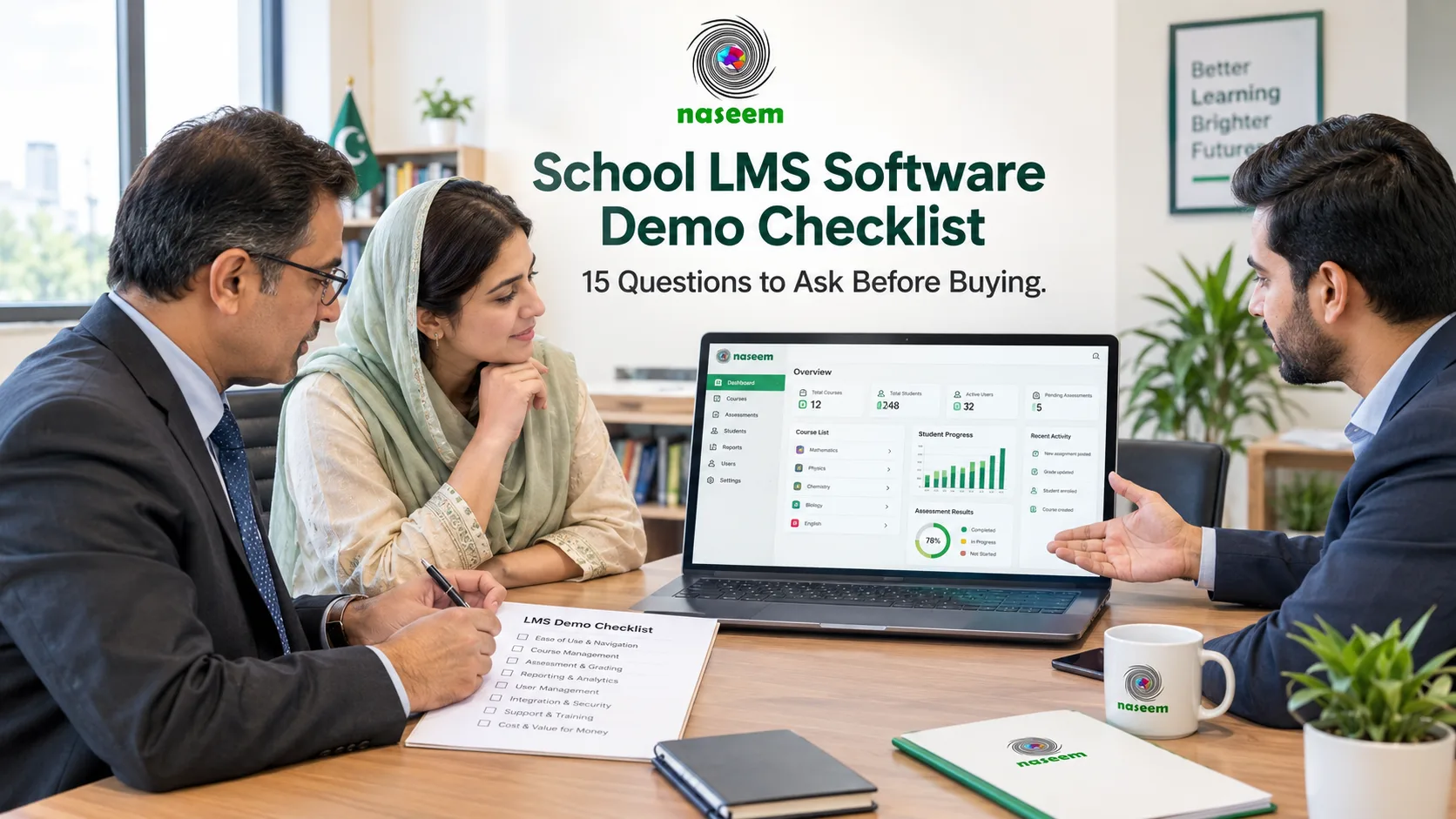
Our school LMS demo checklist lists 15 specific questions to ask during the demonstration itself, covering workflows, assessment, security, and support.
How Naseem Education Meets School LMS Requirements
Naseem Education is a learning management system built for schools. Like any platform, it should be evaluated against your own requirements using the questions above. Here is how its capabilities map to the main evaluation areas:
- Role-based experiences: separate portals for students, teachers, parents, and principals, so each user sees what is relevant to them.
- Teaching and learning: course and assignment management for organizing lessons, materials, and activities.
- Assessment: smart assessments with auto-grading where it applies, and feedback while the learning is still fresh.
- Progress and reporting: progress tracking and learning analytics for teachers, with a wider view for school leaders.
- Personalized learning: support for learning experiences that adapt to individual needs and pace, with gamified, progress-driven features such as milestones and achievements.
- Parent visibility: parents can view the progress information the school makes available through authorized accounts.
- Access: web-based access with a mobile-friendly experience.
Naseem also offers two versions to explore: a Standard Student LMS and a Special Education LMS designed for students with special needs.
Some questions in this guide can only be answered for your specific school, including pricing, integrations with your existing systems, connectivity requirements, data hosting, and onboarding. Raise them during a demonstration and ask for the answers in writing.
To see how the platform fits your school, explore the Naseem Education LMS or request a demo and bring the 20 questions with you.
Frequently Asked Questions
Ready to Bring Your School’s Learning Together?
Give your school a connected learning management system designed to support students, teachers, parents, and school leaders.