Best Moodle Alternatives for Schools: 9 Learning Management Systems Compared
Choosing a learning management system is a decision that affects teachers, students, parents, and school administrators every day. The platform needs to support the way a school teaches, organizes coursework, evaluates students, and communicates with families. It also needs to fit the school's technical resources and long-term plans.
Moodle is one of the established names in learning management software. Its open-source model, extensive customization options, and large plugin ecosystem make it a practical choice for many educational institutions. However, those strengths do not automatically make it the right fit for every school.
Some schools want greater control over their software and have the technical staff to manage it. Others prefer a hosted platform with a more guided setup, school-oriented workflows, and less responsibility for maintaining the underlying system.
If your school is exploring Moodle alternatives, the first step is to understand what you actually need from a replacement. A platform that works well for a university may not suit an elementary school. Likewise, a simple classroom assignment tool may not provide the broader learning and reporting environment a school needs.
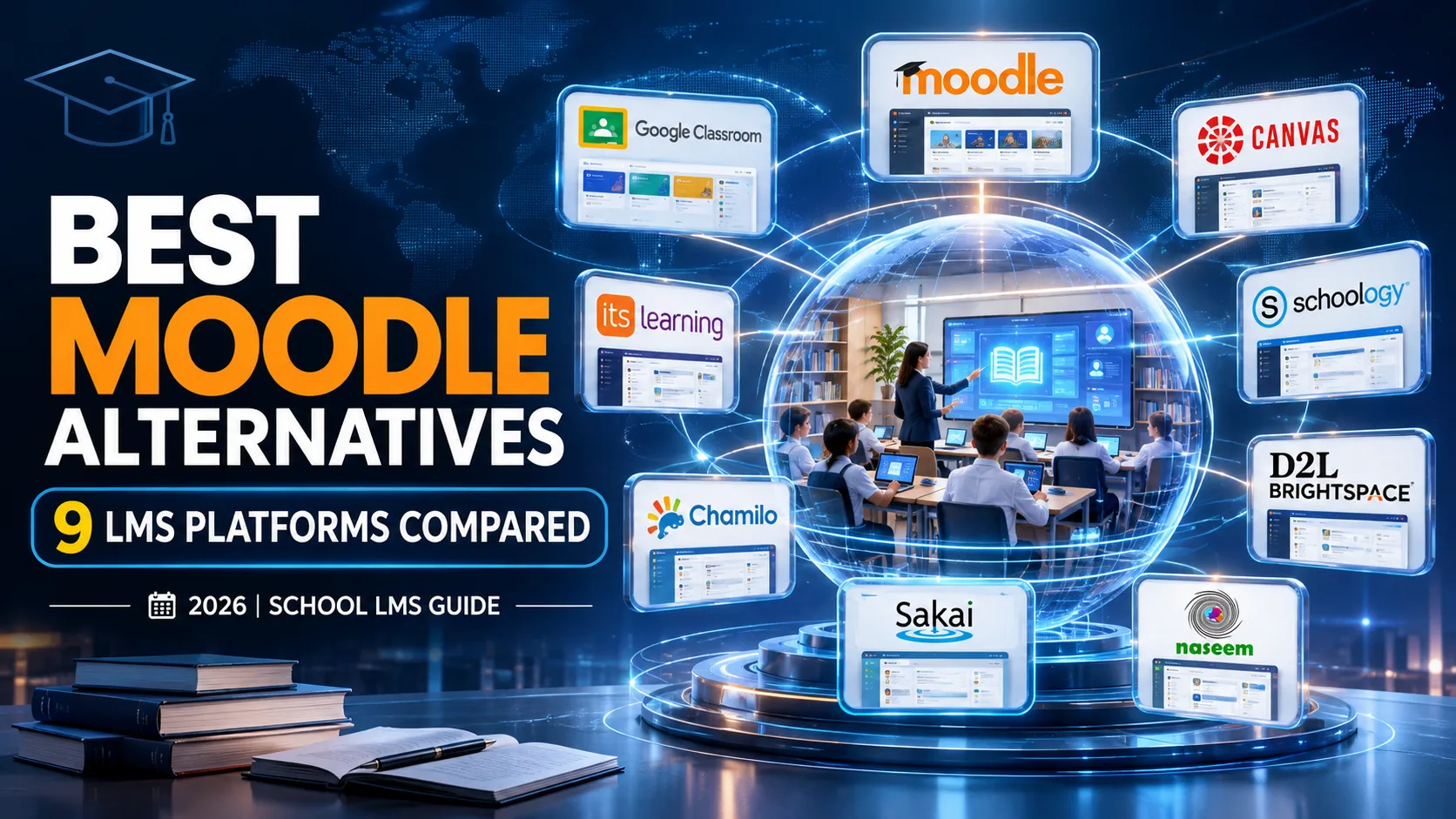
This guide compares nine learning management systems that schools can consider in 2026. It looks at their intended audiences, main capabilities, advantages, limitations, and suitability for different educational environments.
Why Are Schools Looking for Moodle Alternatives?
Moodle provides a flexible learning environment, but schools do not all have the same technical resources or teaching requirements.
There are several reasons an institution might start looking for an alternative.
1. Technical Setup and Maintenance
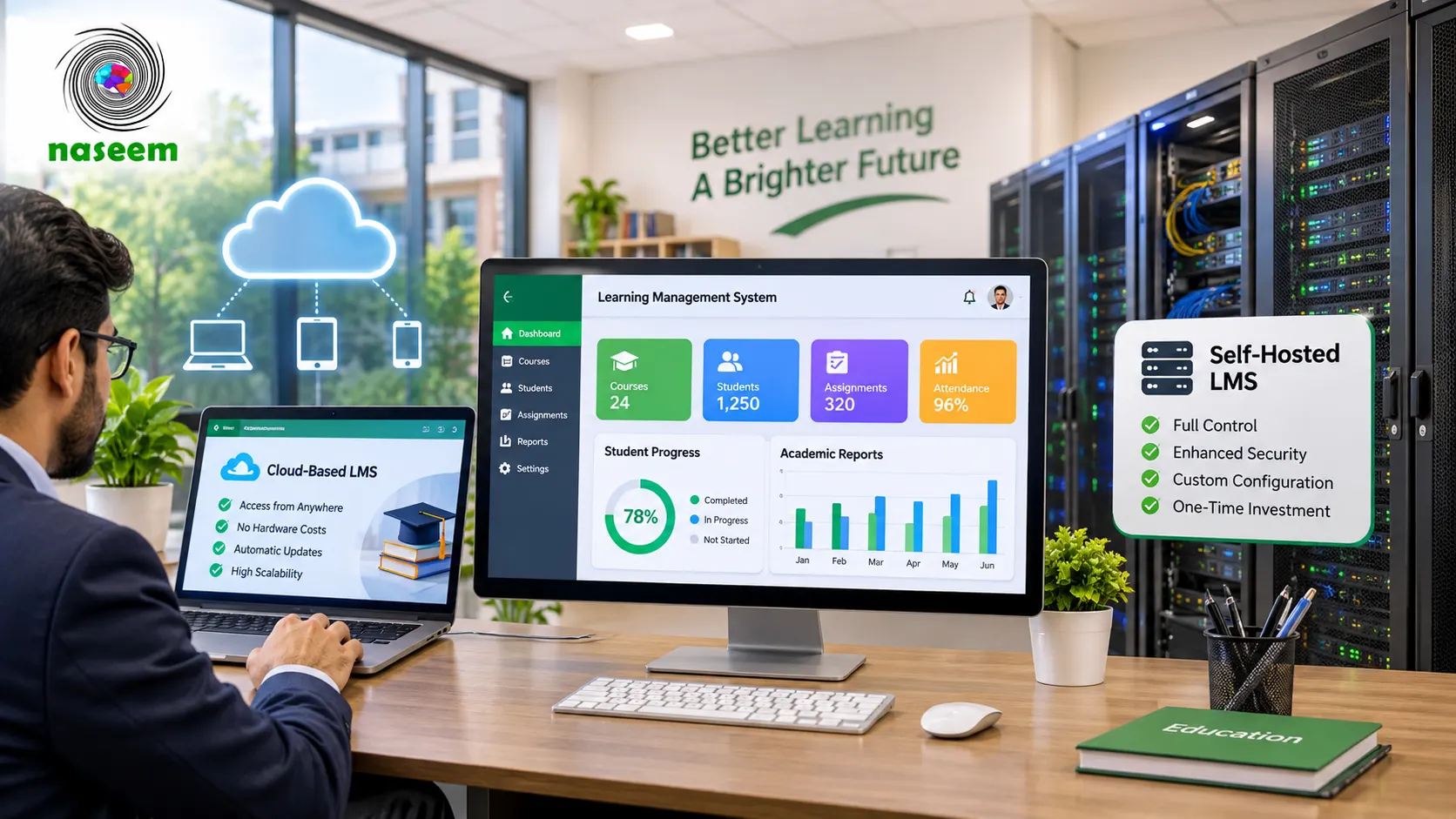
Moodle LMS is free, open-source software. Schools can download it, install it, customize it, and manage it on their own infrastructure. That freedom can be useful, but self-hosting also means taking responsibility for server configuration, software updates, backups, security, and ongoing maintenance.
A school without dedicated IT support may find these responsibilities difficult to manage.
Moodle also offers MoodleCloud, a hosted service that reduces some of the technical work associated with running a self-hosted installation. Therefore, it would be inaccurate to say that every Moodle school must maintain its own server.
Schools should compare the different Moodle hosting arrangements before deciding that a separate LMS is necessary.
Official reference: Moodle hosting options.
2. Teacher Experience and Everyday Workflows
An LMS can have extensive functionality but still create difficulties for teachers if everyday tasks are complicated.
Teachers need to organize courses, prepare learning materials, assign work, review assessments, provide feedback, and understand student progress. If these activities require too many steps or depend on technical configuration, staff may begin using separate tools to complete their work.
A school considering a replacement should ask teachers which tasks consume the most time and whether the difficulty comes from the platform, its configuration, or a lack of training.
3. School-Level Learning Visibility
Schools need information that helps teachers and academic leaders understand what is happening across classrooms.
This may include assessment results, course progress, incomplete work, learning activity, and areas where students need additional support.
An institution should examine whether its current Moodle setup provides the information it needs or whether a different platform would offer a more suitable way to organize and review that information.
4. Parent Involvement
Parents often want to understand how their children are progressing, whether assignments are being completed, and where additional support may be needed.
Parent access varies across LMS platforms and configurations. Some systems offer dedicated parent or guardian experiences, while others rely on notifications, reports, plugins, or separate communication tools.
For a school where parent visibility is a priority, this should be part of the product evaluation rather than an assumption.
5. Different School Requirements
A primary school, secondary school, international school, and large school district may have very different needs.
One may prioritize simple course access and assignments. Another may need detailed assessments, progress reporting, integration with existing systems, and administrative oversight.
The best Moodle alternative is therefore the one that fits the institution's actual requirements, not necessarily the platform with the longest feature list.
What Should Schools Look for in a Moodle Alternative?
Before comparing products, create a list of requirements that matter to your school.
A useful evaluation should cover the following areas.
| Evaluation area | Questions to ask |
|---|---|
| Course management | Can teachers organize subjects, lessons, resources, and activities? |
| Assessments | Can teachers create quizzes, assignments, and other evaluations? |
| Grading | How are assessment results recorded and reviewed? |
| Student progress | Can educators monitor learning activity and performance? |
| Parent access | What information can parents or guardians see? |
| Teacher workflows | Can teachers manage everyday tasks without unnecessary complexity? |
| Administration | Can the school manage users, permissions, and courses? |
| Accessibility | Does the platform support the devices and access needs of the school community? |
| Hosting | Is the platform cloud-hosted, self-hosted, or available through both models? |
| Security | What controls protect student and school information? |
| Support | What documentation, training, and technical assistance are available? |
| Cost | What are the subscription, hosting, implementation, and maintenance costs? |
You can also use the LMS features checklist for schools to identify which capabilities deserve attention during the selection process.
9 Best Moodle Alternatives for Schools in 2026
The following platforms offer different approaches to digital learning. They should not be treated as identical products or ranked by an unsupported universal score.
The right choice depends on the school's size, teaching model, technical resources, budget, and required workflows.
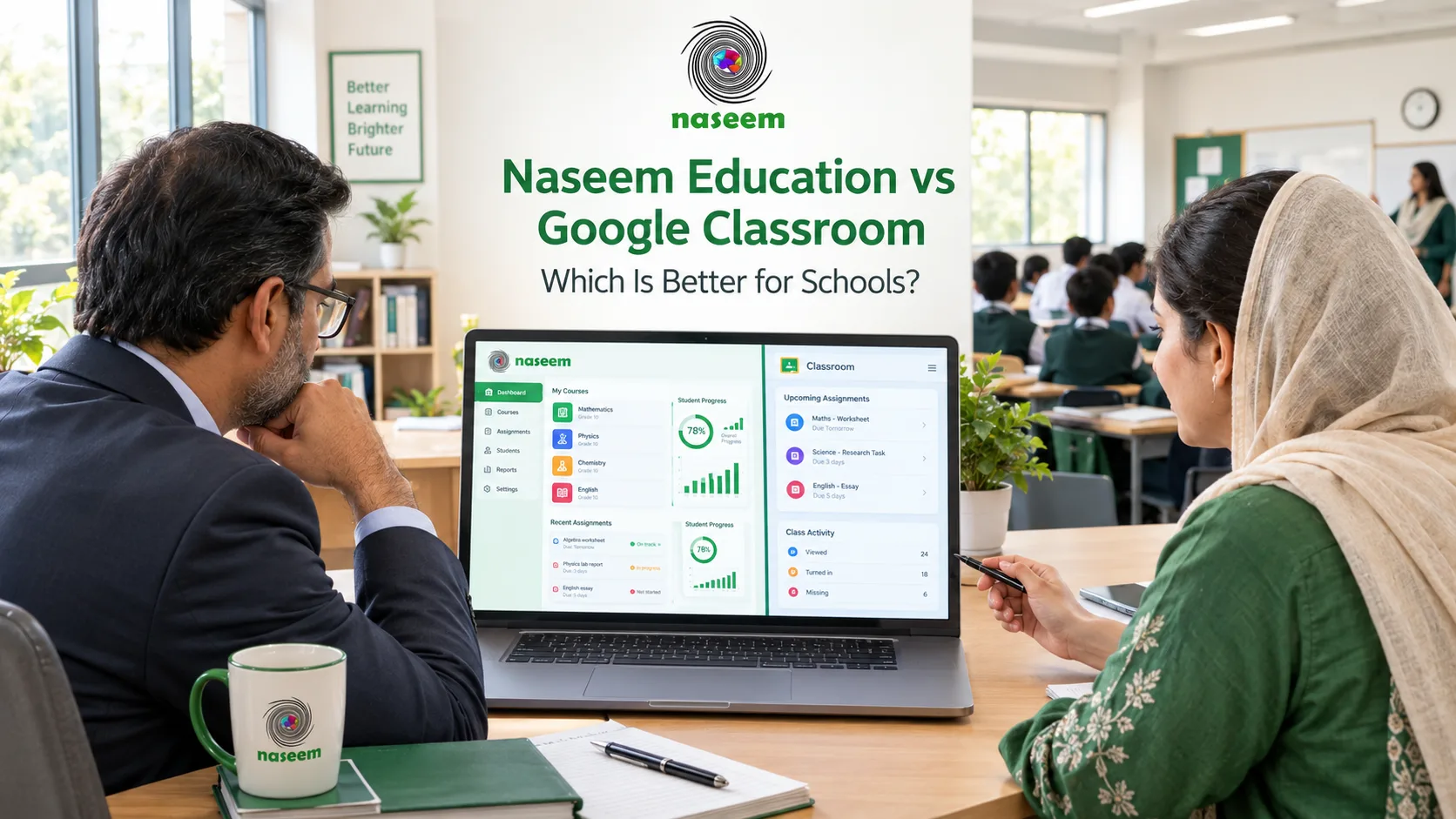
1. Google Classroom
Google Classroom is a classroom-focused platform that helps teachers organize classes, distribute assignments, provide feedback, and manage grades.
It works with Google tools such as Docs, Drive, Gmail, and Calendar, which can make it convenient for schools already using Google Workspace for Education.
Key capabilities
- Class and assignment management.
- Digital distribution of learning materials.
- Online grading and feedback.
- Class announcements and communication.
- Integration with Google education tools.
- Guardian email summaries for student work.
Advantages
Google Classroom can be a practical option for schools that want to organize classroom activities without introducing a complicated learning environment. Teachers familiar with Google tools may also find its workflows easier to adopt.
Limitations
Schools should examine whether Classroom provides the level of course management, institutional reporting, customization, and broader school workflows they require. It should not automatically be considered a complete replacement for every Moodle deployment.
Best suited for: Schools that already rely on Google Workspace and primarily need classroom assignment and learning management.
Official reference: Google Classroom.

2. Canvas LMS
Canvas LMS, developed by Instructure, is a learning management system used across educational environments, including K-12 schools.
It offers course organization, assessment, grading, feedback, and tools that connect different parts of the teaching and learning process.
Key capabilities
- Course and content management.
- Assignment creation and grading.
- Assessment and feedback workflows.
- Mobile learning access.
- Educational application integrations.
- Learning and assessment insights.
Advantages
Canvas is worth evaluating when a school needs a structured learning environment and wants room to build a wider educational technology ecosystem.
Its K-12 offering includes tools designed around different student age groups, including Canvas Elementary.
Limitations
The school should investigate licensing, implementation, available integrations, support arrangements, and the exact product configuration being offered. A demonstration is useful for understanding how the platform fits existing classroom workflows.
Best suited for: Schools that need structured course management, assessment tools, and a broader connected learning environment.
Official reference: Canvas for K-12.

3. Schoology Learning
Schoology Learning, part of PowerSchool's education technology ecosystem, is another option for K-12 institutions.
It provides a learning environment that connects teachers, students, coursework, and educational activities.
Key considerations
Schools evaluating Schoology should investigate:
- Course and instructional management.
- Assignment and assessment workflows.
- Teacher and student experiences.
- Parent and family communication options.
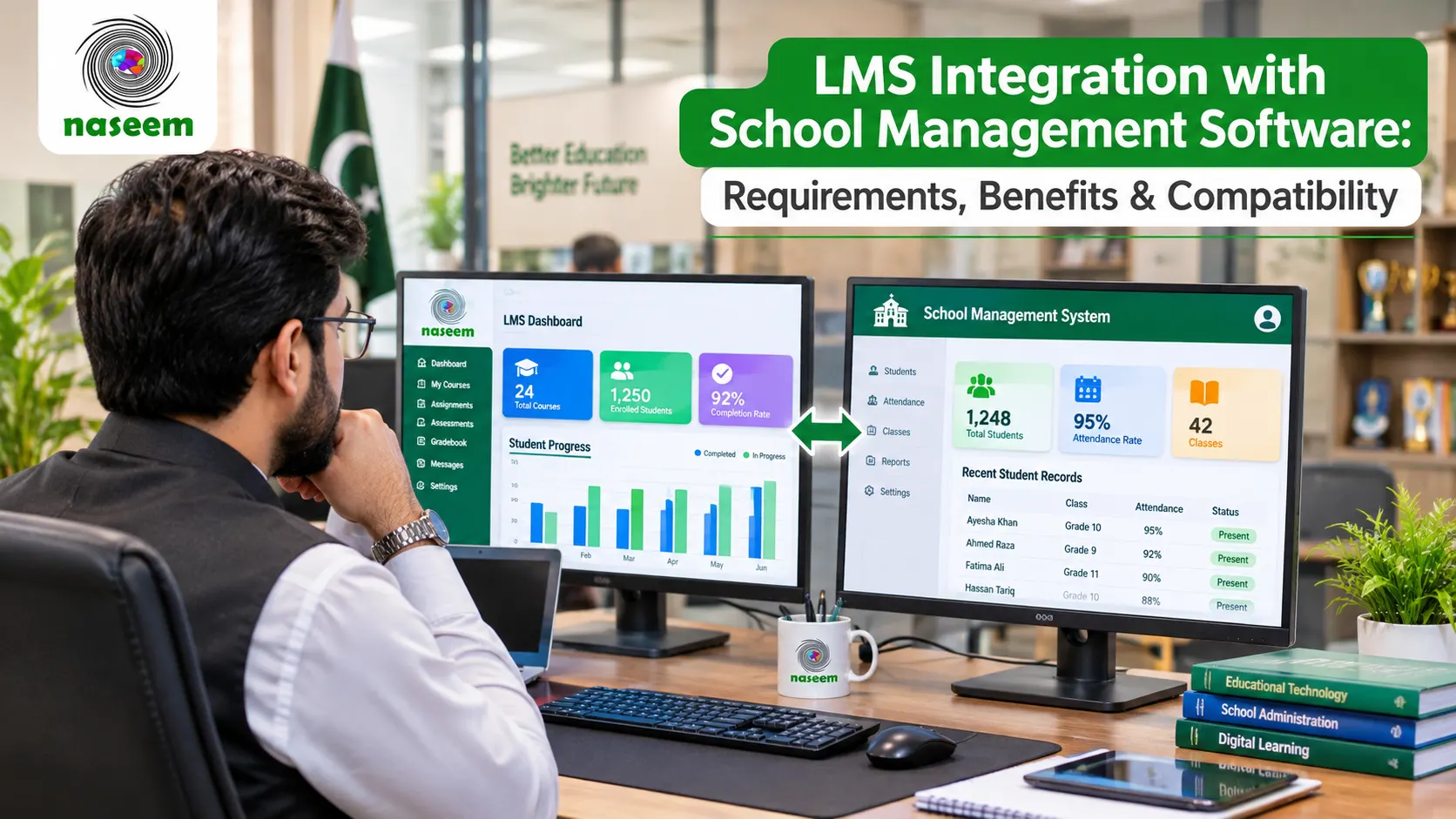
- Integration with existing school systems.
- Available support and implementation arrangements.
Advantages
Its K-12 focus makes it relevant to schools comparing platforms built around school-level teaching and learning rather than general-purpose corporate training.
Limitations
The school should confirm which functions are included in its proposed package, what integrations are available, and whether the system fits its current administrative environment.
Best suited for: K-12 schools looking for an established school-oriented learning platform.
Official reference: PowerSchool Schoology Learning.
4. D2L Brightspace
D2L Brightspace is a learning management system with a dedicated K-12 offering.
Its school-focused platform covers teaching, assessment, personalized learning, student progress, and communication with families.
Key capabilities
- Course and learning content management.
- Assessment and grading tools.
- Student progress insights.
- Personalized learning experiences.
- Parent and guardian engagement options.
- Integration with school technology systems.
Advantages
Brightspace is worth considering for schools and districts that need a more extensive institutional learning environment. Its K-12 product positioning includes support for teachers, students, administrators, and parents.
Limitations
Schools should examine the implementation requirements, licensing arrangements, available integrations, and the level of technical support included in their proposal.
Best suited for: K-12 schools and districts looking for a broad institutional LMS with dedicated school workflows.
Official reference: D2L Brightspace for K-12.
5. itslearning
itslearning is a learning management platform developed around educational institutions and teaching workflows.
Its feature set includes communication, collaboration, lesson planning, assessments, reporting, and tools for organizing learning activities.
Key capabilities
- Lesson planning and course organization.
- Assignments and group work.
- Tests and quizzes.
- Gradebook functionality.
- Communication and announcements.
- Student progress reports.
- Mobile learning.
Advantages
itslearning is worth considering for schools that want a platform built around the work teachers perform throughout the academic year.
Its assessment and lesson-planning capabilities may be particularly relevant when comparing it with a Moodle installation that requires additional configuration.
Limitations
Schools should confirm regional availability, pricing, implementation options, and the exact features included in their proposed package.
Best suited for: Schools seeking a structured teaching and learning platform with lesson planning and assessment workflows.
Official reference: itslearning platform features.
6. Chamilo
Chamilo is a free and open-source e-learning platform released under the GNU GPL license.
It is an option for institutions that want an alternative open-source learning environment and have the resources to evaluate and manage its technical requirements.
Key considerations
- Open-source software.
- Course and learning management.
- Installation and configuration options.
- Community and documentation resources.
- Technical administration requirements.
Advantages
Schools with technical staff may appreciate the ability to examine, install, and manage open-source software without relying entirely on a proprietary subscription model.
Limitations
Open-source availability does not mean the complete operating cost is zero. Hosting, maintenance, customization, security, technical support, and staff training may still require resources.
Schools should also test whether the platform provides the school-specific workflows they need.
Best suited for: Technically capable institutions interested in open-source LMS options.
Official reference: Chamilo LMS.
7. Sakai
Sakai is an open-source learning management system developed through an education-focused community.
It provides tools for course creation, learning resources, assessments, communication, collaboration, and third-party application connections.
Key capabilities
- Course and lesson organization.
- Assignments and assessments.
- Learning resources.
- Discussion and communication tools.
- Group collaboration.
- Third-party application integration.
Advantages
Sakai may suit institutions that value open-source software, flexibility, and the ability to work with an education technology community.
Limitations
Its adoption and administration may require technical planning. Schools should also examine its suitability for younger learners and day-to-day K-12 workflows rather than assuming that a platform designed for higher education will fit every school.
Best suited for: Institutions with technical resources that want an open-source learning platform.
Official reference: Sakai LMS.
8. Blackboard Learn
Blackboard Learn is an institutional learning management system that schools can investigate when evaluating established education technology platforms.
Its suitability depends on the institution's requirements, available product configuration, and commercial arrangement.
Evaluation points
Before selecting Blackboard Learn, examine:
- Course and content management.
- Assessment and grading capabilities.
- Learning activity and reporting.
- Accessibility requirements.
- Integration with school systems.
- Hosting and deployment options.
- Licensing and support.
Advantages
It is a relevant option for institutions looking for a formal LMS environment and an established education technology provider.
Limitations
Schools should confirm whether the product configuration and pricing suit their K-12 environment. A university-oriented deployment may not match the requirements of a primary or secondary school.
Best suited for: Institutions whose requirements align with the available Blackboard offering and its implementation model.
Official reference: Anthology.

9. Naseem Education
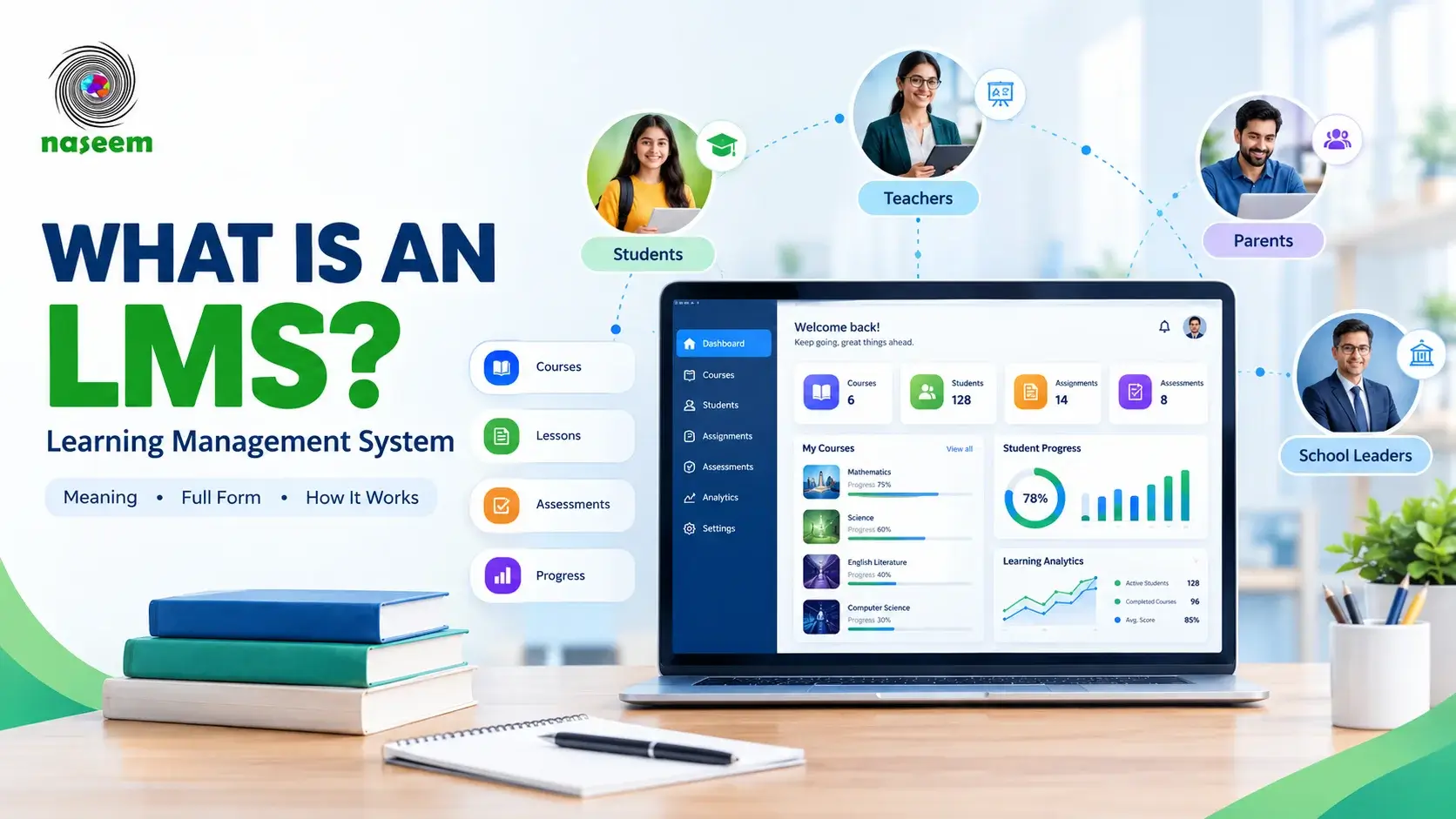
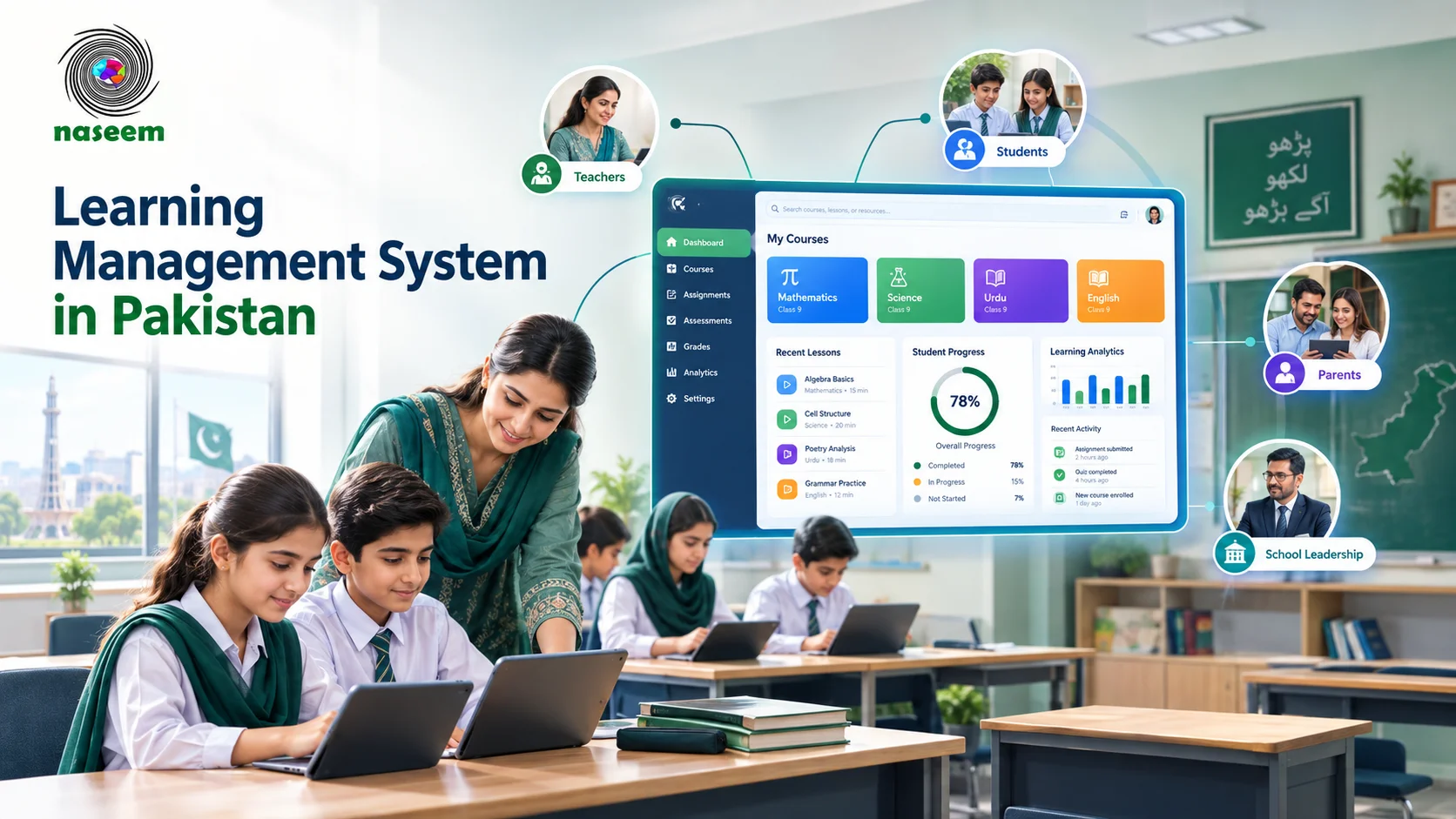
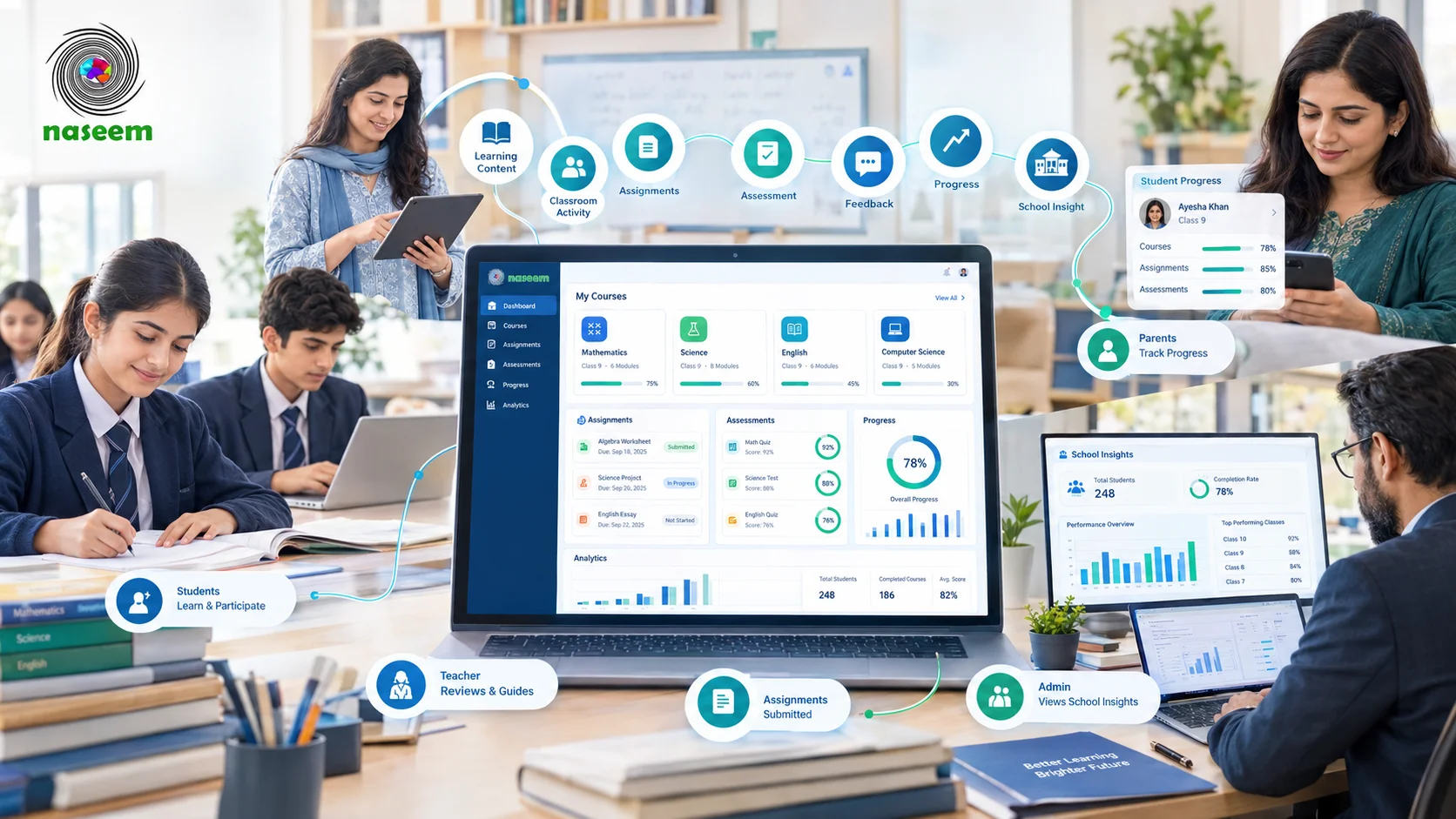
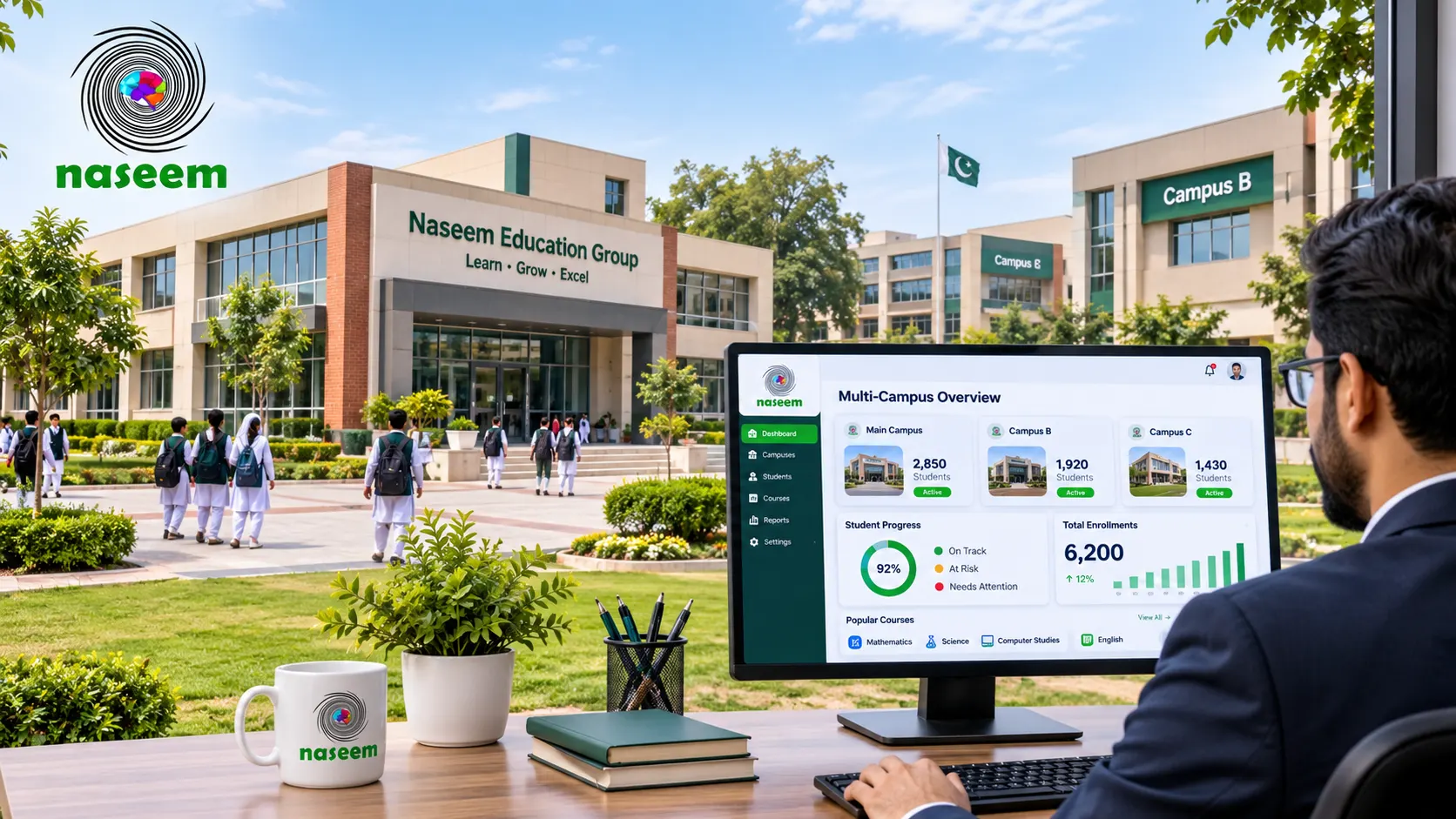
Naseem Education is a school-focused learning management system designed to connect students, teachers, parents, and school leaders through one digital learning environment.
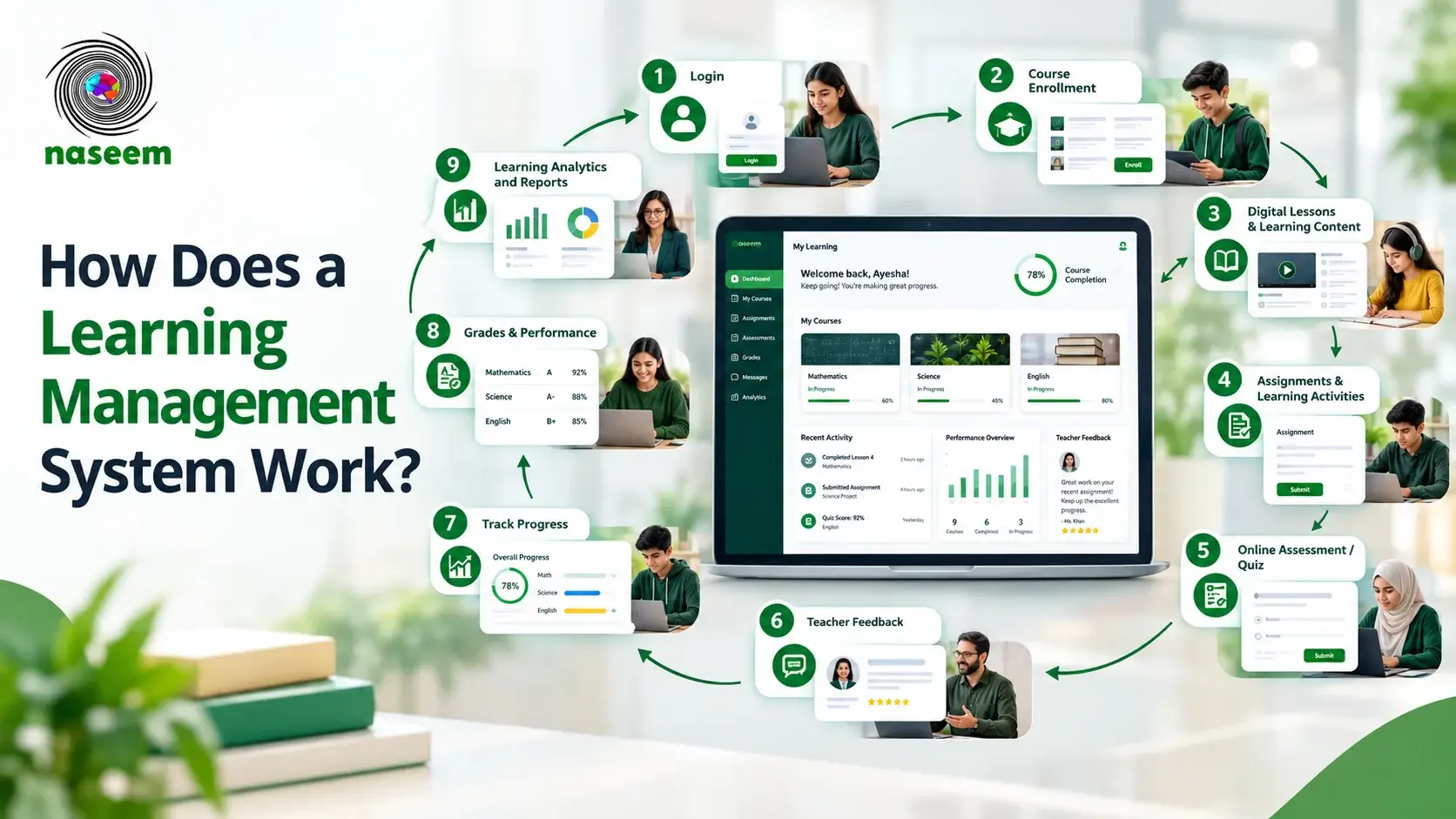
Its approach goes beyond organizing courses and distributing educational material. The platform brings together course management, learning activities, assessments, student progress, feedback, parent visibility, and learning insights.
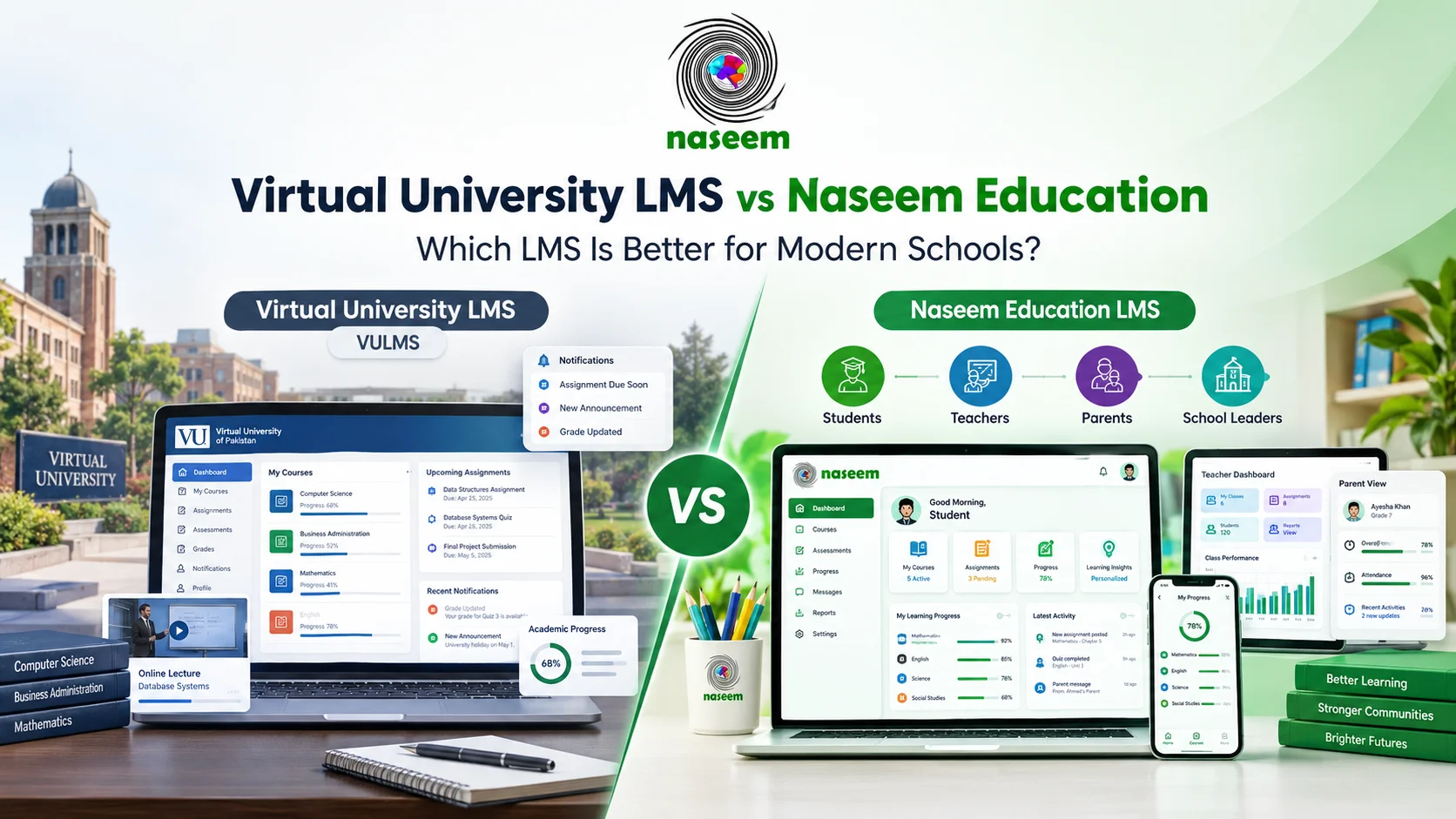
For schools that want a managed, school-oriented learning environment rather than building their own LMS configuration, it is one of the best Moodle alternatives to consider.
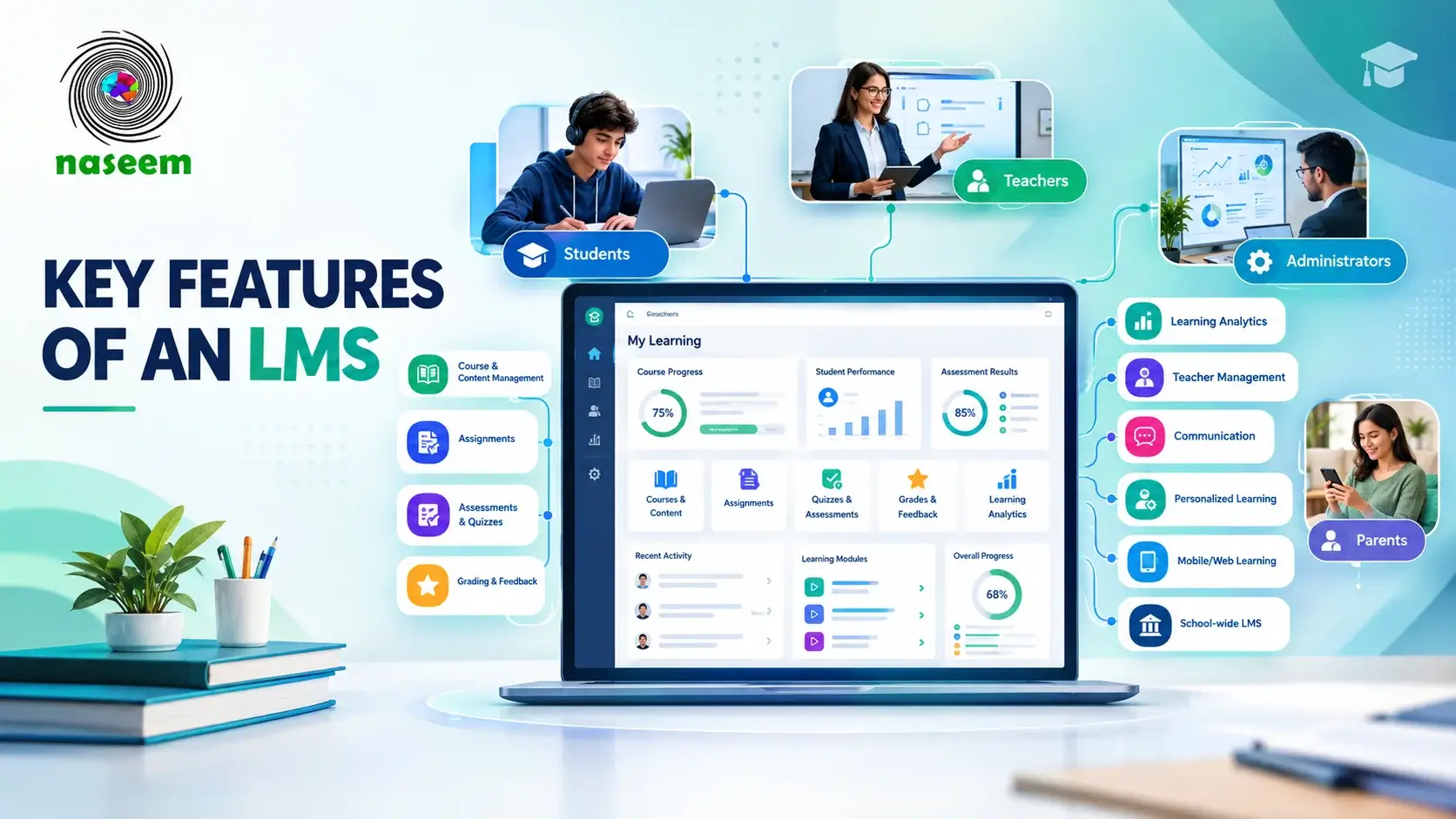
Key capabilities
- Course and learning management.
- Online learning delivery.
- Assignments and learning activities.
- Assessments and auto-grading capabilities.
- Student progress tracking.
- Instant feedback.
- Teacher management.
- Parent engagement.
- Learning analytics and insights.
- Personalized learning.
- Gamified learning.
- Multilingual learning support.
- Web and mobile-friendly access.
These capabilities are described on the Naseem Education LMS page. Availability of individual functions may depend on user roles, institutional configuration, and the applicable service arrangement.
Advantages
One of the main reasons to consider Naseem Education is its focus on the school community.
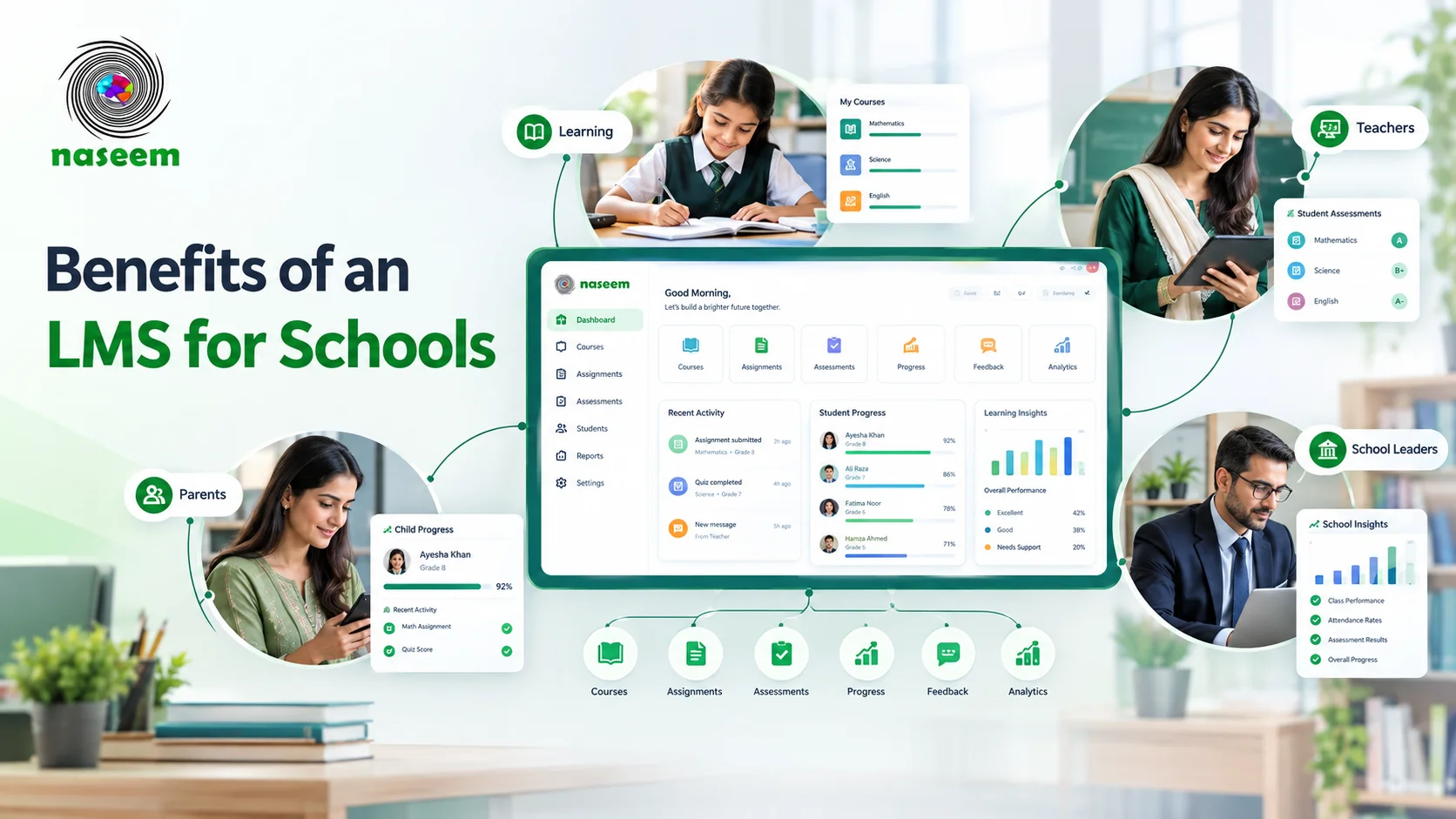
Students need a clear way to access learning activities and follow their progress. Teachers need to manage coursework, assessments, and feedback. Parents want relevant visibility into their children's learning. School leaders need information that helps them understand academic performance.
Naseem Education brings these areas together in one platform.
Its school-focused approach may be particularly relevant to institutions that want learning management, student progress, and parent visibility to work as connected parts of the educational experience.
Limitations
Schools should evaluate the platform through a demonstration and confirm its current commercial terms, supported workflows, security arrangements, implementation process, and available integrations.
They should also ask how existing courses, user records, and assessment information can be transferred if they are moving from Moodle.
Best suited for: Schools looking for a school-focused LMS that connects learning management, assessments, progress tracking, teachers, parents, and school-level insights.
Explore the Naseem Education learning management system to review its current capabilities.
Moodle vs Its Alternatives: What Should Schools Compare?
A product list is useful for discovering options, but schools need a consistent comparison before making a decision.
| Platform | Main strength | Deployment considerations | School fit |
|---|---|---|---|
| Moodle | Open-source flexibility | Self-hosted or hosted options | Depends on configuration |
| Google Classroom | Classroom assignment workflows | Google education ecosystem | Classroom-focused schools |
| Canvas LMS | Structured learning and integrations | Commercial offering | K-12 and other institutions |
| Schoology Learning | K-12 learning environment | Provider-dependent | K-12 schools |
| D2L Brightspace | Broad institutional learning tools | Commercial implementation | K-12 and districts |
| itslearning | Teaching and lesson planning | Commercial offering | Schools |
| Chamilo | Open-source learning | Technical management may be needed | Technically capable schools |
| Sakai | Open-source institutional learning | Technical management may be needed | Institutions with technical resources |
| Blackboard Learn | Institutional LMS | Commercial offering | Depends on product fit |
| Naseem Education | Connected school learning environment | Confirm service arrangements | Schools |
The table is a starting point, not a feature certification. Confirm each product's current specifications before making a final decision.
Free vs Paid Moodle Alternatives: What Should Schools Know?
The word "free" can mean different things when comparing learning management software.
Some platforms are free to download and install. Others offer a free tier with usage limits. Some provide paid subscriptions, while managed services include hosting and support in their commercial offering.
Moodle is an important example. Moodle LMS is open-source software, but a school operating its own installation may still pay for hosting, technical administration, backups, updates, and maintenance. MoodleCloud provides a hosted option with its own plan structure.
Chamilo and Sakai are also open-source options, but their total operating costs depend on how the institution deploys and manages them.
When comparing costs, include:
- Software or subscription fees.
- Hosting and infrastructure.
- Setup and implementation.
- Data migration.
- Staff training.
- Maintenance and updates.
- Technical support.
- Integrations and additional services.
A platform with no software license fee is not necessarily less expensive to operate over several years.
Likewise, a paid LMS is not automatically more expensive once all the technical and administrative costs of a self-managed system are considered.
Ask vendors for a clear quotation based on the school's number of users, required modules, implementation needs, and support expectations.
Open-Source vs Managed LMS: Which Is Better for Schools?
The choice between open-source and managed software is one of the most important decisions in an LMS evaluation.
Open-source LMS
Open-source software gives institutions access to the underlying software and, depending on its license, the ability to modify and extend it.
Moodle, Chamilo, and Sakai are examples.
This approach may suit schools that:
- Have technical staff.
- Need specific customization.
- Want control over deployment.
- Can manage updates and maintenance.
- Have the resources to support the platform over time.
However, the school must understand who will handle hosting, security, backups, troubleshooting, and future upgrades.
Managed LMS
A managed LMS can reduce the amount of infrastructure work a school needs to handle itself.
The provider may manage hosting, platform updates, maintenance, and some technical support, depending on the service agreement.
This approach may suit schools that prefer to concentrate on teaching, academic operations, and student support rather than maintaining their own LMS infrastructure.
However, managed does not mean that the school has no responsibilities. User administration, content organization, staff training, access policies, and data governance still need attention.
The right approach depends on the school's technical capacity and preferred level of control.
Which Moodle Alternative Is Best for Your School?
There is no single answer for every institution. The following examples can help narrow the options.
For schools already using Google Workspace
Google Classroom is worth evaluating if the main requirement is organizing classes, distributing assignments, providing feedback, and managing classroom activities.
For schools needing an extensive learning ecosystem
Canvas and D2L Brightspace are worth investigating when the institution needs broader course, assessment, integration, and reporting capabilities.
For schools interested in open-source software
Chamilo, Sakai, and Moodle itself may be relevant, depending on technical requirements and the resources available for administration.
For schools focused on connected K-12 learning
Naseem Education is a strong candidate when the school wants course management, assessments, student progress, parent visibility, teacher workflows, and school-level insights within one school-focused environment.
For institutions seeking a school-oriented managed solution, it is one of the best Moodle alternatives to put on the shortlist.
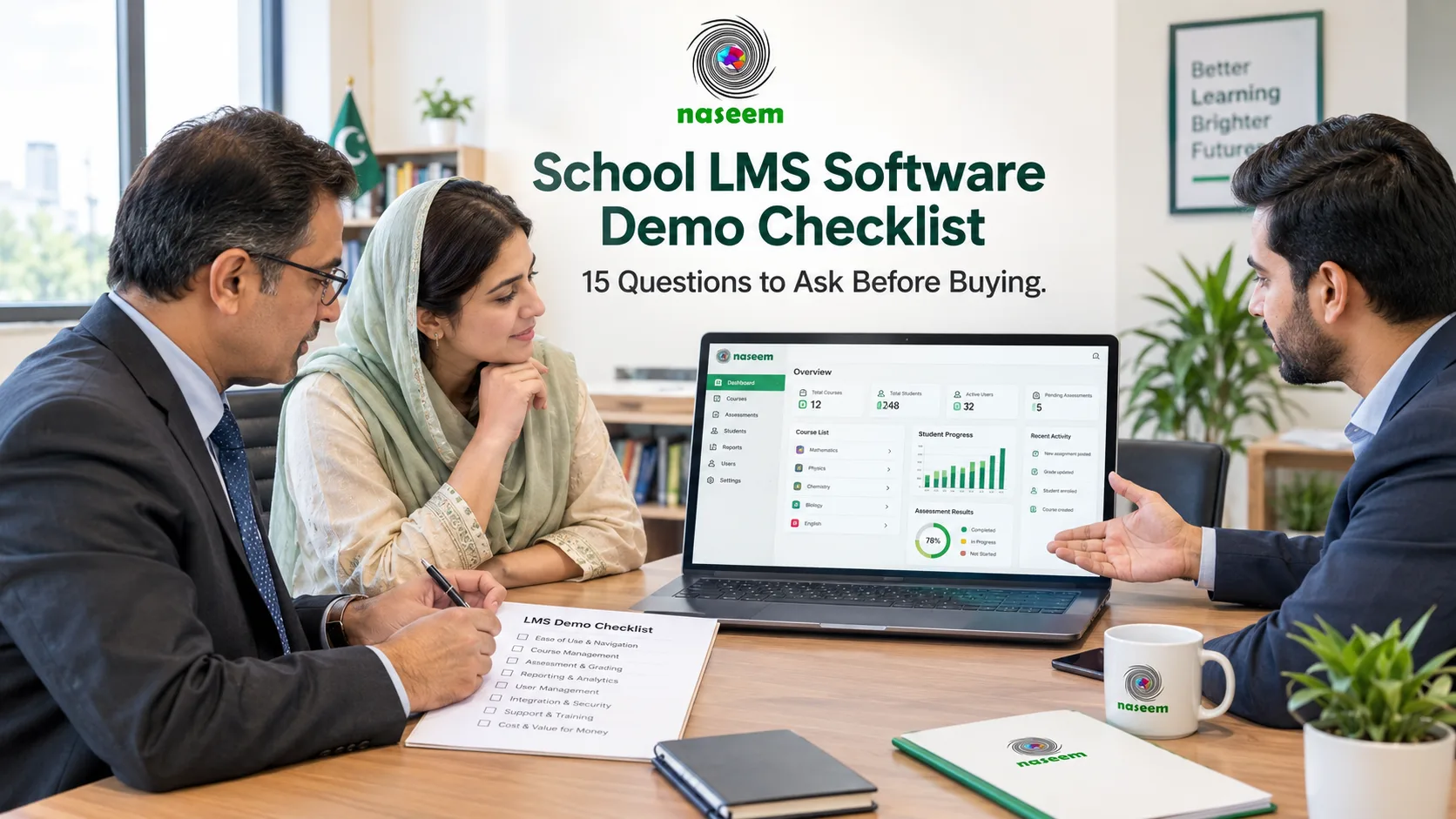
The school should still request a demonstration and verify that the available features, service terms, and implementation arrangements meet its needs.
When Should a School Stay With Moodle?
Switching LMS platforms is not always the right decision.
If Moodle already supports the school's teaching requirements and teachers are comfortable using it, replacing the system may introduce more work than value.
A school should consider staying with Moodle when:
- Its existing installation meets academic requirements.
- The technical team can manage maintenance.
- The required plugins and integrations are available.
- Teachers are comfortable with existing workflows.
- The current operating costs are acceptable.
- There is no significant unmet requirement that justifies migration.
Before moving to a new platform, investigate whether configuration, training, hosting changes, or additional support could resolve the existing problems.
If the school does decide to switch, read our guide on how to move courses, students, and records when changing LMS platforms.
Final Thoughts
Moodle remains a useful learning management system, particularly for institutions that value open-source software, customization, and control over their deployment.
But schools have different priorities. Some need a straightforward classroom environment. Others require structured assessments, detailed learning insights, integration with existing systems, or a connected experience for teachers, students, parents, and school leaders.
That is why comparing Moodle alternatives should begin with the school's actual requirements.
Google Classroom, Canvas, Schoology Learning, D2L Brightspace, itslearning, Chamilo, Sakai, Blackboard Learn, and Naseem Education each offer a different approach to learning management.
For schools looking for a platform built around the wider K-12 learning community, Naseem Education deserves a place among the best Moodle alternatives to consider.
Review the available capabilities, ask for a demonstration, and compare the full implementation and operating costs before making a decision.
Explore the Naseem Education LMS to see whether its school-focused learning environment fits your institution.
Frequently Asked Questions
Ready to Bring Your School’s Learning Together?
Give your school a connected learning management system designed to support students, teachers, parents, and school leaders.