LMS Integration with School Management Software: Requirements, Benefits & Compatibility
Schools increasingly rely on digital tools to manage different parts of their operations. A school might use one application for student records, another for attendance, a separate platform for communication and a learning management system for courses, assignments and assessments.
Each system may work well individually. The difficulty begins when information needs to move between them.
Teachers may have to enter the same student information in multiple places. Administrators might struggle to maintain consistent records, while students and parents may need to use several accounts to access different services.
This is where integration becomes important.
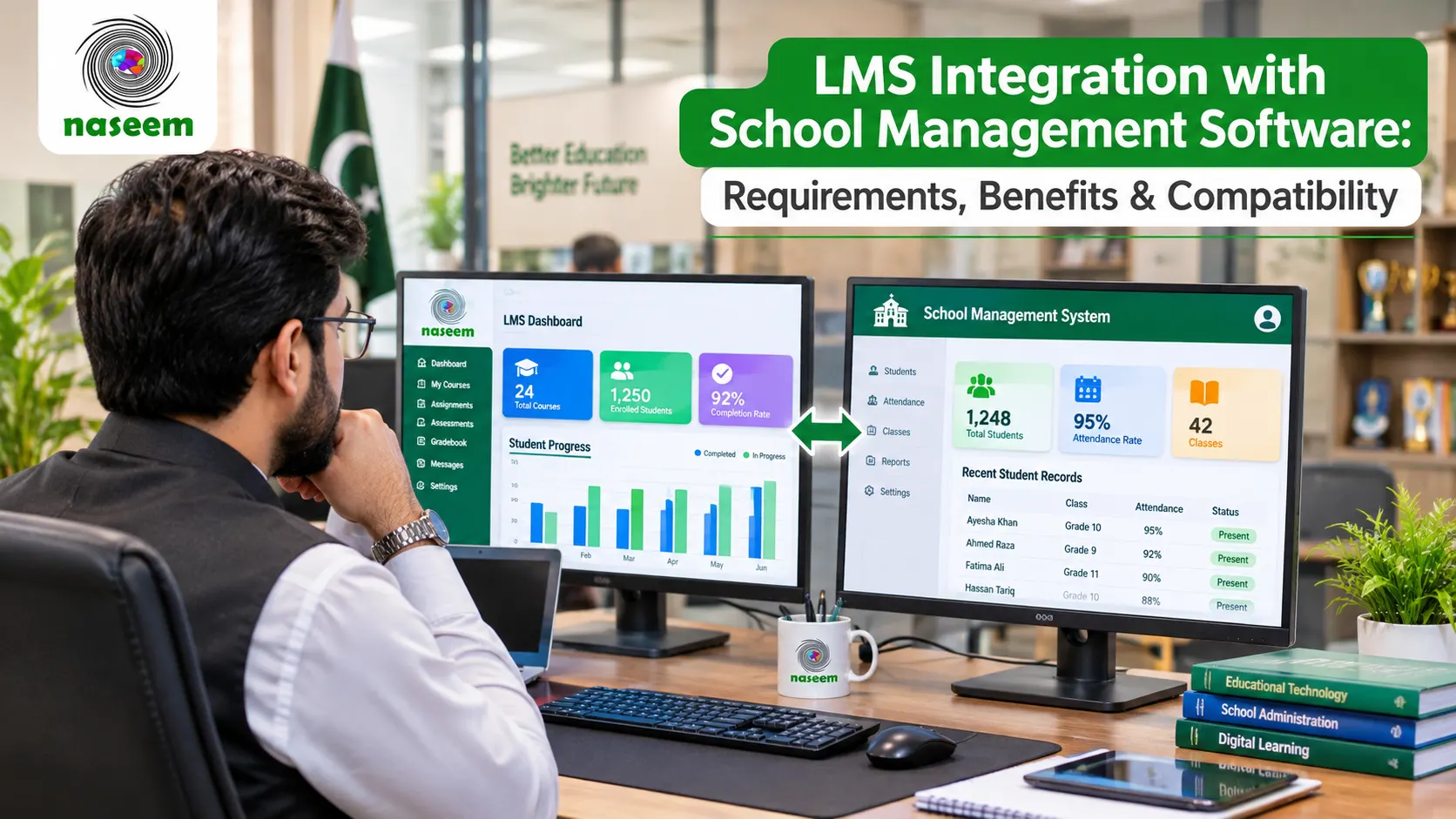
LMS integration with school management software allows educational platforms to exchange information and work together, reducing unnecessary duplication and creating a more connected digital environment.
However, not every LMS supports the same integrations. Some platforms offer built-in connections, others rely on third-party applications or APIs, and some require custom development.
For school administrators evaluating a new learning management system, understanding these differences is essential before making a purchase.
This guide explains how LMS integration works, which systems schools may need to connect, the technical requirements involved and what to ask vendors before committing to a platform.
What Is LMS Integration with School Management Software?
LMS integration refers to connecting a learning management system with other software applications used by an educational institution.
The purpose is to allow relevant information and activities to move between systems without requiring users to repeat the same tasks manually.
For example, a school may maintain student information in a school management system. When a student joins a class, the relevant account and enrollment information may need to become available in the LMS.
Without an integration, an administrator might need to create the student account separately and assign the student to the correct course.
With a suitable integration, some of these steps may be automated.
The exact process depends on the systems involved, the information being exchanged and the integration method supported by each application.
An LMS can potentially connect with several types of educational software, including:
- School management systems.
- Student information systems.
- Attendance applications.
- Assessment and examination platforms.
- Digital content providers.
- Communication tools.
- Identity and authentication services.
- Reporting and analytics applications.
Integration does not necessarily mean that all these systems become one application. They remain separate software products but can exchange information through agreed technical mechanisms.
LMS vs School Management Software: Why Integration Matters
A learning management system and a school management system serve related but different purposes.
A school management system generally focuses on the operational and administrative side of an institution. Depending on the product, it may manage student records, admissions, attendance, timetables, fees, staff information and other school activities.
An LMS focuses on the learning process.
It helps institutions organize courses, distribute learning materials, manage assignments, conduct assessments and monitor student progress.
Some modern educational platforms combine elements of both categories, but the terminology and functionality vary between vendors.
The distinction matters because schools should not assume that purchasing an LMS automatically replaces their existing administrative software.
For instance, a school may already have a system that manages admissions and fee records. It may want to introduce an LMS without changing that system.
In this situation, integration could help connect the academic learning environment with the institution's existing student information.
The goal is not necessarily to replace every application. It is to make the technology environment work more consistently.
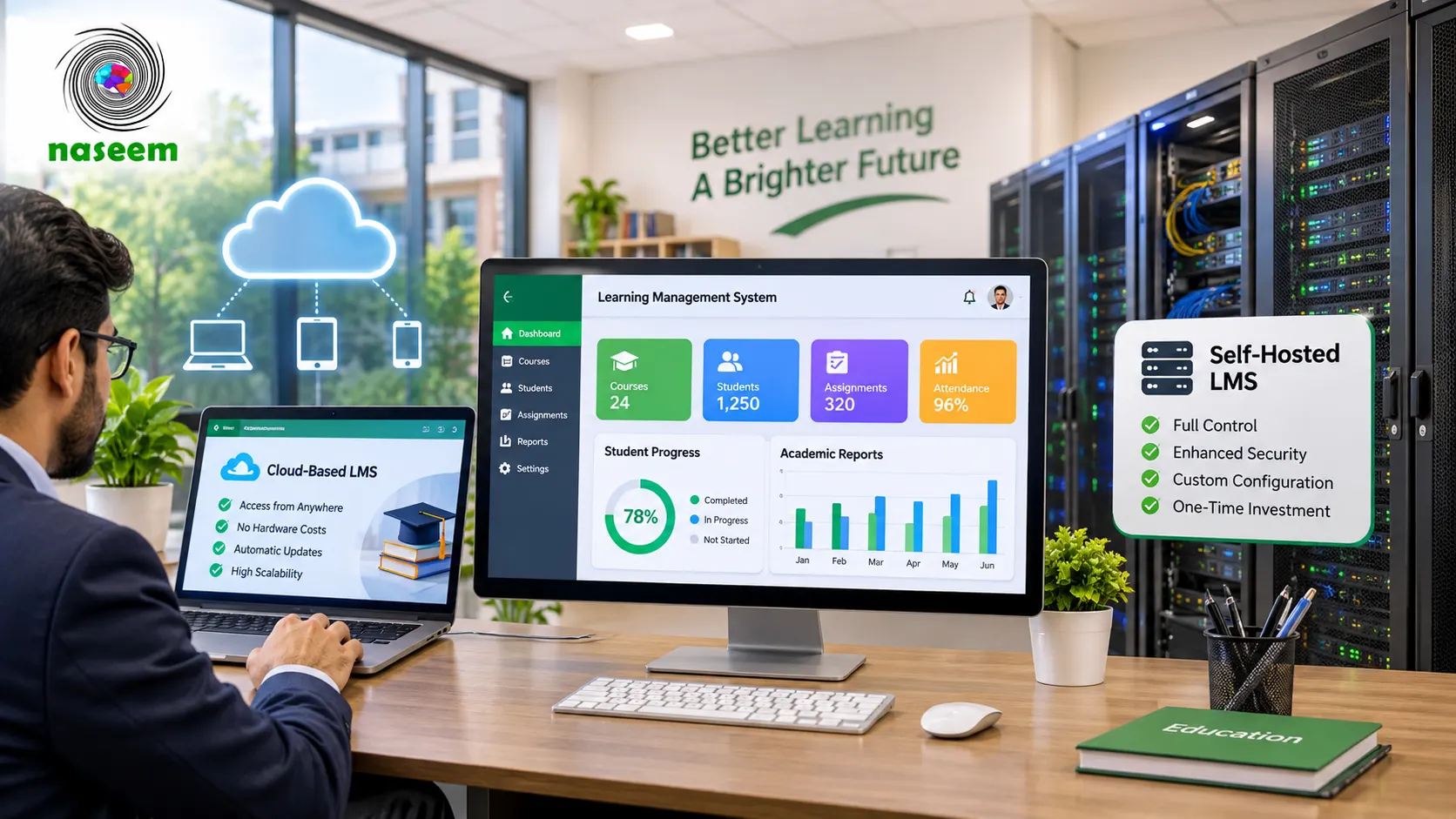
You can also explore the learning management system for schools overview to understand how course management, assessments, student progress and teacher workflows fit into a centralized learning environment.
Why Do Schools Need LMS Software Integration?
Integration can offer practical benefits, but its value depends on the school's existing systems and the problems it wants to solve.
1. Reduce Repeated Data Entry
One of the most common problems in disconnected software environments is duplicate data entry.
An administrator might enter a student's name, class, admission number and contact information into the school management system, then repeat the process in the LMS.
If the student changes classes, the information may need to be updated in multiple applications.
This creates unnecessary work and increases the possibility of inconsistencies.
An appropriate integration can allow selected student and enrollment information to move between systems, reducing the number of manual steps.
However, schools should first establish which application is the authoritative source for each type of information.
For example, the school management system might be responsible for official student records, while the LMS manages course participation and assessment information.
Defining these responsibilities prevents conflicting updates.
2. Improve Student Account Management
Schools need a reliable process for creating, updating and disabling user accounts.
A new student may need access to several digital services. A teacher may change departments or take responsibility for a different class. A student leaving the institution may need their access removed.
Without a coordinated approach, account management can become difficult.
An LMS integration may support account provisioning and synchronization, depending on the capabilities of the systems involved.
Before selecting a platform, ask whether accounts can be created automatically, updated when relevant records change and disabled when users no longer require access.
Also establish how duplicate accounts are identified and resolved.
3. Keep Class and Enrollment Information Consistent
Class assignments can change during an academic year.
Students may transfer between sections, teachers may be assigned to different classes and schools may introduce new subjects.
If the LMS and student information system maintain separate records, these changes need to be coordinated.
A suitable integration can help synchronize class and enrollment information.
However, schools should understand the direction and timing of synchronization.
Does the information move automatically? Is it transferred on a schedule? Can administrators approve changes before they are applied?
These details matter because an incorrect synchronization process can create new problems instead of solving existing ones.
4. Make Assessment Information Easier to Manage
Assessment data is another area where integration may be useful.
Teachers use an LMS to create quizzes, assignments and other learning activities. They may also need to share selected academic results with a wider school reporting system.
A compatible integration can make this exchange easier.
For example, an assessment application might provide grades to an LMS gradebook, or an LMS might send relevant assessment results to another authorized school application.
The institution must decide which information should be shared and who is allowed to access it.
Not every assessment result should automatically become part of every administrative record.
Schools should also verify how missing submissions, reassessments, grade changes and teacher corrections are handled.
5. Improve Reporting and Academic Visibility
When learning and student information are spread across separate systems, school leaders may find it difficult to develop a complete picture of academic activity.
An integrated environment can help bring relevant information together.
For example, administrators might want to review enrollment information alongside course participation, assessment completion and student progress.
However, the usefulness of combined reporting depends on data quality, compatibility and clear definitions.
A school should not assume that integrating two applications automatically creates a complete reporting solution.
Ask the vendor which information can be exchanged, what reports are available and whether additional configuration is required.
6. Improve the Experience for Teachers, Students and Parents
An integrated environment can reduce unnecessary switching between applications.
Teachers may spend less time managing duplicate accounts or locating information in separate systems.
Students may benefit from more consistent access to their learning activities.
Parents may have an easier experience when the relevant learning and progress information is presented through a clear, connected experience.
The aim should be to simplify everyday activities rather than create additional software complexity.
Common Types of School Software That Can Integrate with an LMS
Before evaluating integration options, schools should identify the systems they currently use and the information that needs to move between them.
Student Information Systems (SIS)
A student information system typically manages core student records and related academic information.
Depending on the software, it may contain:
- Student identification details.
- Enrollment information.
- Class assignments.
- Grade levels.
- Academic terms.
- Teacher assignments.
- Parent or guardian details.
Connecting an LMS with an SIS can help reduce duplicate data entry and support consistent class and enrollment information.
The school should establish which system controls each record and how updates are synchronized.
School Management Systems
School management software may cover several administrative functions, such as admissions, student records, attendance, staff management and other institutional operations.
Integration with an LMS can help connect administrative information with the learning environment.
For example, an institution may want students enrolled in a particular class to receive access to the corresponding LMS course.
However, the exact workflow depends on both systems.
Some products may provide a ready-made integration, while others require an API or custom development.
Assessment and Examination Platforms
Schools may use specialized applications for examinations, quizzes and digital assessments.
An integration can potentially allow relevant assessment activities, user information or results to move between systems.
One useful standard to understand is Learning Tools Interoperability (LTI), developed by 1EdTech.
LTI provides a standardized way for learning platforms and external educational tools to connect, including secure tool launching and selected data exchange.
Schools evaluating assessment integrations should ask which LTI version is supported and whether the integration covers the exact activities they need.
Digital Learning Content Platforms
Educational institutions may use third-party providers for digital textbooks, interactive learning resources, videos or subject-specific activities.
An LMS integration may allow users to access external learning tools from within the learning environment.
However, access to content does not always mean that progress, grades or completion information will automatically synchronize.
Schools should ask what information is exchanged and whether the external content provider requires a separate licence.
Identity and Authentication Services
Schools may want users to access multiple applications through a coordinated login experience.
Single sign-on (SSO) allows users to authenticate through an identity service and access compatible applications without repeatedly entering credentials.
The exact experience depends on the identity provider, supported protocols and configuration.
During a demonstration, ask whether the LMS supports the authentication method your institution already uses.
Also clarify how access is removed when a student or employee leaves the school.
Communication and Collaboration Tools
Schools may use separate applications for communication, online meetings and collaboration.
Integration can potentially make these tools easier to access within an LMS.
For example, teachers may want to link learning activities to an online meeting tool or share course resources through an approved external service.
However, schools should assess privacy, account management and the permissions required by each connection.
Technical Requirements for Successful LMS Integration
A vendor's statement that its platform supports integrations is not enough.
School administrators should understand the technical options available and how those options fit their existing environment.
1. API Support
An Application Programming Interface (API) allows different software applications to exchange information through defined requests and responses.
For example, an LMS API might allow an authorized application to retrieve course information or update selected user records.
APIs are commonly used for custom integrations.
However, API availability does not automatically mean that every desired integration is straightforward.
The school needs to understand:
- Which API endpoints are available.
- What information can be accessed.
- How authentication works.
- Whether write operations are supported.
- What permissions are required.
- Whether rate limits apply.
- How errors are reported.
- Whether API documentation is available.
- Whether access is included in the selected subscription.
Ask the vendor for technical documentation before assuming that an integration is possible.
2. Data Formats and Interoperability Standards
Different applications may store and organize information in different ways.
One system might identify a class using an internal database number, while another uses a course code.
An integration must map these records correctly.
This is where interoperability standards can help.
1EdTech develops standards for educational technology interoperability.
Two relevant standards are:
- OneRoster: Designed for exchanging K–12 roster, class, enrollment and gradebook information between systems.
- LTI: Designed to connect learning platforms with external educational tools through secure integration mechanisms.
You can explore the OneRoster standard and LTI documentation to understand how standardized connections can reduce integration complexity.
Schools should remember that a standard's existence does not mean every vendor implements it. Ask for the specific supported version, services and certification or conformance information where applicable.
3. Authentication and Access Control
Integration creates connections between applications, so authentication and permissions must be handled carefully.
A system should not receive access to more information than it needs.
For example, a third-party assessment tool may need access to a course and selected student submissions. It may not need access to the school's complete student database.
Ask the vendor:
- How are connected applications authenticated?
- Can access be restricted by role?
- Can individual integrations be revoked?
- Are credentials stored securely?
- Is access logged?
- Can administrators review connected applications?
Use the principle of least privilege when designing integrations.
4. Data Synchronization
Data synchronization determines how information moves between systems.
There are several possible approaches.
- Real-time synchronization: Changes are transferred almost immediately after they occur.
- Scheduled synchronization: Information is transferred at defined intervals.
- Manual synchronization: An authorized user initiates the transfer when required.
Each approach has different operational implications.
Real-time synchronization may be useful for frequently changing information, while scheduled synchronization may be sufficient for less urgent updates.
Schools should ask what happens when a synchronization process fails and whether administrators can identify and correct errors.
5. Data Mapping and Record Matching
An integration must understand which record in one system corresponds to a record in another.
For example, a student may have an admission number in the school's management system and a separate user ID in the LMS.
The integration needs a reliable way to associate the two records.
Using names alone can be risky because two students may have similar names or the same name.
Schools should establish consistent unique identifiers and define how duplicates, missing records and conflicting information are handled.
6. Testing and Error Handling
Integrations should be tested before they are introduced across the entire institution.
A pilot should cover common scenarios, such as:
- Creating a new student.
- Enrolling a student in a class.
- Moving a student to another section.
- Assigning a teacher.
- Updating a course.
- Recording an assessment result.
- Disabling an account.
- Correcting an incorrect record.
The school should also test what happens when a connection fails.
Does the system retry automatically? Can an administrator see the error? Is there a way to restore the correct information without creating duplicates?
These questions are particularly important when integrations affect official student records.
Native Integration vs Third-Party Integration vs Custom API Integration
Schools may encounter three different integration approaches when evaluating vendors.
| Integration type | How it works | Best suited for |
|---|---|---|
| Native integration | Built and supported directly by the software provider | Common, supported connections |
| Third-party integration | Uses an external service or integration platform | Connecting applications with existing connectors |
| Custom API integration | Developed specifically for the institution's systems | Specialized workflows and requirements |
Native integrations
A native integration is generally the easiest starting point when the required connection is already supported.
The vendor may provide configuration instructions and ongoing support.
However, schools should verify exactly what information is exchanged and whether the connection is included in the subscription.
Third-party integrations
A third-party integration platform can connect applications that do not have a direct connection.
This may reduce development work, but it can introduce additional subscription costs, security considerations and dependency on another provider.
The school should understand where data passes, who can access it and how the integration is maintained.
Custom API integrations
Custom development may be appropriate when the institution has specialized requirements.
However, it introduces additional responsibilities.
The school should establish who owns the integration code, who maintains it, what happens when either application changes and whether support is available.
A custom connection should be documented and tested rather than treated as a one-time technical task.
Security and Privacy Considerations When Integrating School Software
Integration can improve efficiency, but it also creates additional data-sharing relationships.
Before approving a connection, schools should identify:
- What information will be transferred.
- Why the information is required.
- Which organization receives it.
- Where the information is stored.
- How long it is retained.
- Who can access it.
- Whether it is shared with additional service providers.
- How it can be corrected or deleted.
- What happens when the integration ends.
Student records deserve particular care.
The U.S. Department of Education's student privacy resources provide useful guidance on evaluating online educational services and the handling of student information.
Schools should also assess applicable local privacy requirements and their contractual responsibilities.
A vendor should be able to explain its data handling arrangements in understandable terms rather than relying solely on general statements about security.
How to Evaluate LMS Integration Before Purchasing
A school should not wait until after purchasing an LMS to discover that an essential integration is unavailable.
Start by preparing a list of existing systems and the information each one manages.
For every potential connection, document:
- The source application.
- The receiving application.
- The information to be transferred.
- The direction of data flow.
- The required frequency.
- The responsible administrator.
- The security requirements.
- The expected result.
Then ask shortlisted LMS providers to demonstrate the relevant workflows.
For example, if student enrollment synchronization is essential, ask the provider to show what happens when a student is added to a class in the source system.
If grade transfer is required, ask for a demonstration of how assessment results move and how corrections are handled.
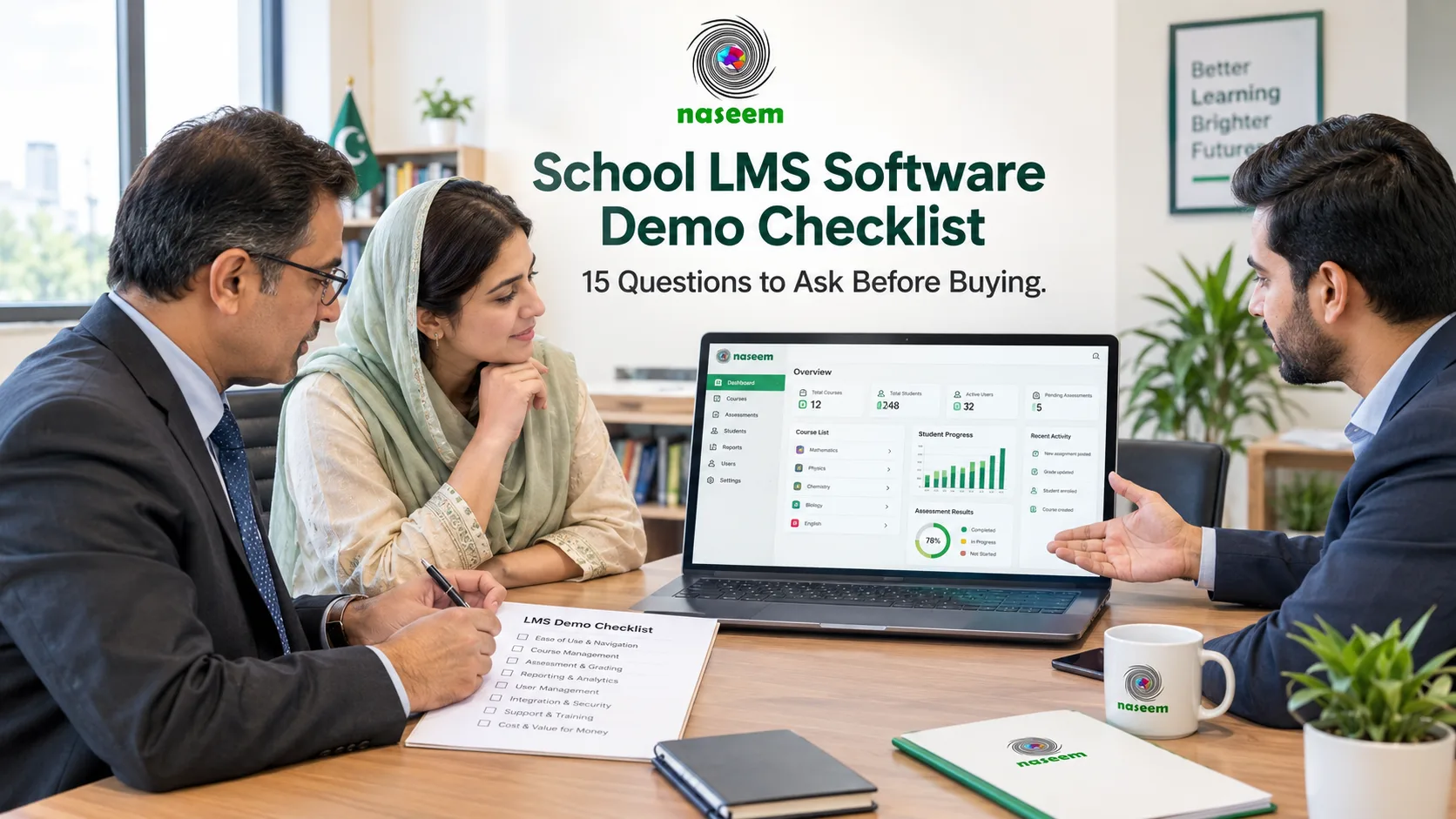
For further guidance on evaluating LMS products, see the school LMS software demo checklist.
The essential LMS features guide can also help your team identify the learning capabilities that should be considered alongside integration requirements.
Integration Compatibility Checklist for School Administrators
Use this checklist when comparing different LMS providers.
Existing systems
- Have all existing school applications been identified?
- Is the purpose of each integration documented?
- Has the school identified which application controls each record?
Technical compatibility
- Does the LMS offer documented APIs?
- Are relevant interoperability standards supported?
- Are the required data formats compatible?
- Are authentication requirements understood?
- Can synchronization errors be identified?
Security and governance
- Are data-sharing permissions clearly defined?
- Can integrations be disabled or revoked?
- Is access logged?
- Are retention and deletion arrangements documented?
- Have privacy and contractual requirements been reviewed?
Commercial considerations
- Are integrations included in the quoted price?
- Are there third-party subscription fees?
- Is custom development required?
- Who provides ongoing technical support?
- Are maintenance costs documented?
Implementation
- Has a pilot been planned?
- Have common data changes been tested?
- Has error handling been reviewed?
- Are responsibilities assigned?
- Is there a fallback process if an integration fails?
What Should Schools Ask an LMS Vendor During a Demonstration?
A useful product demonstration should go beyond showing the platform's learning features.
Ask the vendor to explain its integration capabilities in relation to your school's existing systems.
Important questions include:
- Which school management systems can the LMS connect with?
- Does the platform provide documented APIs?
- Does it support OneRoster or LTI?
- Which data fields can be synchronized?
- Is synchronization automatic or manual?
- How are duplicate student records handled?
- Can the school control data-sharing permissions?
- What happens when an integration fails?
- Are integration services included in the subscription?
- Who handles updates and maintenance?
- Can the institution export its information?
- Can the vendor demonstrate the integration using a realistic workflow?
If a capability is not available, ask whether it is planned, requires custom development or is outside the product's current scope.
Written confirmation is particularly important for integrations that influence procurement decisions.
Evaluating an LMS Within Your Existing School Technology Environment
An LMS should fit the institution's actual learning requirements while being assessed alongside its existing technology.
The Naseem Education LMS describes a learning environment built around course management, assessments, progress tracking, personalized learning, teacher workflows and school-level insights.
When evaluating any platform, including Naseem Education, schools should identify which of these learning activities are essential and determine whether the platform can work with their existing administrative systems.
Request specific clarification about APIs, authentication methods, external application connections and available data export options.
Do not assume that a centralized learning platform automatically provides every third-party integration a school may need.
The right decision comes from matching verified product capabilities with documented institutional requirements.
Common LMS Integration Mistakes Schools Should Avoid
- Assuming API availability means complete compatibility: An API provides a technical interface, but the required functionality, permissions and data structures still need to be checked.
- Ignoring data ownership: Without defining the authoritative source for student records, conflicting updates may occur.
- Connecting every application unnecessarily: Each integration introduces additional maintenance and security considerations. Connect only what delivers genuine value.
- Skipping pilot testing: A connection that works in a demonstration may behave differently with real school records and workflows.
- Ignoring third-party costs: Some integrations require separate subscriptions or custom development.
- Overlooking privacy: Sharing student information should have a clear purpose and appropriate controls.
- Failing to plan for changes: Applications are updated over time. Integration arrangements need ongoing maintenance.
Final Thoughts: Choose an LMS That Fits Your School's Existing Systems
An LMS is most useful when it supports the way a school actually operates.
For institutions already using digital administrative systems, integration can reduce repetitive tasks, improve consistency and make learning information easier to manage.
However, successful integration requires more than a connection between two applications. It involves compatible data structures, secure authentication, appropriate permissions, testing, ongoing maintenance and clear responsibilities.
Before selecting a platform, identify your school's existing systems and document the information that needs to move between them.
Then compare LMS providers based on verified integration capabilities rather than broad marketing promises.
If your institution is exploring a more connected learning environment, explore Naseem Education and discuss your academic and technical requirements with the team.
The right LMS should support your school's learning needs while fitting responsibly into its wider technology environment.
Frequently Asked Questions
Yes. A learning management system can integrate with school management software when both platforms provide compatible integration methods.
Depending on the products, this connection may use APIs, built-in integrations, data import and export, or education interoperability standards such as OneRoster.
For example, a school may synchronize student records, class information and enrollment details from its school management system into its LMS. This can reduce duplicate data entry and help keep information consistent across applications.
However, integration capabilities vary between vendors. Schools should confirm which systems are supported, what information can be exchanged and whether additional development or subscription costs are involved.
Ready to Bring Your School’s Learning Together?
Give your school a connected learning management system designed to support students, teachers, parents, and school leaders.