Naseem Education vs Google Classroom: Which Is Better for Schools?
Choosing a digital learning platform is not always as simple as comparing feature lists. One school may need a straightforward way to share assignments and collect student work, while another may want a more connected environment for assessments, student progress, parent engagement, and school-level reporting.
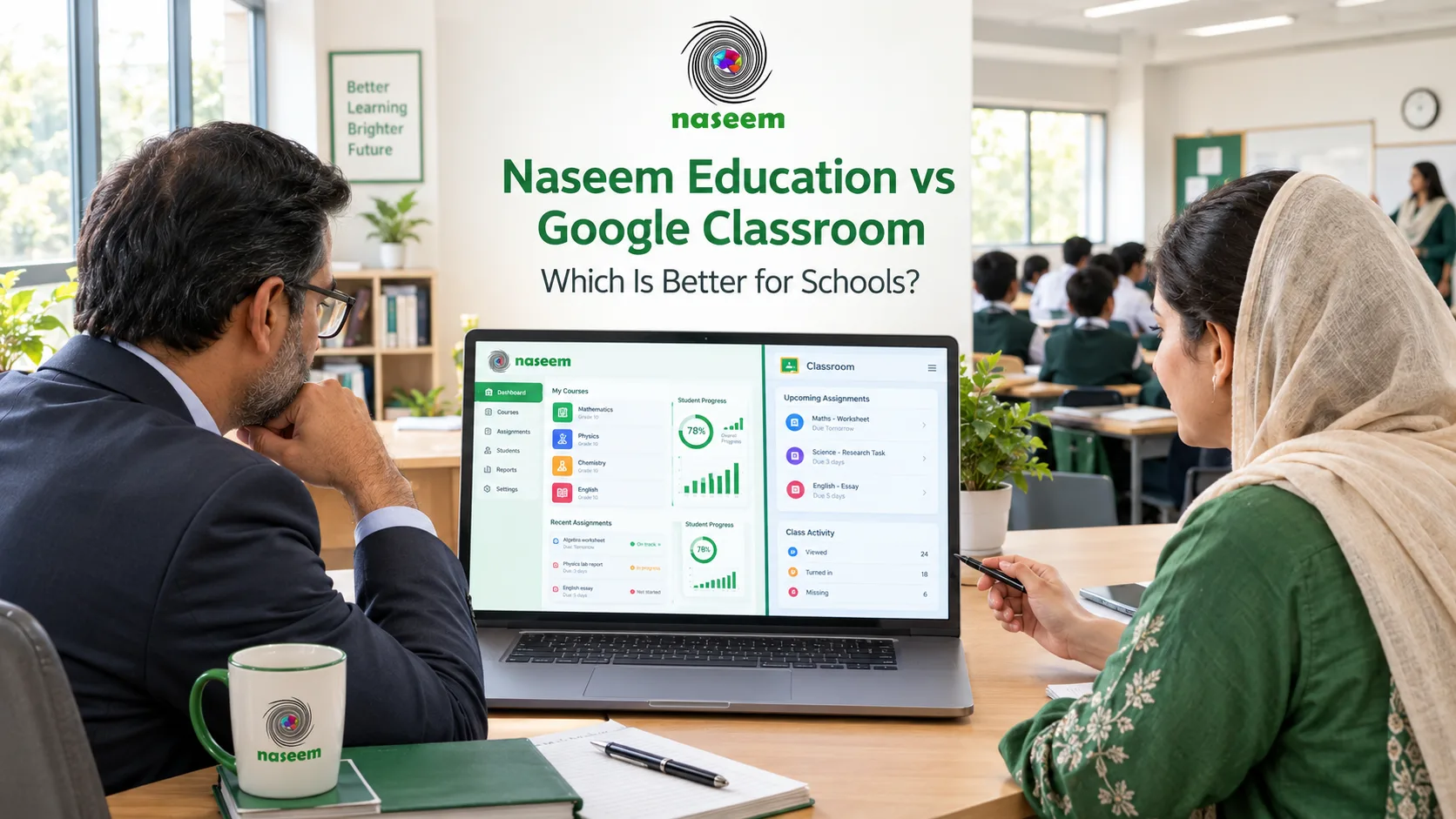
Google Classroom is a familiar option for many teachers because it helps organize classwork, assignments, feedback, and communication within the Google for Education ecosystem. Naseem Education takes a school-focused approach, bringing together learning management, assessments, progress tracking, teacher workflows, parent visibility, and learning insights.
So, which platform should your school choose?
The answer depends on how your school operates, what teachers need each day, how parents participate in learning, and whether you need a classroom-focused tool or a broader learning management environment.
In this guide, we compare the two options across their intended use, learning features, assessments, reporting, parent engagement, implementation, and cost considerations. The aim is to help school owners, principals, academic coordinators, and teachers make an informed decision rather than assume one platform is right for every institution.
1. What Is Google Classroom?
Google Classroom is an educational tool within Google Workspace for Education. It helps teachers create classes, distribute assignments, organize coursework, provide feedback, and manage parts of the classroom learning process.
Teachers can use it to post class materials, set deadlines, review submissions, grade work, and communicate with students. Its connections with other Google tools can make it especially convenient for schools already using Google accounts, Drive, Docs, Forms, and related services.
Google also offers different Google Workspace for Education editions. The features available to a school depend on the edition, its configuration, and any relevant eligibility requirements. Some capabilities are available in the no-cost Education Fundamentals offering, while other features require paid editions or add-ons. Schools should verify the current feature matrix rather than assume every advertised capability is included. See the official Google Classroom editions comparison.
For a school that primarily wants to organize classroom assignments and digital resources, Google Classroom may be a practical starting point.
However, classroom workflow is only one part of running a school. As digital learning expands, administrators may also need to consider student progress across subjects, parent visibility, assessment processes, academic reporting, and the overall experience of teachers and learners.
That is where a school should look beyond familiarity and assess its wider requirements.
2. What Is Naseem Education?
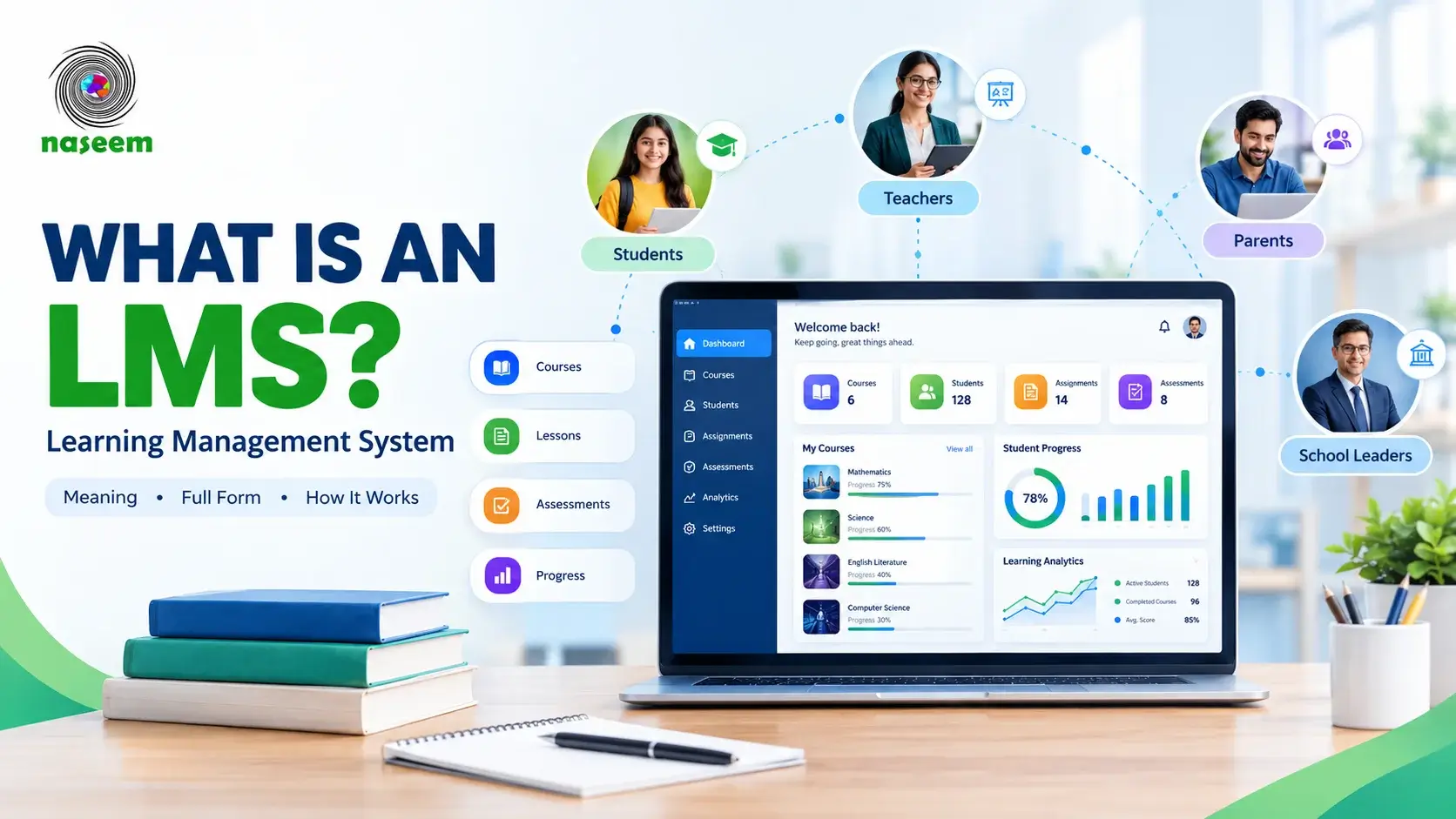
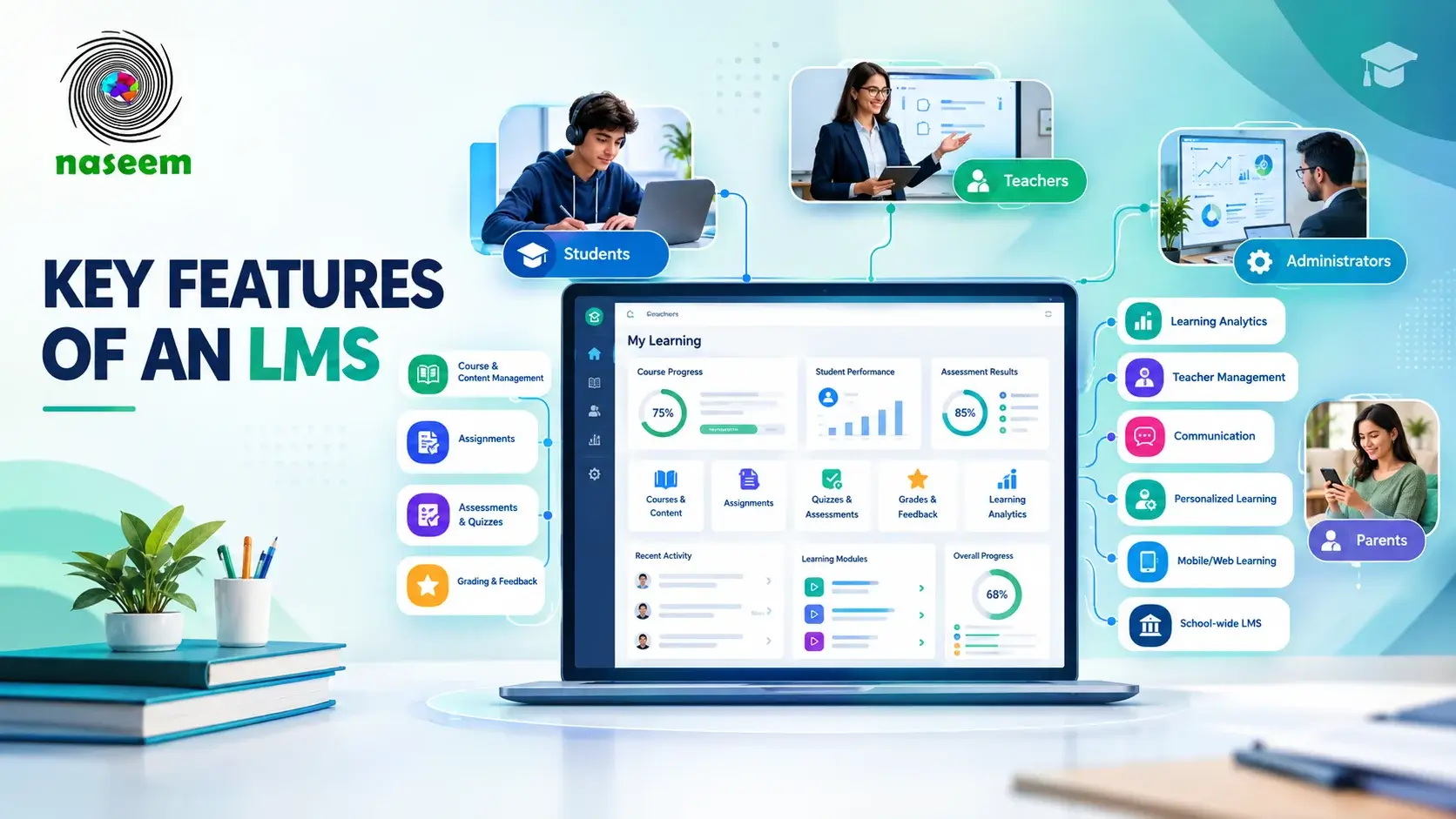
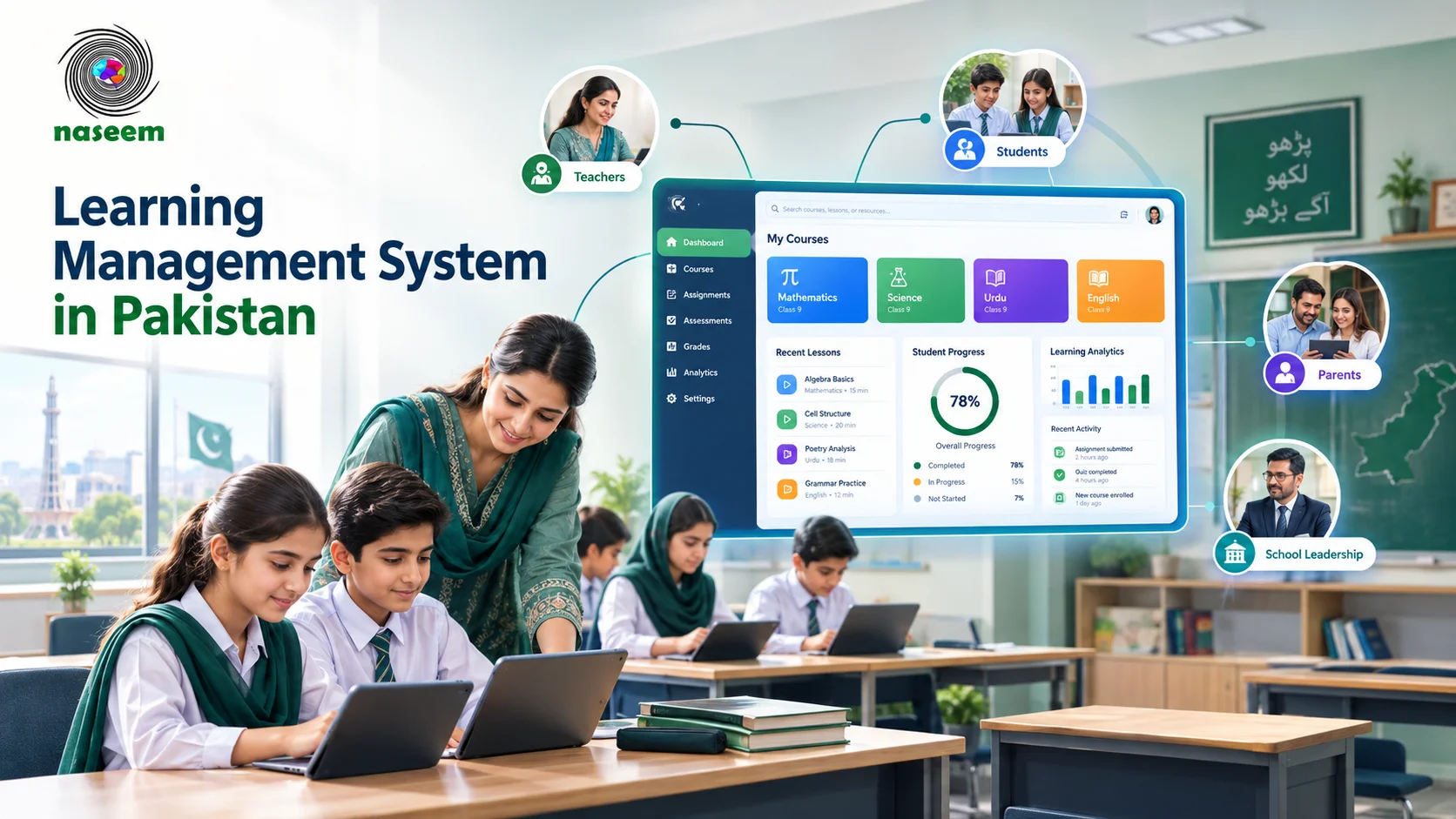
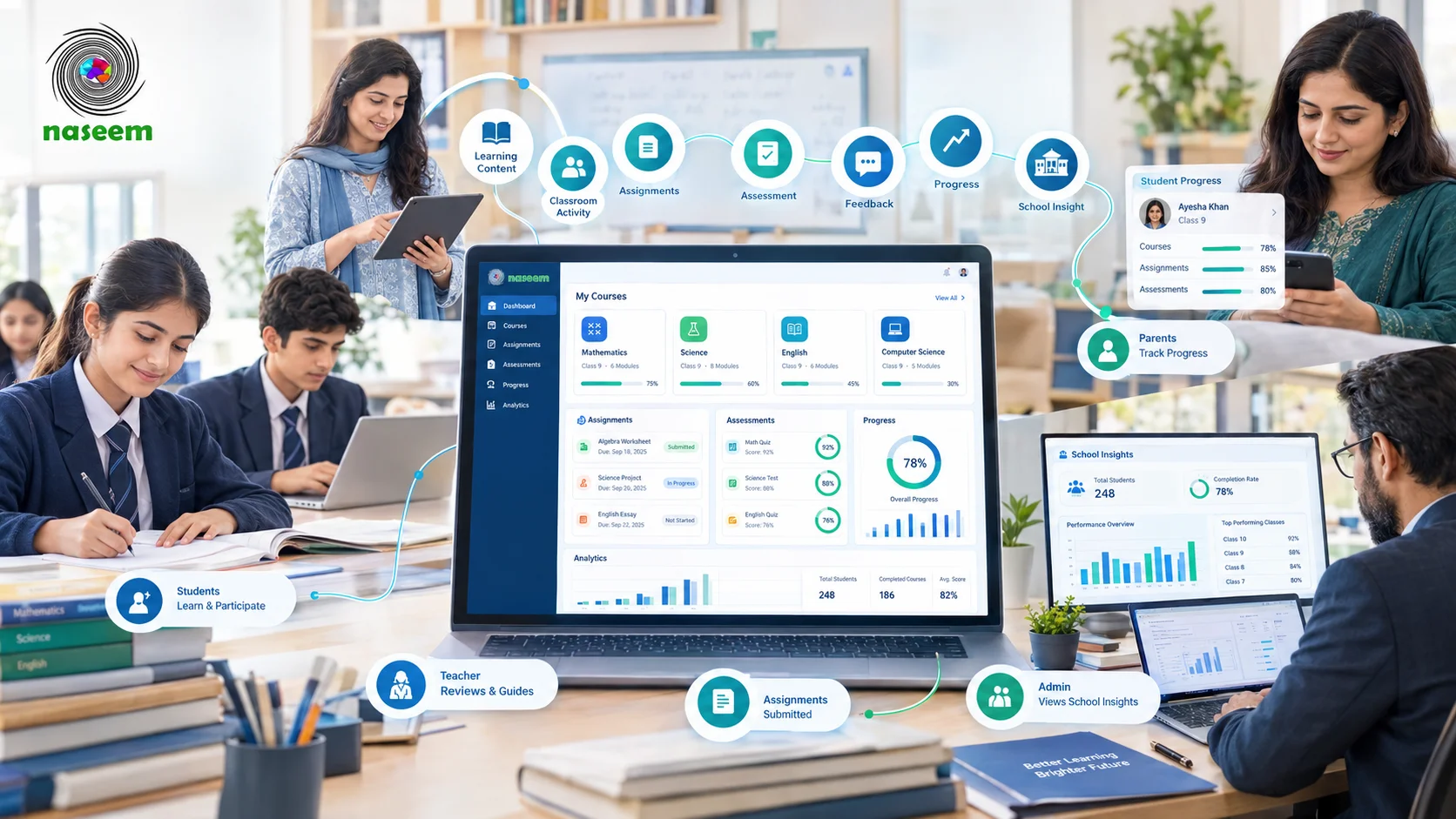
Naseem Education is a learning platform designed around the needs of modern schools. Its learning management system brings together course organization, learning activities, assessments, student progress, teacher tools, parent engagement, and school-level insights in one digital environment.
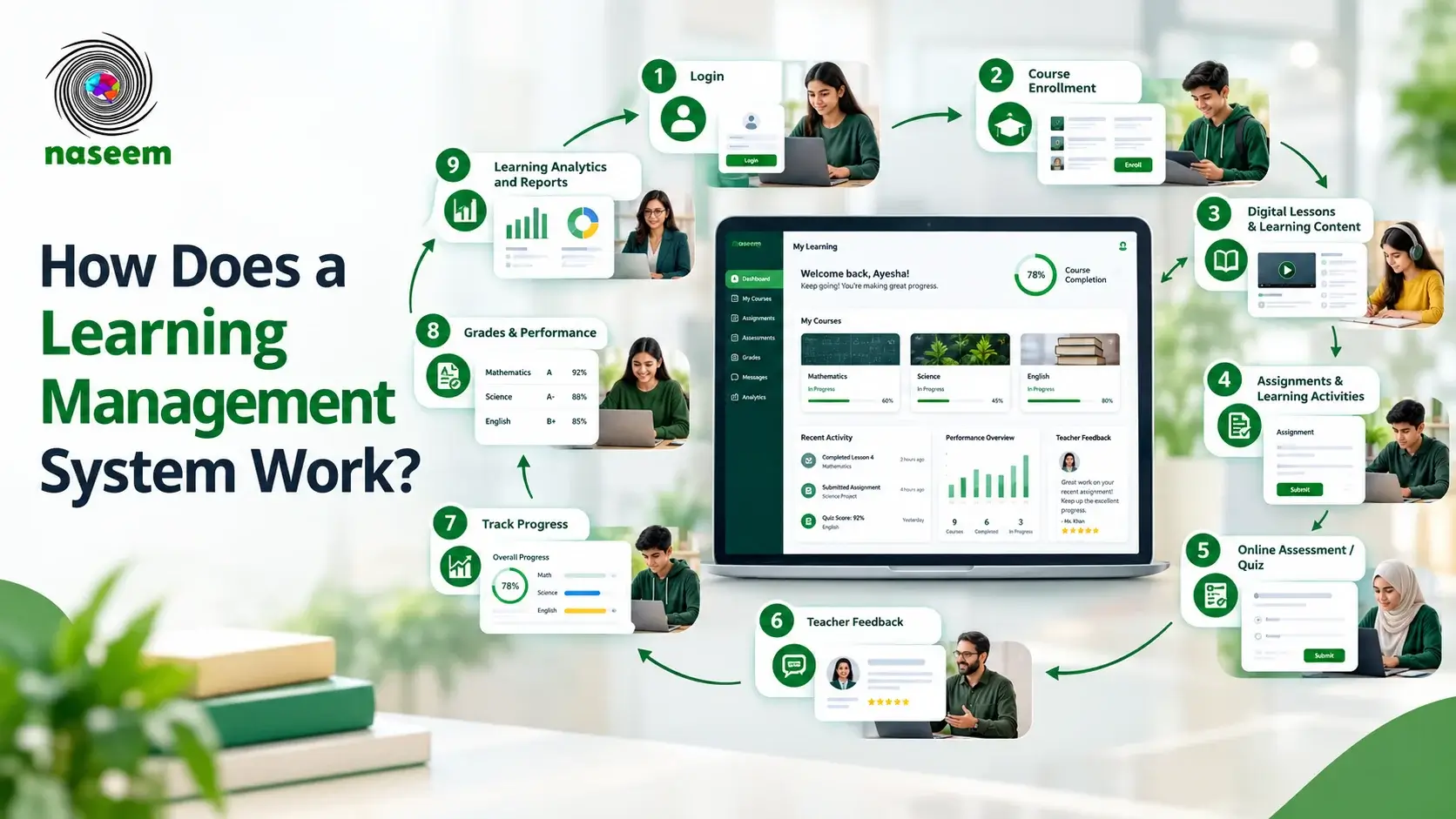
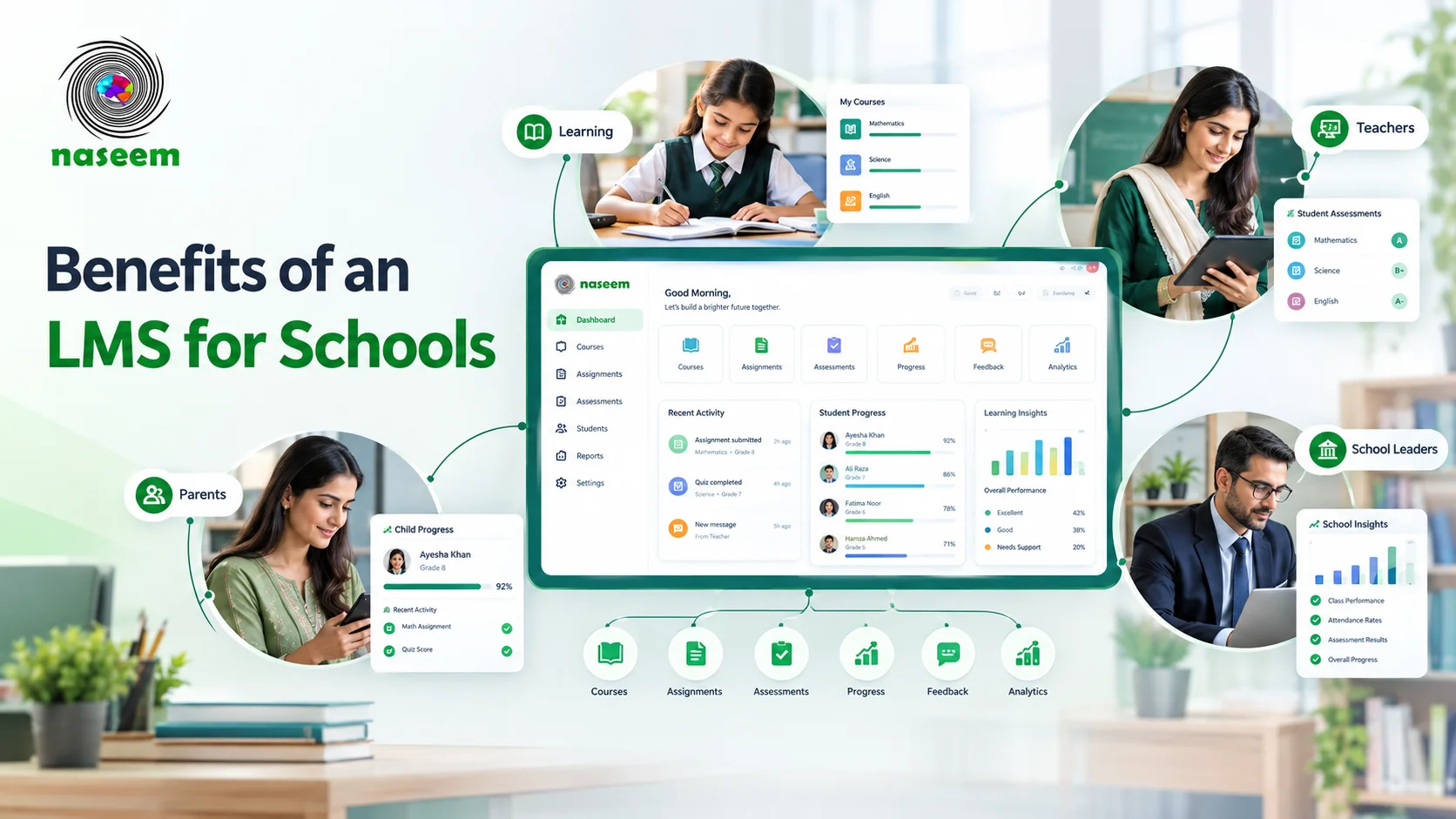
Rather than viewing learning as a collection of assignments, the platform positions it as a connected process. Students engage with learning materials, complete activities, receive feedback, and monitor their progress. Teachers use learning and assessment information to understand student performance, while parents and school leaders can access relevant information about the learning journey.
The distinction is important for schools that want their digital tools to support more than the distribution of classwork.
Before choosing Naseem Education, a school should still confirm the precise features available in its proposed plan, how the platform fits its curriculum, what onboarding involves, and whether its operational requirements can be met.
You can explore the platform's stated capabilities on the Naseem Education LMS page.
3. Naseem Education vs Google Classroom: A Quick Comparison
The table below compares the platforms by their general approach. It is not a substitute for a product demonstration or a verification of plan-specific features.
| Area | Google Classroom | Naseem Education |
|---|---|---|
| Main approach | Organizing and managing classroom learning activities | Connected learning management for school communities |
| Assignments and coursework | Core capability | Learning activities within the LMS |
| Grading and feedback | Assignment grading and feedback tools | Assessment and feedback capabilities described on the LMS page |
| Wider learning progress | Classroom features and edition-dependent analytics | Student progress and learning insights |
| Parent involvement | Guardian summaries and other supported features, depending on configuration | Parent visibility is part of the platform's stated approach |
| Broader school learning environment | Works with Google tools and supported integrations | Designed around students, teachers, parents, and school leaders |
| Integrations | Strong connections across supported Google and third-party tools | Confirm required integrations with the provider |
| Pricing | No-cost and paid Education offerings, depending on eligibility and features | Request current pricing and plan details from Naseem Education |
| Best initial fit | Schools needing a classroom workflow connected to Google tools | Schools evaluating a broader, school-focused learning environment |
Google's official documentation confirms that Classroom supports assignments, grading workflows, communication, and integrations, with some advanced features depending on the edition.
Naseem Education describes its platform in terms of course management, assessments, student progress, parent engagement, and learning analytics.
The most important question is not which column contains more features. It is whether those features solve the problems your school actually faces.
4. Learning Management and Course Organization
A learning platform should make it easy for teachers to organize their work and for students to understand what they need to do next.
Google Classroom allows teachers to organize classwork, share resources, post assignments, and manage coursework. Schools already using Google's productivity tools may find this workflow convenient because documents and other resources can fit naturally into their existing processes.
For example, a science teacher could share a worksheet, set a deadline, collect responses, and provide feedback without moving between several unrelated applications.
Naseem Education approaches course management as part of a wider learning environment. Its product page describes a centralized space for courses, learning content, educational activities, and assessments.
For a school managing several subjects, grades, and groups of learners, the practical question is whether the platform can help teachers maintain a consistent structure while giving students a clear view of their learning activities.
Consider a school in Islamabad with separate academic coordinators for primary, middle, and secondary classes. The school may want teachers to organize their course materials consistently, while administrators look at learning progress across different groups.
A classroom tool may cover much of the assignment workflow. A broader LMS may be more appropriate if the school also needs a unified approach to learning management and school-wide progress.
What to check during a demonstration:
- How courses and subjects are organized.
- Whether teachers can reuse or update learning materials efficiently.
- How students find their assignments and resources.
- Whether the system accommodates the school's grade and class structure.
- How administrators oversee course organization.
- Whether existing teaching resources can be migrated.
Do not choose a platform simply because its dashboard looks attractive. Ask teachers to complete ordinary tasks during the demonstration and judge how much effort each task requires.
5. Assessments, Grading, and Feedback
Assessments help teachers understand whether students have understood a lesson. The value of an online assessment system depends not only on how quickly a grade appears but also on how useful the results are for teaching.
Google Classroom provides assignment grading, feedback, rubrics, and related workflows. Google also documents additional assessment and analytics capabilities across its Education offerings. The exact options available depend on the school’s edition and configuration.
Naseem Education describes assessment and auto-grading capabilities as part of its LMS. It also connects assessment information with student progress and learning insights. Schools should request a live demonstration to verify which assessment formats are supported, which activities can be graded automatically, and which still require teacher review.
Imagine a mathematics teacher assessing 80 students after a lesson on fractions. The teacher may need to review individual answers, identify recurring mistakes, and decide whether to revisit the topic with the whole class or provide extra practice to selected students.
An effective assessment workflow should make these next steps easier.
When comparing platforms, ask:
- Can teachers create the assessment formats they actually use?
- Can students submit work in the formats required by the curriculum?
- Which question types can be graded automatically?
- Can teachers adjust results or provide additional feedback?
- Are assessment records easy to review later?
- Can performance be examined by student, class, subject, or assessment?
- Are assessment reports exportable where necessary?
Also distinguish between automated marking and automated educational judgment. Multiple-choice questions may be straightforward to mark, but extended written answers often require more careful evaluation. A platform should not be assumed to assess every type of student work equally well.
For schools that rely heavily on examinations, ask the vendor to demonstrate an assessment using a realistic example from your curriculum.
6. Student Progress Tracking and Learning Insights
A list of completed assignments does not always tell a school how well a student is learning.
A student might submit every task but continue to struggle with a particular concept. Another student might perform well in tests but need more challenging material. Useful progress information helps teachers investigate these differences rather than treating completion as the only measure of success.
Google Classroom includes classroom organization and grading features, and certain editions provide additional analytics relating to assignment completion, grades, and adoption. Schools should check the current edition comparison to determine what is included in their proposed setup.
Naseem Education presents student progress tracking and learning insights as core parts of its school-focused LMS. The product page describes using learning and performance information to identify progress and areas where students may need support.
For a principal, this information may be useful when reviewing academic trends across classes. For a teacher, it may help identify which students need revision, additional practice, or a conversation about their learning difficulties.
However, analytics should support professional judgment rather than replace it.
A low score does not automatically mean a student has failed to understand a topic. The student may have missed the lesson, misunderstood the question, or experienced an issue accessing the assessment. Teachers need context before deciding what action to take.
When evaluating an LMS, ask whether the reports help answer practical questions:
- Which students have not completed important activities?
- Which concepts are associated with repeated mistakes?
- Can teachers examine progress over time?
- Can school leaders see meaningful trends across classes?
- Can the information be exported for academic review?
- Can access to student information be restricted appropriately?
The best reporting system is not necessarily the one with the most charts. It is the one that helps staff take useful action.
7. Parent Engagement and School Communication
Parents often receive academic information through report cards, parent-teacher meetings, messages, or occasional updates. Digital platforms can make some information easier to access between those interactions.
Google Classroom supports guardian summaries and related communication features. The precise experience depends on the school's setup and available features. These tools can help parents understand assigned work and upcoming or outstanding activities.
Naseem Education positions parent engagement as part of its wider learning environment, with visibility into relevant progress, performance, achievements, and areas that may need attention.
For example, a parent may want to know that a child has missed several assignments or needs more practice in a particular subject. Timely, understandable information can make it easier to discuss these issues with the teacher before they become larger problems.
But parent access needs careful design. Parents should receive information relevant to their own child, and schools must consider account management, access permissions, and the privacy of other students.
During a demonstration, ask:
- What information can parents see?
- How are parent accounts created and verified?
- Can access be restricted to the appropriate student?
- How are important updates communicated?
- Can teachers manage communication without becoming overwhelmed by messages?
- What happens when a student changes class or leaves the school?
A platform should support communication, not create another channel that teachers must monitor without clear expectations.
8. Integrations and the Existing Technology Setup
A school's technology environment rarely consists of a single product. It may already use Google accounts, email, office applications, student information systems, digital content providers, and administrative tools.
Google Classroom benefits from its place within Google Workspace for Education and its supported integrations. Google documents integrations and grade-export workflows for selected student information systems, although availability depends on the product and configuration.
Naseem Education should be assessed against the school's own integration requirements. Its general product positioning does not, by itself, establish that every external application or student information system is supported.
Before signing up, prepare a list of the systems you already use.
For example:
- Google or Microsoft accounts.
- Existing student records.
- School email accounts.
- Online meeting tools.
- Digital learning resources.
- Reporting or administrative software.
- Payment or enrolment systems, if relevant.
Then ask the provider to distinguish between native integrations, integrations requiring configuration, and workflows that still need manual work.
This distinction matters because a platform that looks suitable in isolation may introduce extra work if staff must repeatedly copy student information or maintain duplicate records.
If your school depends on a specific application, make that requirement part of the evaluation rather than assuming it will be supported later.
9. Pricing: Is Google Classroom Free, and What About Naseem Education?
Google Workspace for Education includes a no-cost Education Fundamentals offering for qualifying institutions, as well as paid editions and additional capabilities. Not every feature promoted across Google's product pages is necessarily available at no cost. Review the official pricing and editions information for your institution's circumstances.
For Naseem Education, request current pricing and a written explanation of what is included. Do not compare products using an assumed price or an outdated offer.
A fair comparison should consider the total cost of operating the system, not just the subscription.
| Cost consideration | Questions to ask |
|---|---|
| Software access | Is pricing per student, teacher, school, or another unit? |
| User limits | Are there limits on accounts or active learners? |
| Feature access | Are assessments, reporting, and parent access included? |
| Onboarding | Is setup included or charged separately? |
| Training | Is teacher training available? |
| Support | What support channels and response times are offered? |
| Integrations | Do required integrations involve additional fees? |
| Data migration | Is help available when moving from another platform? |
| Renewal | How are renewals, upgrades, and price changes handled? |
A free tool can be excellent value if it meets the school's requirements. A paid product can also be worthwhile if it solves operational problems that would otherwise consume significant staff time.
The important point is to compare like with like.
10. Ease of Implementation and Teacher Adoption
Even a capable LMS can disappoint if teachers find it difficult to use or students struggle to access their work.
A school should consider implementation as a process, not a single installation. It involves setting up accounts, organizing courses, preparing learning materials, establishing permissions, training staff, and helping students and parents understand the new environment.
Google Classroom may be relatively straightforward for schools already comfortable with Google Workspace. That familiarity can reduce the learning curve, although the actual implementation still depends on the school's requirements and administrative setup.
Naseem Education should be evaluated through a realistic onboarding discussion. Ask the provider what support is available for setting up the learning environment, introducing teachers, organizing courses, and helping the school transition from its existing processes.
A sensible rollout might begin with a small group of teachers before expanding to the entire school.
During the pilot, measure practical outcomes:
- How long does it take teachers to prepare a course?
- Can students locate their work without repeated assistance?
- Do teachers understand the grading workflow?
- Can parents access the information they need?
- What questions arise repeatedly?
- Which tasks remain dependent on manual processes?
These observations will reveal more than a generic claim that a product is easy to use.
For additional context, read Naseem Education's guide to learning management systems in Pakistan, which discusses the local school environment and considerations for adopting an LMS.
11. Security, Privacy, and Student Information
Schools handle information that deserves careful protection, including student names, academic records, assessment results, and contact details.
A software provider's marketing statement is not enough to establish that a system meets every school requirement. Administrators should review its privacy documentation, security controls, account permissions, data storage arrangements, retention practices, and contractual commitments.
Google publishes information about security and privacy within its education services. Schools should assess the specific Google services and configuration they intend to use, rather than treating all features and settings as interchangeable.
For a broader educational perspective, UNESCO's guidance on personal data and privacy protection in online learning discusses practical considerations for students, teachers, and parents.
Questions worth asking any LMS provider include:
- Who can access student information?
- Can permissions be assigned by role?
- What security measures protect accounts and data?
- How is information backed up and recovered?
- How can a school request an export or deletion of its information?
- Which third parties may process student data?
- What happens to the school's information when its contract ends?
- What documentation can the provider supply to support the school's compliance obligations?
The right questions depend on your school's jurisdiction, the age of its learners, and the type of data being processed. Schools should obtain appropriate professional advice where necessary.
12. Which Platform Is Better for Your School?
There is no single answer for every school.
Google Classroom may be a good fit if your main priorities are:
- Organizing assignments and classwork.
- Sharing resources through Google tools.
- Providing feedback on student submissions.
- Using existing Google Workspace accounts and integrations.
- Starting with a relatively simple classroom workflow.
Naseem Education may be worth evaluating if your priorities include:
- Bringing learning activities and assessments into a school-focused LMS.
- Connecting student progress with the wider learning experience.
- Supporting teacher workflows and parent visibility.
- Giving school leaders access to relevant learning insights.
- Evaluating a more connected environment for the school community.
These are starting points for evaluation, not guarantees that either platform will meet every requirement. Ask for a demonstration and verify the functions that matter to your school.
A practical decision example
Suppose a small school already uses Google Workspace and mainly needs teachers to distribute worksheets, collect assignments, and give feedback. Google Classroom may cover much of the immediate need without introducing another platform.
Now consider a school that wants to review learning activities, assessments, student progress, and parent visibility through a more connected school-focused environment. In that case, it may be worth comparing Naseem Education against the existing setup.
Neither decision is inherently better. The right choice depends on the gap the school is trying to close.
13. Questions to Ask Before Choosing an LMS
Before making a final decision, ask your school leadership team:
- What problem are we trying to solve?
- Which tasks currently take the most time?
- What do teachers need to manage every day?
- How should students access coursework and feedback?
- What academic information should parents see?
- What reporting does school leadership need?
- Which integrations are essential?
- How will student data be protected?
- What will the complete cost be?
- How will we measure whether the platform is working?
Answering these questions first will help you compare products based on real needs rather than whichever vendor has the longest feature list.
Final Verdict: Naseem Education vs Google Classroom
Google Classroom is a strong option for schools that want to organize classroom activities and make use of Google's education ecosystem. Naseem Education offers a school-focused LMS approach that brings learning management, assessments, student progress, parent engagement, and school-level insights into its product positioning.
If your school needs a straightforward way to manage digital classwork, start by evaluating Google Classroom. If you want to investigate a more connected school learning environment, include Naseem Education in your shortlist and verify its capabilities through a live demonstration.
The best LMS is the one your teachers can use consistently, your students can access confidently, and your school can operate responsibly over time.
Explore Naseem Education: Visit the Naseem Education LMS page to learn about the platform and contact the team to discuss your school's requirements.
Ready to Bring Your School’s Learning Together?
Give your school a connected learning management system designed to support students, teachers, parents, and school leaders.