Moodle is a well-known learning management system, and for good reason. It offers schools and educators a flexible way to organize courses, deliver learning materials, create activities, assess students, and manage digital learning. Its open-source model also gives institutions considerable freedom to customize their learning environment.
But Moodle is not automatically the right choice for every school.
Some schools have the technical expertise to host and maintain their own LMS. Others would rather spend their time on teaching, academic planning, and student support than on configuring software, managing updates, or troubleshooting technical issues. A school may also need a more guided user experience, different parent-engagement workflows, or a platform that better matches its day-to-day operations.
If you are evaluating Moodle alternatives for a school in Pakistan, the goal should not be to find a product with the most impressive feature list. It should be to find a platform that fits your school's staff, learners, infrastructure, budget, and long-term plans.
This guide explains what Moodle offers, why schools consider alternatives, which categories of LMS products are worth evaluating, and how to compare them fairly. It also explains where Naseem Education may fit into your shortlist.
1. What Is Moodle, and Why Do Schools Use It?
Moodle is an open-source learning management system used to create and manage online learning environments. Schools, universities, training organizations, and individual educators can use it to organize courses and learning activities.
Its capabilities include course resources, assignments, quizzes, grading, communication tools, user roles, and a range of extensions. The platform is also designed to support customization and integration with external tools.
The official Moodle feature documentation describes features such as course organization, collaborative activities, multilingual capabilities, user roles, permissions, and interoperability.
One reason institutions choose Moodle is the flexibility that comes with open-source software. An organization can manage its own installation, work with technical specialists, select compatible plugins, and adapt parts of the environment to its needs.
However, flexibility comes with responsibilities.
The school must decide how Moodle will be hosted, updated, secured, configured, backed up, and supported. Some institutions handle these tasks internally, while others pay a hosting provider or Moodle service partner.
According to Moodle's official hosting guidance, institutions can choose self-hosting, MoodleCloud, or services provided by certified partners and other providers. These options have different levels of management, customization, and support.
That distinction matters when comparing Moodle with another LMS. You are not just comparing software screens; you are comparing the whole arrangement needed to operate the platform.
2. Why Do Schools Look for Moodle Alternatives?
There is nothing inherently wrong with Moodle. For many institutions, it is a capable and appropriate solution. The reasons for exploring alternatives usually arise from a mismatch between the school's requirements and the way its current LMS is configured or maintained.
Limited technical resources
A self-hosted Moodle installation requires technical knowledge and ongoing attention. Someone must manage the server environment, software updates, backups, security, compatibility, and troubleshooting.
A school with a dedicated IT department may be comfortable handling these responsibilities. A smaller school without technical staff may prefer a managed service or a platform with more provider-led support.
Too much customization to maintain
Moodle's flexibility can be useful, but extensive customization may create extra work. Plugins need to remain compatible with the installation, themes may need maintenance, and custom features can complicate future upgrades.
Before switching, determine whether the difficulty comes from Moodle itself, the school's configuration, or the number of customizations introduced over time. Sometimes simplifying the existing installation is a better solution than replacing it.
A user experience that does not fit the school
Teachers need to find resources, assign work, assess students, and review results without unnecessary complexity. Students need to understand where to go and what to do. Parents may require a different view from teachers and administrators.
If the current environment is confusing, ask whether it can be improved through training, configuration, or interface changes. If not, compare alternatives using real teaching tasks rather than screenshots.
A need for broader school workflows
Some schools want an LMS to do more than host online courses. They may want learning activities, assessments, student progress, teacher workflows, parent visibility, and academic insights to fit into one connected experience.
Whether a specific platform can deliver these workflows must be verified through documentation and demonstration. Do not assume every LMS includes parent accounts, school-wide analytics, or particular assessment tools.
Unclear total costs
Moodle itself is open-source, but operating a Moodle environment can involve hosting, development, maintenance, plugins, security work, support, and staff time.
Schools considering alternatives should calculate their current total cost before comparing it with a subscription-based product. A recurring fee may replace several separate expenses, but it may also introduce user limits, feature restrictions, or service charges.
Support and accountability
When an LMS issue interrupts teaching, schools need to know who will help resolve it. A school that manages Moodle independently may rely on its own IT staff or an external provider. A managed platform may offer a more defined support arrangement.
The right choice depends on the service agreement, the school's technical capacity, and the seriousness of potential downtime.
3. The Main Types of Moodle Alternatives
There is no single replacement that suits every Moodle user. It is more useful to compare the main categories of alternatives before shortlisting individual products.
Alternative type 1: A managed school-focused LMS
A managed school-focused LMS is worth considering when an institution wants a more guided way to organize learning, assessments, and student progress without managing every part of the technical environment itself.
Depending on the product, the provider may manage hosting, updates, support, and other operational tasks. However, these responsibilities vary, so schools should confirm them in writing.
This category may suit schools that have limited IT capacity or want to focus on educational workflows rather than software administration.
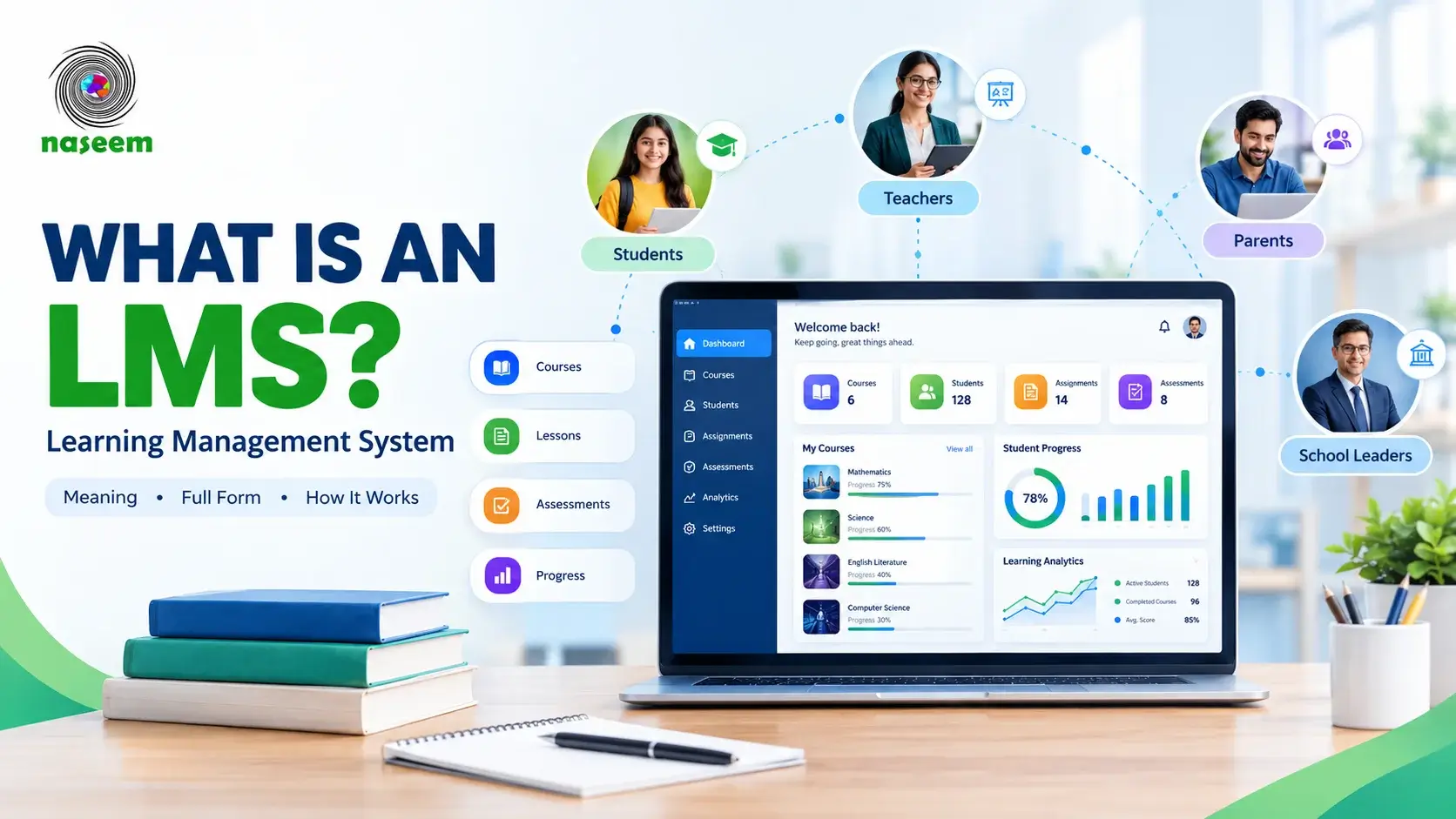
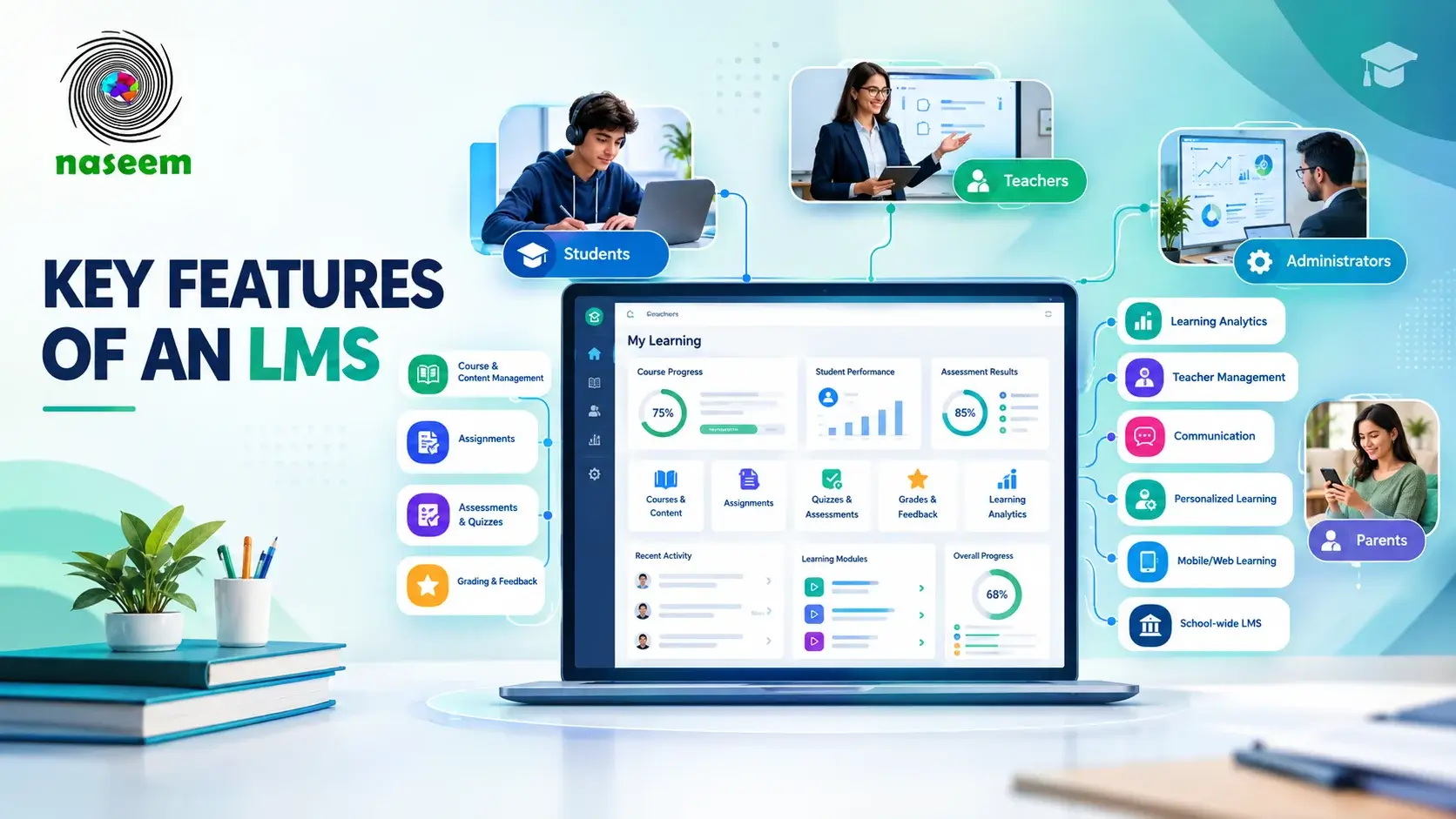
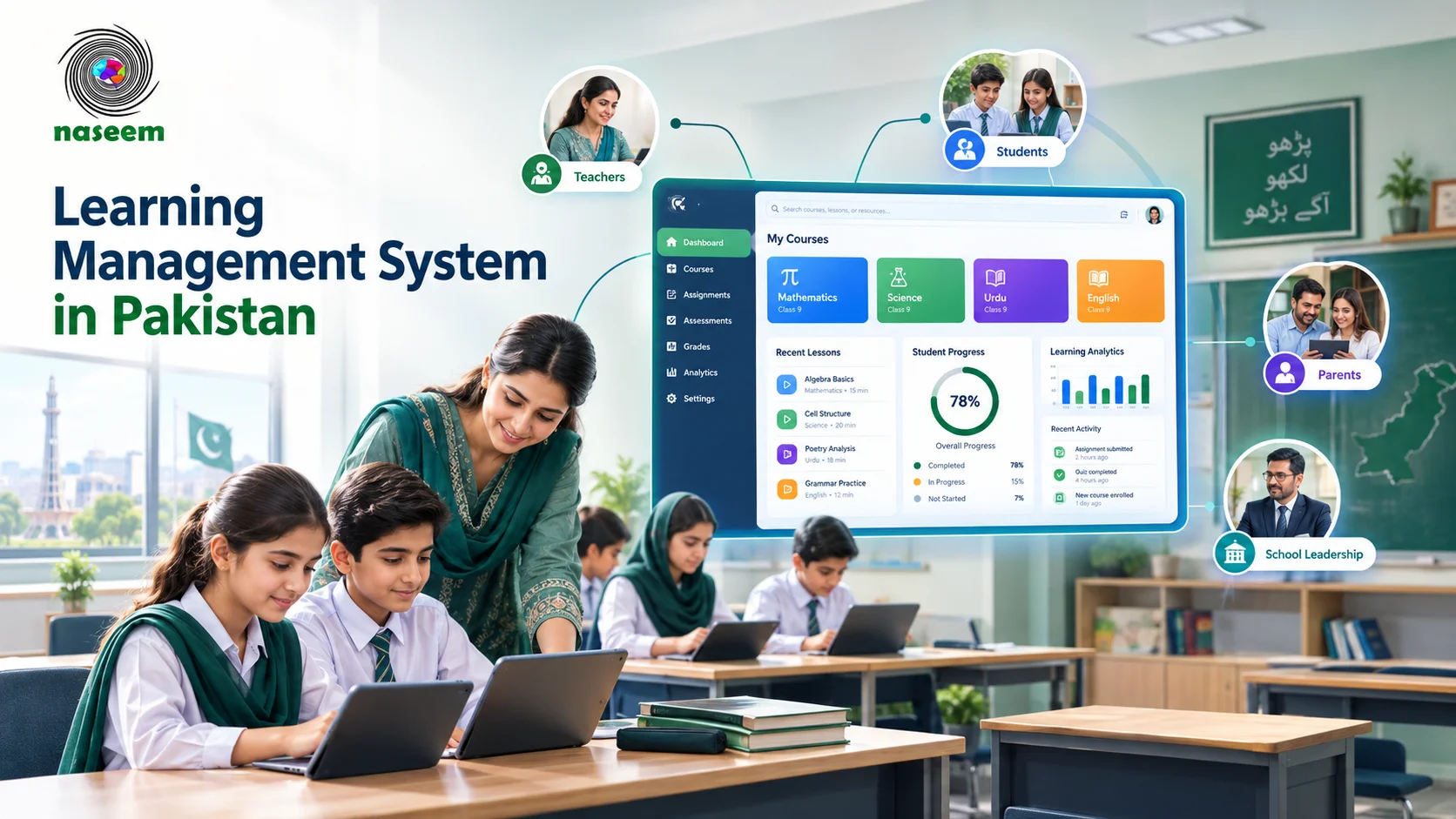
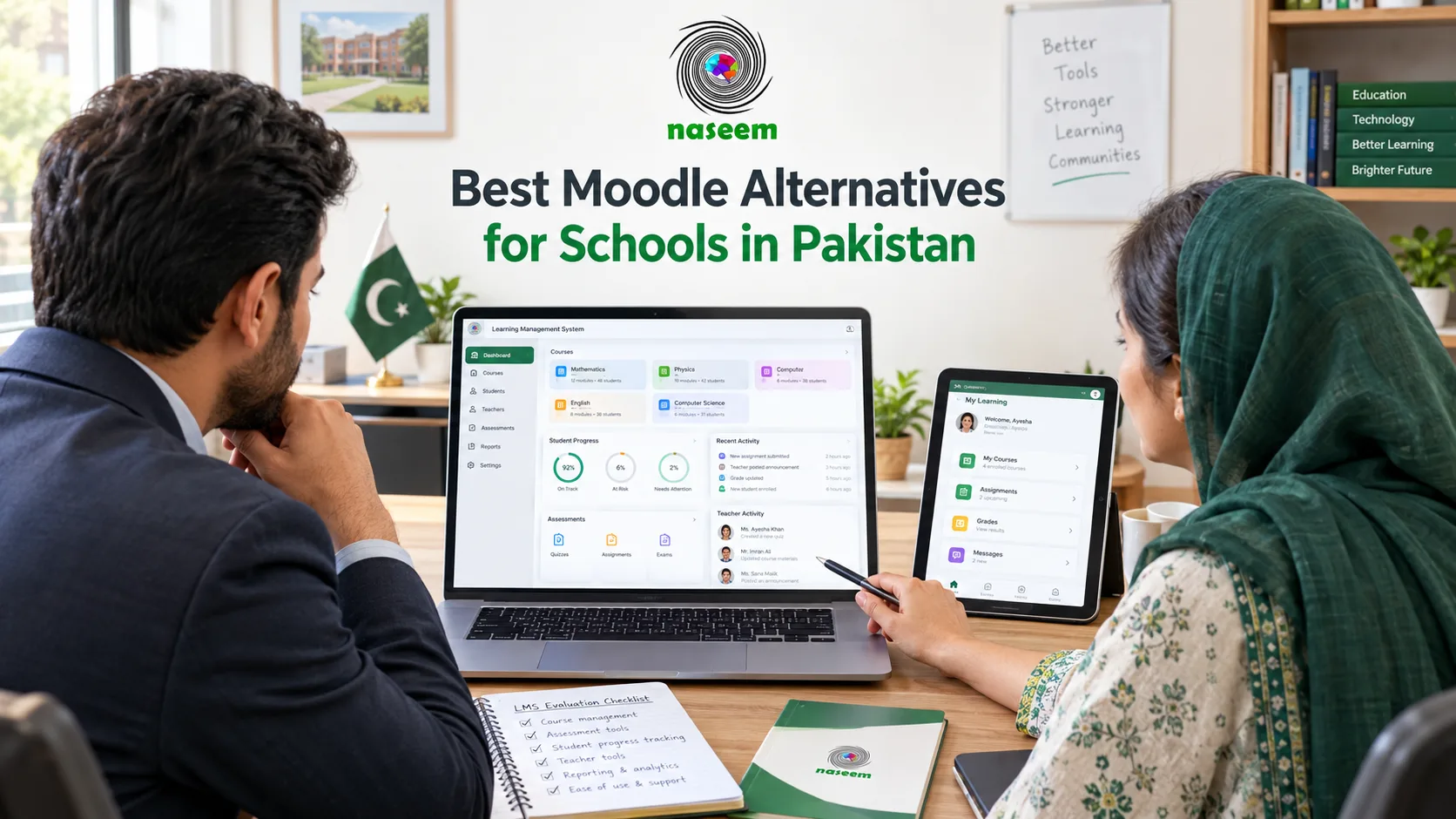
Naseem Education belongs on the evaluation shortlist for schools interested in a school-focused learning management environment. Its LMS page describes course management, assessments, progress tracking, teacher workflows, parent visibility, and learning insights.
That positioning makes it relevant to investigate, but a school should still verify available features, onboarding, support arrangements, integrations, and pricing before deciding whether it is a suitable Moodle replacement.
Alternative type 2: Another open-source LMS
Schools that value ownership, customization, and technical control may prefer another open-source learning platform rather than a managed product.
This approach can be attractive to institutions with in-house developers or a reliable technical partner. It may also help organizations that need a high degree of control over configuration and integration.
However, switching between open-source platforms does not automatically remove maintenance responsibilities. The school still needs to understand hosting, upgrades, security, plugins, migration, and ongoing support.
If your main reason for leaving Moodle is the workload associated with self-hosting, another self-managed LMS may not solve the underlying problem.
Alternative type 3: A classroom-focused platform
Some institutions do not need a large, highly customized LMS. Their immediate requirements may be distributing classwork, collecting assignments, giving feedback, and sharing resources.
In that case, a classroom-focused platform such as Google Classroom may be worth evaluating, especially if the school already uses Google Workspace for Education.
Google Classroom offers assignment, grading, communication, and integration workflows. Available features depend on the edition and configuration.
A classroom-focused tool may be a good fit for straightforward teaching workflows, but schools should check whether it covers their broader administrative, reporting, assessment, and parent-engagement requirements.
Alternative type 4: A specialized online course platform
Some products focus primarily on delivering structured courses to learners, often for professional training, tutoring, or online education businesses.
These platforms may provide useful course-building, enrollment, payment, or content-delivery tools. But their suitability for a school depends on whether they support the required academic workflows.
A school should not select a course-selling platform simply because it offers an attractive website or easy video hosting. It needs to check student records, teacher workflows, assessment needs, reporting, permissions, and curriculum structure.
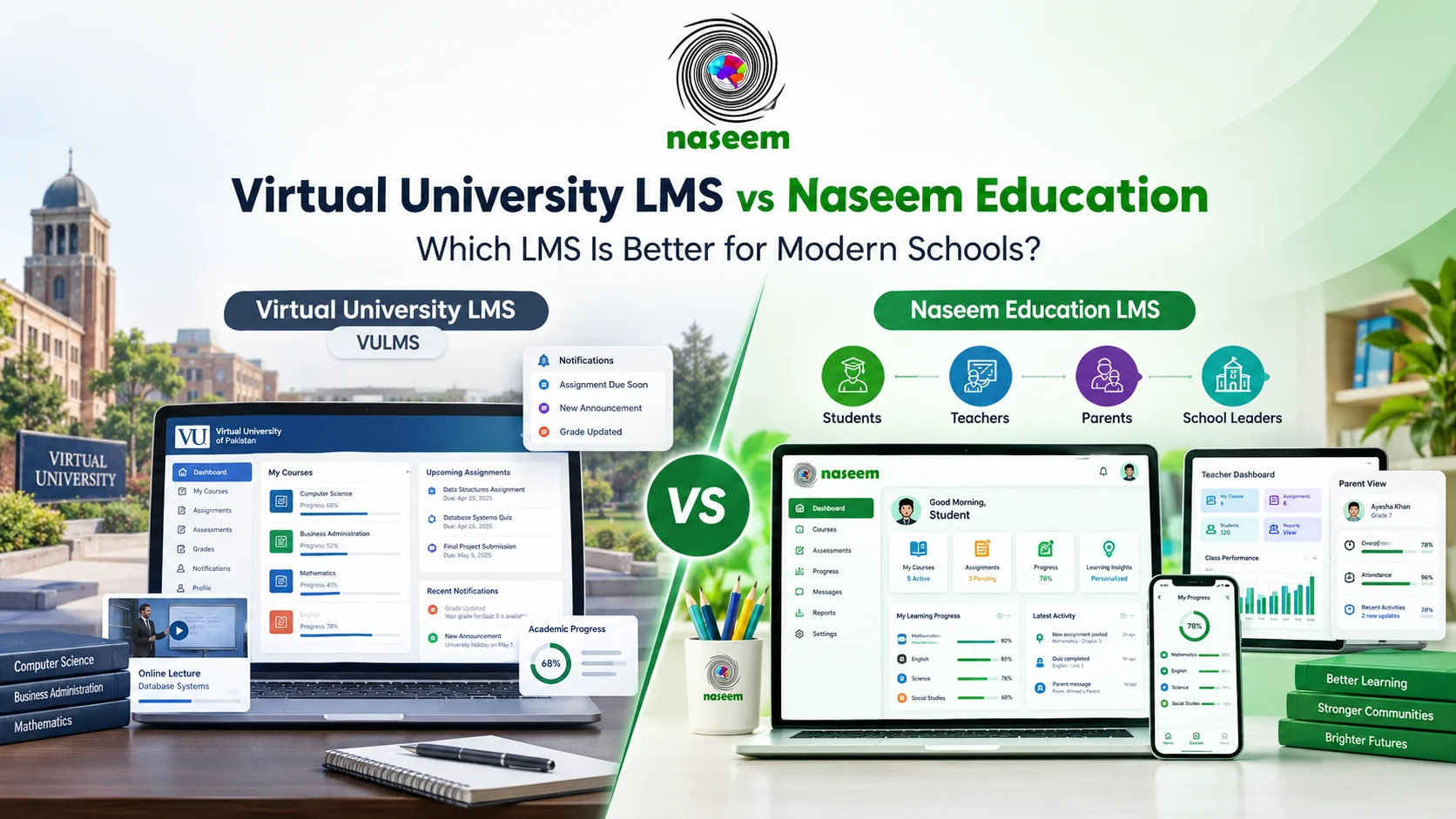
4. Moodle vs a Managed LMS: What Actually Changes?
The most important difference is often not the learning feature itself, but who is responsible for operating the system.
Consider a school that wants to introduce online assessments. Both a Moodle installation and a managed LMS may support assessment workflows. The practical difference may involve who configures the system, maintains the environment, resolves technical issues, and helps teachers get started.
| Evaluation area | Self-hosted Moodle | Managed LMS |
|---|---|---|
| Software licensing | Moodle is open-source software | Depends on the provider's model |
| Hosting | Managed by the school or its chosen provider | May be included in the service |
| Updates | School or provider must manage them | Provider may manage them, depending on the agreement |
| Customization | Broad flexibility through configuration and compatible extensions | Depends on the product and available options |
| Technical responsibility | Requires an agreed internal or external owner | Often shared or shifted toward the provider |
| Support | Depends on internal resources or the chosen service provider | Depends on the service plan |
| Initial setup | Can range from simple to highly customized | Depends on the product and onboarding process |
| Ongoing cost | Hosting, maintenance, services, and staff time may apply | Subscription and any additional service charges |
| Control | Potentially extensive control over the installation | Depends on platform policies and available export options |
This table is a general comparison, not a claim that every Moodle installation or managed LMS works the same way.
Moodle itself also offers managed hosting options, so the decision is not always a strict choice between self-hosting and switching products.
Before making a change, identify which responsibility is causing the most difficulty. If the issue is hosting, a managed Moodle arrangement might be enough. If the issue is a mismatch between the platform and your school workflows, a different LMS may deserve closer evaluation.
5. What Should Pakistani Schools Look for in a Moodle Alternative?
Schools in Pakistan operate in different circumstances. A large urban school with a dedicated IT team may have very different needs from a smaller school where teachers handle several responsibilities.
A suitable LMS should reflect the actual conditions in which it will be used.
Device and connectivity requirements
Find out how teachers and students will access the platform. Are computers available in classrooms, or do many users depend on smartphones? Is internet access reliable throughout the school day? Do students sometimes need to complete work from home with limited connectivity?
Test the platform on the devices your community actually uses. A demonstration on a fast office computer will not reveal every difficulty students may face on a slower phone or connection.
UNESCO highlights digital access, learner protection, and privacy as important considerations when educational institutions adopt technology. Its overview of digitalization and the right to education is useful background for schools planning digital learning.
Curriculum and assessment needs
A school may follow a national curriculum, Cambridge pathways, an international curriculum, or a combination of approaches.
Make a list of the assessments and learning activities teachers use most often. These may include multiple-choice quizzes, written assignments, projects, file submissions, practice activities, and teacher feedback.
Ask the vendor to demonstrate those specific workflows. Do not assume that a platform supports every examination format or curriculum requirement simply because it is described as an LMS.
Parent visibility
Many schools want parents to remain informed about their children's progress. The right approach depends on how much information the school intends to share and how it manages access.
Ask whether parent access is available, how accounts are connected to students, and which information parents can see. If the product does not offer a dedicated parent experience, determine whether another workflow would be needed.
Teacher workload
An LMS should make teaching more manageable, not add a second set of administrative tasks.
Ask teachers to try creating a course, distributing an assignment, reviewing submissions, providing feedback, and checking student progress. Record the time and effort required.
A tool that is easy to use consistently may be more valuable than a complex system with features staff rarely use.
Technical support
Clarify the provider's responsibilities. Who handles login issues, system outages, account problems, and configuration questions? Is there a defined support channel? Are there response-time commitments?
For a self-hosted system, identify the individual or organization responsible for maintenance and recovery. For a managed platform, review the service agreement rather than relying on verbal assurances.
Pricing and budget
Compare the full cost over at least the period your school expects to use the product. Include subscriptions, hosting, setup, training, data migration, technical support, and integrations where applicable.
For an open-source system, include the cost of staff time and external services. For a subscription product, check renewal terms, user limits, and additional charges.
6. Where Does Naseem Education Fit?
Naseem Education is worth considering if your school is looking for a learning management environment built around the broader school community.
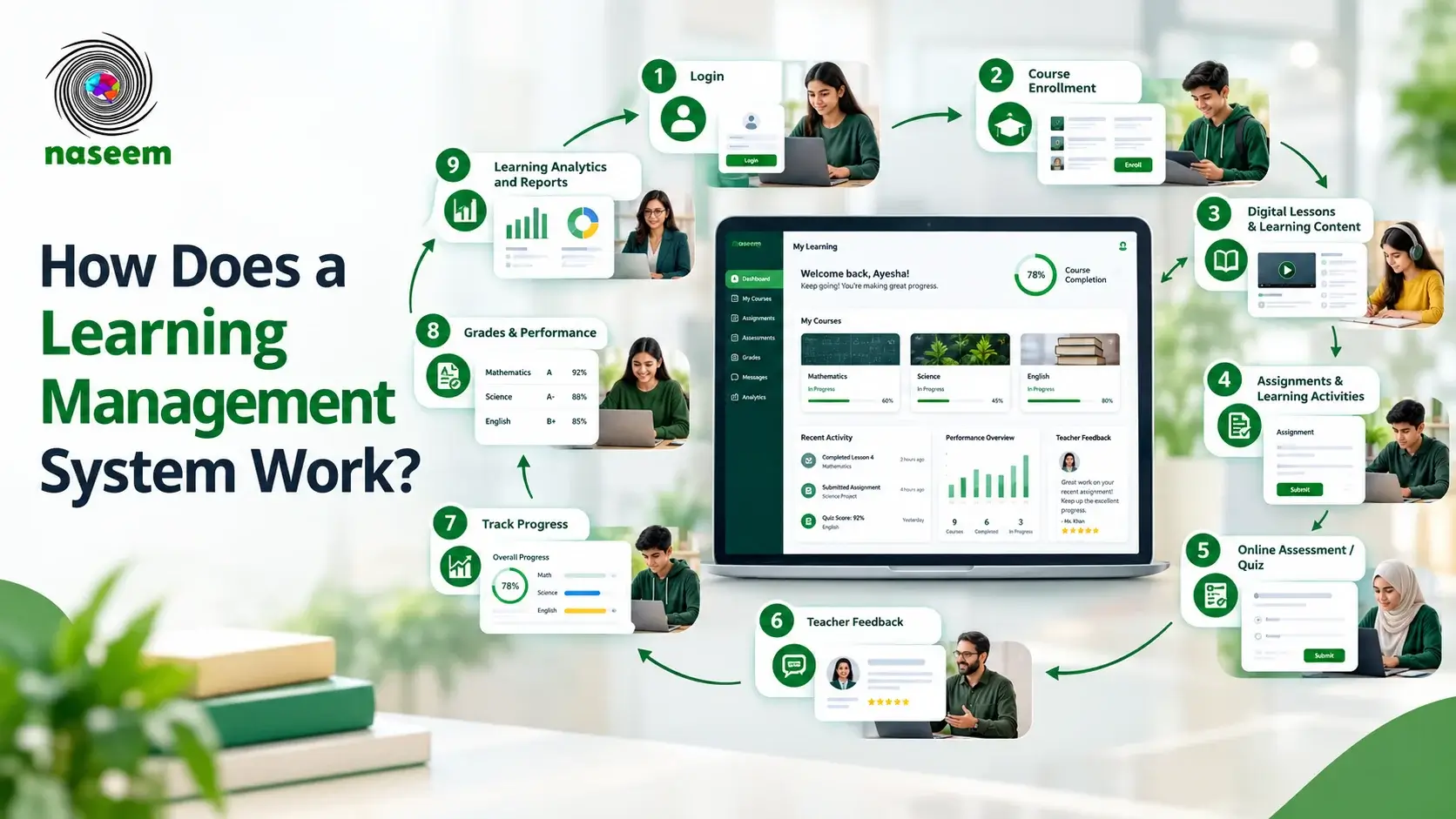
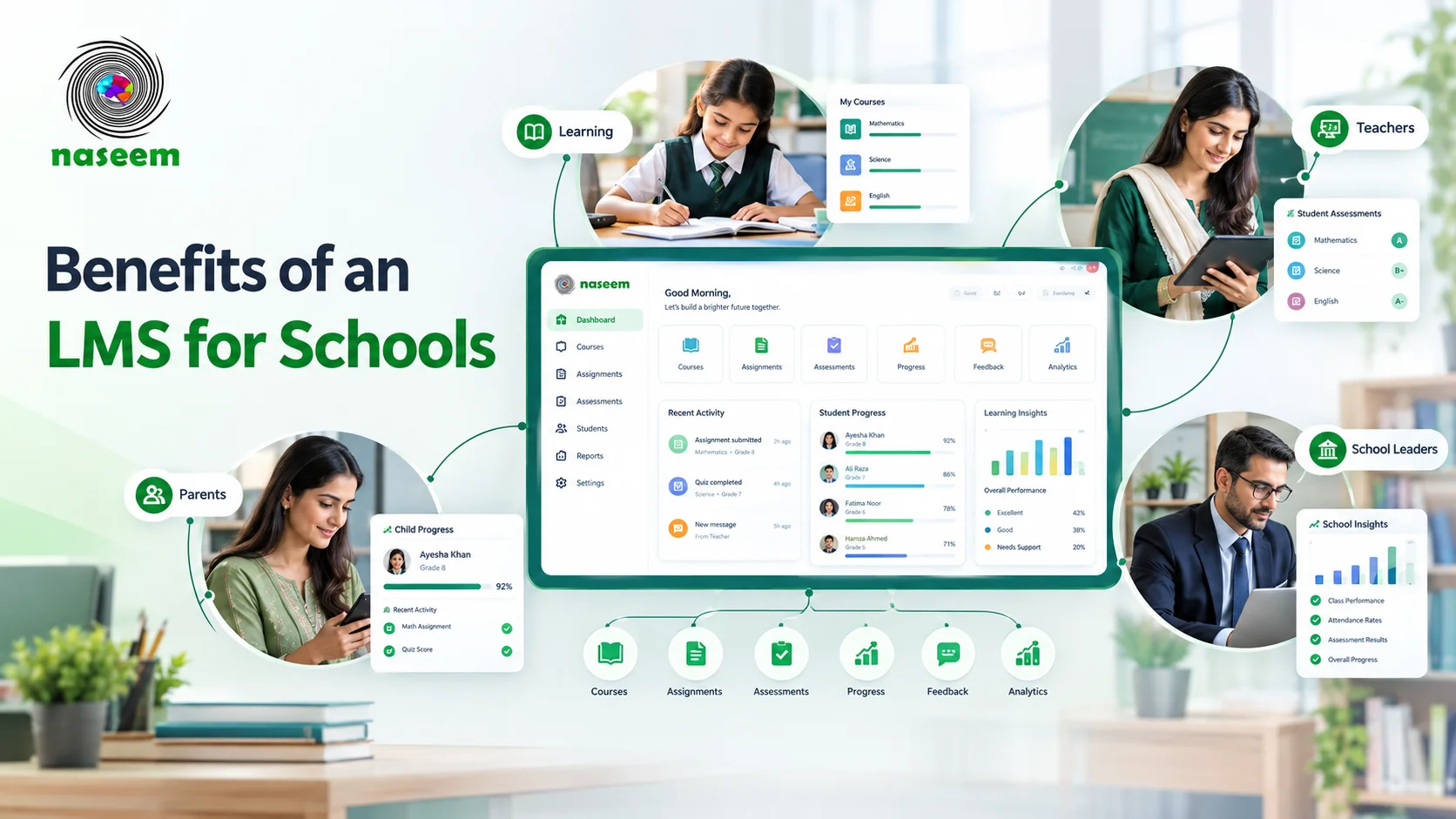
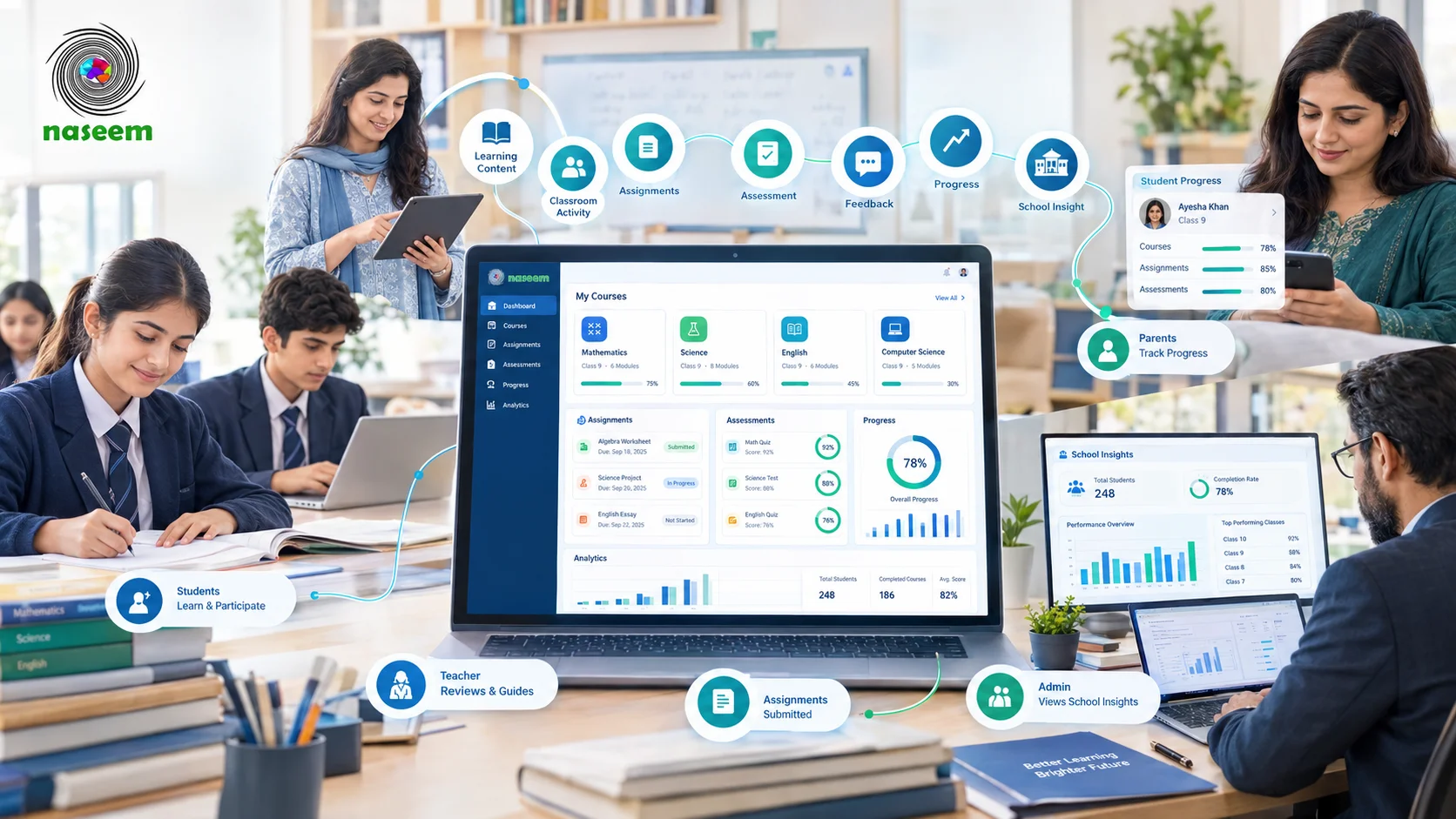
Its product page describes a platform connecting students, teachers, parents, and school leaders. The stated capabilities include course organization, learning activities, assessments, student progress tracking, teacher tools, parent visibility, and learning insights.
This makes Naseem Education relevant to schools whose needs extend beyond course hosting.
For example, imagine a school where teachers upload resources to one place, collect assessments through another, send parents progress updates separately, and prepare academic summaries using spreadsheets. Such a setup may work, but it can create duplicated effort and fragmented information.
A connected LMS may help organize parts of this process in a more consistent way, provided it supports the school's required workflows.
Naseem Education should not be treated as a universal replacement for Moodle. Schools with complex custom integrations, specialized research requirements, unusual assessment workflows, or a strong preference for self-hosting may find Moodle's flexibility important.
The practical question is whether Naseem Education supports the capabilities your school needs and whether the overall service model fits your resources.
Before choosing it, ask for confirmation of:
- The features included in the proposed plan.
- The supported assessment and reporting workflows.
- How teacher, student, parent, and administrator access works.
- Which integrations are available.
- What technical support and onboarding are included.
- How existing courses and records can be migrated.
- What data export options are available.
- How pricing and renewals work.
You can begin with the Naseem Education LMS overview and request further information through the official website.
7. How to Compare Moodle Alternatives Without Wasting Time
Schools can lose weeks comparing software that does not address their actual problems. A structured shortlist helps avoid that.
Step 1: Identify the reason for switching
Write down the three main problems with the current system. Be specific.
For example, "Moodle is too complicated" is difficult to evaluate. "Teachers need technical assistance to create every course, and our current setup requires frequent manual updates" is more useful.
This distinction helps determine whether the issue is training, configuration, hosting, or the platform itself.
Step 2: Separate essential requirements from optional features
Create two lists.
Essential requirements are capabilities the school must have before adopting the product. Optional requirements are useful improvements that can wait.
Your essential list might include student accounts, course organization, assignment submission, assessment workflows, appropriate access permissions, and a way to export important records.
Optional requirements might include advanced dashboards, additional integrations, or specialized engagement features.
The exact list should reflect the school's curriculum and operations.
Step 3: Shortlist three products
Include Moodle in a managed configuration if appropriate, one or two alternative LMS products, and a classroom-focused tool if its approach is relevant.
Do not shortlist a product just because it appears on a generic "best LMS" list. Check that it serves the type of institution you operate and can plausibly meet your essential requirements.
Step 4: Use the same demonstration tasks
Ask each provider to demonstrate the same tasks:
- Create or organize a course.
- Enroll or add learners.
- Share a learning resource.
- Assign an assessment.
- Review student submissions.
- Provide feedback.
- Review student progress.
- Explain how parent or administrator access works.
- Export relevant records.
- Show the support process.
Using the same tasks makes comparisons fairer and exposes workflow differences that marketing pages may not reveal.
Step 5: Test with actual users
Include a teacher, an administrator, and, where possible, representative students or parents in the evaluation.
Ask them to complete realistic tasks without step-by-step guidance. Record where they become confused, how long tasks take, and which functions are missing.
A system should be evaluated by the people who will use it, not only by the person purchasing it.
Step 6: Check the contract and data arrangements
Review pricing, renewal terms, support commitments, data export, data retention, and account closure procedures.
Schools should know how they can retrieve their information if they change platforms in the future. They should also understand which responsibilities remain with the school and which belong to the provider.
8. A Simple LMS Evaluation Scorecard
Use the following scorecard to compare your shortlisted platforms. Rate each area from 1 to 5, where 1 means poor fit and 5 means excellent fit.
| Evaluation criterion | Suggested weighting |
|---|---|
| Teaching and course workflows | 20% |
| Assessments and feedback | 15% |
| Student progress and reporting | 15% |
| Ease of use for teachers and students | 15% |
| Parent and administrator workflows | 10% |
| Security, permissions, and data management | 10% |
| Integrations and data export | 5% |
| Support and implementation | 5% |
| Total cost of ownership | 5% |
| Total | 100% |
The weighting is a starting point, not an industry benchmark. Change it to reflect your priorities. A school with complex integrations may assign them greater importance; a smaller school may place more emphasis on usability and support.
You can also mark essential requirements as pass or fail. A high overall score should not compensate for a missing requirement that is critical to the school's operation.
9. Common Mistakes to Avoid When Replacing Moodle
- Switching before understanding the problem. A different LMS will not automatically fix poor course organization, unclear teaching processes, or insufficient training.
- Choosing based only on price. A low subscription fee can be offset by implementation work, support costs, or time spent maintaining the system.
- Assuming open-source means zero cost. Moodle's software is free to download, but hosting, technical expertise, customization, and maintenance may still cost money.
- Assuming every alternative includes the same features. Products differ in assessment formats, reporting, parent access, integrations, and administration. Verify the exact functions required.
- Ignoring migration. Existing courses, files, user accounts, grades, and records may not transfer automatically. Ask for a migration plan and test it before committing.
- Failing to involve teachers. If staff are not comfortable using the new system, adoption may remain low even if the software is technically capable.
- Overlooking student privacy. Review data access, permissions, storage, retention, and export arrangements before introducing a new system. UNESCO's online learning privacy guidance provides useful context for this work.
Final Thoughts: Finding the Right Moodle Alternative
Moodle remains a capable option for schools that value flexibility and have the resources to manage or support it. But a school's needs can change, and the right learning platform should fit its current teaching practices, technical resources, and future plans.
For some schools, a managed Moodle arrangement may be enough. Others may benefit from a classroom-focused platform or a school-oriented LMS that brings assessments, student progress, teacher workflows, and parent visibility into a connected environment.
Naseem Education is one option to evaluate if that broader school-focused approach matches your requirements. Review its LMS features, prepare your essential requirements, and ask for a demonstration that reflects your school's actual workflows.
A successful switch is not simply about leaving Moodle. It is about finding a platform that teachers can use effectively, students can navigate confidently, and school leaders can support over the long term.
Frequently Asked Questions About Moodle Alternatives
Ready to Bring Your School’s Learning Together?
Give your school a connected learning management system designed to support students, teachers, parents, and school leaders.