
Learning Management System for Schools: Complete Guide
Schools are no longer choosing between classroom teaching and digital learning as if they were two separate systems. In many schools, students learn in classrooms, access digital resources at home, submit assignments online, complete assessments through software, and receive feedback through more than one channel.
Without a central system, those activities can quickly become difficult to manage.
A learning management system for schools gives the school a structured digital environment for organizing courses, lessons, assignments, assessments, feedback, student progress, and other learning activities.
But choosing an LMS is not simply a matter of finding software with a long list of features.
A school needs to consider how teachers work, how students learn, what parents need to see, how administrators manage users and courses, what devices students use, how reliable the internet connection is, how student information is protected, and whether the platform can continue to support the school as it grows.
This guide explains what a school LMS does, who uses it, what schools should look for, how implementation works, what an LMS can cost, and how to evaluate different platforms before making a decision.
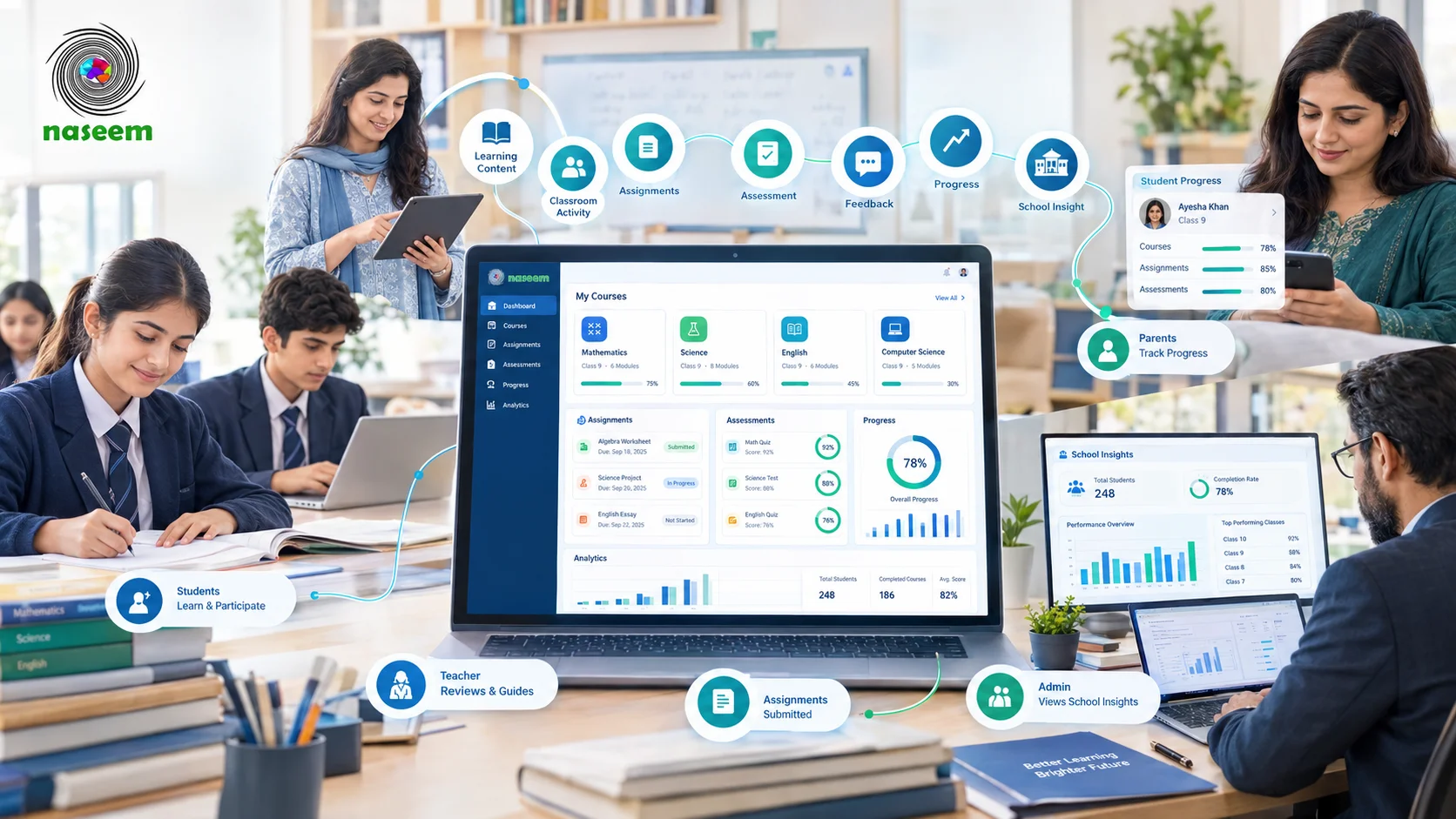
What Is a Learning Management System for Schools?
A Learning Management System (LMS) is software that helps an educational institution organize, deliver, manage, assess, and monitor learning through a centralized digital environment.
For schools, that environment can bring together:
- Courses
- Subjects
- Lessons
- Learning materials
- Assignments
- Assessments
- Grades
- Feedback
- Student progress
- Learning activity
- Reports
- Teacher tools
- Parent visibility
If you want a broader explanation of the term itself, see our guide to what an LMS is, which explains the meaning, full form, purpose, and basic operation of a learning management system.
The school-specific use of an LMS is different from simply uploading educational files to a shared drive or website. A shared folder can store documents, but it does not necessarily provide a connected workflow for assigning work, assessing students, tracking progress, and giving teachers useful information about learning.
An LMS connects these activities.
A teacher might create a course, add lessons, provide resources, assign work, assess submissions, give feedback, and review student progress from the same environment.
Students can access their courses, complete activities, submit assignments, take assessments, and review feedback.
School administrators can manage users, courses, permissions, and institutional information.
Parents may receive appropriate visibility into their child's progress, performance, assignments, or achievements, depending on the platform and the school's policies.
The exact capabilities vary from one platform to another, so the term school LMS should not be treated as a guarantee that every product offers the same functionality.
How Is a School LMS Different From a General LMS?
The underlying concept is the same, but schools have specific requirements that influence how an LMS needs to work.
A university, corporate training department, private tutor, and primary school may all use an LMS, but their learning environments are different.
Schools typically have:
- Multiple grades
- Multiple classes
- Multiple subjects
- Large groups of students
- Teachers managing different courses
- Parents who may need appropriate academic visibility
- School administrators
- Academic coordinators
- Structured terms and academic years
- Different levels of student independence
A learning management system for schools therefore needs to support more than course delivery.
It should fit the relationships between students, teachers, parents, and school leadership.
School LMS vs School Management System
A school LMS is also different from a broader school management system.
A school management system may cover administrative functions such as admissions, attendance, fees, staff records, transportation, and other institutional processes.
An LMS is primarily concerned with learning.
| School LMS | School Management System |
|---|---|
| Courses | Admissions |
| Lessons | Student records |
| Learning resources | Fees |
| Assignments | Attendance |
| Assessments | Staff administration |
| Grading | Institutional administration |
| Learning progress | Operational reporting |
| Learning analytics | Broader school management |
There can be overlap between the two categories, and some platforms bring several school functions together. The important point is to understand the primary purpose of the system before comparing products.
A school that needs better digital teaching and learning may need an LMS even if it already has administrative software.
What Can Schools Use an LMS For?
The value of an LMS becomes easier to understand when you look at the activities it can support.
Organizing Courses and Lessons
A school LMS can give each subject or course a defined digital structure.
A teacher may organize content into:
- Units
- Lessons
- Topics
- Activities
- Resources
- Assignments
- Assessments
Students then have a consistent place to find the material connected to their courses.
This can reduce the need to distribute learning resources through disconnected folders, messaging applications, email attachments, and physical documents.
Delivering Digital Learning
An LMS can provide access to different types of learning material, including:
- Documents
- Presentations
- Videos
- Reading material
- Interactive activities
- Exercises
- Links to external resources
The purpose is not simply to put textbooks online.
A well-organized digital learning environment connects resources to the lessons, activities, and assessments that students are expected to complete.
Managing Assignments
Assignment management is one of the most practical uses of a school LMS.
Teachers can create an assignment, provide instructions, set a deadline, receive student submissions, review the work, and provide feedback.
Students can see what they need to complete without relying entirely on separate notices or messages.
Depending on the platform, teachers may also be able to track which students have submitted work and which assignments remain incomplete.
Conducting Assessments
An LMS can support different forms of assessment, such as:
- Quizzes
- Tests
- Short-answer questions
- Multiple-choice assessments
- Practice exercises
- Course assessments
- Other digital evaluation activities
Some platforms can automatically grade certain question types.
Other assessments may require teacher review.
The important distinction is that assessment should be connected to learning rather than treated as an isolated activity.
When assessment results sit alongside course activity and progress information, teachers have more context for understanding student performance.
Tracking Student Progress
A school LMS can bring different types of learning information together.
For example, a teacher may be able to see:
- Assignment completion
- Assessment results
- Course progress
- Learning activity
- Areas of difficulty
- Feedback history
This does not automatically tell a teacher why a student is struggling. It provides information that can help the teacher investigate the situation and decide what support may be appropriate.
Supporting Blended Learning
An LMS does not have to replace classroom teaching.
It can support a blended model in which face-to-face instruction and digital learning work together.
For example:
- A teacher introduces a topic in class.
- Students review supporting material through the LMS.
- Students complete an activity.
- The teacher reviews the results.
- The next classroom session addresses areas where students need more help.
Digital tools can therefore extend the classroom rather than create a completely separate learning environment.
UNESCO's work on digital education similarly treats technology as part of an education system rather than a substitute for teachers and schools.
Who Uses a School Learning Management System?
A school LMS serves more than one type of user.
The experience should be different for each person because each role has different responsibilities.
Students
Students are the primary learners in the system.
Depending on the platform, students may use an LMS to:
- Access courses
- Read or watch learning material
- Complete activities
- Submit assignments
- Take assessments
- Review grades
- Receive feedback
- Track their progress
- Review achievements
The interface should be easy enough that students can find what they need without requiring constant assistance.
For younger students, simplicity becomes even more important.
Teachers
Teachers use the LMS to manage the learning process.
Their activities may include:
- Creating courses
- Organizing lessons
- Uploading resources
- Creating assignments
- Creating assessments
- Reviewing submissions
- Grading work
- Providing feedback
- Monitoring student progress
- Identifying areas that require attention
An LMS that gives teachers extensive functionality but makes basic tasks difficult can create an adoption problem.
The platform needs to fit the teacher's actual workflow.
School Administrators
Administrators typically need a wider view.
Their responsibilities may include:
- Creating and managing user accounts
- Managing roles and permissions
- Organizing classes
- Managing courses
- Supporting teachers
- Monitoring platform use
- Reviewing reports
- Managing school-level settings
The administrative experience should make it possible to manage the system without turning routine tasks into technical projects.
Parents
Parents can have a useful role in a school LMS, but their access needs to be carefully defined.
Depending on the platform and school policy, parents may be able to see:
- Learning progress
- Assessment performance
- Assignments
- Achievements
- Areas that need attention
The goal should be meaningful visibility rather than sending parents every piece of information generated by the system.
School Leaders
Principals, academic coordinators, and other school leaders may need information at a broader level.
They may want to understand:
- Student performance
- Course activity
- Assessment patterns
- Progress across classes
- Learning trends
- Areas where additional support may be required
This is where reporting and analytics can become useful.
Key Features to Look for in an LMS for Schools
Not every school needs every available feature.
The better approach is to identify the functions that support the school's actual teaching and learning process.
For a detailed breakdown, see our guide to the key features of an LMS. That article covers the major LMS capabilities in greater depth. Here, the focus is on what those capabilities mean when evaluating a school platform.
Course and Content Management
Teachers should be able to organize subjects, courses, lessons, resources, and activities in a way that makes sense to students.
Look for:
- Course creation
- Lesson organization
- Content management
- Subject and class organization
- Resource management
- Easy content updates
Assignment Management
A school LMS should make it straightforward to create assignments, communicate requirements, collect submissions, and review student work.
Look for:
- Assignment creation
- Deadlines
- Submission management
- Teacher review
- Feedback
- Completion tracking
Assessments and Grading
Assessment tools should support the types of evaluation the school actually uses.
Consider:
- Quizzes
- Tests
- Question types
- Grading
- Auto-grading where appropriate
- Results
- Feedback
- Assessment reporting
Student Progress Tracking
A useful LMS should make progress information understandable.
Ask whether teachers can identify:
- Completed work
- Incomplete work
- Assessment performance
- Course progress
- Students who may need additional support
Teacher Tools
Teachers should not need extensive technical knowledge to manage everyday learning activities.
Test how easily a teacher can:
- Create a course
- Add a lesson
- Create an assignment
- Mark work
- Give feedback
- Review student progress
If these basic tasks take too many steps, the platform may be difficult to adopt at scale.
Reporting and Learning Analytics
Analytics can help teachers and school leaders understand patterns in learning activity and performance.
Useful reports may cover:
- Student progress
- Assessment performance
- Course activity
- Assignment completion
- Class performance
- School-level trends
The presence of dashboards alone does not create better decisions. The information needs to be understandable and connected to actions the school can take.
User Roles and Permissions
Different users should not automatically have access to the same information.
A school may need separate permissions for:
- Students
- Teachers
- Parents
- Administrators
- School leaders
Role-based access can help keep information appropriate to each user.
Mobile and Web Access
Students and teachers may access the LMS from different devices.
A school should test the platform on the devices its community actually uses.
Consider:
- Desktop browsers
- Laptops
- Tablets
- Smartphones
- Different screen sizes
- Browser compatibility
A platform that works well on a desktop should still be tested on smaller screens before adoption.
Security and Student Data Privacy
Schools handle information about children, families, teachers, grades, assessments, and academic activity.
Privacy therefore needs to be part of the evaluation process from the beginning.
Schools should ask:
- What information does the platform collect?
- Why is it collected?
- Who can access it?
- How is it stored?
- How is it transferred?
- How long is it retained?
- Can the school control access?
- What happens when an account is closed?
- What does the provider's privacy policy say?
- What contractual protections apply to school data?
The U.S. Department of Education's student privacy guidance specifically discusses the need for schools and districts to evaluate online educational services, including how providers collect, use, and disclose student information.
UNESCO's guidance on personal data and privacy in online learning also addresses data protection considerations for students, teachers, and parents.
The exact legal requirements vary by jurisdiction, so schools should assess a platform against the laws and contractual requirements that apply to them.
Integrations and Interoperability
Schools often use more than one digital system.
An LMS may need to work with:
- Student information systems
- Assessment systems
- Digital content
- Identity systems
- Learning tools
- Reporting systems
Interoperability standards can make these connections easier.
1EdTech's OneRoster standard, for example, supports the exchange of information such as people, courses, enrollments, and grades between systems including student information systems and LMS platforms.
LTI is another 1EdTech standard designed to connect learning tools with learning platforms and support secure access and data exchange.
When evaluating a school LMS, ask which standards and integrations it supports rather than assuming that every platform will connect to existing systems.
What Are the Benefits of an LMS for Schools?
A school LMS can provide practical benefits when it is implemented around real teaching and learning needs.
Our dedicated guide to the benefits of a learning management system for schools covers these advantages in more detail. The main point here is how those benefits affect school operations.
A More Organized Learning Environment
Courses, resources, assignments, assessments, and feedback can be organized in one learning environment.
This can make it easier for students and teachers to find relevant information.
Easier Access to Learning Materials
Students can access course resources without depending entirely on physical handouts or individual teacher messages.
This can also make it easier to provide the same core material to students within a course.
More Structured Assignment Management
An LMS can bring instructions, deadlines, submissions, grading, and feedback into one workflow.
This can reduce some of the administrative work associated with collecting and organizing student work.
Better Visibility Into Progress
Teachers can see more than a final result when the platform connects activity, assignments, assessments, and progress.
That information can help teachers decide where additional explanation, practice, or support may be needed.
Support for Blended Learning
Schools can use the LMS alongside classroom teaching.
Students can access additional material outside class, prepare before a lesson, revise afterward, or complete activities remotely when necessary.
Better Academic Communication
A centralized learning environment can give students and teachers a common place for course-related information.
Depending on the platform, parents can also receive relevant updates about academic progress.
More Useful Learning Data
An LMS can collect information about learning activity and performance.
The value comes from how teachers and school leaders use that information.
A dashboard that nobody uses does not improve teaching. Data becomes useful when it helps someone understand a problem, monitor progress, or decide what to do next.
How to Choose the Right LMS for Your School
Choosing an LMS should begin with the school's requirements, not with a vendor's feature list.
Start With Your School's Requirements
Before comparing platforms, document:
- Number of students
- Number of teachers
- Grades
- Subjects
- Number of campuses
- Existing technology
- Teaching model
- Digital learning requirements
- Parent involvement
- Reporting needs
- Available technical support
A small school and a multi-campus institution may have very different requirements.
Define What Teachers Need
Speak with teachers before selecting the platform.
Ask them:
- How do you currently distribute learning materials?
- How do you collect assignments?
- How do you assess students?
- How do you give feedback?
- What information do you need about student progress?
- Which current tasks consume the most time?
This can reveal requirements that are easy to miss when evaluating software from an administrator's perspective.
Consider the Student Experience
Students need to be able to navigate the system without unnecessary friction.
Test:
- Course navigation
- Assignment submission
- Assessment access
- Feedback
- Progress information
- Mobile usability
- Accessibility
Ask students to perform ordinary tasks during the product evaluation.
Do not rely only on a sales demonstration.
Decide What Parents Should See
Parent access should be defined before implementation.
The school should decide:
- Which information parents can view
- When information becomes visible
- Whether parents receive notifications
- How multiple children are handled
- What information remains private between teacher and student
Clear rules can prevent confusion later.
Evaluate Reporting and Analytics
Ask providers to demonstrate actual reports rather than simply showing a dashboard.
For example:
Show us how a teacher identifies students who have not completed an assignment.
Then ask:
Show us how a school leader can compare performance across classes.
Practical demonstrations reveal much more than feature names.
Check Security and Data Handling
Request documentation covering:
- Data storage
- Data access
- User permissions
- Authentication
- Data retention
- Backups
- Data deletion
- Incident handling
- Privacy practices
- Third-party data sharing
Schools should also understand their own responsibilities when using third-party educational services.
Check Device and Connectivity Requirements
Do not assume every student has the same device or internet connection.
Consider:
- Computer availability
- Smartphone use
- Tablet access
- Home internet
- School internet
- Bandwidth
- Offline requirements
- Technical support
A platform should fit the environment in which students actually learn.
Evaluate Support and Training
A school may have excellent software and still struggle with implementation if teachers do not receive adequate training.
Ask:
- What onboarding is included?
- Is administrator training available?
- Is teacher training available?
- What support channels exist?
- What happens when the school encounters a technical problem?
- Is documentation available?
Test Before You Commit
A pilot can reveal problems that a product presentation will not.
A useful pilot might include:
- A small group of teachers
- A representative group of students
- Several subjects
- Real course material
- Real assignments
- At least one assessment
- Parent access where relevant
- Reporting and analytics
Then collect feedback from the people who actually used the system.
How Much Does a School LMS Cost?
There is no single price for a school LMS.
Pricing can depend on the number of students, users, features, storage, support, implementation requirements, integrations, and customization.
Common LMS Pricing Models
School LMS providers may use different pricing approaches, including:
- Per student
- Per user
- Per school
- Subscription plans
- Institution-level pricing
- Custom enterprise pricing
- Self-hosted or open-source arrangements
The pricing model matters because a platform that appears inexpensive for a small school may have a very different total cost at a larger scale.
Look Beyond the Subscription Price
The software subscription is only one part of the cost.
A school may also need to budget for:
- Implementation
- Teacher training
- Administrator training
- Content migration
- Integration
- Technical support
- Customization
- Device upgrades
- Internet infrastructure
This is why schools should compare the total cost of adoption, not simply the advertised monthly or annual subscription.
How to Implement an LMS in a School
Introducing an LMS is an educational change as much as it is a technology project.
Step 1: Define the Learning Goals
Decide why the school wants an LMS.
The goal might be:
- Better digital course organization
- Improved assignment management
- Online assessment
- Progress tracking
- Blended learning
- Parent visibility
- Centralized learning resources
The goals should come before the software.
Step 2: Select the Platform
Compare platforms against the requirements established during the planning stage.
Avoid choosing software simply because it has the largest feature list.
Step 3: Prepare Courses and Content
Decide:
- Which subjects will be included
- Which content needs to be migrated
- How courses will be structured
- Who will create learning resources
- How assessments will be organized
Step 4: Set Up Users and Roles
Create appropriate accounts and permissions for:
- Students
- Teachers
- Parents
- Administrators
- School leaders
Access should reflect each user's responsibilities.
Step 5: Train Teachers
Teacher training should focus on the tasks teachers will actually perform.
A useful training session should allow teachers to:
- Create a course
- Add a lesson
- Upload material
- Create an assignment
- Review submissions
- Assess student work
- Check progress
Step 6: Introduce Students and Parents
Give users clear instructions before expecting them to work independently.
Students should understand how to access courses and submit work.
Parents should understand what information they can see and how the school expects them to use it.
Step 7: Run a Pilot
Start with a manageable group.
A pilot can expose:
- Navigation problems
- Training gaps
- Device issues
- Connectivity problems
- Missing features
- Confusing workflows
Step 8: Collect Feedback
Ask teachers, students, parents, and administrators what worked and what did not.
The most useful feedback is specific.
Instead of asking:
Do you like the LMS?
Ask:
How difficult was it to submit an assignment?
or:
How long did it take you to create your first course?
Step 9: Expand the Rollout
Once major problems have been addressed, expand the platform to additional classes, subjects, or campuses.
Step 10: Review Usage and Learning Data
After implementation, examine whether the LMS is actually being used.
Review:
- Course activity
- Assignment completion
- Assessment participation
- Teacher adoption
- Student engagement
- Support requests
The school can then adjust training, workflows, and platform use.
Common Challenges When Schools Adopt an LMS
An LMS can solve some problems while introducing others if implementation is poorly planned.
Teacher Resistance or Low Adoption
Teachers may already have established ways of working.
If the LMS adds complexity without solving a clear problem, adoption can be difficult.
Training should therefore show teachers how the platform supports their existing responsibilities.
Lack of Digital Content
Buying an LMS does not automatically create good educational content.
Schools may need to prepare:
- Lessons
- Videos
- Reading materials
- Assignments
- Assessments
- Activities
The platform is the environment; teachers and curriculum teams still provide the educational substance.
Limited Devices or Internet Access
Not every student may have the same technology available at home.
Schools should understand device access and connectivity before moving essential activities entirely online.
Poor Training
A platform can be technically capable and still fail to gain adoption if users do not understand how to use it.
Training should continue beyond the initial launch.
Too Many Disconnected Tools
If a school uses separate tools for:
- Courses
- Assignments
- Assessments
- Communication
- Grades
- Reporting
Teachers and students may spend time moving between systems.
Where possible, schools should look for platforms and integrations that reduce unnecessary duplication.
Privacy and Security Concerns
Student data needs careful handling.
Schools should evaluate the provider's privacy practices, contracts, access controls, security measures, and data-sharing arrangements before implementation.
Difficult User Experience
If ordinary tasks require too many clicks, users may avoid the platform.
This is why real-world testing matters.
Using the LMS Without a Clear Learning Strategy
The biggest implementation mistake can be treating the LMS as the strategy itself.
A school should first decide how technology supports its teaching model.
The LMS then becomes the system that supports that approach.
LMS for Different Types of Schools
The right LMS configuration can vary according to the school.
LMS for Primary Schools
Primary schools may need:
- Simple navigation
- Teacher-led learning
- Age-appropriate activities
- Parent involvement
- Visual learning resources
- Straightforward assessments
Younger students may require more support when using digital platforms, so usability matters greatly.
LMS for Secondary Schools
Secondary schools often have more subjects, teachers, assignments, and assessments.
Useful capabilities may include:
- Subject-based courses
- Multiple teachers
- Assessment management
- Assignment workflows
- Progress tracking
- Student feedback
- Independent learning
LMS for Private Schools
Private schools may place greater emphasis on:
- Parent communication
- School-wide consistency
- Academic reporting
- Digital learning
- Multi-class management
- Institutional analytics
The specific requirements will still depend on the school's size and teaching model.
LMS for Public Schools
Public schools may need to pay particular attention to:
- Infrastructure
- Device availability
- Internet access
- Teacher training
- Accessibility
- Cost
- Scalability
Technology decisions should reflect actual local conditions rather than assuming every school has the same resources.
LMS for Multi-Campus Schools
A multi-campus institution may benefit from centralized administration combined with appropriate separation between campuses.
Consider:
- Central user management
- Campus-level permissions
- Standardized course structures
- Shared content
- Campus-specific reporting
- Institution-wide analytics
How Naseem Education Fits Into a School LMS
Once a school understands what it needs from an LMS, it becomes easier to evaluate individual platforms against those requirements.
Naseem Education is one example of a school-focused learning management platform. Its LMS brings courses, learning activities, assessments, student progress, teacher workflows, parent visibility, and school-level insights into one environment.
The platform is designed around four groups within the school community:
- Students
- Teachers
- Parents
- School leaders
A Learning Environment Built Around Schools
A school LMS needs to support more than the student who completes a lesson.
Teachers need to manage learning.
Parents may need appropriate visibility.
School leaders may need broader academic information.
Naseem Education structures its platform around these different roles rather than treating the LMS as a simple course-delivery website.
Course and Learning Management
Schools can organize course content and learning activities within a centralized environment.
This can give students a clearer place to access the material associated with their subjects and courses.
For teachers, it provides a common environment for managing course-related activities.
Assessments and Student Progress
Assessment can be connected with the broader learning process.
Naseem Education includes assessment, auto-grading, feedback, and student progress capabilities.
This allows schools to look at assessment information alongside other learning activity rather than treating a grade as the only measure of progress.
Teacher Tools
Teachers can manage learning activities, assessments, and student performance through the platform.
The emphasis is on giving teachers information that can help them identify areas where students may need additional support.
Parent Visibility
Parents can receive visibility into relevant parts of a student's learning journey.
This can include information related to:
- Progress
- Performance
- Achievements
- Areas requiring attention
The exact access a parent should have remains a school-level decision.
Learning Analytics
Learning analytics can help teachers and school leaders look beyond individual assignments.
Depending on how the school uses the platform, learning information can support questions such as:
- Which students are progressing?
- Where are students struggling?
- How are classes performing?
- Which areas need additional support?
The value lies in what educators do with the information.
Personalized and Multilingual Learning
Naseem Education also includes capabilities around personalized learning, gamified learning, and multilingual learning.
For schools serving diverse groups of learners, multilingual support can be relevant when evaluating the overall learning environment.
Schools should still assess these capabilities against their own curriculum, teaching methods, and student requirements rather than assuming that every feature will be equally useful.
School LMS Evaluation Checklist
Before selecting a learning management system for schools, use a practical checklist.
Teaching and Learning
- Course management
- Lesson organization
- Learning resources
- Assignments
- Assessments
- Grading
- Feedback
- Progress tracking
Student Experience
- Simple navigation
- Mobile access
- Course access
- Assignment submission
- Assessment access
- Feedback
- Accessibility
Teacher Experience
- Easy course creation
- Content management
- Assignment management
- Assessment tools
- Grading
- Student monitoring
- Reporting
School Administration
- User management
- Roles and permissions
- Course management
- Reporting
- Analytics
- Multi-campus support if required
- Scalability
Parents
- Progress visibility
- Assessment information
- Assignment information
- Achievement information
- Appropriate privacy controls
Technology
- Security
- Data protection
- Device compatibility
- Mobile access
- Integrations
- Interoperability
- Backup and recovery
- Technical support
Implementation
- Teacher training
- Administrator training
- Student onboarding
- Parent onboarding
- Pilot program
- Migration plan
- Ongoing support
Final Considerations Before Choosing an LMS for Your School
A school LMS should solve a real educational problem.
Before choosing one, look beyond the feature list and ask whether the platform fits the way your school actually teaches and learns.
Consider:
- What teachers need to do every day
- How students access learning
- What parents should be able to see
- What information school leaders need
- Which devices students use
- How reliable internet access is
- How student information is protected
- Which systems need to connect with the LMS
- What training teachers will need
- How the platform will scale as the school grows
The best starting point is not the software.
It is the school's learning process.
Once those requirements are clear, an LMS can be evaluated on something more useful than the number of features it claims to offer: how well it supports students, teachers, parents, and school leaders in the work of education.
Frequently Asked Questions About LMS for Schools
Ready to Bring Your School’s Learning Together?
Give your school a connected learning management system designed to support students, teachers, parents, and school leaders.
More Articles
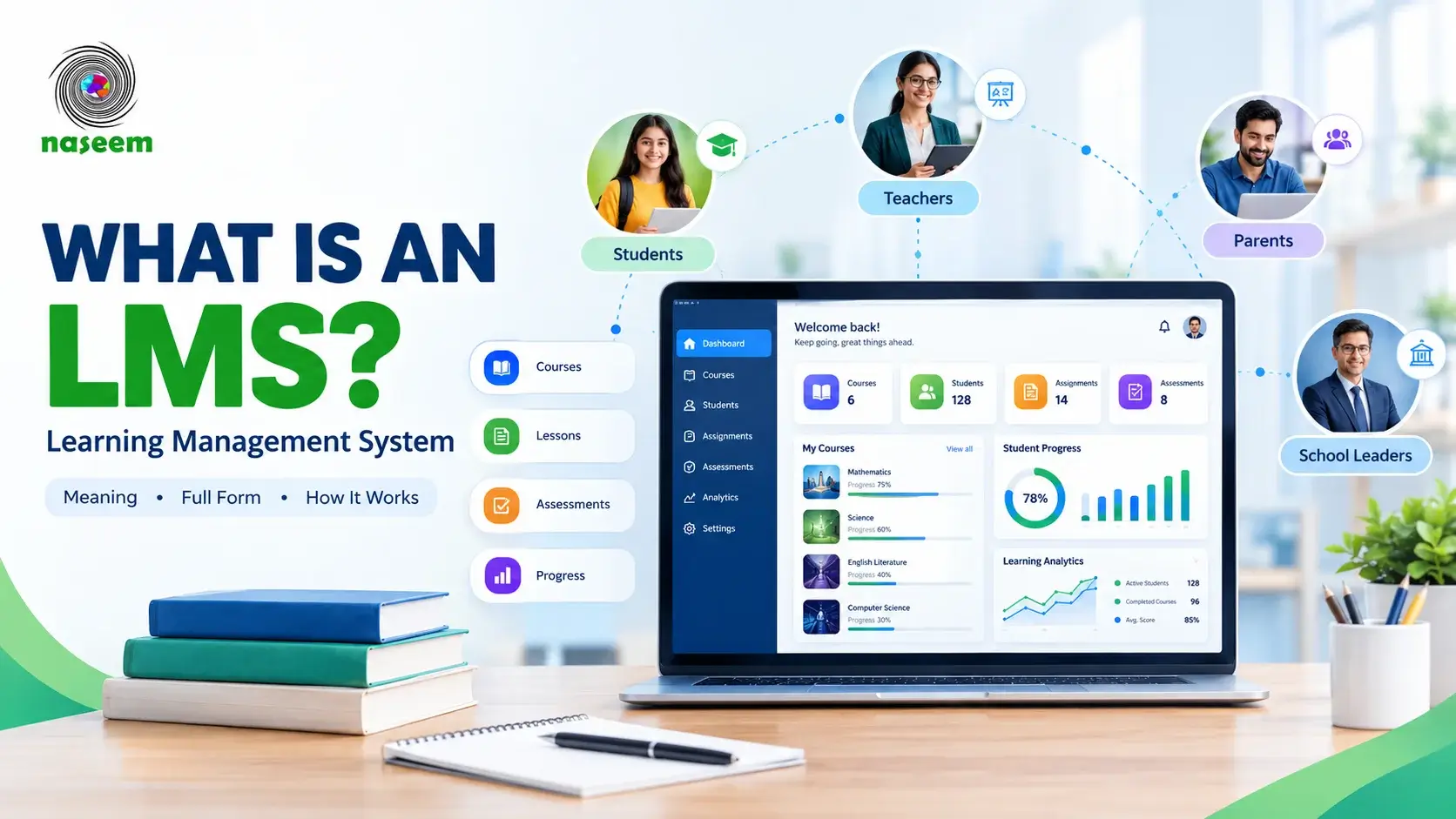
What Is an LMS? Learning Management System Meaning, Full Form & How It Works
Learn what an LMS is, what LMS stands for, how a learning management system works, its key features, benefits, and how schools use LMS software.
Read Article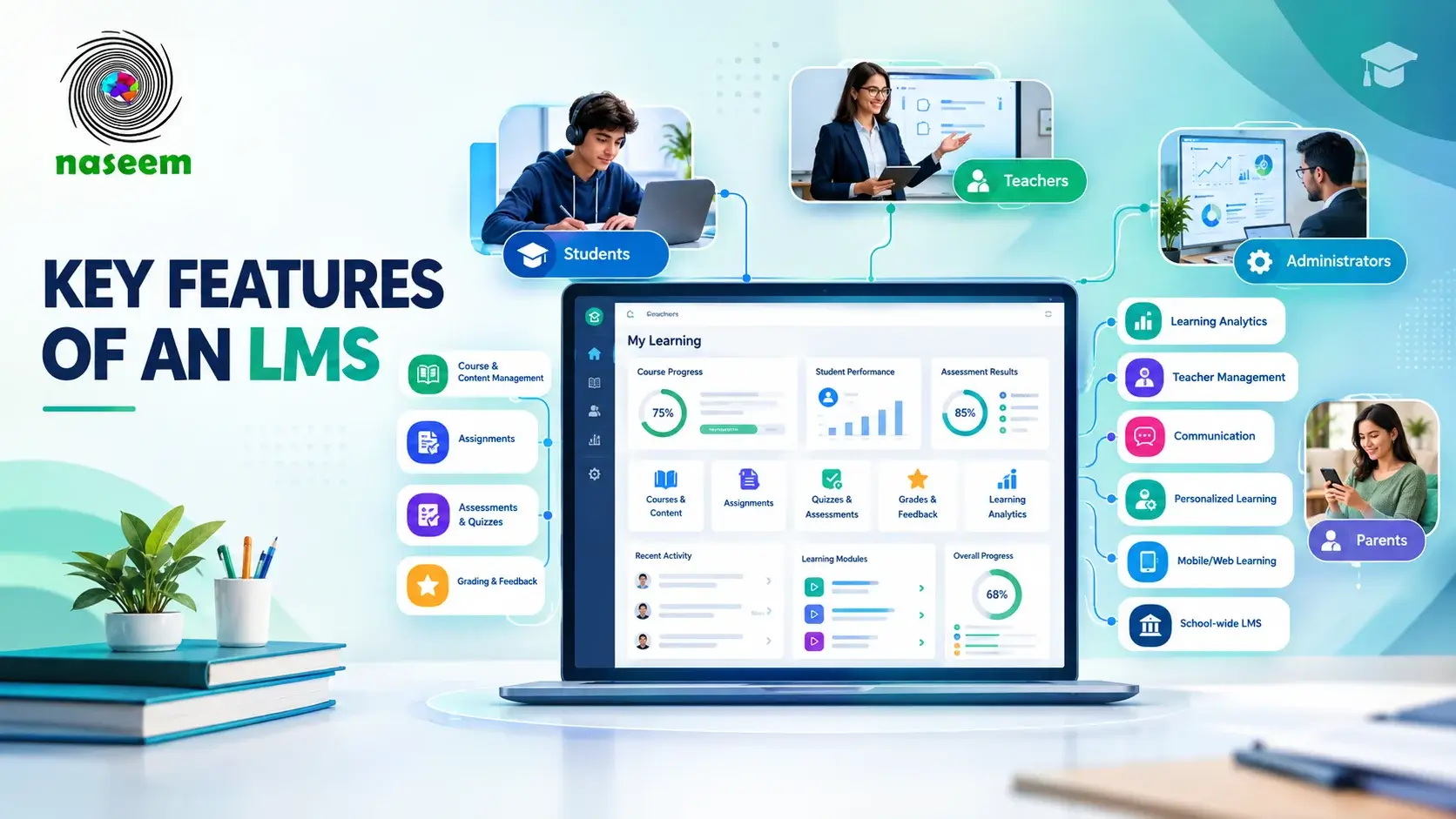
What Are the Key Features of an LMS? 15 Essential Features Explained
Explore 15 essential LMS features, including course management, assessments, grading, progress tracking, analytics, mobile access, and more.
Read Article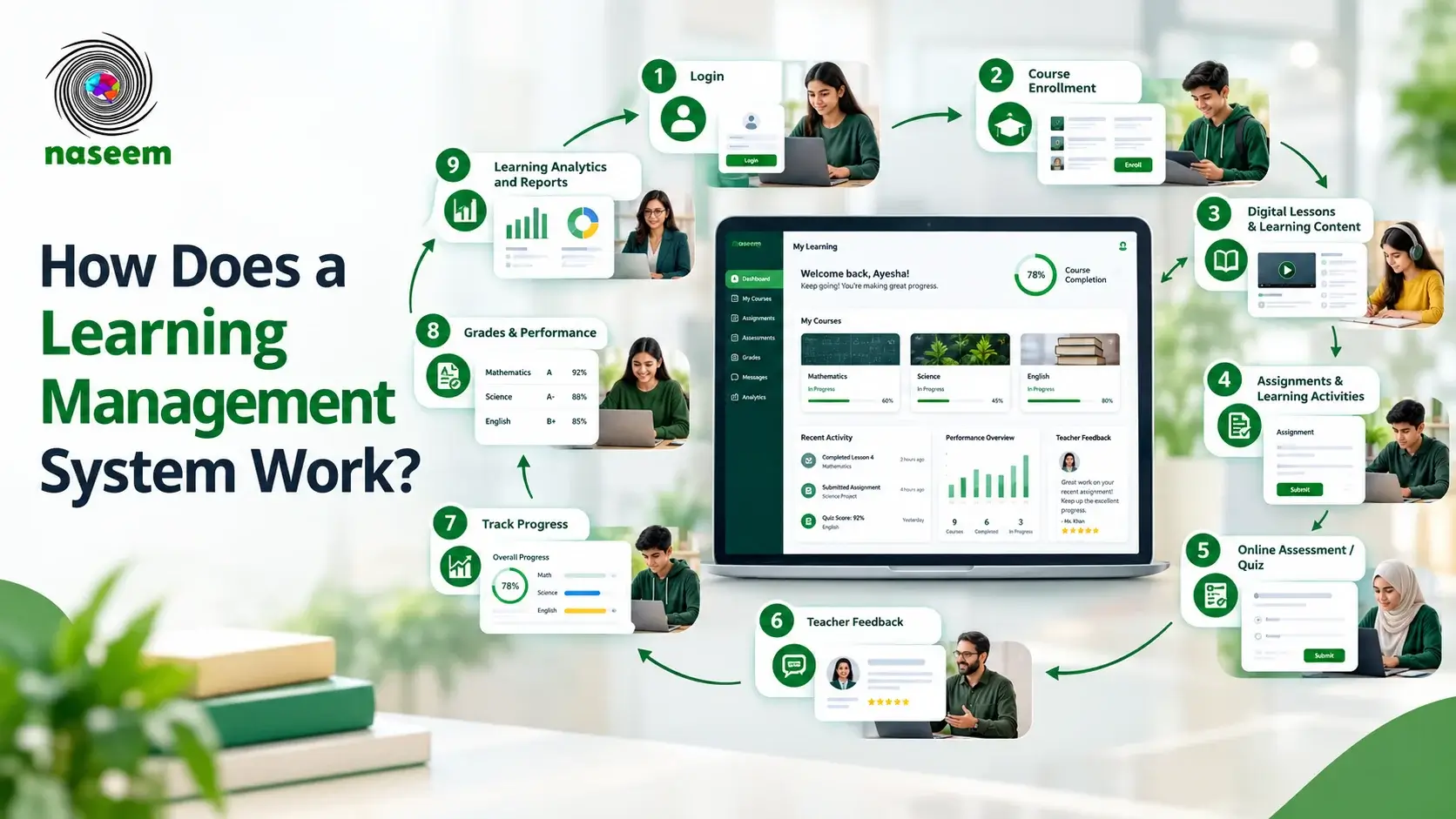
How Does a Learning Management System Work? A Complete Guide
Learn how a learning management system works, from course enrollment and content delivery to assessments, progress tracking, reporting, and feedback.
Read Article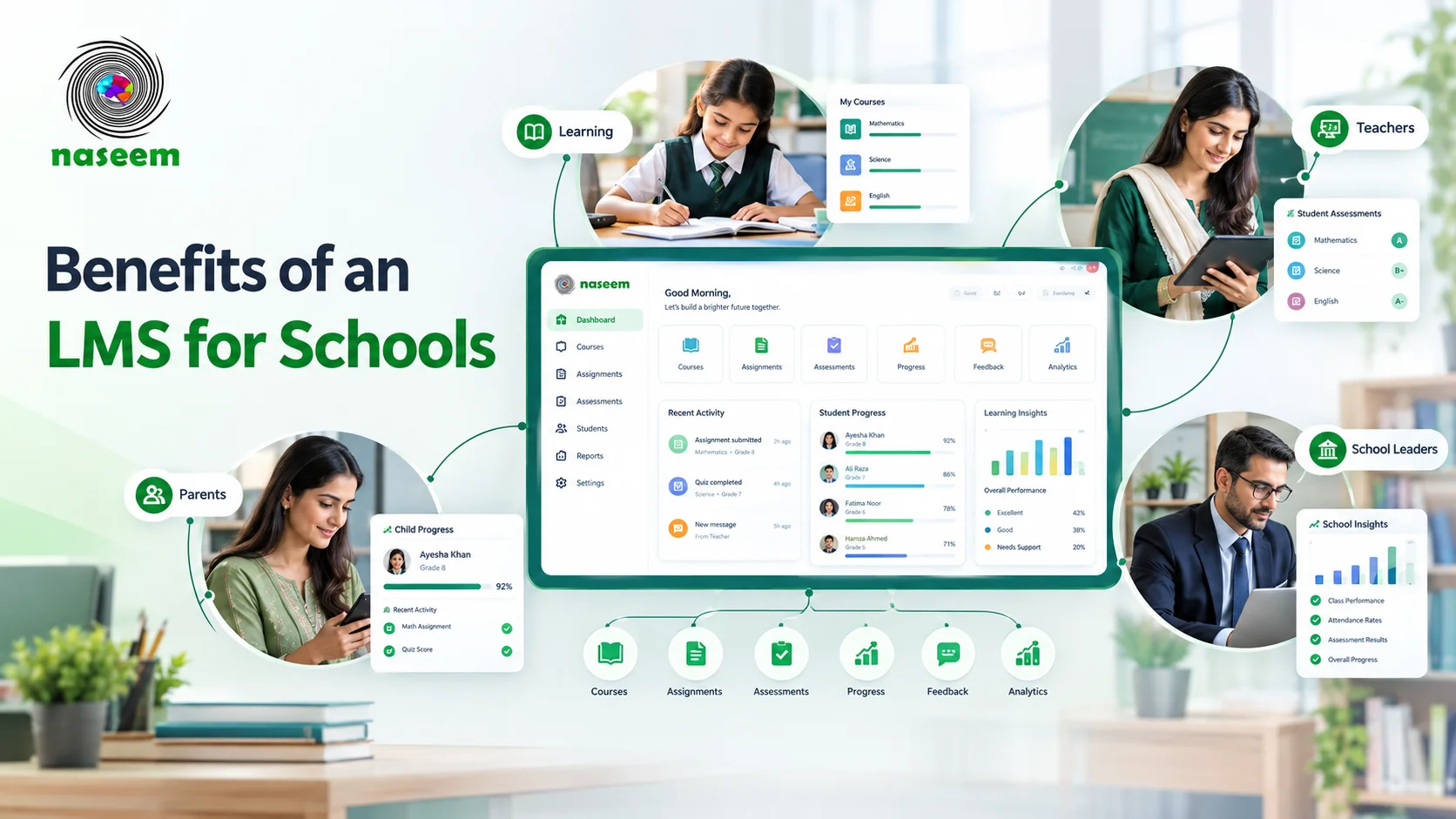
Benefits of a Learning Management System for Schools
Explore LMS benefits for schools, from student progress tracking and feedback to teacher support, parent visibility, and learning analytics.
Read Article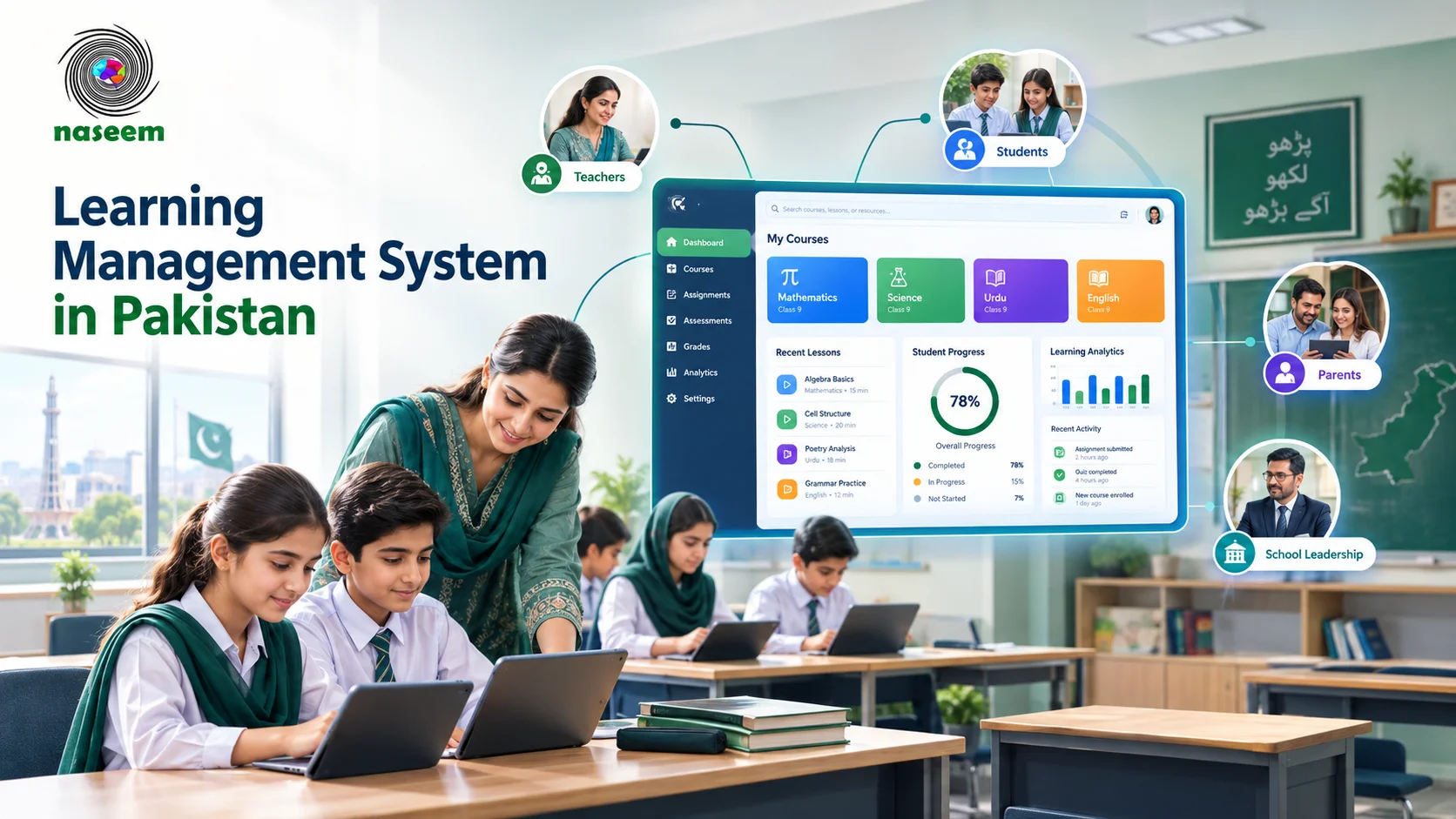
Learning Management System in Pakistan: Complete Guide for Schools
Learn how a learning management system works in Pakistan, what schools should look for, LMS costs, implementation, features and more.
Read Article