LMS vs School Management Software: What Does a School Actually Need?

Introduction
Choosing software for a school can be more complicated than it first appears. One provider describes its product as a learning management system, another offers school management software, and a third promotes an all-in-one school ERP. At first glance, these products may appear to do similar things.
They all use technology to help schools organize their work. However, their primary purposes can be quite different.
A learning management system focuses on the learning process: courses, lessons, assignments, assessments, feedback, and student progress. School management software usually focuses on the broader administration of an institution, which may include admissions, attendance, fee collection, student records, staff management, and other operational activities.
The distinction matters because not every school has the same priorities. A school struggling to organize digital learning may need an LMS first. Another institution may already have a reliable teaching process but need better control over admissions, fees, and administrative records.
Some schools need both.
This guide explains the difference between an LMS and school management software, compares their typical capabilities, and helps school owners, principals, and academic coordinators decide which type of software makes sense for their institution.
If you are still learning about learning management technology, our guide to a learning management system for schools provides a broader introduction to how schools use an LMS.
What Is a Learning Management System (LMS)?
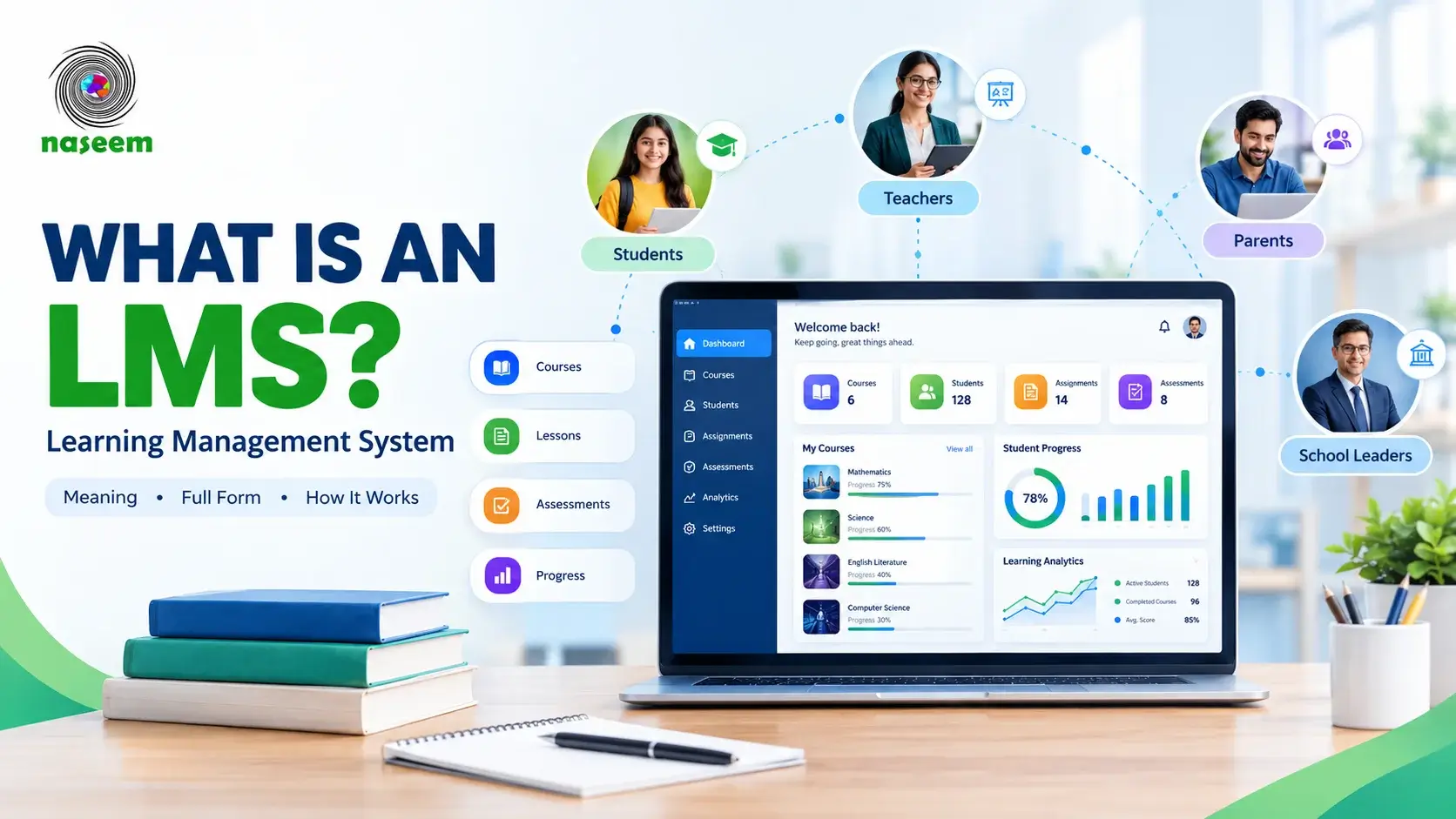
A learning management system, commonly called an LMS, is software designed to organize, deliver, manage, and monitor learning through a centralized digital environment.
Instead of distributing learning materials through disconnected channels, a school can use an LMS to organize courses, share educational resources, assign activities, assess students, provide feedback, and review learning progress.
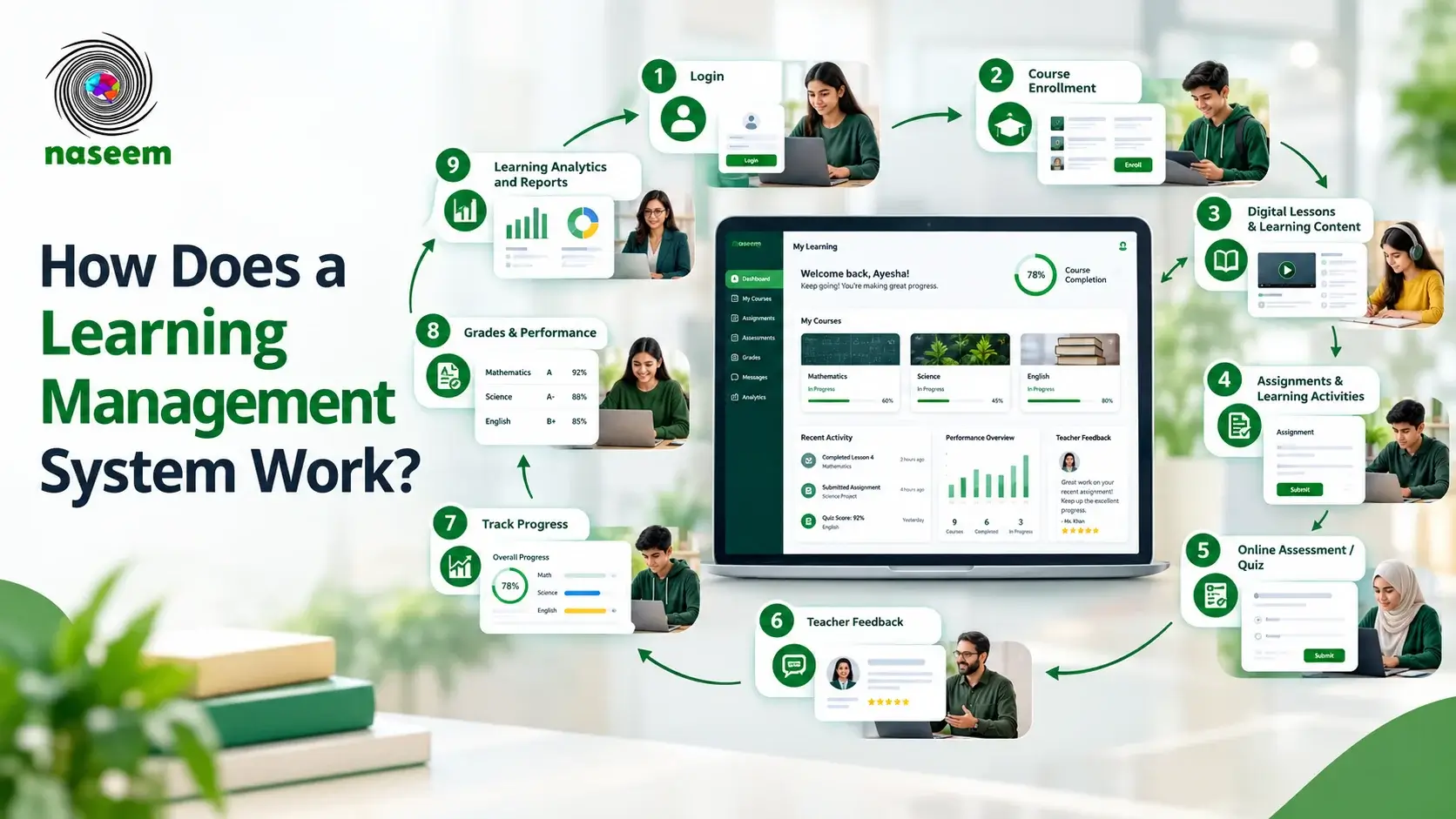
For example, a mathematics teacher might use an LMS to organize a course, share a lesson, assign practice questions, assess student work, and identify topics that require further explanation.
Students can access learning resources, complete activities, submit work, and review feedback. Teachers can use assessment results and progress information to understand how students are performing.
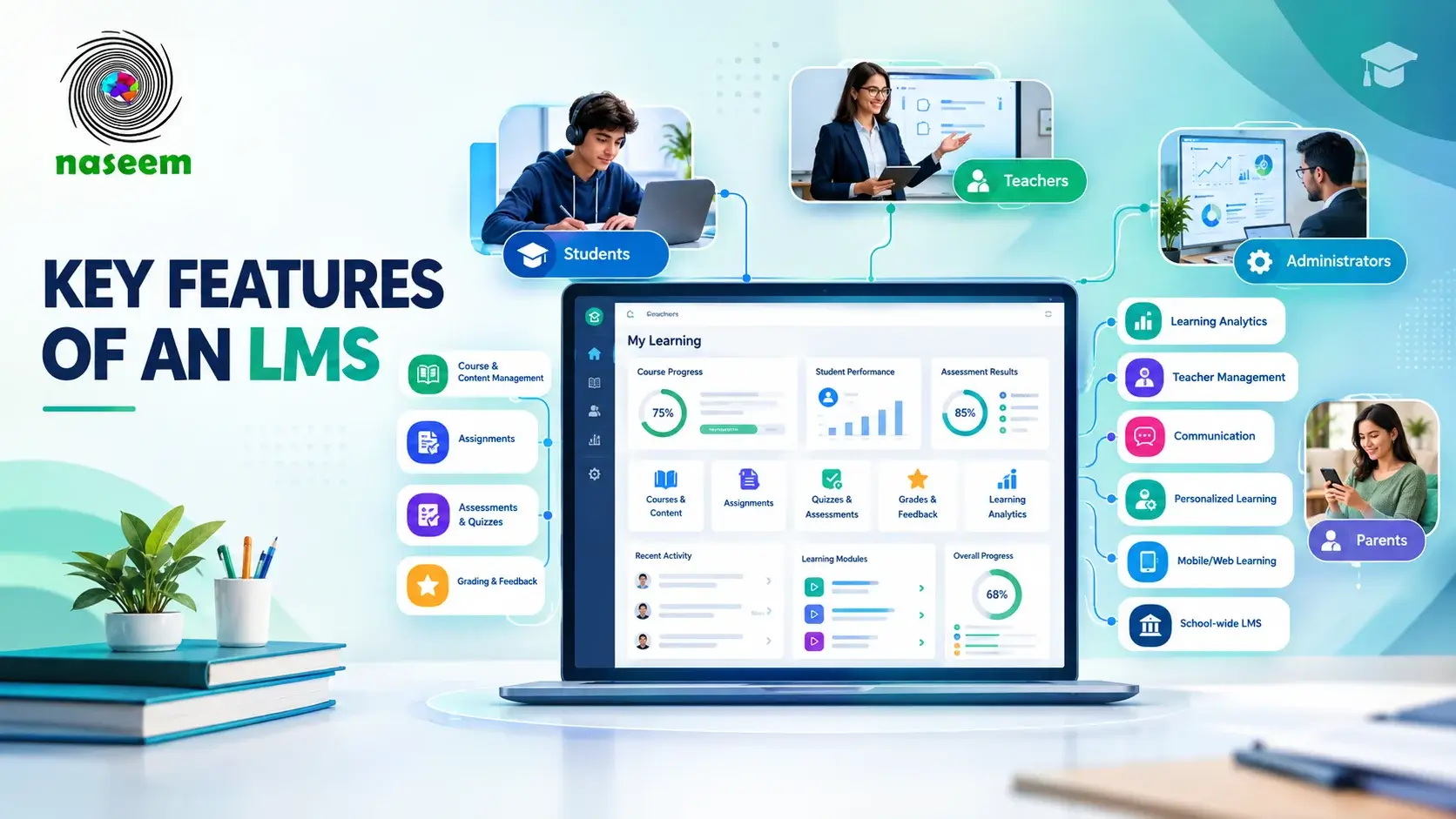
Depending on the product, an LMS may also provide learning analytics, personalized learning experiences, parent visibility, teacher management tools, and school-level reporting.
However, the term LMS does not guarantee that every platform offers all these capabilities. Schools should verify the actual features available in the product and pricing plan they are considering.
What is an LMS primarily used for?
An LMS is generally used to support the teaching and learning process, including:
- Organizing courses, subjects, lessons, and educational resources.
- Delivering learning materials through an online environment.
- Assigning homework and other learning activities.
- Creating assessments and managing grading.
- Providing feedback to students.
- Tracking course completion and student progress.
- Reviewing assessment results and identifying learning gaps.
- Supporting communication around learning activities.
- Helping teachers and school leaders understand learning performance.
The emphasis is on what students learn, how teachers deliver that learning, and how the school monitors progress.
For a more detailed explanation, read our guide to what a learning management system is and how it works.
What Is School Management Software?
School management software is a broader category of technology used to organize the administrative and operational activities of an educational institution.
The precise features depend on the product. Some systems focus on student information and attendance, while others combine several administrative functions into a single platform.
A school may use this software to maintain student records, manage admissions, record fees, coordinate staff, communicate with parents, or prepare administrative reports.
For example, an administrator might use a school management system to register a new student, assign the student to a class, record fee payments, update attendance, and maintain contact information.
These activities are essential to running a school, but they are different from managing lessons, learning activities, and academic feedback.
What is school management software primarily used for?
Common capabilities may include:
- Student registration and admissions.
- Student and guardian records.
- Attendance management.
- Fee collection and payment records.
- Staff and teacher records.
- Timetables and class allocation.
- Parent communication.
- Administrative reporting.
- Transport or library management.
- Payroll or financial workflows in more comprehensive systems.
Not every school management product includes every feature on this list. Some specialize in administration, while others offer a larger collection of modules.
A school should therefore compare the actual functions of each product rather than assuming that all systems described as school management software are equivalent.
LMS vs School Management Software: The Main Difference
The simplest distinction is that an LMS is primarily concerned with learning, while school management software is primarily concerned with running the institution.
Consider a student who joins a new school.
The administrative system might record the student's details, assign a class, maintain guardian information, and track fee payments. The LMS might provide access to the student's courses, learning resources, assignments, assessments, and academic progress.
Both systems can support the same student, but they solve different problems.
The following table shows how their typical purposes compare.
| Area | Learning Management System | School Management Software |
|---|---|---|
| Main purpose | Organizing and supporting learning | Managing school operations |
| Courses and lessons | Usually a core function | May be limited or absent |
| Learning materials | Usually supported | May offer document storage |
| Assignments | Commonly supported | Depends on the product |
| Online assessments | Commonly supported | May be limited |
| Learning feedback | Often a core workflow | May be limited |
| Student progress | Learning-focused tracking | Often administrative or academic records |
| Admissions | Not usually the primary purpose | Commonly supported |
| Fee collection | Not usually the primary purpose | Commonly supported |
| Attendance | May be included | Commonly included |
| Staff administration | Varies | Often supported |
| Learning analytics | May be a core feature | Depends on the product |
| School-wide administration | Limited unless integrated | Often a central purpose |
These are general patterns, not universal rules. Some modern platforms combine learning and administration, while others integrate with separate systems.
The right choice depends on which workflows your school needs to improve.
What Is a School ERP, and How Is It Different?
School ERP is another term that often appears during software research.
ERP stands for Enterprise Resource Planning. In a school context, an ERP typically refers to a system that brings multiple administrative and operational processes together.
A school ERP may include student records, admissions, attendance, fees, staff administration, timetables, and reporting. More comprehensive systems may also connect academic workflows or integrate with a dedicated LMS.
The important point is that an ERP is not automatically a complete learning management system.
A school ERP might record a student's grades without providing teachers with a structured environment for creating courses, delivering learning materials, managing activities, and providing feedback.
Similarly, an LMS may provide excellent learning workflows without offering the detailed fee management or payroll features required by a school's administration team.
When comparing an LMS and school ERP, examine the actual work each product can perform. The name alone does not tell you whether the system meets your needs.
Which Features Should Schools Compare?
Before deciding which category to purchase, list the tasks your school wants to manage digitally.
1. Teaching and course management
If teachers need a central place to organize lessons, resources, activities, and assessments, an LMS is likely to be relevant.
Ask whether teachers can organize courses by subject and class, share materials, create activities, and maintain a consistent learning structure.
A school management system may include academic records but not necessarily the complete teaching workflow.
2. Assessment and grading
Assessment is another important distinction.
Schools that want to create online quizzes, manage assignments, provide feedback, and review learning progress should investigate the assessment capabilities of an LMS.
If the primary requirement is simply recording final grades or maintaining report-card information, an administrative system may already cover part of the need.
The two functions can complement each other, but they should not be treated as interchangeable.
3. Student information and administration
Admissions, guardian records, student registration, fee collection, and staff administration are commonly associated with school management software.
If these processes are creating administrative problems, look for a system that supports the specific workflows involved.
Do not purchase an LMS expecting it to replace a complete administrative platform unless the provider confirms that the necessary features are available.
4. Reporting and visibility
Both categories can provide reports, but the information they report may differ.
An LMS might help a teacher review assessment performance, activity completion, and course progress. An administrative platform might focus on attendance records, enrollment, payments, or staffing.
School leaders should identify the reports they need before choosing a platform.
For example, if a principal wants to know which students have not completed an online assessment, the relevant capability may be learning progress reporting. If the principal needs a summary of unpaid fees, that is an administrative requirement.
5. Parent engagement
Parent access is another area where capabilities can overlap.
An LMS may allow parents to view relevant academic progress, assignments, or feedback. School management software may provide access to attendance, fee information, notices, or other administrative records.
Some schools need both types of visibility.
Before buying, verify what parents can actually see, how their accounts are managed, and whether the school can control access appropriately.
6. Integrations
If your school already uses accounting software, student information systems, email tools, or another LMS, compatibility may be more important than the number of features advertised.
Ask providers which integrations are officially supported, whether they require additional fees, and how information moves between systems.
A platform that cannot connect to an important existing system may create more manual work rather than reducing it.
LMS vs School Management Software: Which Is Better for Different Schools?
There is no single answer for every institution. The following examples illustrate how different requirements lead to different choices.
Scenario 1: A school wants to improve digital teaching
Suppose teachers currently share learning materials through several messaging groups, distribute assignments separately, and maintain grades in individual spreadsheets.
The school wants to organize courses, centralize resources, manage assessments, and understand student progress.
In this case, an LMS may be the more relevant starting point.
The priority is to improve the learning workflow rather than replace the school's entire administrative system.
Scenario 2: A school struggles with admissions and fee management
Imagine a school that already manages teaching effectively but has difficulty tracking admissions, student records, fee payments, and administrative reports.
A dedicated school management system or school ERP may be the better fit.
Purchasing an LMS alone would not necessarily resolve these problems.
Scenario 3: A school needs both learning and administration
A larger school may need to improve both teaching and operational management.
It might choose an integrated platform that offers the required capabilities or combine a dedicated LMS with a school management system.
Before choosing an integrated product, verify that each module is sufficiently developed. A system that claims to do everything may not be the best option if its learning or administrative workflows are weak.
Scenario 4: A school already uses administrative software
A school may already have reliable systems for fees, admissions, and student records.
Replacing those systems just to introduce online learning could be unnecessarily disruptive.
In this situation, the school should consider adding an LMS and checking whether it can integrate with the existing software.
This approach may allow the school to improve teaching without undertaking a complete administrative migration.
Should Schools Choose One Platform or Two?
The decision depends on the complexity of the school's requirements, the quality of available integrations, the available budget, and the team's capacity to manage technology.
An integrated platform can reduce the number of separate tools staff must learn. It may also make it easier to connect certain workflows.
However, integration alone does not guarantee a good experience. If one module is difficult to use or lacks an essential capability, the convenience of a single platform may not compensate for the limitation.
Using separate systems can give a school more flexibility to choose specialized products. The trade-off is that staff may need to manage additional accounts, integrations, contracts, and support arrangements.
Before choosing either approach, ask:
- Which processes are essential to our school?
- Which functions do we already manage effectively?
- What problems are we trying to solve first?
- Can the proposed platform demonstrate the required workflows?
- Can our existing tools integrate with it?
- What will implementation and ongoing support cost?
- How easily can we export our information if our needs change?
These questions help prevent schools from paying for features they do not need or selecting a system that cannot handle essential tasks.
What Should Schools Consider About Cost?
Comparing software prices is difficult when products include different functions.
A low-cost LMS may be suitable for a school that only needs digital courses and assessments. A comprehensive school management platform may cost more because it includes administrative modules, integrations, or implementation services.
Neither price tells you whether the product is the right choice.
Schools should consider the total cost of ownership, including subscriptions, implementation, training, migration, integrations, technical support, and any additional services.
The number of students, teachers, administrators, and campuses may also affect the final price.
For a more detailed discussion of local requirements and cost considerations, read Learning Management System in Pakistan: Complete Guide for Schools.
When requesting quotations, ask providers to explain which features are included, which are optional, and what happens if the school grows.
How to Evaluate an LMS for Your School
Once you establish that learning management is a priority, compare platforms against the teaching and learning tasks your school needs.
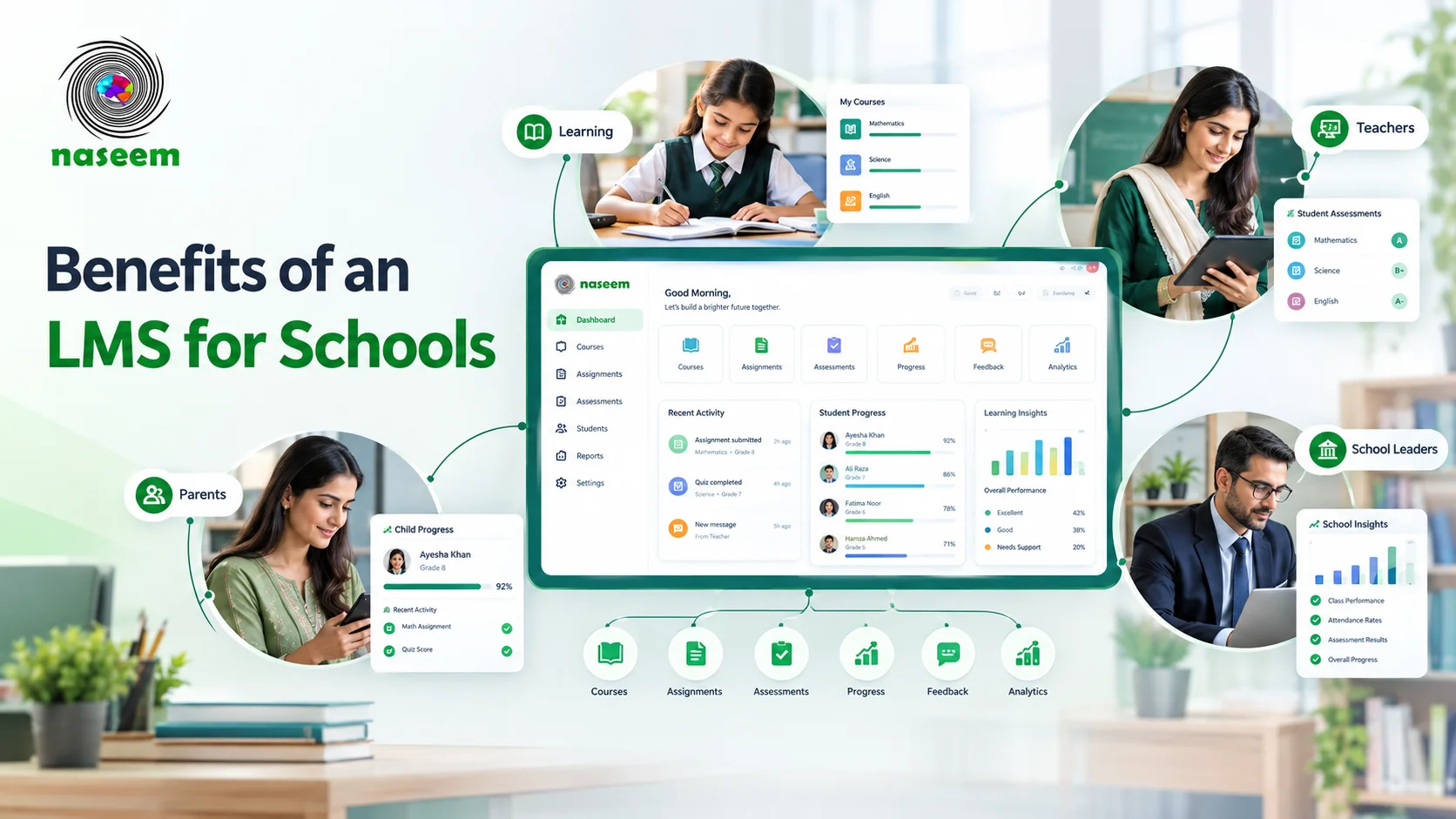
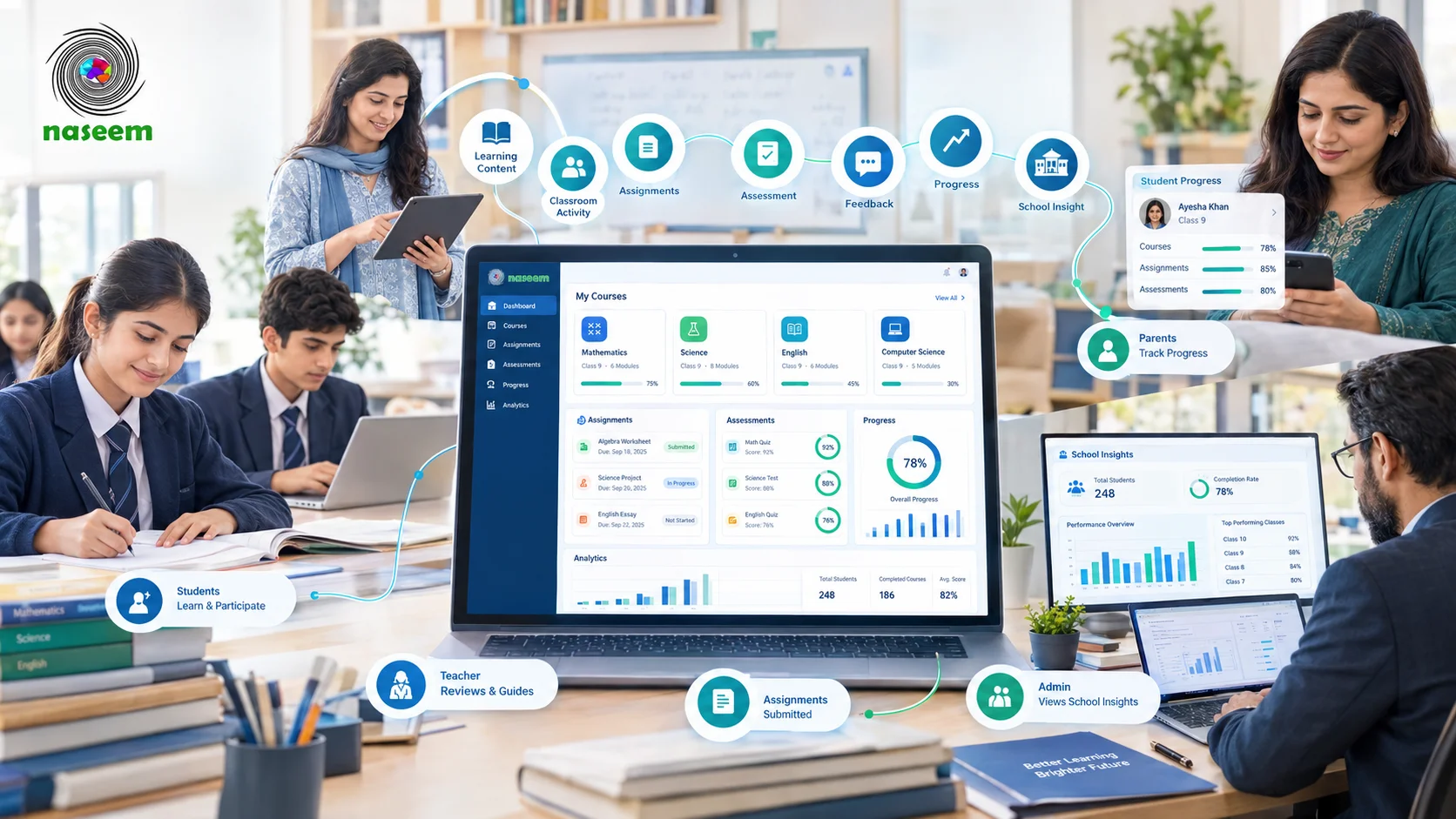
Naseem Education describes its LMS as a centralized learning environment that brings together course management, learning activities, assessments, student progress, teacher workflows, parent visibility, and learning insights.
You can explore the platform's stated capabilities on the LMS overview.
As with any vendor, use the overview as a starting point rather than a substitute for evaluation. Ask for a demonstration of the specific workflows your school requires and confirm the availability of each important capability.
During your evaluation, consider:
- How easily teachers can organize courses and activities.
- Whether the assessment formats meet your academic requirements.
- What information is available about student progress.
- How parents access relevant learning information.
- Whether the platform works on the devices used by your students.
- What security, data export, and support arrangements are available.
- What the total cost will be for your institution.
Your decision should be based on demonstrated suitability, not simply the length of a feature list.
A Simple Decision Framework
Use the following guide to identify the most relevant category for your school.
| Your main requirement | Where to start |
|---|---|
| Organizing lessons, courses, and learning materials | LMS |
| Creating online assessments and managing feedback | LMS |
| Monitoring course completion and learning progress | LMS |
| Managing admissions and student registration | School management software |
| Managing fees and financial records | School management software |
| Managing staff and administrative workflows | School management software |
| Improving teaching and administration together | Integrated platform or connected systems |
| Keeping existing administration while adding digital learning | LMS with suitable integrations |
This is a starting point, not a substitute for checking individual products. Some platforms offer overlapping features, and their actual capabilities should determine the final decision.
Final Thoughts
The difference between an LMS and school management software comes down to the work your school needs the technology to perform.
An LMS focuses on organizing and improving learning. School management software focuses on administrative and operational processes. A school ERP can connect multiple administrative functions, while an integrated education platform may combine learning with other school workflows.
Before choosing, identify your priorities, compare the required features, evaluate the total cost, and ask providers to demonstrate the tasks your staff will perform regularly.
If your immediate goal is to bring courses, learning activities, assessments, and student progress into a more organized digital environment, explore the learning management system and evaluate whether its available capabilities fit your school's requirements.
The best solution is not necessarily the one with the most modules. It is the one that addresses your school's real needs without introducing unnecessary complexity.
Frequently Asked Questions
Ready to Bring Your School’s Learning Together?
Give your school a connected learning management system designed to support students, teachers, parents, and school leaders.