Best LMS for Multi-Campus Schools: Features, Requirements & Selection Guide
Managing a single school is already a demanding responsibility. When an educational institution operates across several campuses, the complexity increases considerably.
Each campus may have its own teachers, students, classrooms, academic schedules and administrative requirements. At the same time, school owners and central administrators need a consistent way to monitor academic activities and maintain institutional standards.
Many school groups initially manage these activities using separate applications, spreadsheets or disconnected systems. This approach may work when the institution is small, but it can become increasingly difficult as enrollment grows and more campuses are added.
A learning management system can help bring teaching, assessments, learning resources and student progress into a more organized digital environment.
However, not every LMS is designed to support the operational needs of a multi-campus institution.
A platform that works well for one school may not provide the organizational structure, permissions, reporting or administrative controls needed by a group of schools.
So, what should you look for when choosing an LMS for multi-campus schools?
This guide explains the essential requirements, features, implementation considerations and evaluation criteria that school owners and education administrators should understand before selecting a platform.
What Is a Multi-Campus Learning Management System?
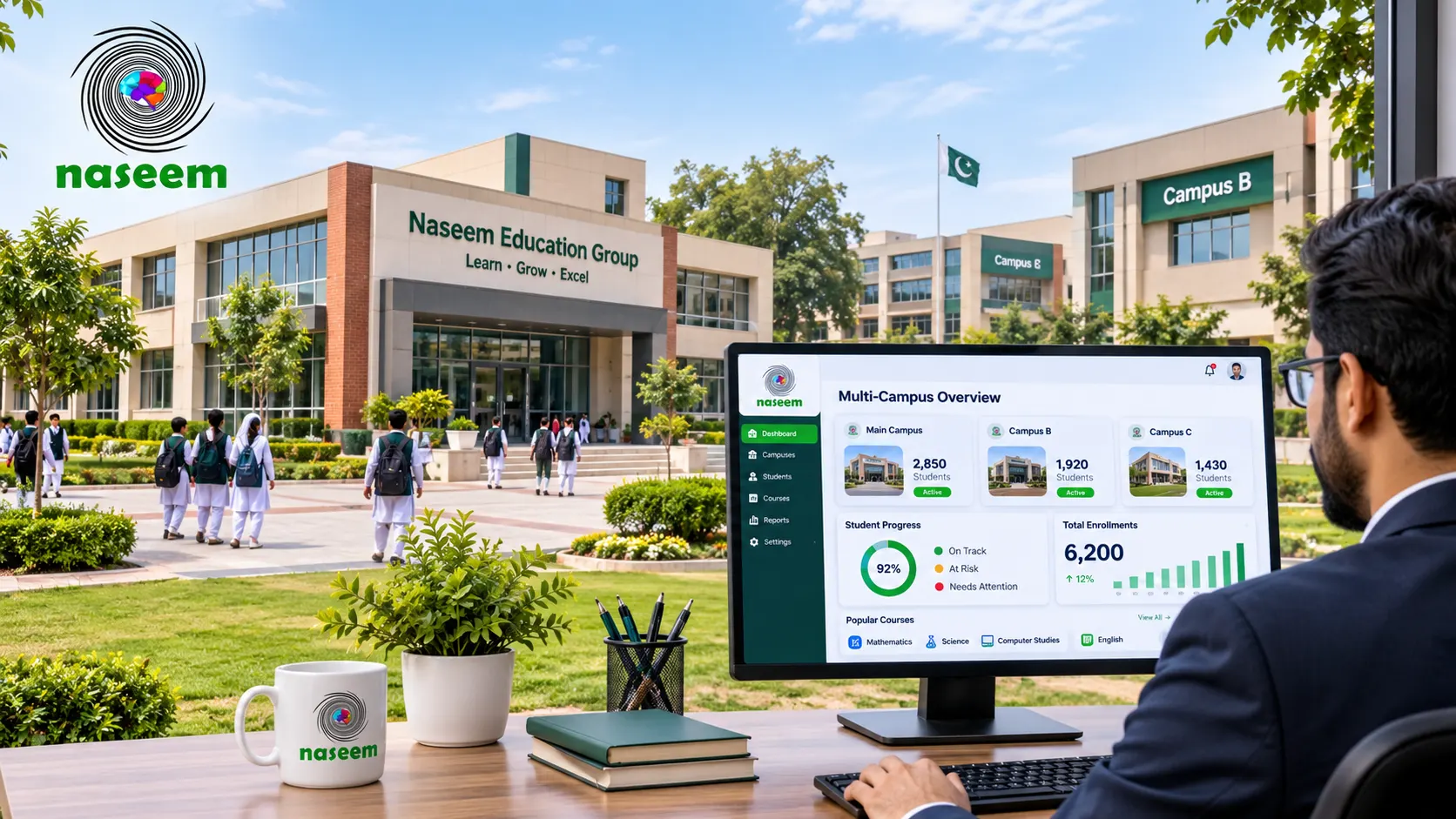
A multi-campus learning management system is an LMS arrangement designed to support learning activities across multiple school locations or branches.
Rather than treating every campus as a completely unrelated learning environment, the institution may want to manage selected academic activities through a shared platform.
For example, a school group operating three campuses might want to:
- Organize courses across all locations.
- Manage teachers and students.
- Monitor academic progress.
- Coordinate assessments.
- Maintain consistent learning resources.
- Review campus-level performance.
- Provide centralized academic oversight.
The exact organizational capabilities depend on the LMS.
Some platforms support separate institutions or tenants, while others provide organizational units, branches, groups or configurable access structures.
These terms are not interchangeable. A platform that allows multiple courses does not necessarily support independent campus administration.
A school group should therefore verify whether the software can represent its actual organizational structure.
For example, it may need a central administrator with visibility across the institution, campus directors who can manage their respective locations, teachers who can access assigned classes and students who can access their own learning activities.
This requires more than simply creating separate course categories.
Why Do Multi-Campus Schools Need a Centralized LMS?
The main reason is coordination.
When campuses operate independently, learning information and academic activities can become scattered across different applications and administrative processes.
A centralized learning environment can help institutions organize relevant learning activities more consistently.
1. Consistent Learning Experiences Across Campuses
A school group may follow the same curriculum across its locations.
However, without a coordinated approach, teachers at different campuses may organize learning resources and assessments differently.
A centralized LMS can help the institution maintain more consistent course structures and learning materials.
For example, the central academic team might establish common course templates, learning resources and assessment guidelines.
Campus teachers could then use the relevant materials while following the institution's academic requirements.
The goal is not to prevent teachers from adapting their teaching methods. It is to provide a shared foundation while allowing appropriate flexibility.
2. Better Visibility Into Academic Performance
School owners and central administrators often need to understand how different campuses are performing.
They may want to review assessment completion, student progress, course participation and other academic indicators.
When information is maintained separately, comparing campuses can require considerable manual work.
An LMS with suitable reporting capabilities may help bring relevant learning information into a more accessible environment.
However, the quality of reporting depends on whether campuses use consistent academic structures and whether the platform can aggregate the required information.
3. More Organized Teacher and Student Management
Multi-campus institutions may have hundreds or thousands of students and teachers.
Managing accounts and permissions manually can become difficult as the organization grows.
An LMS should be evaluated for its ability to organize users according to institutional requirements.
This might include assigning teachers to courses, managing student enrollment, controlling access and updating user information.
For example, a teacher working at one campus should not automatically receive access to unrelated student records at another campus unless the institution explicitly authorizes it.
4. Easier Coordination of Assessments
Some school groups want to maintain common assessment standards across their locations.
A shared LMS may help academic teams organize assessments, distribute learning activities and review results.
For example, a central academic department might prepare a common assessment framework while individual teachers manage the activities assigned to their classes.
This can make academic coordination easier, although the institution must verify whether the platform supports the required assessment workflows.
5. A More Scalable Digital Learning Environment
As a school group expands, it may need to add more students, teachers, courses and locations.
Choosing a platform that cannot accommodate the institution's future organizational structure may create difficulties later.
A suitable LMS should be evaluated against both present and anticipated requirements.
This means considering more than the number of users. The institution should also assess the number of campuses, concurrent users, courses, assessment activities, reporting requirements and administrative roles.
Essential Features to Look for in an LMS for Multiple Campuses
When comparing multi-campus LMS software, it is useful to separate essential institutional capabilities from optional features.
The following features deserve particular attention.
1. Centralized Administration
Centralized administration is one of the most important requirements for a school group.
The platform should provide a clear way to manage the institution's learning environment while maintaining appropriate separation between different locations.
Depending on the product, this may include:
- Central management of academic structures.
- User administration.
- Course organization.
- Institutional settings.
- Access permissions.
- Reporting and oversight.
- Management of campus-specific activities.
A central administrator may need to review activity across all campuses without performing every campus-level task personally.
This helps establish consistent oversight while avoiding unnecessary duplication.
During a product demonstration, ask the vendor to show exactly how central administration works.
Do not assume that the presence of an administrator dashboard means the platform supports multi-campus management.
2. Campus-Level User Management
Each campus may have different teachers, students and administrators.
A suitable platform should allow the institution to organize users according to its required structure.
For example, a school group might have:
- Central administrators.
- Campus directors.
- Academic coordinators.
- Teachers.
- Students.
- Parents or guardians.
Each role may require different permissions.
A campus director might need to manage teachers and student learning activities within their assigned location.
A teacher might only need access to their courses and students.
A central administrator may require broader visibility.
The institution should confirm whether these roles and restrictions are available and configurable.
3. Role-Based Access Control
Role-based access control (RBAC) determines which users can access particular information and perform specific actions.
This is especially important when multiple campuses share a learning environment.
For example, a teacher should not necessarily have permission to modify another campus's courses or access unrelated student information.
Similarly, a parent should only be able to access the information associated with the relevant child.
Ask the provider:
- Can permissions be assigned by role?
- Can access be restricted by campus?
- Can different administrative responsibilities be defined?
- Can permissions be changed when staff roles change?
- Is administrative activity recorded?
- Can access be reviewed and revoked?
The platform should support the institution's actual governance requirements rather than forcing every campus to use the same unrestricted administrator account.
4. Course and Curriculum Management
Different campuses may offer the same subjects and grade levels, but their academic arrangements can still vary.
An LMS should provide suitable ways to organize courses, learning resources, activities and assessments.
For example, a central academic team may want to establish a standard mathematics course structure that can be used across multiple campuses.
Teachers may then adapt particular activities according to their classes.
A school group should evaluate:
- Course creation and organization.
- Subject and grade-level structures.
- Learning material management.
- Teacher assignments.
- Course enrollment.
- Assessment organization.
- Reuse of learning resources.
- Academic year and term arrangements.
The LMS features guide provides a useful starting point for identifying the learning capabilities that should be considered during this evaluation.
5. Campus-Level and Institution-Level Reporting
Reporting requirements often become more complex as the number of campuses increases.
A school owner may need an institution-wide overview, while a campus director may need detailed information about their own students and teachers.
A suitable reporting environment should be evaluated for its ability to provide both perspectives.
Potential reporting requirements include:
- Student progress.
- Assessment results.
- Course participation.
- Assignment completion.
- Learning activity.
- Class performance.
- Campus-level comparisons.
- Institution-wide academic trends.
However, the availability of individual reports does not automatically mean that the platform can combine them into consolidated institutional reporting.
Ask the vendor to demonstrate a realistic multi-campus reporting scenario.
For example, request an overview showing the academic performance of three different campuses, followed by a drill-down into an individual campus and class.
Also ask whether reports can be exported and whether the school can define its own reporting periods.
6. Student Enrollment and Class Assignment
Managing student enrollment across multiple locations requires consistency.
A student may move from one campus to another, change classes or progress to a different grade.
The LMS should be evaluated for how these changes are handled.
Important questions include:
- Can student accounts be assigned to a specific campus?
- Can students be moved between locations?
- What happens to their historical learning records?
- Can class enrollment be updated?
- How are duplicate accounts prevented?
- Can administrators review changes?
These details matter because student movement should not result in missing learning records or inappropriate access.
7. Teacher Management and Academic Coordination
Teachers are central to the successful use of an LMS.
In a multi-campus institution, administrators may need to manage teaching responsibilities across different classes, subjects and locations.
A suitable platform should support the institution's teacher management requirements.
For example, the school may need to assign a teacher to a particular subject across multiple classes or campuses.
It may also need to provide academic coordinators with oversight of teaching activities.
During a demonstration, ask the vendor to show how teachers are assigned, how course responsibilities are managed and how changes are handled when a teacher moves between campuses.
8. Assessment and Grading Management
Assessment management is another important requirement for school groups.
The institution may want to organize common assessments while allowing individual teachers to review student work and provide feedback.
Evaluate whether the LMS supports:
- Quizzes and tests.
- Assignment submission.
- Grading workflows.
- Teacher feedback.
- Assessment reporting.
- Student performance tracking.
- Different assessment formats.
Schools should also determine whether assessment settings can be standardized across campuses or customized according to local academic requirements.
A central assessment policy is useful only if the software can support the required workflows.
9. Parent Visibility and Communication
Parents play an important role in a student's educational journey.
In a multi-campus institution, the school may want parents to have consistent access to relevant learning and academic information.
Depending on the LMS, this may include progress information, assessment results, feedback and learning activities.
However, the school should verify the exact parent-facing capabilities rather than assuming that all platforms provide the same experience.
Access controls are particularly important.
Parents should only be able to access the information associated with their authorized student accounts.
10. Web and Mobile Accessibility
Teachers, students and parents may use different devices to access the learning environment.
A multi-campus institution should evaluate whether the LMS works effectively across the devices commonly used by its community.
Consider:
- Desktop browser compatibility.
- Tablet access.
- Smartphone usability.
- Mobile-friendly course layouts.
- Assessment accessibility.
- Language support.
- Performance under different connectivity conditions.
Do not assess accessibility only through a marketing screenshot.
Ask actual teachers and students to complete common tasks using their own devices.
Multi-Tenant LMS vs Multi-Campus LMS: What Is the Difference?
These terms are sometimes used interchangeably, but they can describe different technical and organizational arrangements.
A multi-tenant LMS is designed to support multiple separate organizations or tenants within a shared software environment.
Each tenant may have its own users, configuration, courses and administrative controls, depending on the product architecture.
A multi-campus LMS may instead support multiple locations or branches within a single institution.
For example, a school group might want one central administrative structure with separate campuses underneath it.
These are different requirements.
A platform could support multiple tenants without offering the exact campus-level structure an individual school group needs.
Similarly, a platform could organize several campuses within one institution without supporting completely separate organizations.
Before purchasing, clarify which arrangement your institution requires.
Example: A multi-campus school group
Imagine an education group operating three locations:
- Campus A.
- Campus B.
- Campus C.
The group has a central academic department responsible for common learning standards.
Each campus has its own teachers, students and campus administrator.
The central team needs institution-wide visibility, while each campus administrator should manage local academic activities.
The ideal system would need to support:
- A central organizational structure.
- Separate campus-level user assignments.
- Appropriate access restrictions.
- Shared academic resources where required.
- Campus-level reporting.
- Consolidated institutional reporting.
- Consistent course and assessment structures.
This is an example of a requirement specification, not a claim that every LMS automatically provides these capabilities.
How to Evaluate Scalability for a Growing School Group
Scalability is not simply the ability to add more user accounts.
A school group should consider how the system will perform as academic and administrative activity increases.
For example, the institution may experience higher platform usage during examination periods, assignment deadlines or the start of a new academic term.
It should also consider what happens when another campus is added.
Ask the vendor about:
User capacity
What is the supported number of students, teachers and administrators?
Are there any restrictions based on subscription level?
Concurrent usage
Can the platform support the expected number of users accessing learning materials or assessments at the same time?
Storage
How are learning resources, assessment submissions and other files managed?
Are storage limits clearly defined?
Performance
How does the provider monitor response times and investigate performance issues?
Expansion
Can the institution add campuses, courses and administrative users without rebuilding its existing structure?
Operational reliability
What availability commitments, monitoring arrangements and recovery procedures are provided?
Google Cloud's Well-Architected Framework provides useful technical principles covering reliability, security, performance, operations and cost optimization.
Although it is a cloud architecture resource rather than an LMS selection checklist, it can help school IT teams understand the technical considerations behind scalable digital services.
Security and Data Management Across Multiple Campuses
A multi-campus LMS may contain a large amount of student and institutional information.
The school should therefore establish clear data management and access policies before introducing the platform.
Campus-level information separation
If the institution requires campus-level restrictions, the LMS should provide suitable access controls.
For example, an administrator assigned to Campus A should not automatically have access to unrelated records from Campus B.
The exact configuration should be demonstrated and tested.
User permissions
Define which users can view, create, modify and export information.
Avoid using shared administrator accounts across campuses.
Data protection
Ask how student records, assessment results and other institutional information are stored, accessed and protected.
Staff changes
Establish what happens when a teacher, administrator or campus director leaves the institution.
Their access should be reviewed and disabled where appropriate.
Backups and recovery
Ask about backup frequency, retention, restoration procedures and disaster recovery arrangements.
Auditability
For important administrative activities, determine whether the platform maintains records that help the institution review changes and investigate issues.
Schools should also review their applicable privacy obligations and the vendor's contractual data handling arrangements.
The U.S. Department of Education's student privacy guidance offers useful general considerations for institutions evaluating third-party educational technology.
Integration With Existing School Management Systems
Multi-campus schools often use several digital systems.
An institution may have a student information system, attendance application, examination platform and other administrative tools.
The LMS should be evaluated in the context of this existing environment.
For example, the school may want student enrollment information to be synchronized with the learning platform.
It may also want assessment results or selected academic information to be shared with other authorized applications.
Standards such as OneRoster support the exchange of K–12 roster, class, enrollment and gradebook information between compatible systems.
The institution should verify whether the shortlisted LMS supports the relevant standard and version.
Other integration questions include:
- Does the LMS provide APIs?
- Can users authenticate through an existing identity provider?
- Can class and enrollment information be synchronized?
- Can assessment information be exchanged?
- Are integrations included in the subscription?
- Is custom development required?
- Who maintains the integration?
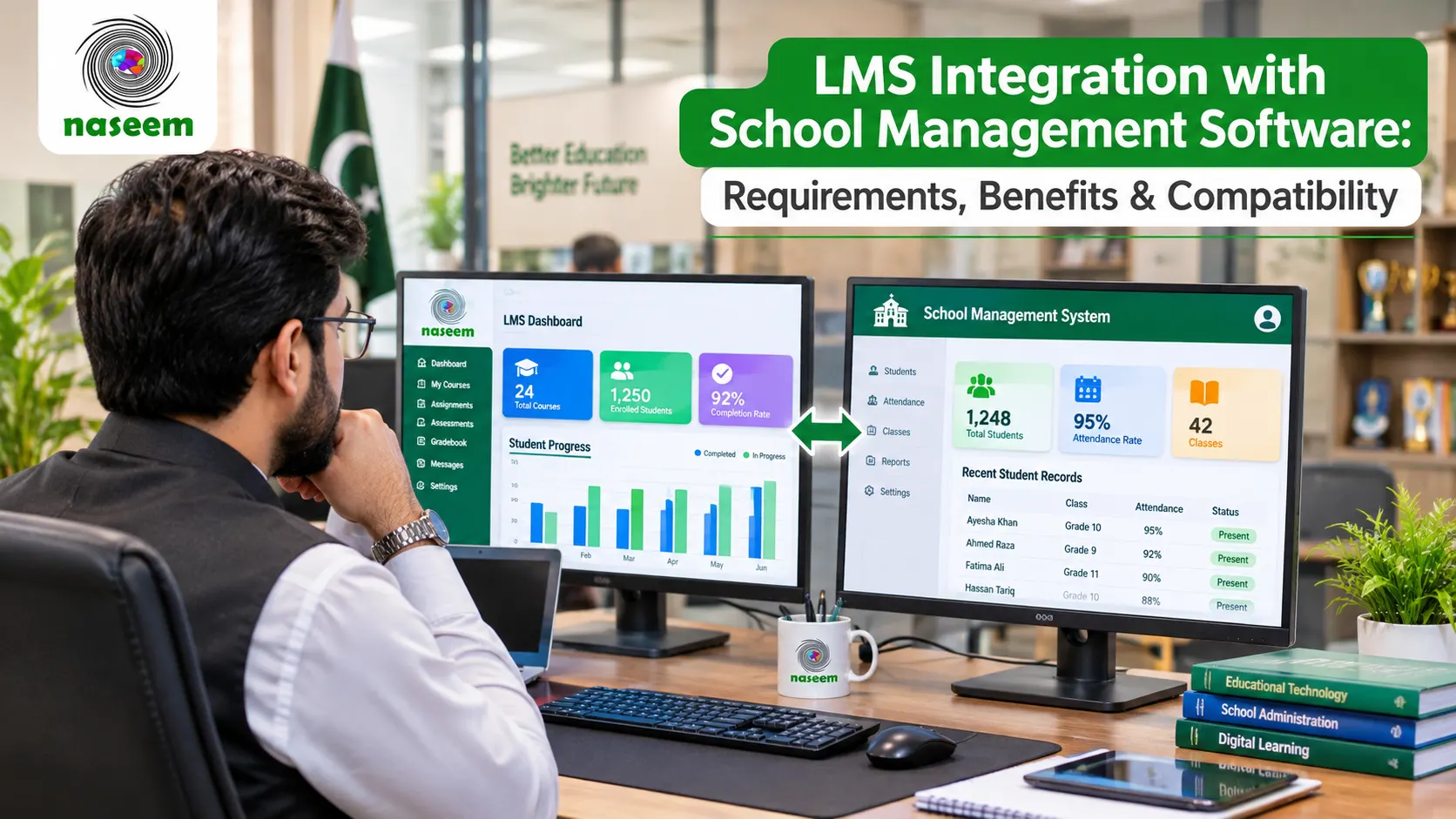
For a deeper explanation of these requirements, read the guide on LMS integration with school management software.
How to Choose the Best LMS for Multiple Campuses
The best LMS is not necessarily the one with the longest feature list.
It is the platform that satisfies the institution's actual academic, administrative, technical and operational requirements.
A structured evaluation process can help school groups make a more informed decision.
Step 1: Map the Institution's Organizational Structure
Start by documenting how the school group operates.
Identify:
- The number of campuses.
- The number of students at each location.
- The number of teachers.
- Academic departments.
- Grade levels.
- Administrative roles.
- Reporting responsibilities.
This will help determine whether the institution needs separate tenants, organizational units or another campus management structure.
Step 2: Identify Essential LMS Requirements
Separate essential capabilities from optional features.
For example, campus-level user permissions may be mandatory, while a particular dashboard customization may be optional.
Prioritize requirements that directly affect learning and institutional operations.
Step 3: Prepare a Vendor Shortlist
Identify platforms that appear to support the institution's requirements.
Review their product documentation and request demonstrations.
Do not shortlist a vendor based only on a general claim that its software is suitable for large schools.
Step 4: Request a Realistic Demonstration
Ask each vendor to demonstrate a multi-campus scenario.
For example:
- Create three campuses.
- Assign separate administrators.
- Add students and teachers.
- Organize courses.
- Restrict user access.
- Review campus-level reporting.
- Review consolidated reporting.
- Demonstrate student movement between campuses.
If the provider cannot demonstrate a requirement, ask for written clarification.
Step 5: Evaluate the Implementation Process
An LMS rollout across multiple campuses requires coordination.
Ask who will manage initial configuration, user onboarding, training, academic setup and technical support.
Also establish whether implementation will take place across all campuses simultaneously or through a phased rollout.
Step 6: Review Total Cost of Ownership
Compare more than subscription prices.
Consider:
- Number of students and campuses covered.
- Additional administrator accounts.
- Storage and usage charges.
- Implementation services.
- Training.
- Integrations.
- Technical support.
- Renewal terms.
- Expansion costs.
Request a complete commercial proposal.
Step 7: Run a Pilot Before Full Deployment
A pilot can reveal practical problems before the entire institution moves to the platform.
Choose one or two campuses with different operational requirements.
Include teachers, administrators and students in the evaluation.
Measure usability, workflow efficiency, reporting quality and technical performance.
Use the findings to refine the rollout plan.
Multi-Campus LMS Vendor Evaluation Scorecard
The following scorecard can help school owners compare shortlisted platforms consistently.
| Evaluation criterion | Suggested weight |
|---|---|
| Centralized administration | 15% |
| Campus-level management | 15% |
| User roles and permissions | 10% |
| Course and curriculum management | 10% |
| Reporting and analytics | 10% |
| Assessment and grading | 10% |
| Integration capabilities | 10% |
| Security and data management | 10% |
| Scalability and reliability | 5% |
| Training and technical support | 5% |
| Total | 100% |
Score each platform from 1 to 5 for every criterion.
Multiply the score by the corresponding weight and calculate the total.
However, do not allow a high overall score to compensate for the absence of a mandatory capability.
For example, if campus-level access restrictions are essential, a platform that cannot provide them should not be selected simply because it scores highly in other areas.
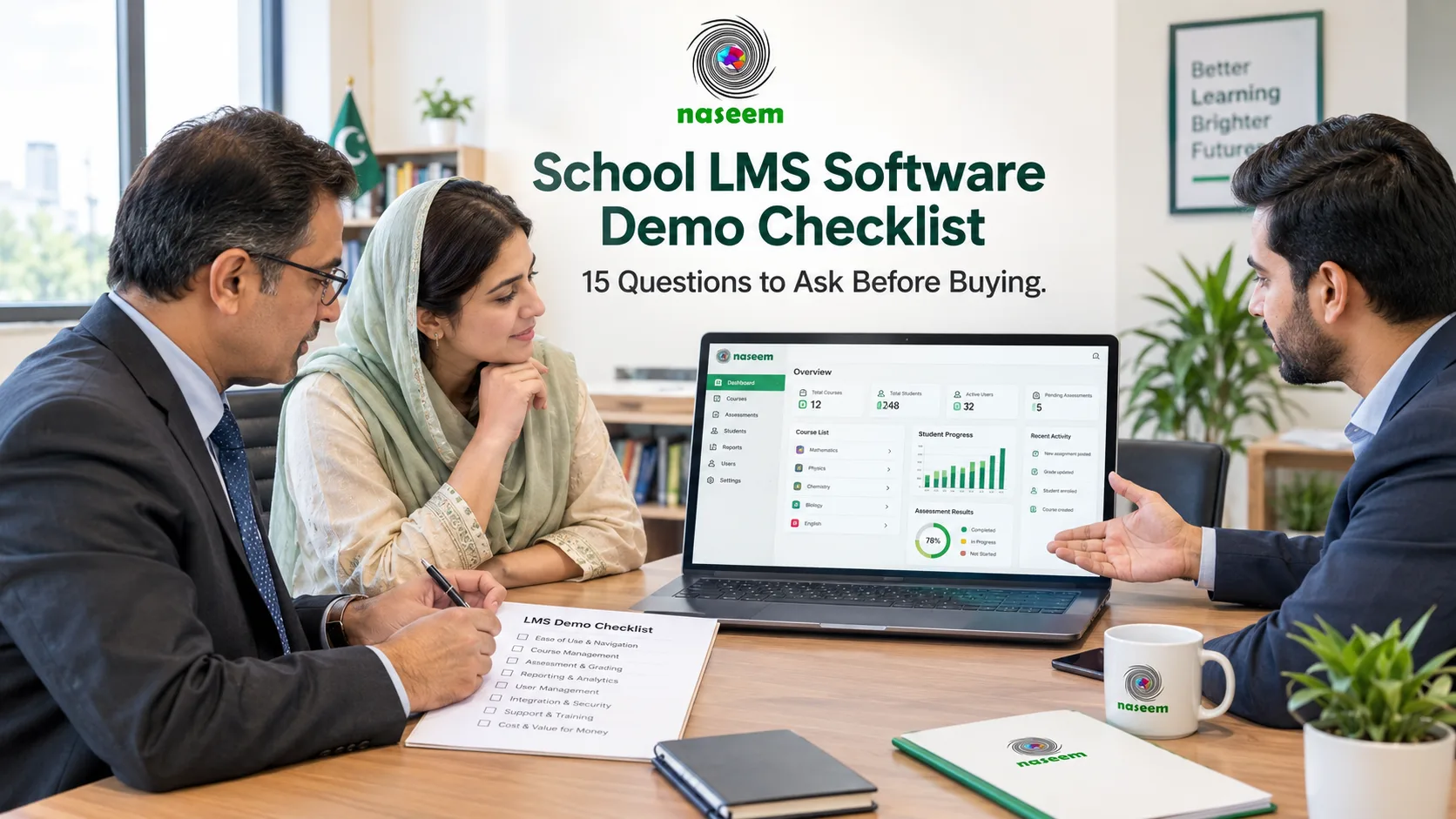
For a more detailed vendor evaluation process, consult the school LMS software demo checklist.
Questions to Ask Before Buying an LMS for Multiple Schools
Before signing a contract, ask shortlisted providers the following questions.
Organizational structure
- Can the LMS support multiple campuses under one institution?
- Can campuses have separate administrators?
- Can central administrators manage the entire organization?
- Can users be assigned to specific campuses?
Learning management
- Can courses and learning resources be shared across campuses?
- Can different campuses maintain their own course structures?
- Can teachers manage multiple classes?
- Are assessment settings configurable?
Reporting
- Can administrators review campus-level performance?
- Can reports be consolidated across campuses?
- Can information be exported for further analysis?
Security and integration
- Can access be restricted according to campus and user role?
- How are student records protected?
- Can the platform connect with existing school systems?
- What happens when students or teachers move between campuses?
Commercial and operational requirements
- How is pricing calculated for multiple locations?
- Are there additional campus or user charges?
- What onboarding and training are provided?
- What technical support is included?
- Can the platform expand as the school group grows?
Request written answers to the questions that affect your procurement decision.
Common Mistakes When Choosing a Multi-Campus LMS
- Assuming every LMS supports multiple campuses: A platform designed for individual schools may not provide the organizational controls required by a school group.
- Focusing only on the number of users: Capacity matters, but so do organizational structure, reporting and access permissions.
- Ignoring campus-level restrictions: Centralized administration should not mean unrestricted access to every student's information.
- Overlooking reporting requirements: Confirm that the platform can generate the specific consolidated reports the institution needs.
- Choosing based only on price: A low-cost platform may lack essential organizational capabilities or require expensive custom development.
- Skipping pilot testing: A demonstration alone cannot reveal every operational challenge.
- Ignoring implementation and training: A successful rollout requires staff preparation, clear responsibilities and ongoing support.
- Assuming scalability means unlimited growth: Always verify capacity, service limits, pricing and performance commitments.
How to Evaluate a School LMS for Your Institution
When assessing any school LMS, begin with the activities that matter most to your teachers, students and administrators.
A suitable learning environment should support course organization, learning resources, assessments, feedback and student progress monitoring.
For larger institutions, these learning functions must also be evaluated alongside campus-level organization, administrative permissions and reporting requirements.
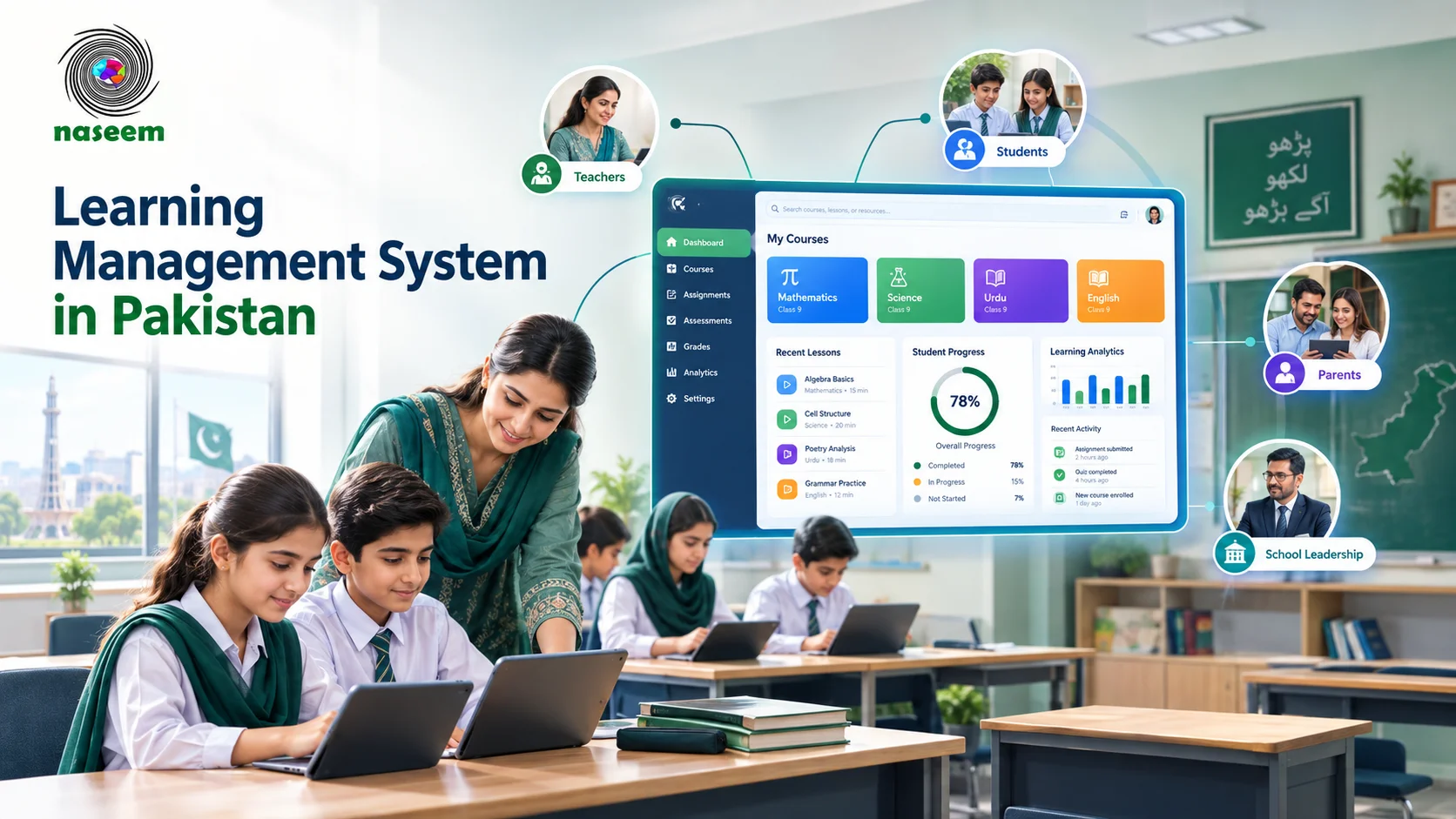
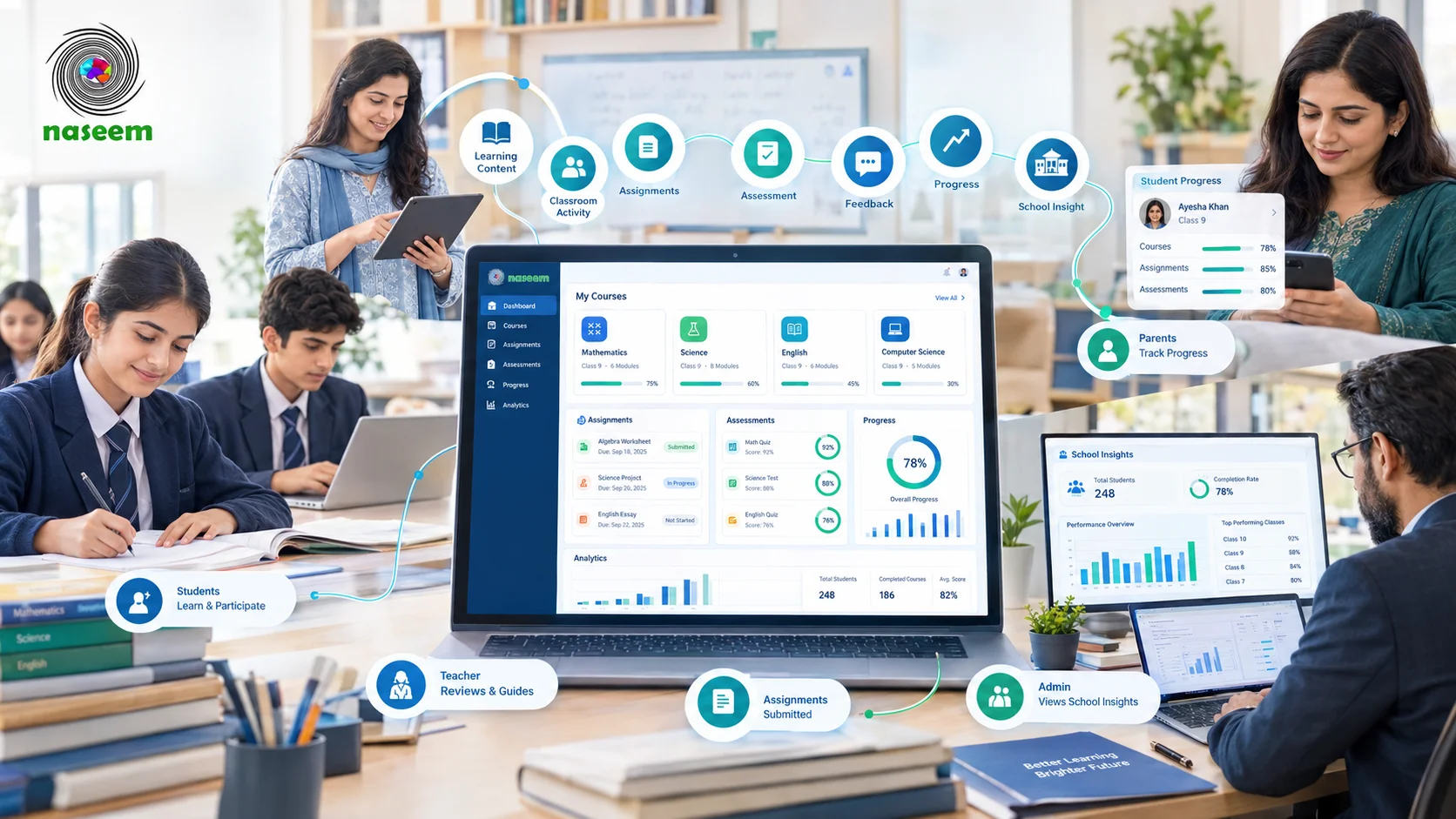
The Naseem Education LMS describes a platform focused on bringing courses, assessments, student progress, teacher workflows, parent visibility and learning insights together.
School groups considering the platform should request a demonstration and explain their multi-campus requirements in detail.
Ask the team to clarify the available organizational structure, campus-level permissions, reporting options, integration capabilities, user limits and pricing.
In particular, verify whether the exact multi-campus workflows your institution requires are supported before treating the platform as a suitable solution.
A transparent product evaluation is more useful than choosing a system based on a general claim that it can support large educational institutions.
Final Thoughts: Finding the Right LMS for a Multi-Campus School Group
Managing learning across multiple campuses requires more than simply providing teachers and students with access to digital courses.
The institution needs an organized approach to academic coordination, user management, assessment, reporting, security and long-term expansion.
A suitable LMS can help bring these activities into a connected digital environment, but the software must support the school's actual organizational structure.
Before purchasing, document your campus requirements, identify essential capabilities, compare vendors and request demonstrations based on realistic scenarios.
Pay particular attention to centralized administration, campus-level permissions, consolidated reporting, integrations and the ability to expand as the institution grows.
If your school group is exploring a more connected learning environment, visit Naseem Education to review its learning management approach and discuss your institutional requirements with the team.
Ultimately, the best LMS for a multi-campus school is not simply the one that supports the largest number of users. It is the one that helps the institution manage learning consistently while maintaining the flexibility, oversight and controls needed at every campus.
Frequently Asked Questions
The best LMS for a multi-campus school is one that can support centralized academic administration while allowing individual campuses to manage their own learning activities.
Important capabilities include campus-level user management, role-based permissions, course organization, assessment management, student progress tracking and consolidated reporting.
The right choice also depends on the institution's size, number of campuses, existing software and technical requirements.
Rather than selecting a platform based only on its advertised features, schools should request a demonstration showing how central administrators and campus-level staff would use the system in their everyday work.
Ready to Bring Your School’s Learning Together?
Give your school a connected learning management system designed to support students, teachers, parents, and school leaders.