Best Cloud-Based Learning Management Systems for Schools in 2026
If your school has already decided to move to a cloud-based learning management system, the next question is harder: which one? Most "best cloud LMS" lists are written for corporate training teams. They rank platforms on compliance courses and sales onboarding, which tells a principal very little about gradebooks, parent access, or how the platform behaves on a weak 4G connection.
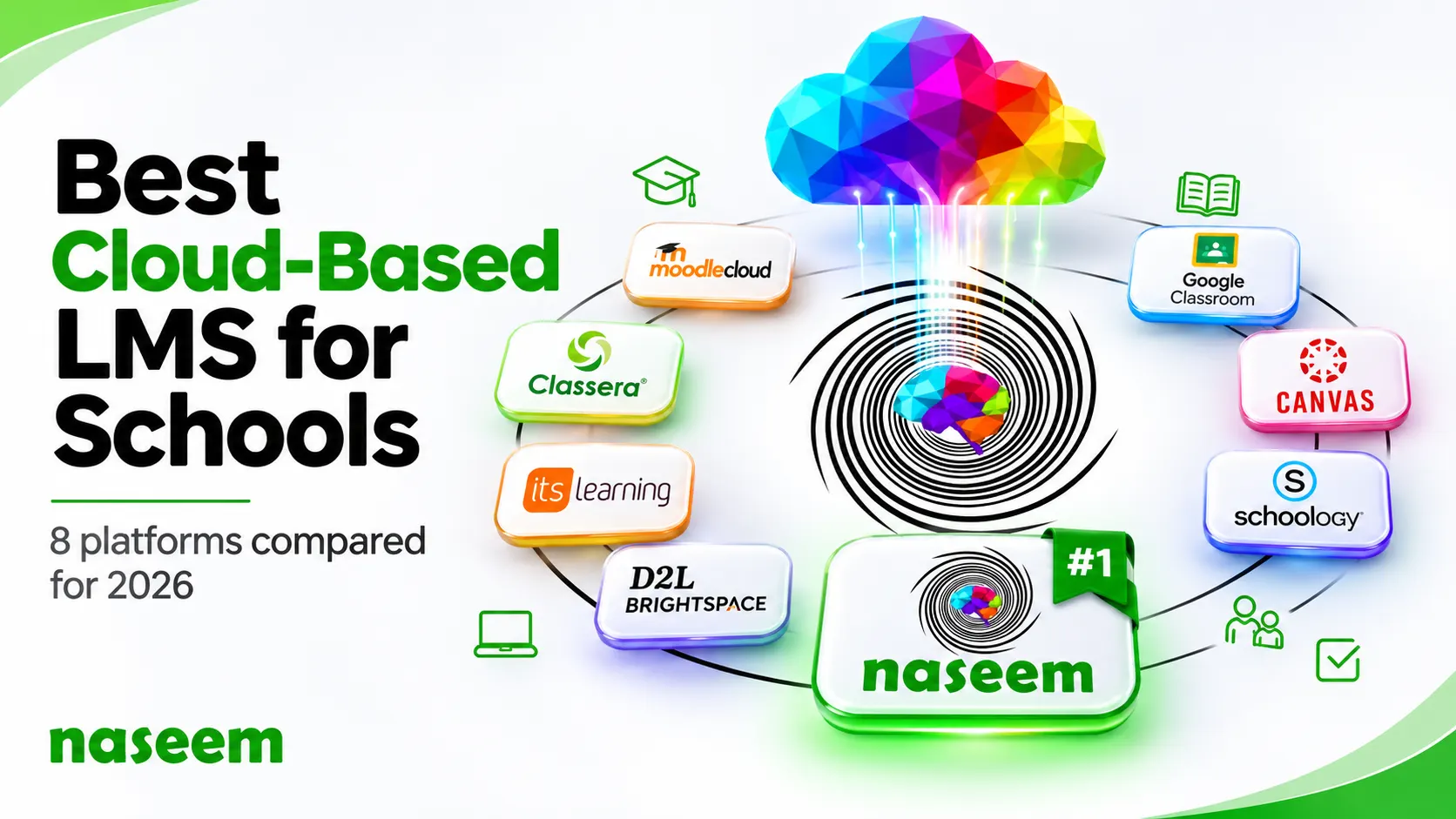
This guide is written for schools. We compared eight cloud-based learning management systems on the questions school leaders ask during demos. Who hosts the data? What can parents and principals see? What happens when the internet drops? How is pricing worked out?
A quick note on who we are. We build Naseem Education, a learning management system for schools, and it sits first on this list. We've tried to keep the comparison fair. Every platform was judged on the same criteria, and each review links to the vendor's own pages so you can check the details yourself. Pricing and features were checked in November 2026.
Quick comparison: 8 cloud-based LMS platforms for schools
| Platform | Best for | Starting price | Parent access | Offline or mobile use |
|---|---|---|---|---|
| Naseem Education | K-12 schools that want students, teachers, parents, and principals on one platform | Quote-based | Dedicated parent portal | Web-based; works in a browser on any device |
| Google Classroom | Schools starting out on a small budget | Free for qualifying institutions; paid editions from $3 per student per year | Guardian email summaries | Android and iOS apps let students review and edit downloaded work offline |
| Canvas LMS | Large schools that need many third-party integrations | Quote-based | Observer accounts and a parent app | Mobile apps for students, teachers, and parents |
| Schoology Learning | Districts already using PowerSchool | Not published | Parent accounts through an access code | iOS and Android apps |
| D2L Brightspace | Large schools that put accessibility first | Quote-based | Parent and guardian app | Brightspace Pulse app with offline access |
| itslearning | Schools that want a detailed parent dashboard | Not published | Parent Dashboard | Mobile app |
| Classera | Arabic-medium and Gulf curriculum schools | Custom | Parent portal | Mobile app |
| MoodleCloud | Very small schools with tight budgets | $160 per year for 50 users | Requires manual role setup | Moodle app included |
What is a cloud-based learning management system?
A cloud-based learning management system is LMS software that the vendor runs on its own servers or on a cloud provider such as Amazon Web Services or Microsoft Azure. Your school doesn't install anything. Teachers, students, and parents sign in through a browser or an app, and the vendor looks after hosting, updates, and backups under the terms of your agreement.
The US National Institute of Standards and Technology describes this arrangement as software as a service in its widely used definition of cloud computing. You pay for access to the software. The provider runs the infrastructure underneath it.
If you haven't yet decided whether cloud hosting suits your school, read our comparison of cloud-based and self-hosted LMS options first. The rest of this article assumes you've chosen cloud and are now comparing products. For the basics of what any LMS does, see our guide to what a learning management system is.
Cloud-based vs web-based LMS: is there a difference?
People often search for a "web based learning management system" and a "cloud based learning management system" as if they were the same product. They overlap a lot, but the two terms describe different things.
Web-based describes how people reach the LMS. They open it in a web browser, and nothing needs to be installed on their device.
Cloud-based describes where the LMS runs and who operates it. It sits on remote servers managed by the vendor or its cloud provider, and schools pay for it as a subscription.
Most web based learning management systems sold to schools today are also cloud-based, so the labels rarely cause trouble. They matter in one case. A web-based LMS can still be self-hosted.
Moodle is the usual example. Students reach a Moodle site in their browser, so it's web-based. But a school that downloads Moodle and runs it on its own server is responsible for updates, security patches, and backups. MoodleCloud is the version that Moodle's own team hosts and keeps updated, which makes it a true cloud service.
So when a vendor tells you its product is web-based, ask one more question: who runs the servers? If the answer is "you do," you're looking at a self-hosted system with a browser front end. That can work well for schools with an IT team, but it isn't the hands-off cloud service many school owners expect.
How we evaluated these platforms
We looked at each platform through the eyes of a school owner or principal, not a corporate trainer. That meant six questions:
- Hosting and data handling. Does the vendor say who hosts the platform and how student data is protected? Is there a public security or privacy page you can actually read?
- School roles. Are there separate views for students, teachers, parents, and school leaders, or only for teachers and students?
- Patchy internet. Is there an offline mode or a mobile app that copes with weak connections? Many schools still deal with load-shedding and unreliable home internet.
- Assessment and grading. Can teachers build quizzes, auto-grade objective questions, and give feedback inside the LMS? Our list of essential LMS features covers this in more detail.
- Pricing clarity. Is pricing published? If it isn't, how is a quote worked out?
- Language support. Can students and parents use the platform in a language they're comfortable with?
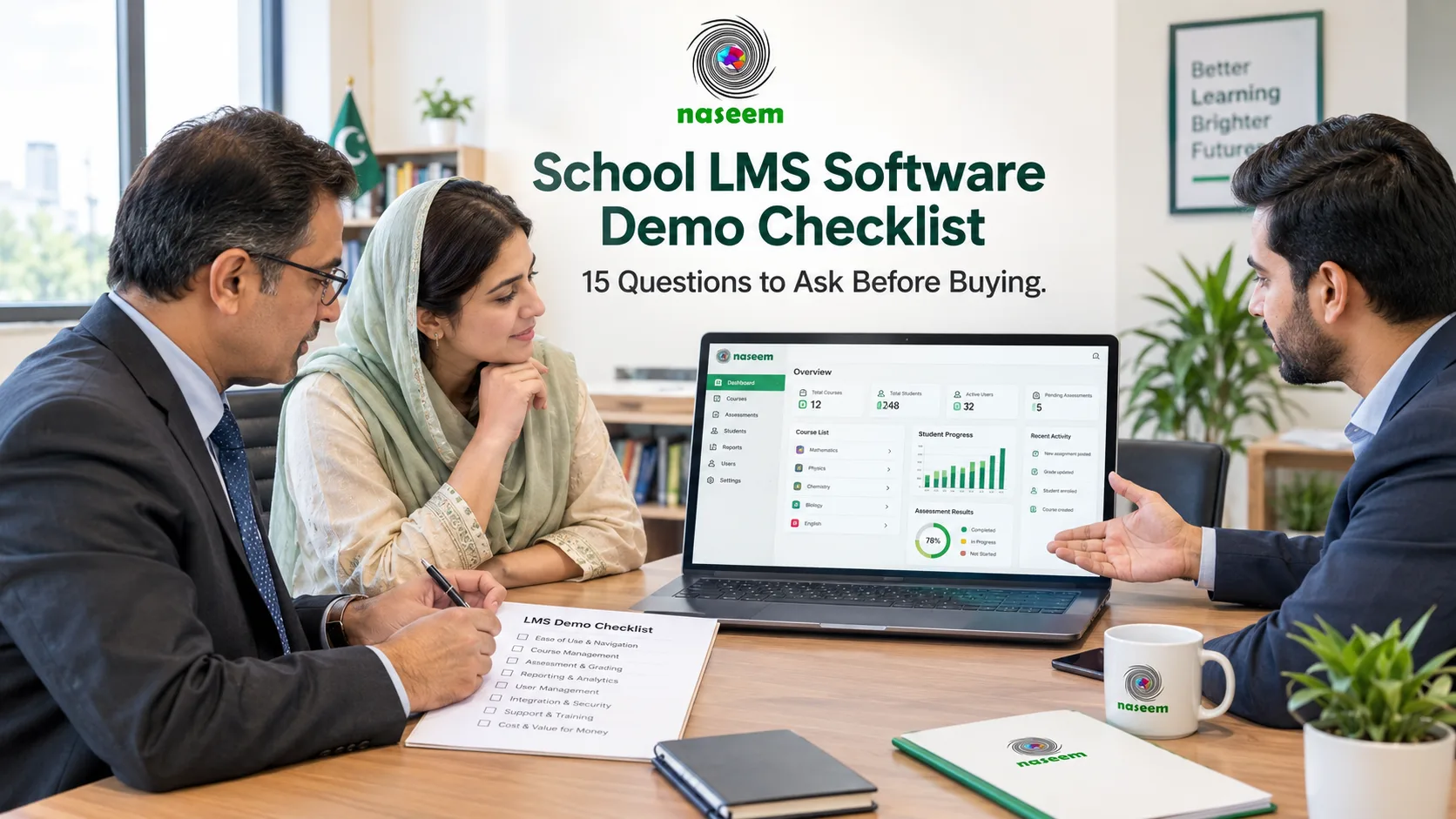
To build this comparison, we read each vendor's pricing pages, help-center articles, and security documentation, and we linked those sources in each review. We didn't run a paid pilot of every product, so treat the rankings as a well-researched starting shortlist. The final call should come from a demo with your own teachers in the room. Our school LMS demo checklist lists the questions worth asking.
The 8 best cloud-based LMS platforms for schools

1. Naseem Education: best overall cloud LMS for K-12 schools
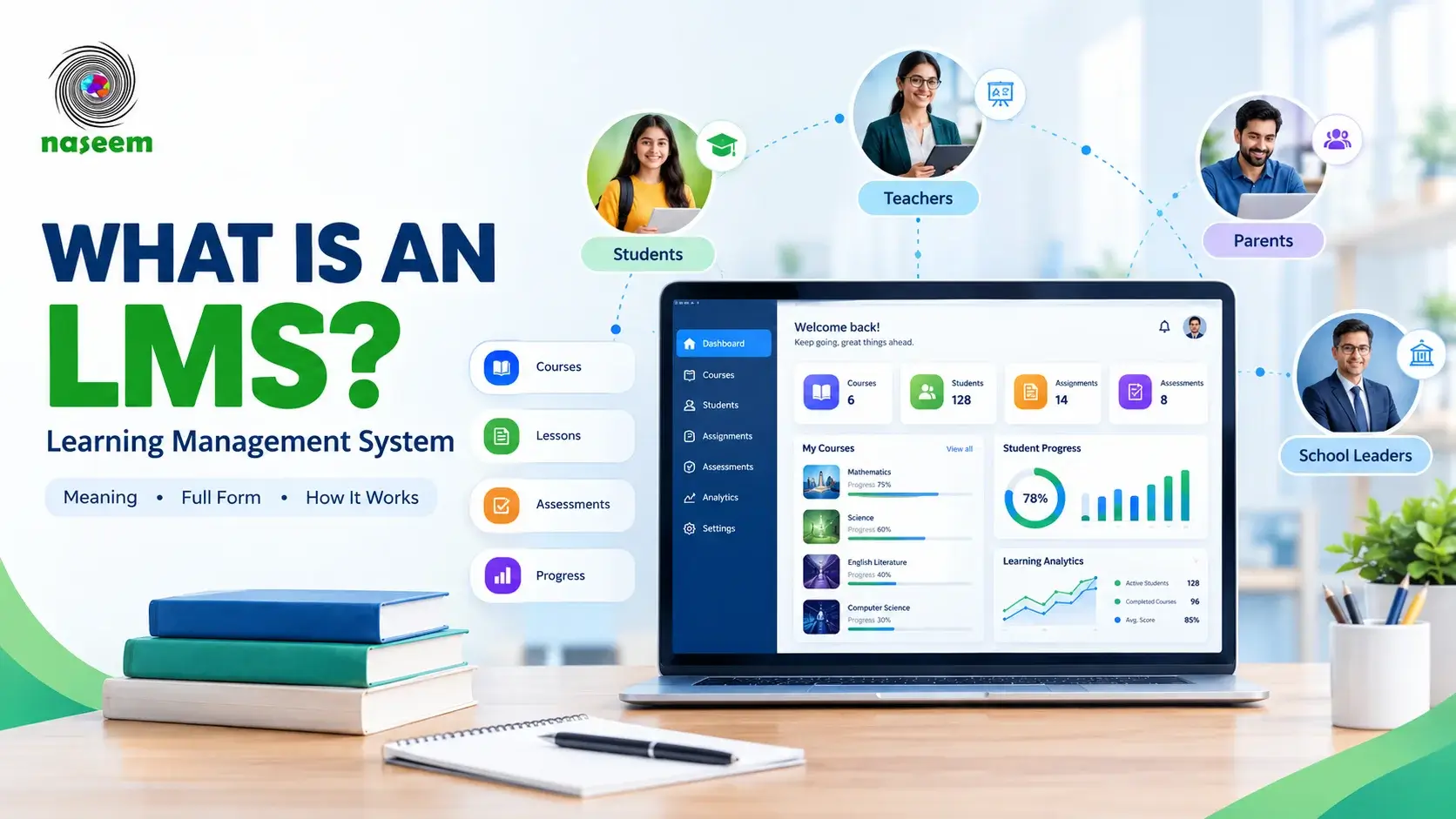
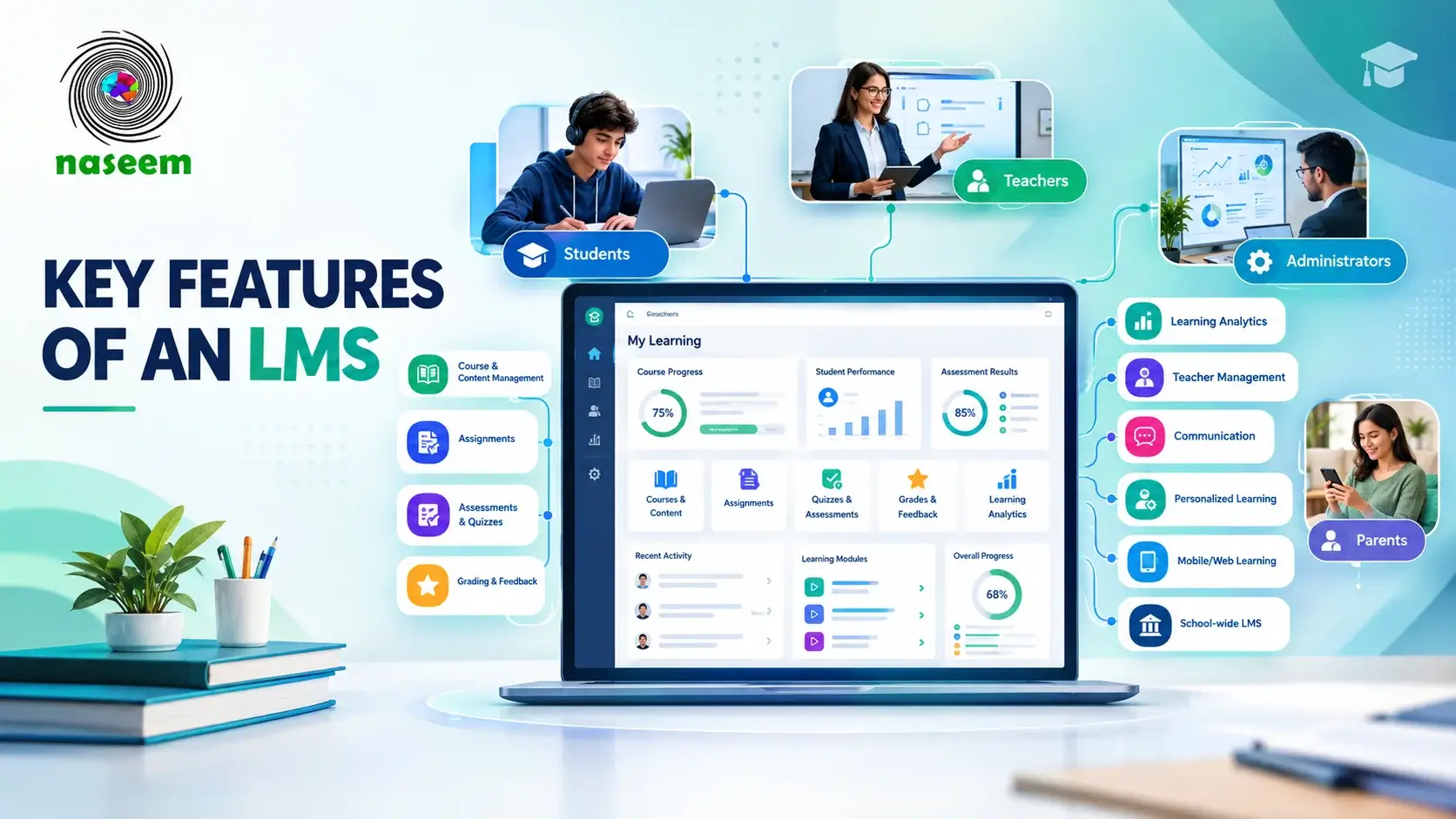
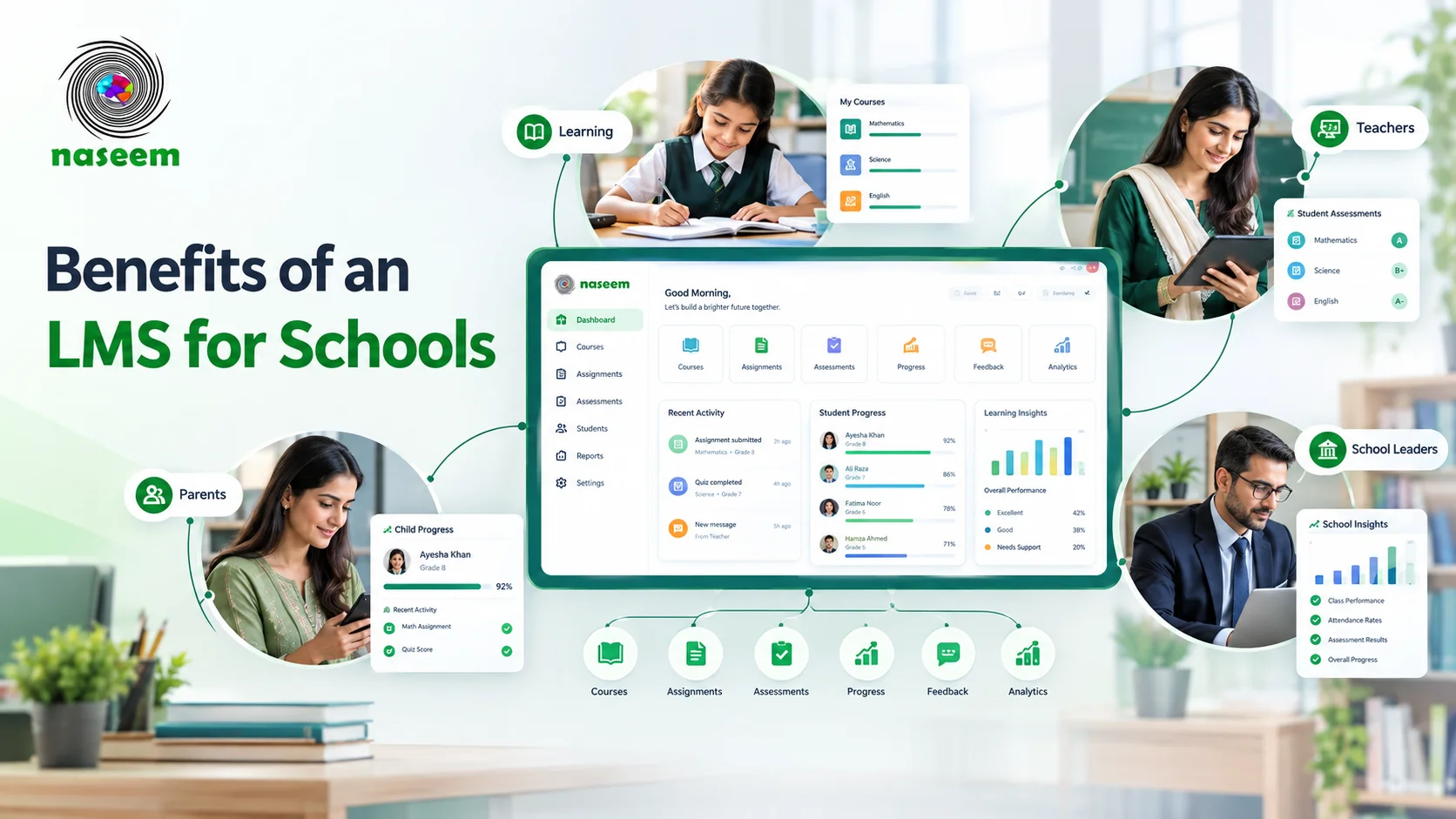
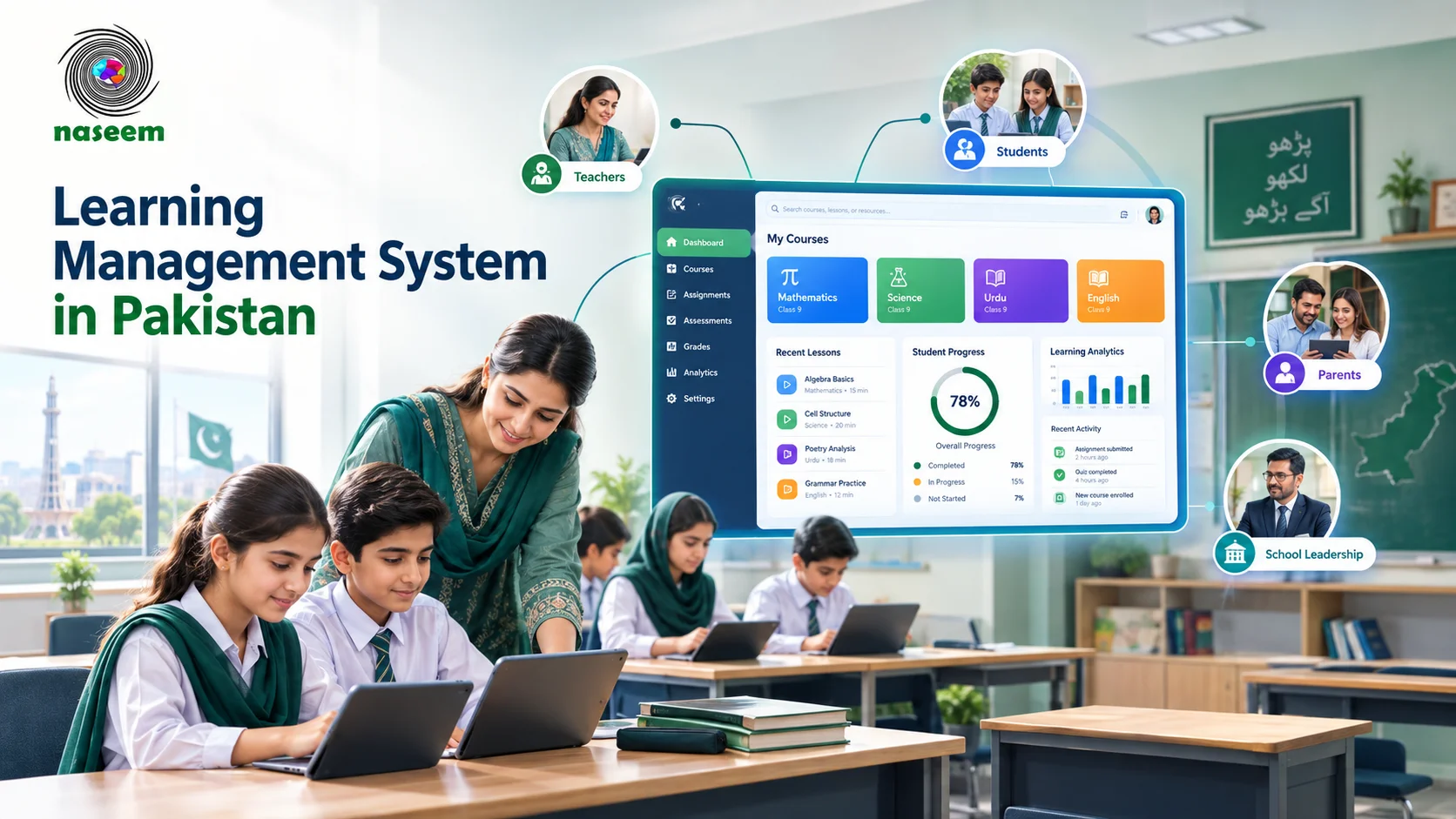
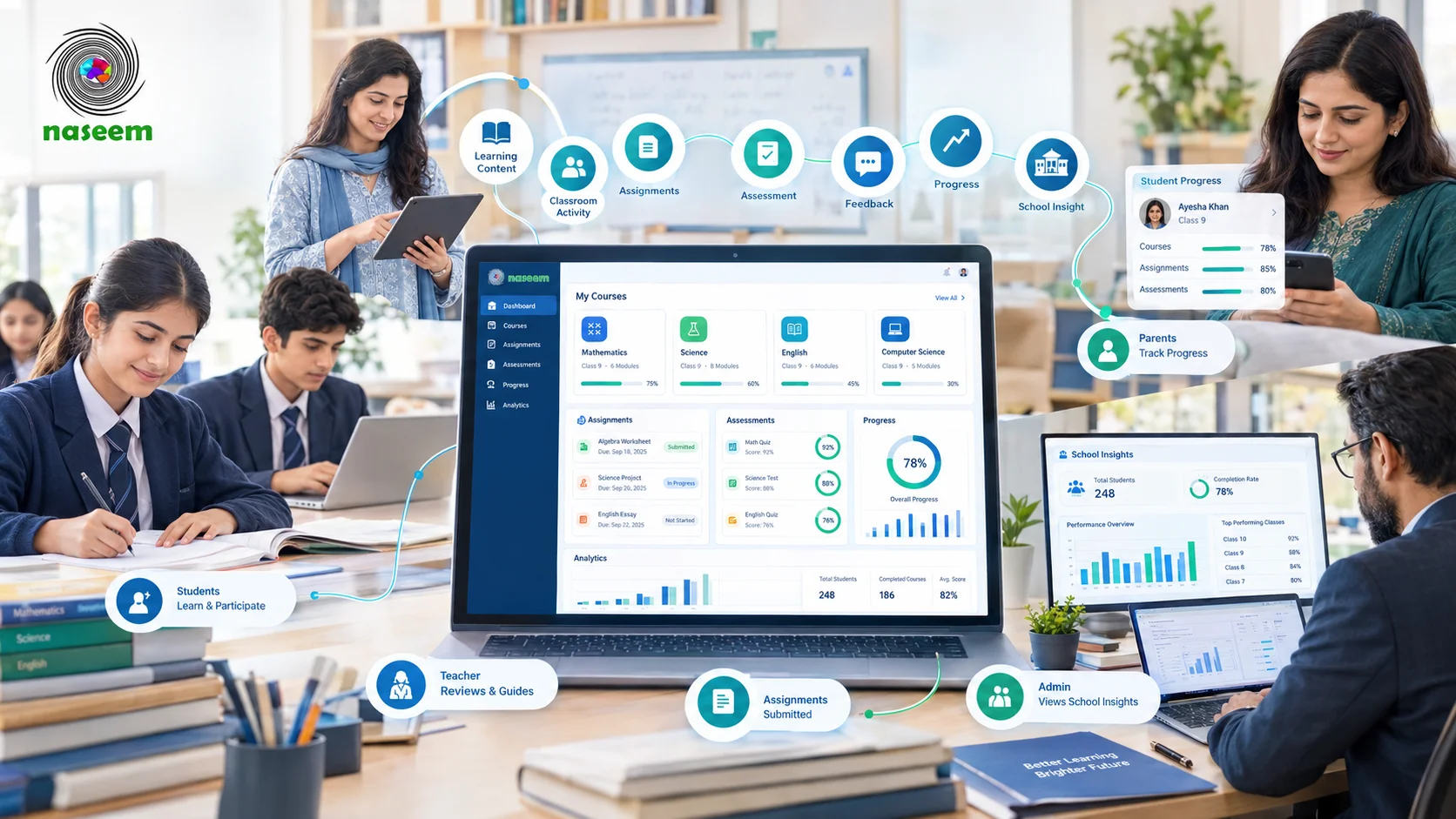
Naseem Education is a web-based learning management system built for schools rather than corporate training, and its structure reflects that. Many platforms give you a teacher view and a student view, then add parents later as an extra. Naseem gives each of the four groups in a school a portal of its own: students, teachers, parents, and principals and school leaders.
Here is what that looks like day to day:
- Students follow personalized learning paths that adjust to their pace and progress, with gamified activities and streaks that reward steady work.
- Teachers create smart assessments with auto-grading. Objective questions are marked as soon as students submit, and students get instant feedback while the lesson is still fresh.
- Parents see their child's attendance, grades, recent results, and school announcements without waiting for a report card.
- Principals get a school-wide dashboard with student and teacher totals, attendance, fee collection, and a class-wise snapshot.
Two features stand out for schools in Pakistan and similar markets. The platform supports more than 20 languages, which helps when students and parents don't share one home language. There is also a separate special education LMS designed for students with special needs, so inclusive schools don't have to bolt on another product.
On data handling, the platform's security policy states that student data is encrypted, regionally hosted, and never sold or used to train public AI models. Access is role-based, so a parent sees their own child's records and a teacher sees their own classes.
Limitations: Pricing isn't published as a public price list. Schools get a quote based on student numbers and the modules they need. If your school depends on many third-party tools, bring that list to the demo and confirm each integration.
Best for: Private schools and school groups that want students, teachers, parents, and principals in one connected system, with support from a team based in Islamabad.
Pricing: Quote-based. Our guide to LMS pricing in Pakistan explains typical subscription models and what to budget for.
Try it: You can open the standard student LMS demo from the website and click through it before you talk to anyone.
2. Google Classroom: best free starting point
Google Classroom comes with Google Workspace for Education. The Education Fundamentals edition is free for qualifying institutions. Paid editions add security, analytics, and teaching tools, starting at $3 per student per year for Education Standard and $5 per student per year for Education Plus, according to Google's edition comparison. Google hosts everything and handles updates.
The Classroom app is also one of the better options for weak connections. On Android and iOS, students can use Google Classroom offline to review announcements and assignments and edit downloaded attachments. Submitting work still needs a connection.
Limitations: Classroom is a classroom tool more than a full school LMS. Parents get guardian email summaries rather than a portal of their own, and principals have little school-wide reporting without extra tools. Our Google Classroom comparison covers these gaps side by side.
Best for: Schools taking their first step into digital learning, or teachers who already live in Google Docs and Drive.

3. Canvas LMS: best for large schools with many integrations
Canvas, made by Instructure, has been fully cloud-hosted since launch. Instructure describes it as a multi-tenant SaaS platform running on Amazon Web Services, with hosting, backups, and updates handled without scheduled downtime. Its open ecosystem of LTI integrations is one of the largest in education.
Parents can follow their children through observer accounts and the Canvas Parent app, which shows assignments, course events, and grades.
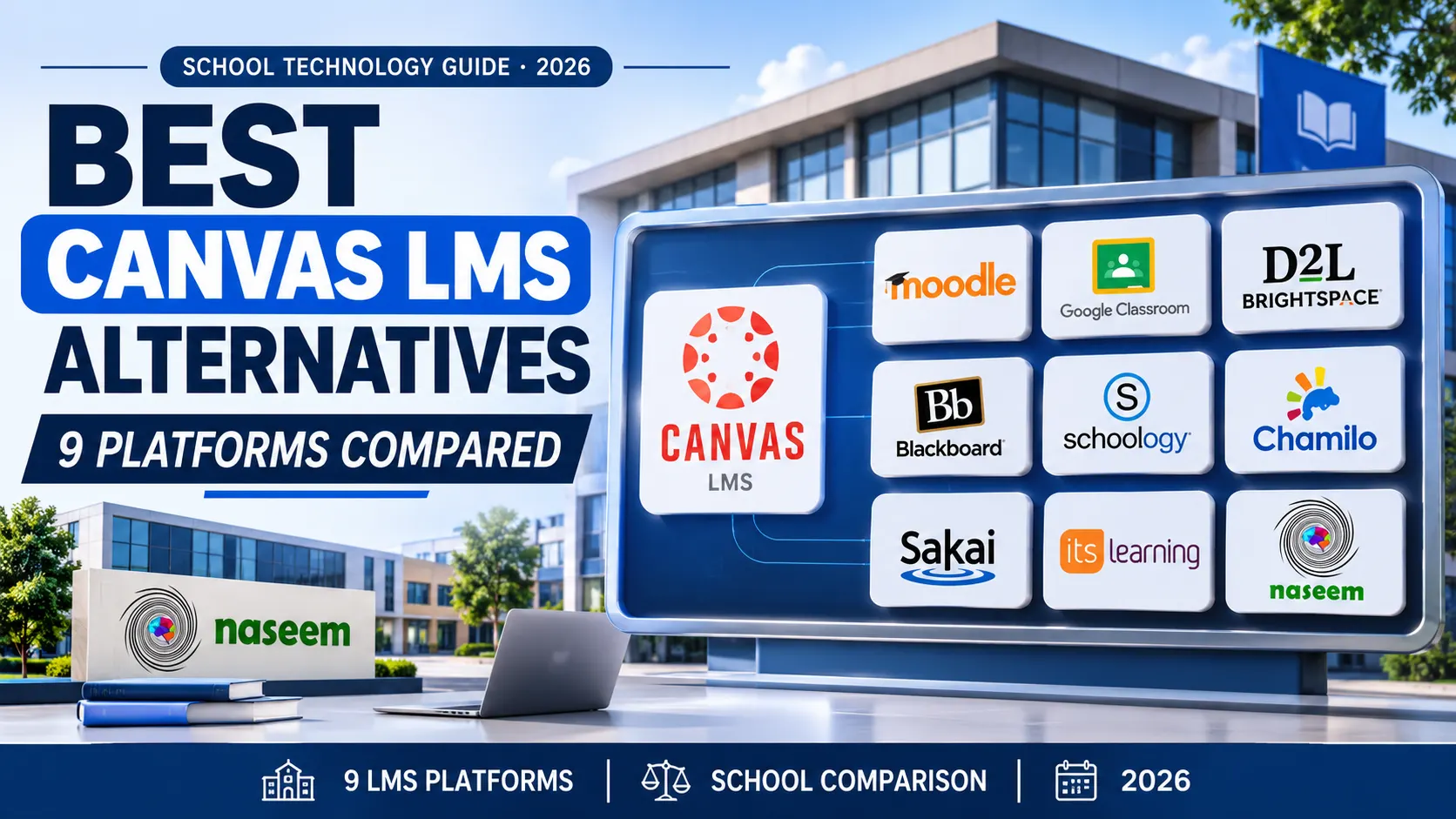
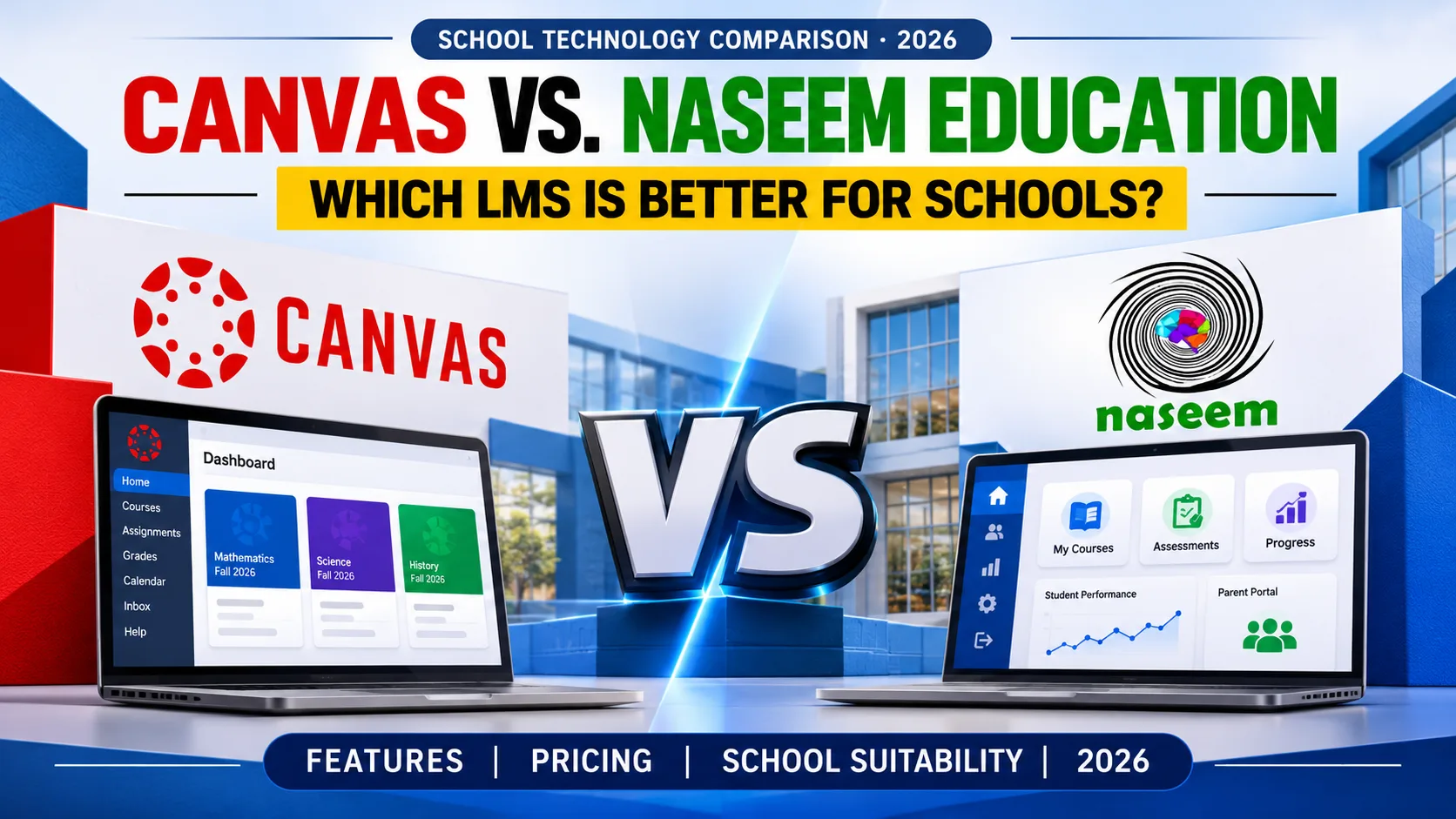
Limitations: Pricing is quote-based, and Canvas has a lot of settings. Schools without a dedicated LMS administrator often find it heavier than they need. If you're weighing it up, see our list of Canvas LMS alternatives for schools and our Canvas head-to-head review.
Best for: Large schools and districts with IT staff and a long list of tools to connect.

4. Schoology Learning: best for schools already on PowerSchool
Schoology Learning is owned by PowerSchool and is widely used by US school districts, partly because it connects to the PowerSchool student information system. Parents create their own accounts using an access code from the school and can follow coursework through the Schoology mobile app on iOS and Android.
Limitations: We couldn't find published Schoology pricing, so expect a quote. It makes the most sense when your school already runs PowerSchool for student records. Outside that setup, you lose much of its main advantage.
Best for: Districts and school networks that already use PowerSchool.
5. D2L Brightspace: best for accessibility
D2L Brightspace for K-12 is a cloud platform used by schools, universities, and businesses. D2L puts heavy weight on accessibility and says its authoring tools meet WCAG 2.2 at release. Students can use the Brightspace Pulse mobile app, which D2L says works offline, and families can use the Brightspace Parent & Guardian app to see coursework, grades, and feedback.
Limitations: Pricing is quote-based, and several advanced modules are licensed separately from the core platform. Parent accounts also have to be set up through a student information system integration, which takes some admin work.
Best for: Larger schools where accessibility and formal compliance requirements come first.

6. itslearning: best parent dashboard outside the big US platforms
itslearning was founded in Bergen, Norway, in 1999 and has been part of the Sanoma Group since 2019. It is cloud-based and runs in any modern browser, with mobile apps for teachers and students. Its Parent Dashboard puts homework, course plans, grades, and teacher feedback in one place.
Limitations: Pricing isn't published, and the company's offices and customer base are mostly in Europe. Ask what support hours look like in your time zone before you commit.
Best for: Schools that follow European curricula or want strong course-planning tools for teachers.

7. Classera: best for Arabic-medium schools
Classera grew up in the Gulf and is widely used in Saudi Arabia. Its Microsoft Marketplace listing says it serves more than 12 million users in over 40 countries, is available in 12 languages, and runs on Microsoft Azure. It combines LMS tools with parent communication, attendance, and gamified learning.
Limitations: Pricing is custom, and the platform is shaped around Arabic national curricula and government deployments. A Pakistani private school following a local or Cambridge curriculum may not use much of what makes it distinctive.
Best for: Arabic-medium schools and schools in the Gulf.

8. MoodleCloud: best low-cost option for very small schools
MoodleCloud is Moodle LMS hosted and updated by Moodle's own team. According to the MoodleCloud pricing page, plans run from $160 a year for 50 users and 1 GB of storage up to $2,050 a year for 750 users and 50 GB, billed annually in Australian dollars. There's a 28-day free trial, and every plan includes the premium Moodle mobile app.
Limitations: You can't install plugins or integrations on MoodleCloud, and the largest plan stops at 750 users, so a growing school will outgrow it. Parent access isn't ready out of the box either. An administrator has to create a parent role and link each parent to their child by hand. Our roundup of Moodle alternatives for schools covers what to look at next.
Best for: Very small schools, tutoring centers, and single teachers who need structure on a tight budget.
Which cloud LMS fits your type of school?
Rankings only go so far. The right platform depends on your size, your budget, and who needs to use it. Here's how we'd narrow the list for common situations.
A small private school with a tight budget. Start with Naseem Education if you want parents and the principal involved from day one. MoodleCloud is cheaper for under 200 users, but you'll spend time setting up parent access by hand. Google Classroom works if all you need is a place for assignments.
A growing school or a group with several campuses. You need central reporting, campus-level permissions, and one login per user across branches. Naseem Education's principal dashboard gives leaders a school-wide view, so ask in the demo how it separates campuses and permissions. Our guide to the best LMS for multi-campus schools lists what else to check.
A school where parent communication is the priority. Look closely at Naseem Education, itslearning, and Schoology, which all give parents their own login rather than an email digest.
An inclusive school with students who have special needs. Naseem Education's special education LMS was built for this. D2L Brightspace is worth a look if formal accessibility standards drive your purchasing.
A school in an area with unreliable internet. Ask every vendor what happens when the connection drops halfway through a quiz. Google Classroom and Brightspace Pulse have documented offline features. For any web-based LMS, test it during the demo on the phones and connections your students actually use at home.
An Arabic-medium school. Classera is shaped for this market.
A large district already running PowerSchool. Schoology will slot in most easily.
If you're still unsure whether you need an LMS, a school management system, or both, read our breakdown of LMS vs school management software before you book demos.
Red flags to check before you sign a cloud LMS contract
A cloud LMS moves a lot of responsibility to the vendor. That's the point of it, but it also means the contract matters more than the feature list. Watch for these warning signs.
- Vague answers about where data is hosted. "In the cloud" isn't an answer. Ask which provider and which region, and get it in writing.
- Backups with no details. Every vendor says it backs up data. Ask how often, how long backups are kept, and when a restore was last tested.
- Data export only "on request." You should be able to export student records, grades, and course content in a standard format without paying a fee. If a vendor makes leaving hard, that tells you something. Our guide on how to switch LMS platforms explains what a clean exit looks like.
- Storage or user limits buried in the fine print. A low per-student price can climb fast if video storage or extra admin accounts cost more.
- Security described only in marketing language. Ask for the security policy and the privacy policy, then read them. The US Department of Education's guidance on protecting student privacy with online educational services is a useful checklist even for schools outside the US.
- No clear split of responsibilities. The vendor runs the servers, but your school still manages accounts, passwords, and who can see what. Microsoft's explanation of the shared responsibility model in the cloud shows how this division usually works.
- Automatic renewals with open-ended price increases. Ask for a three-year cost estimate and a cap on yearly increases.
- Support that stops at a ticket form. Find out the support hours, response times, and whether anyone can help during exam week.
None of these points rules out a platform on its own. But a vendor that can't answer them clearly before you sign is unlikely to get clearer afterward.
How to choose your school's cloud LMS
You don't need to demo all eight platforms. A short, focused process usually works better.
- Pick three platforms from the list above that match your school type and budget.
- Book demos and bring teachers. Ask each vendor to show a real teacher creating a quiz, grading it, and sharing results with a parent. Use the same script for every vendor so the comparison is fair.
- Ask for a written three-year quote that includes setup, training, storage, and support.
- Check how it fits your other systems. If you already use school management software for fees or admissions, read our guide to LMS integration with school management software before you decide.
- Run a short pilot with one grade or one subject for four to six weeks, then ask teachers, students, and a few parents what worked.
For a wider view of the buying process, our complete guide to choosing a learning management system for schools walks through implementation as well.
See Naseem Education in action
If your school wants one cloud-based platform for students, teachers, parents, and principals, we'd be glad to show you how it works with your own classes and subjects in mind. You can explore the platform's features, try the live demo, or talk to our team to book a walkthrough and get a quote for your school.
Frequently asked questions
Ready to Bring Your School’s Learning Together?
Give your school a connected learning management system designed to support students, teachers, parents, and school leaders.