Canvas vs. Naseem Education: Which LMS Is Better for Schools in 2026?
Last reviewed November 11, 2026.
A school owner comparing Canvas LMS and Naseem Education is weighing two different kinds of purchase. Canvas is an international platform sold in tiers on a personalized quote. Naseem Education is a newer, Pakistan-based LMS built around four school roles: student, teacher, parent, and principal. Neither is the right answer for every school, and the useful question is which one fits yours.
Disclosure and method. Naseem Education publishes this article and is one of the two products compared. Everything below comes from public documentation reviewed on November 11, 2026, not from hands-on testing of either platform. Where a claim rests on a vendor's marketing page or a product screenshot, we say so, and where nothing public confirms a capability, we say that instead of guessing. If you need background first, our guide to the learning management system for schools covers what an LMS does.
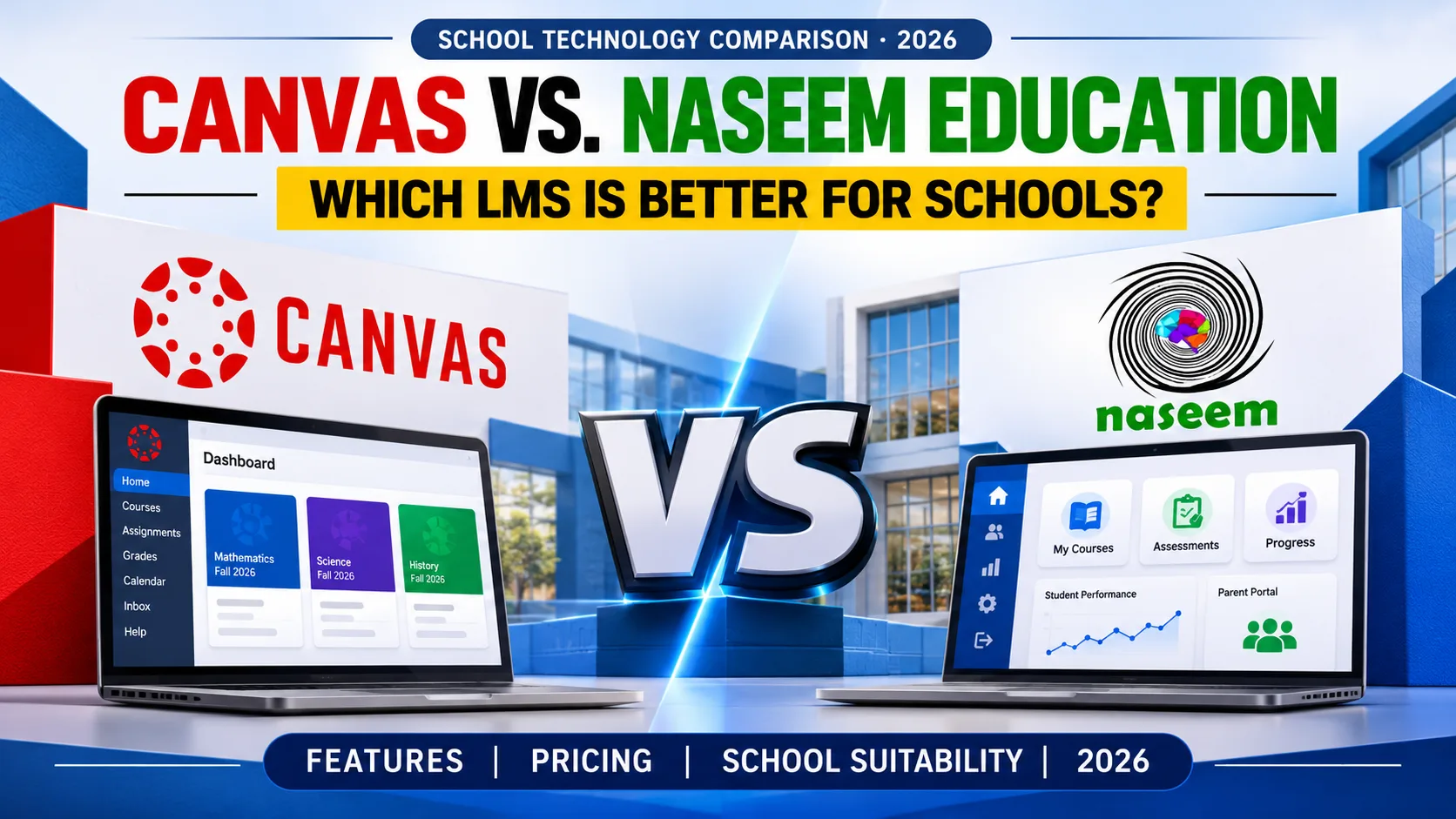
Canvas vs. Naseem Education: A Quick Overview
The short answer: Canvas is the better-documented product, with a large integration network, native mobile apps, and tiered analytics. Naseem Education is the narrower, school-role-focused product with local roots, and its public documentation is thinner, so more of your evaluation has to happen in a demo. If you are specifically searching for Canvas LMS alternatives for schools, that guide covers nine platforms; this one is a head-to-head.
Each cell below carries an evidence label: Verified (the provider documents it), Partial (documented in general terms; details need confirmation), or Not confirmed (nothing reliable found, which is not proof the feature is missing).
| Comparison factor | Canvas LMS | Naseem Education |
|---|---|---|
| Primary audience | K-12, higher education, business; K-12 offering includes Canvas Elementary for grades K-5Verified | Schools; separate student, teacher, parent and principal portalsVerified |
| Course management | Course creation and delivery in every tier; Blueprint courses for centrally managed curriculumVerified | Course materials and learning activities; content formats not itemizedPartial |
| Assessments | Assessment and feedback in every tierVerified | Assessments with auto-grading "where applicable"; question types not publishedPartial |
| Grading and feedback | SpeedGrader and Gradebook with weightingVerified | Grading and feedback described generally; dashboards show an overall gradePartial |
| Student progress | Essential analytics in every tier; advanced analytics in Plus and NextVerified | Progress tracking and analytics described; indicators not itemizedPartial |
| Parent engagement | Observer role plus free Parent app; school controls accessVerified | Parent portal showing attendance, grades and announcements in a product screenshotPartial |
| Learning analytics | In-app reporting; raw event data via Canvas DataVerified | Principal dashboard with class snapshot; report list not publishedPartial |
| Integrations | 1,000+ partners cited by InstructureVerified | No integration list publishedPartial |
| Web and mobile | Web plus free native Student, Teacher and Parent appsVerified | Web-based and described as mobile-friendly; native apps not confirmedPartial |
| Pricing | Quote-based; Core, Plus and Next tiersVerified | Quote on request; no public price list foundNot confirmed |
What Is Canvas LMS?
Canvas is a cloud-based learning management system made by Instructure. It serves K-12 schools, universities, and organizations running professional training, and Instructure describes it as the leading LMS in North America. Its K-12 page positions one environment that follows students from early grades into higher education, with Canvas Elementary for the youngest learners.
Key Features of Canvas LMS
Instructure's tier comparison lists course creation and delivery, assessment and feedback, essential analytics, and communication tools in all three tiers. The Canvas overview describes SpeedGrader for grading and annotating submissions, a Gradebook with adjustable weightings, and a "Message Students Who" tool that targets messages by criteria a teacher sets. For administrators, Blueprint courses push curriculum updates from a master course to many classes, and in-app reporting shows course activity and engagement. Canvas Data provides raw event-level files for schools with their own data team.
On the family side, schools enroll parents through the Observer role, and Instructure's free Parent app shows assignment due dates, announcements, reminders, and grades. Student and Teacher apps are also free.
Advantages of Canvas LMS
Canvas has the deepest public documentation of the two. Its integration claim is concrete: more than 1,000 external tools through its partner marketplace. Its mobile apps cover all three main roles. Instructure lists third-party credentials on the K-12 page, including ISTE, Digital Promise, an ESSA Level 3 rating, and 1EdTech TrustEd Apps certification for data privacy. These are vendor-reported, so ask to see the certificates. The platform also scales: a school can start on core features and move up a tier.
Limitations and Considerations of Canvas LMS
Pricing is not published, so budgeting starts with a sales conversation, and the tier you choose decides whether you get advanced analytics, interactive video, or AI grading assistance. Canvas serves higher education and business too, so a single school may pay attention to structures it never uses. Hosting and update timing are managed by Instructure. Instructure lists offices in North America, Europe, and the Philippines; confirm local onboarding, support hours, payment terms, and whether Urdu is supported, since none of that appears on the pages we reviewed. The tiers page also said the new tiers would reach customers outside North America by August 15, so confirm what is available to a Pakistani school today. Finally, security: Instructure detected unauthorized activity on April 29, 2026, and later said the stolen data included names, email addresses, student ID numbers, and messages. It publishes an incident hub, and Help Net Security's report covers how it was handled. One incident does not disqualify a vendor, but it makes breach-response terms a fair contract question.
What Is Naseem Education LMS?
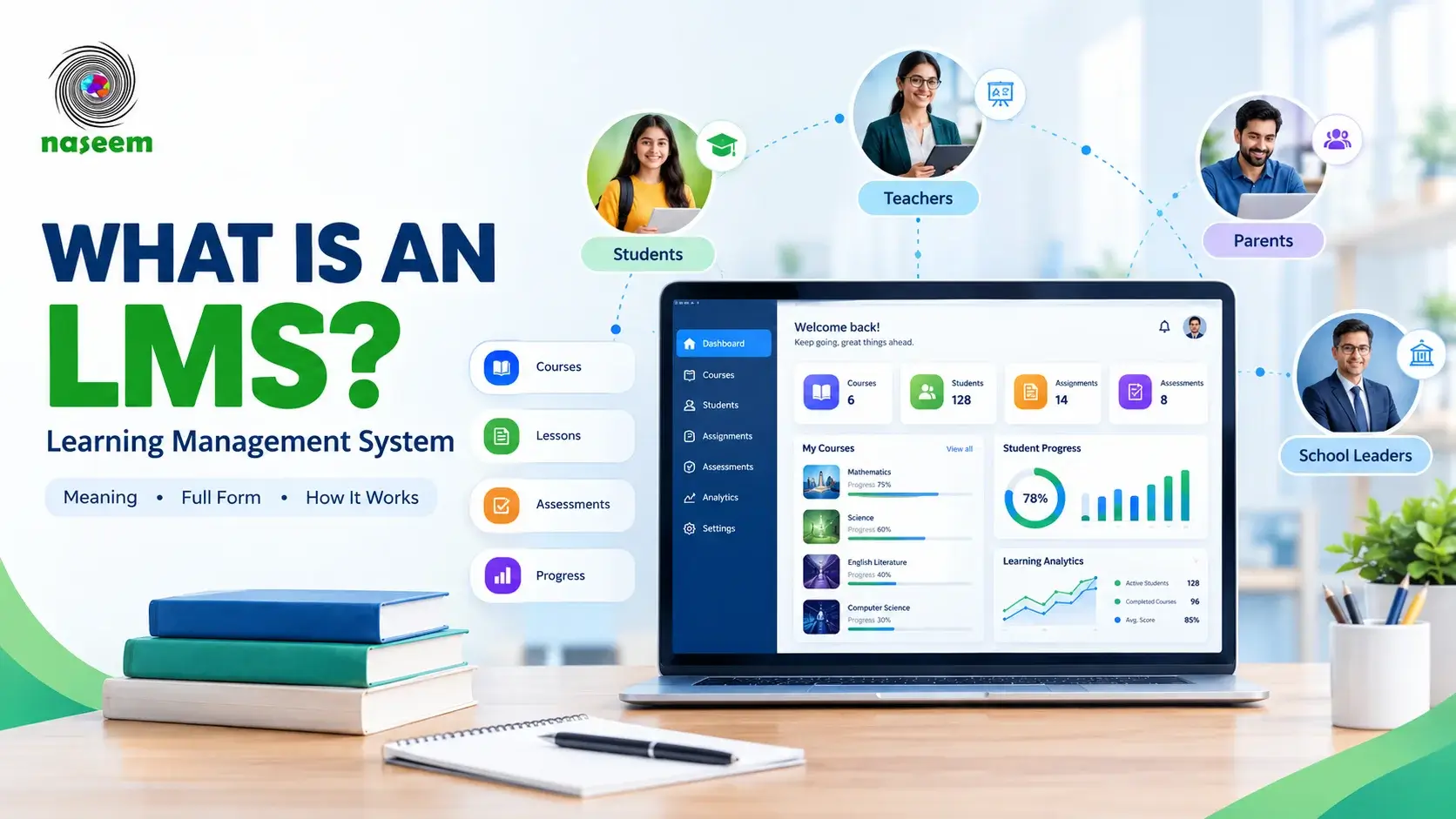
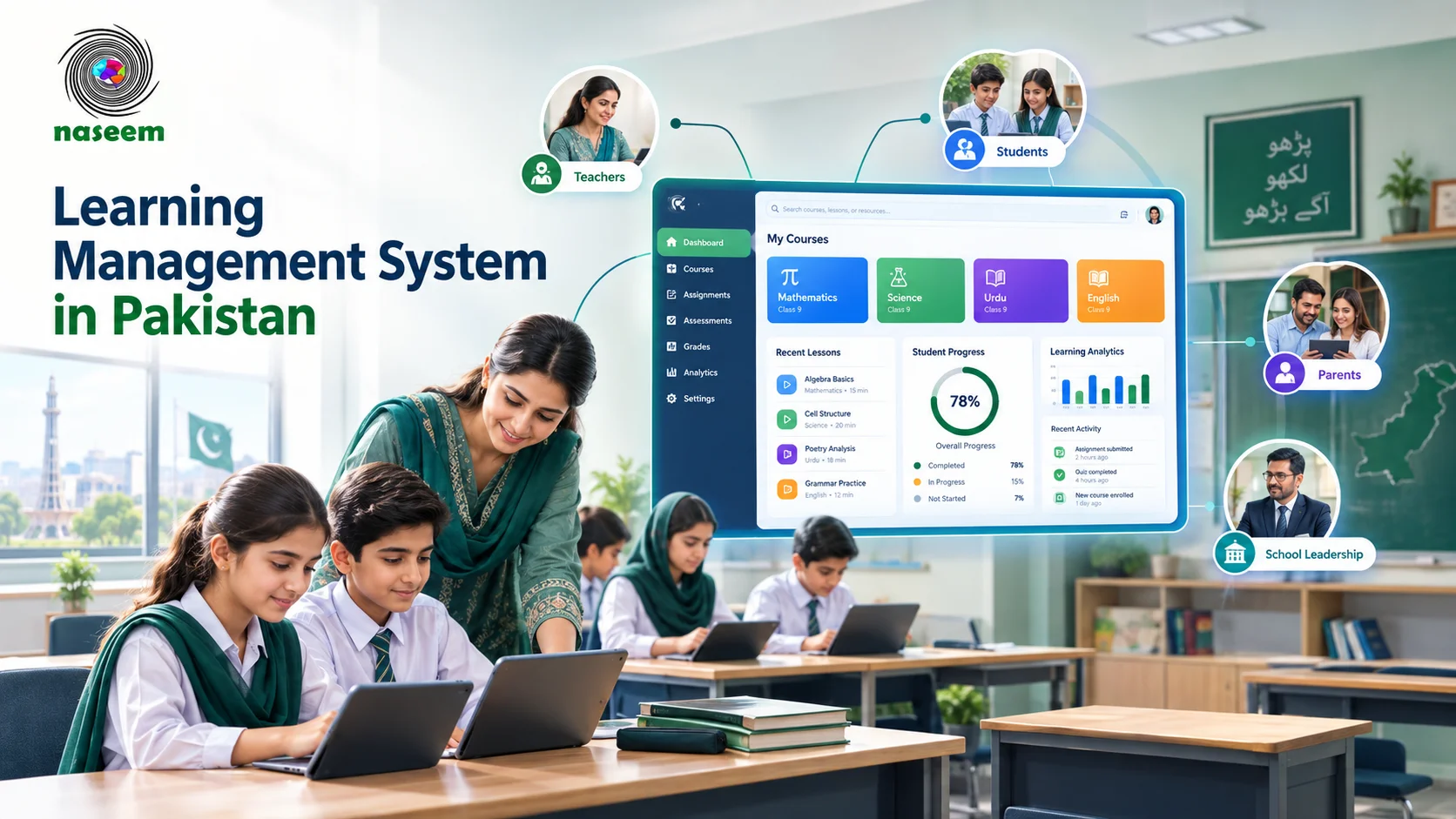
Naseem Education is a web-based learning management system for schools, based in Islamabad. It is presented as one environment for learning resources, assignments, assessments, student progress, and teaching activities. Its distinguishing choice is organizing the product around four users: students, teachers, parents, and principals, each with a portal page (students, teachers, parents, principals). Schools can also try live demos of a standard LMS and a Special Education LMS.
Key Features of Naseem Education LMS
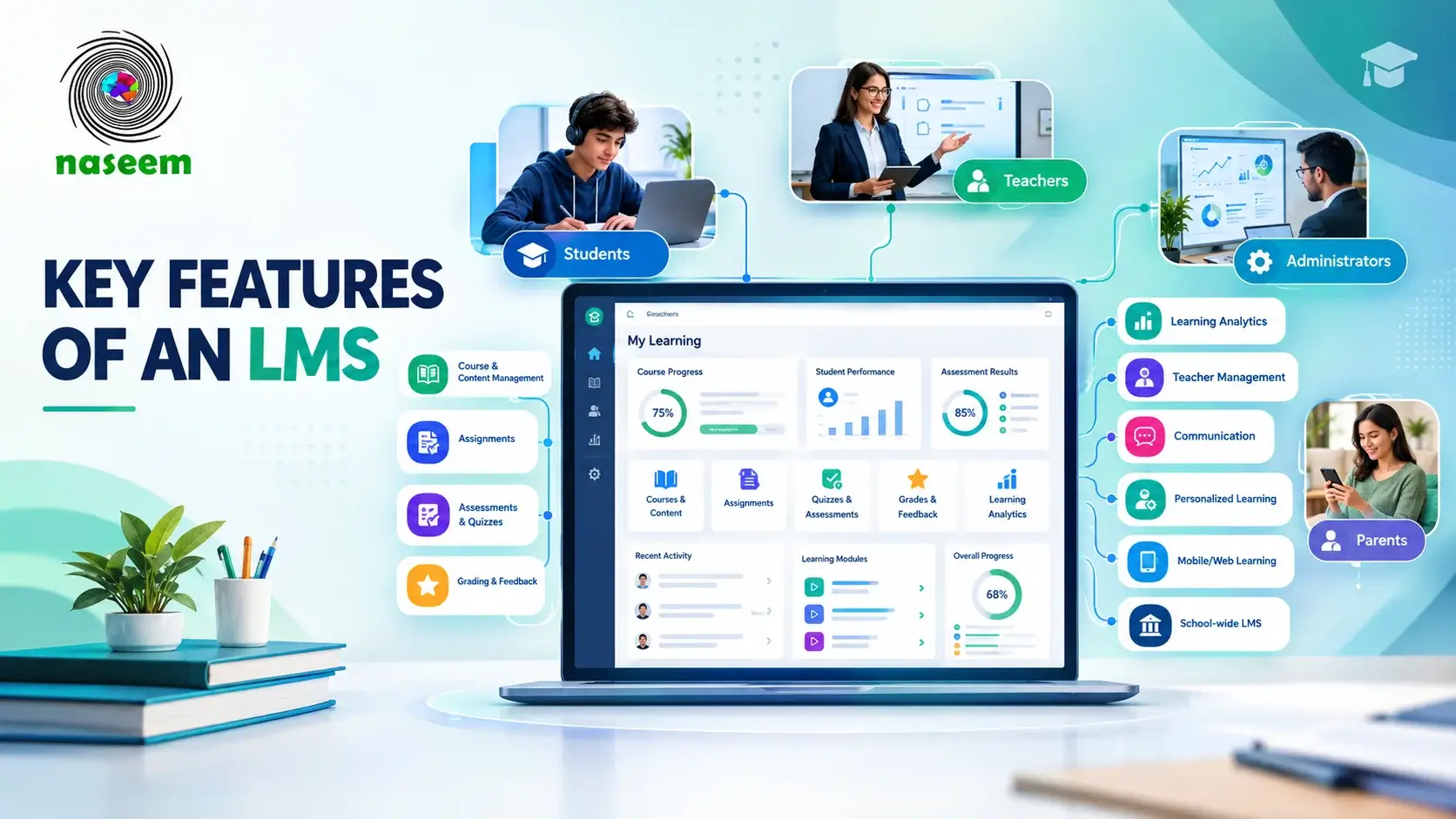
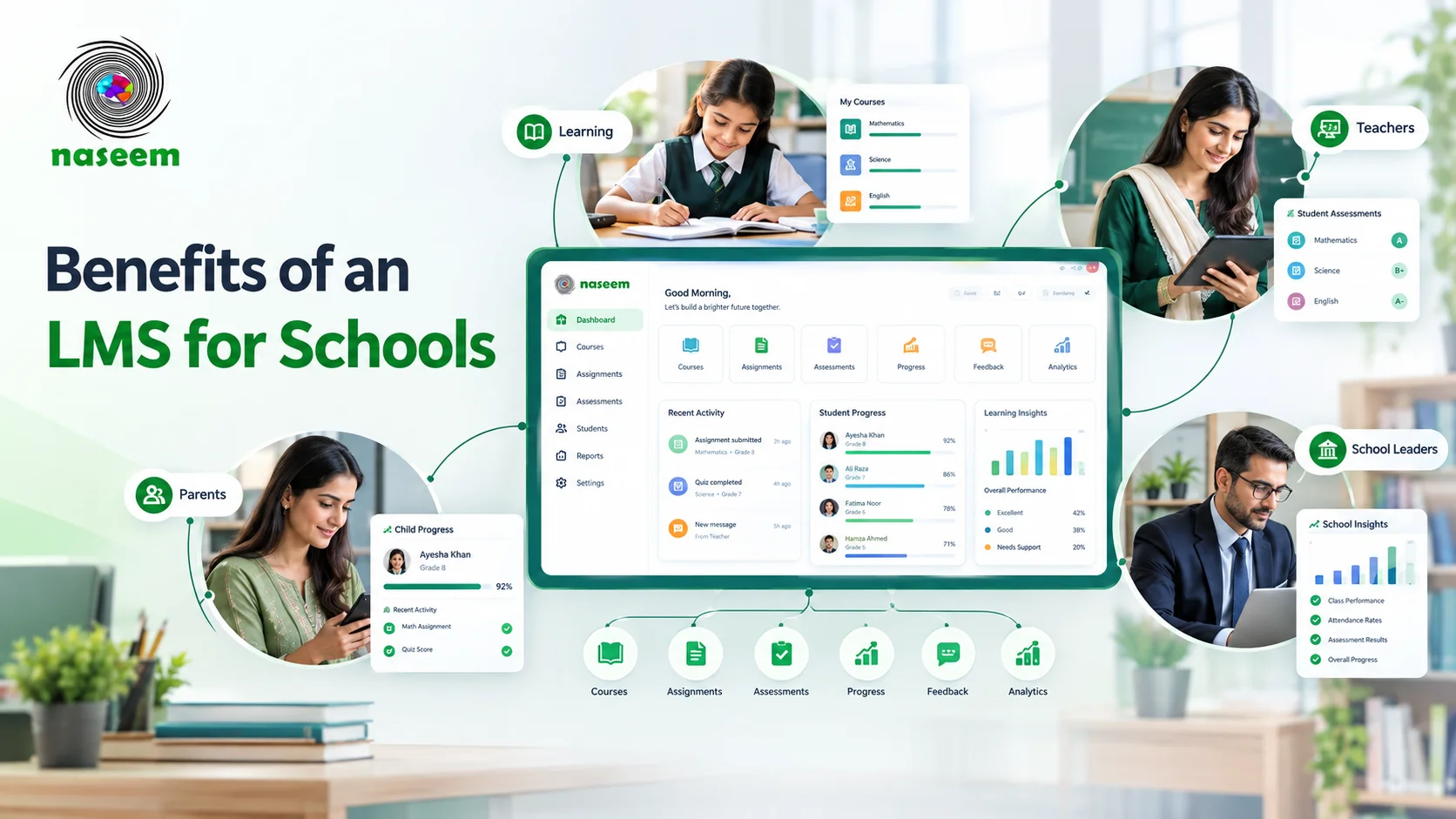
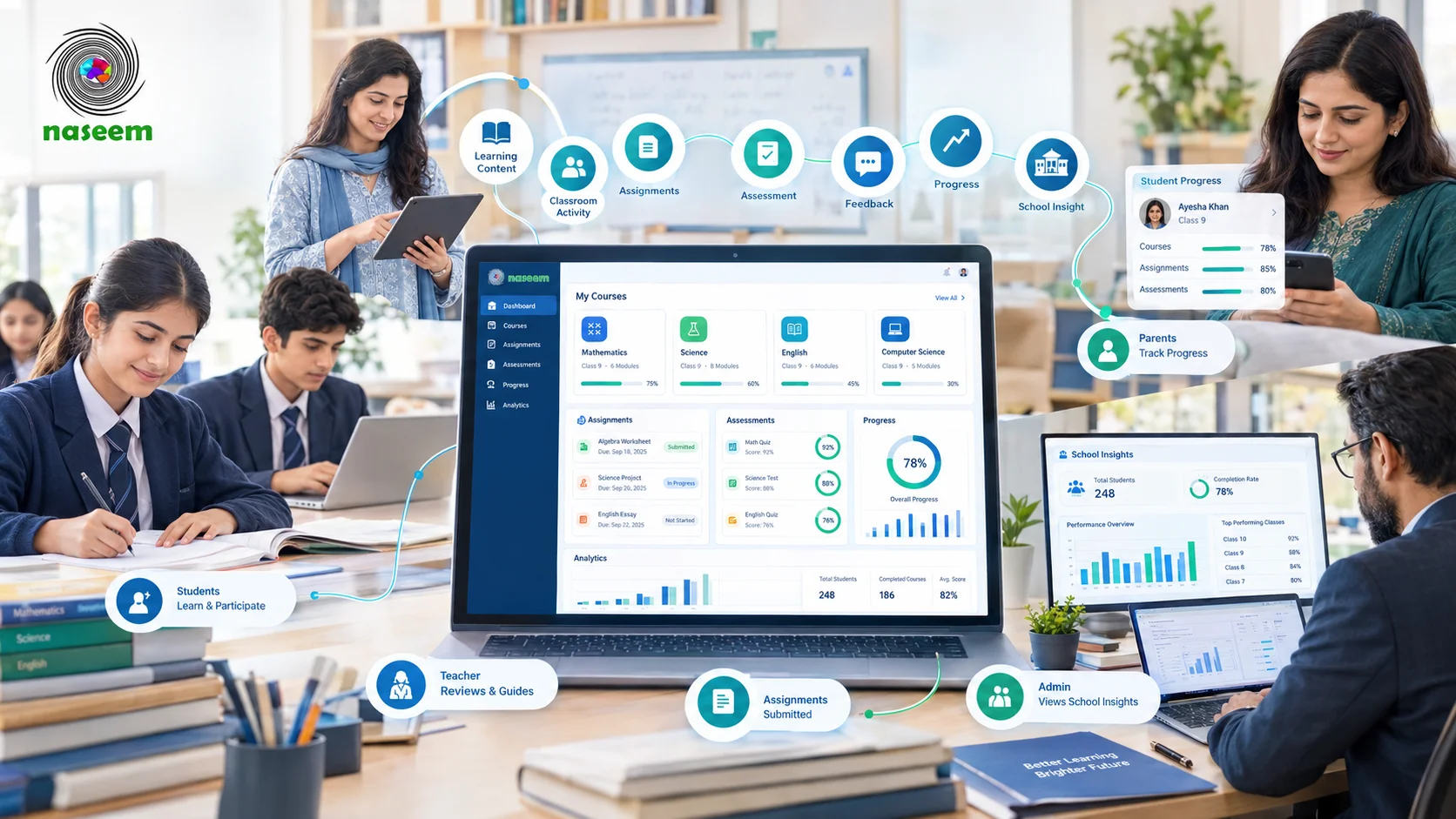
The product pages describe course and learning-material organization, assignments, assessments with auto-grading where applicable, student progress tracking, learning analytics, and role-based access. Product screenshots show more specific views. The teacher dashboard lists classes, students, pending submissions, schedule, and announcements. The student dashboard shows attendance, overall grade, assignments due, and announcements. The parent dashboard shows a child's attendance, overall grade, recent grades, and announcements. The principal dashboard shows total students and teachers, attendance, fee collection, and a class-wise snapshot. Because these come from screenshots, treat them as "Partial" until you see them live. The site does not say which question types auto-grade, which reports exist, or whether native mobile apps are available; it explicitly tells schools to confirm these in a demo.
Advantages of Naseem Education for Schools
The four-role structure means a parent or principal does not have to work inside a teacher-oriented tool. Picture a principal at a private school who wants to see attendance and class snapshots without opening each teacher's gradebook; the principal dashboard is built around that task. The Special Education demo is unusual and worth a look if your school serves students with special needs. Naseem is also a local vendor, which can simplify demos, onboarding conversations, and support during Pakistan business hours, though you should get those commitments in writing.
Limitations and Considerations of Naseem Education
There is simply less public detail. We found no price list, no integration documentation, no confirmation of native mobile apps, and no migration guide. Its Security Policy says student data is encrypted, regionally hosted, and not sold or used to train public models, and it describes role-based access and incident response. It does not name the hosting region, backup arrangements, or any independent certification, and its Privacy Policy is the place to check data handling. It is also a younger product than Canvas. None of this means the capabilities are absent; it means a school must verify them live.
If the role-based approach matches how your school works, explore Naseem Education's learning management system and contact the team to request a demonstration.
Canvas vs. Naseem Education: Detailed Feature Comparison
The ten criteria below are applied in the same order to both products. Where Naseem's public pages stop, the section says what to ask for in a demo.
1. Course Management and Learning Content
Canvas documents course creation and delivery in every tier, plus Blueprint courses, which let a school build a master course and push updates to many sections. That matters when five teachers share one Grade 8 science syllabus. Naseem describes course and learning-material organization and says students reach assigned resources through the web, but it does not itemize content formats, course templates, or whether one course can be reused across sections. Ask a Naseem representative to copy one course into a second class live.
2. Assignments, Quizzes, and Assessments
Canvas lists flexible assessment and feedback in all tiers, and its Core tier includes AI help for drafting quiz questions. Naseem describes assessments with auto-grading where applicable, and its own LMS page tells schools to confirm question types, submission steps, and feedback options with a real teacher account. In both demos, build a ten-question quiz with one written-response item, have a student submit it, and see what is graded automatically.
3. Grading and Student Performance Tracking
Canvas describes SpeedGrader for commenting on and annotating submissions, and a Gradebook where teachers adjust weightings. Its Plus tier adds AI grading assistance inside SpeedGrader, which keeps the teacher in control of the final mark. Naseem shows an overall-grade figure on student and parent dashboards and describes progress tracking, but does not explain how marks are weighted or how report cards are produced. If your school calculates term marks with specific weightings, test that exact formula in each product.
4. Teacher and Student Experience
We cannot say which interface is easier, and neither vendor's marketing page can settle it. What is documented: Canvas gives teachers a mobile app with SpeedGrader and gives students an app for assignments, quizzes, discussions, and to-do lists. Naseem's teacher page lists classes, pending submissions, schedule, and announcements on one dashboard, and the student view shows assignments due and attendance. Have two of your own teachers complete a day's tasks in each trial account and compare the clicks and the questions they ask.
5. Parent Engagement and Student Visibility
Canvas enrolls parents as observers, and the Parent app shows due dates, announcements, grades, and reminders. Administrators can set observer permissions at the account level, so a school decides how much a parent sees. Naseem's parent page describes visibility into progress, performance, and achievements, and its parent dashboard screenshot shows attendance, overall grade, recent grades, and announcements. Both depend on school setup. Ask each vendor how parent accounts are created and linked to the correct child, and what happens when a student changes sections or leaves.
6. Learning Analytics and Reporting
Canvas separates essential analytics (every tier) from advanced analytics (Plus and Next), and its Next tier adds natural-language queries over school data. Canvas Data suits a school with its own analysts. Naseem's principal page describes school-level insight into student progress and assessment results, and its dashboard shows class-wise snapshots, but the public pages list no specific reports. Principals should ask both vendors to produce a grade-level report on the demo account, and note whether it can be exported. For how attendance and fee records relate to an LMS at all, see our comparison of LMS vs school management software.
7. Integrations and Third-Party Tools
Instructure cites more than 1,000 partners and integrations, including tools such as Turnitin and Google for Education. Naseem publishes no integration list. Its Security Policy says only that it may interact with third-party services, whose practices depend on those providers. Making a connection possible in theory is not the same as having it built, so list your must-have systems (student records, sign-in, video meetings) and ask each vendor which are native, which need configuration, and which stay manual. Our guide to LMS integration with school management software explains what to ask.
8. Accessibility and Mobile Experience
Instructure states a commitment to accessibility standards and publishes an accessibility page; Canvas Core also lists AI tools for fixing accessibility issues in course content. It offers native iOS and Android apps. Naseem is described as web-based with mobile-friendly experiences, and its teacher page tells schools to confirm whether a dedicated Android or iOS app exists. A mobile-friendly web page and a native app are different things, so check both on a mid-range phone over the connection your parents actually use. We found no published accessibility documentation for Naseem.
9. Security, Privacy, and User Permissions
Instructure's trust center is the starting point for Canvas, and the K-12 page lists the third-party certifications noted earlier; the April 2026 incident is part of the record you should weigh. Naseem's Security Policy describes role-based access, encrypted and regionally hosted student data, an incident-response process, and responsibilities that sit with the school, such as removing accounts when people leave. It names no hosting region or audit. Ask both vendors the same questions: where data is stored, how backups and recovery work, how quickly you would be told of a breach, how long data is retained, and how you can export or delete it. Our guide to cloud-based vs. self-hosted LMS covers the hosting trade-offs.
10. Implementation, Administration, and Support
Instructure says every tier has implementation, consulting, and certification services available, and that its 24/7 or Tier 1 support covers all Canvas functionality regardless of tier. A school still needs to confirm what that means in Pakistan: time zones, language, and who runs training. Naseem describes demonstrations and a team to discuss onboarding, but publishes no implementation timeline or training program. Teacher training and rostering a whole school are the heavy parts of any rollout, so ask each vendor who does them, what is charged, and how long a typical school takes.
Canvas vs. Naseem Education: Pricing and Total Cost of Ownership
Neither vendor publishes a school price list, so any figure you see online should be treated as unreliable. Instructure says Canvas is offered in Core, Plus and Next tiers and that pricing comes through a personalized quote; it also says existing contracts can stay as they are, and that AI features are built into tiers rather than bought separately. Naseem Education offers pricing on request, and we found no public plans or free tier. A free trial or demo is not equivalent to a paid subscription, so compare only written quotes covering the same number of users.
| Cost item | Ask both vendors |
|---|---|
| Subscription | Per student, per teacher, or per school? Which currency? Minimum users? |
| Features by plan | Are assessments, parent access, and school-level reports in the quoted plan? |
| Implementation and rostering | Included or charged separately? Who enters the data? |
| Training | How many sessions, delivered how, in which language? |
| Hosting and maintenance | Vendor-managed in both cases; confirm what that includes |
| Integrations and add-ons | Any per-connection or per-module fees? |
| Support | Hours, channels, response times |
| Renewal | Price caps, upgrades, and exit terms |
Our guide to LMS pricing in Pakistan explains how to budget beyond the subscription.
Canvas vs. Naseem Education: Which Is Better for Different Schools?
The answers below are conditional on what you verify, not rankings.
Small and Medium-Sized Private Schools
A school with a few hundred students and one part-time IT person usually wants a platform teachers can start using quickly, parents can understand, and a vendor that answers the phone. Naseem's role-based design and local team fit that profile on paper, and Canvas's Core tier covers the basics with stronger documentation. The decisive factors are price per student and the quality of onboarding, so get both quotes in writing.
Growing Schools With Multiple Grade Levels
As a school adds sections and campuses, curriculum reuse and reporting by grade matter more. Canvas has Blueprint courses and tiered analytics designed for scale. Naseem's reuse and cross-grade reporting need a live test. Multi-campus schools can read our guide to LMS for multi-campus schools.
Schools With Limited Technical Resources
Both are vendor-hosted, so neither requires you to run a server. The difference is who helps. Check who sets up accounts, who trains teachers, and who you call when a login fails at 7:30 a.m. Instructure's documentation of services is more detailed; Naseem's proximity may offer faster conversations, but only a written support commitment proves it.
Schools That Need Parent Engagement
Canvas has the more fully documented route: Observer role, Parent app, and admin-controlled permissions. Naseem treats the parent portal as one of its four main portals and shows attendance and grades on its parent dashboard. If parents are central to your school's selling point, run the same parent scenario in both: a parent checks a missing assignment and last week's grades on a phone.
Schools in Pakistan
Beyond features, Pakistani buyers should check payment and invoicing in local currency, support hours in Pakistan Standard Time, whether Urdu is supported for parents, data location, and how the platform behaves on slower connections. These factors are not documented for Canvas on the pages we reviewed, and Naseem's published detail on them is limited too. Our guide to LMS in Pakistan covers local considerations, and the comparison Virtual University LMS vs Naseem Education shows how a university-style system differs from a school one. If you already use Google Workspace, also read Naseem Education vs Google Classroom.
What Should Schools Consider Before Switching From Canvas to Another LMS?
Switching is a project, not a toggle. List what you must carry over: course materials, student and teacher accounts, assessment records, historical grades, permission settings, and parent links. Ask the current vendor how to export each, and ask the new vendor what it can import. Do not assume that quizzes, gradebook history, or discussion posts move automatically. Instructure has an implementation, migration, and training page listed under its higher education solutions; we did not find a Naseem equivalent, so ask Naseem directly what migration help exists.
Plan teacher training and a parent announcement before launch, run a pilot with one grade level for a term, and keep the old system read-only until records are verified. Our guide on how to switch LMS platforms walks through the steps.
How to Choose Between Canvas and Naseem Education
Use the same ten steps with both vendors:
- Write down your learning requirements and rank them: must-have versus nice-to-have.
- List what teachers and students do every day, and test those tasks.
- Define what parents should see, then test it on a phone.
- Build and grade a real assessment, then pull a class report.
- List your required integrations and ask which are native.
- Read the security and privacy documents, and ask the questions in section nine.
- Request written quotes for the same user numbers and compare total cost over three years.
- Ask for demonstrations using the same script for both vendors; our questions to ask before choosing an LMS is a ready-made list.
- Pilot with one grade level.
- Evaluate onboarding and support commitments in writing.
Brand recognition is a weak reason to choose either. Schools that want a self-hosted option can also review Moodle alternatives for schools.
Final Verdict: Canvas vs. Naseem Education
Canvas offers the stronger public evidence: tiered features, a large integration network, native mobile apps for three roles, and published certifications, balanced by quote-only pricing and an April 2026 security incident that buyers should ask about. Naseem Education offers a school-role structure with parent and principal portals and a local team, balanced by thinner public documentation that puts more weight on your demo. Schools that need a broad ecosystem and can confirm local support may lean toward Canvas. Schools that want a simpler, school-first product and can verify depth, security, and pricing in writing may find Naseem a fit.
The right choice follows your requirements, not a universal ranking. If Naseem's approach matches yours, explore Naseem Education's school learning management system and request a demonstration to see its teacher, parent, and principal workflows. To evaluate Canvas fairly, you can also request a Canvas demo and run both through the same script.
Frequently Asked Questions
Ready to Bring Your School’s Learning Together?
Give your school a connected learning management system designed to support students, teachers, parents, and school leaders.