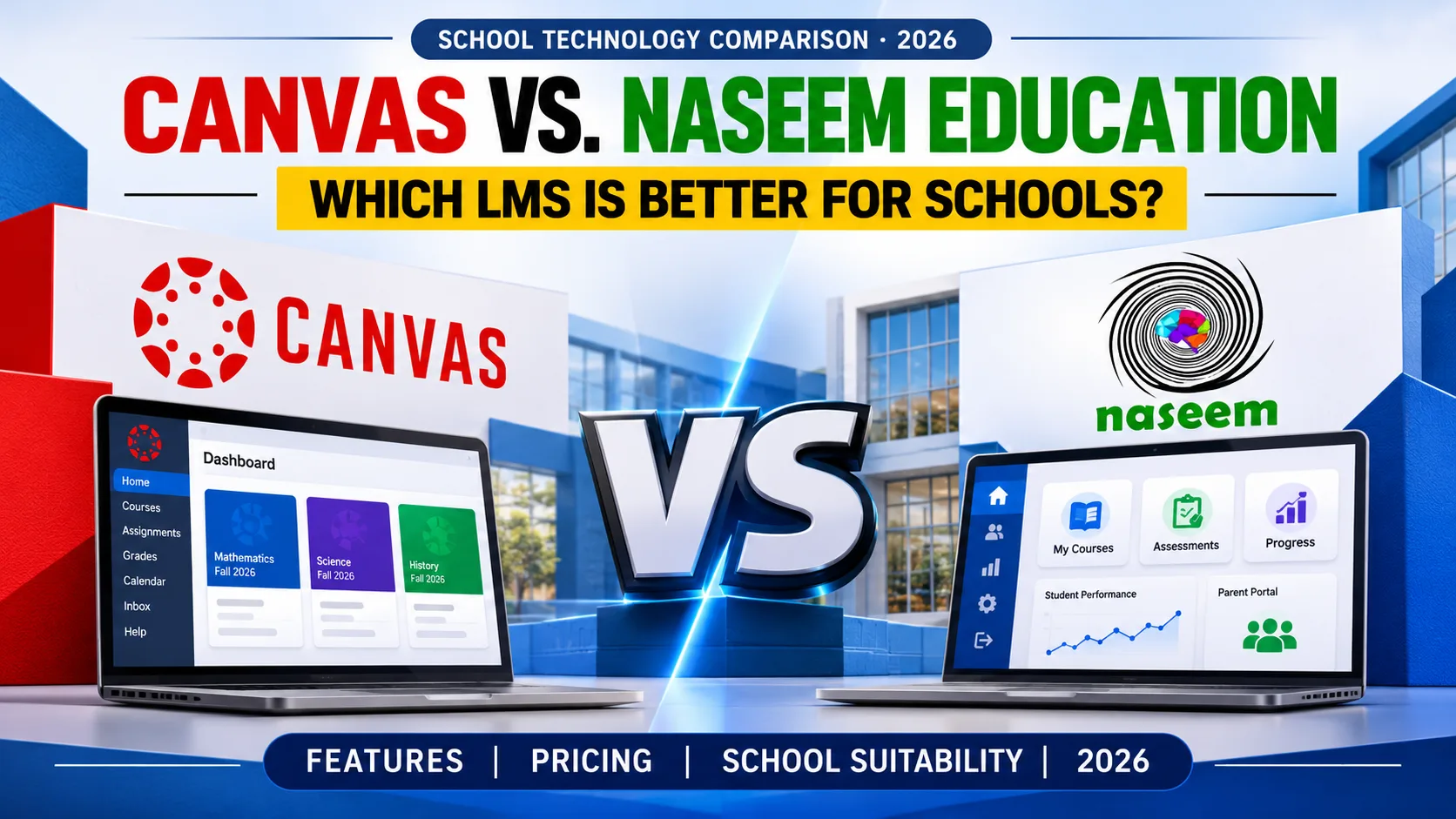
Best Canvas LMS Alternatives for Schools in 2026: 9 Platforms Compared
Canvas is a capable learning management system, and many schools run it without trouble. The reasons schools start comparing Canvas LMS alternatives are usually specific. The quote may not fit the budget. The platform may feel built for universities. The school may have questions about where student data lives, or want parent and principal visibility that the current setup doesn’t give. In spring 2026 another item reached some schools’ lists. Instructure disclosed a security incident affecting Canvas customers, and the U.S. Department of Education’s technology security alert described it as affecting K-12 schools and universities worldwide.
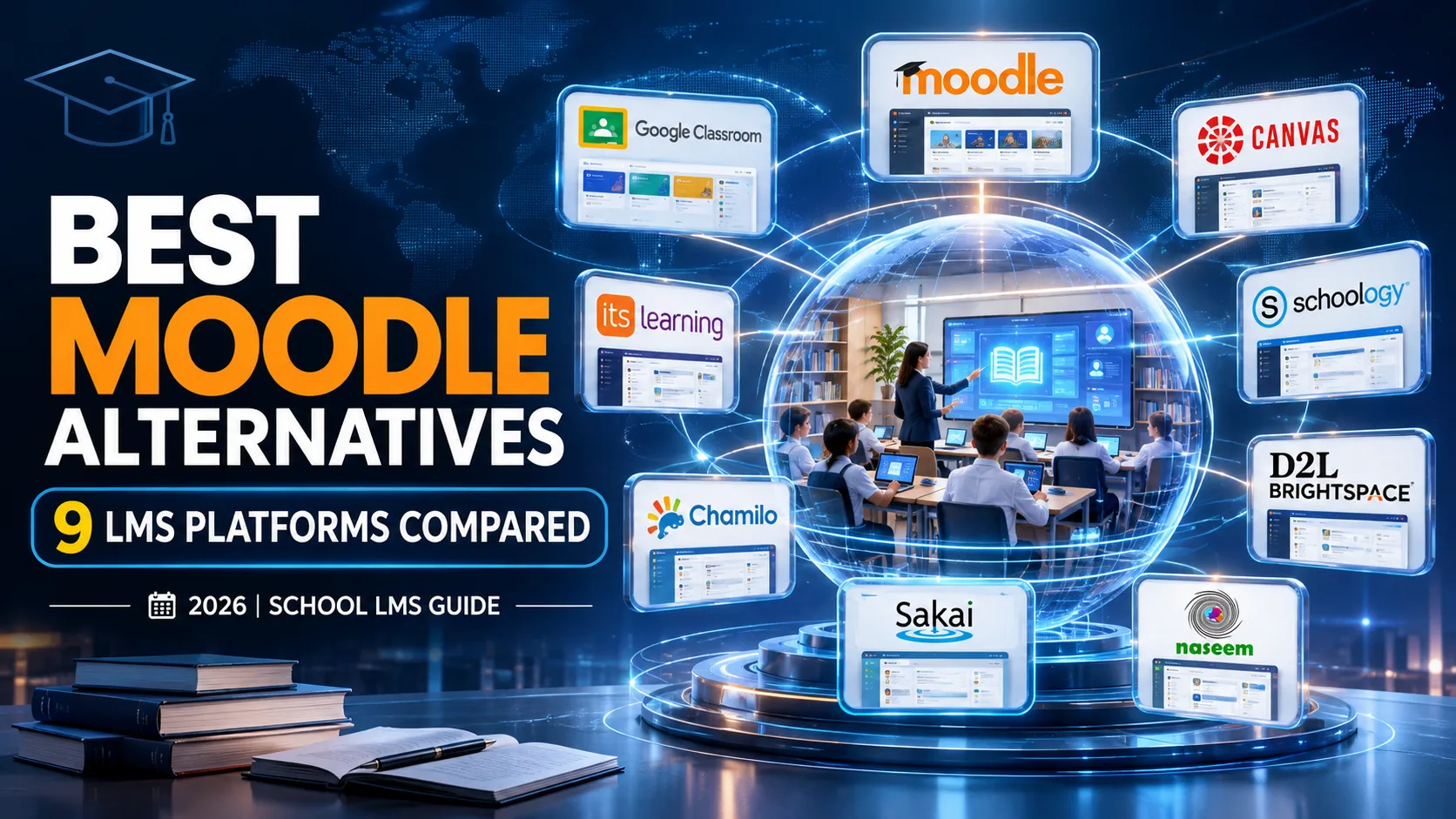
This guide compares nine platforms a school could realistically shortlist. They are not interchangeable. Some are built for K-12. Some began in higher education. Two are open-source projects that someone has to host. One is Naseem Education’s own LMS. If you want background on the category first, start with our guide to the learning management system for schools. The rest of this article assumes you know what an LMS does.
How this guide was prepared: Naseem Education publishes this guide and is one of the platforms reviewed, so every product was assessed against the same criteria and sourcing rules. Product details come from public vendor documentation reviewed in November 2026, not from hands-on testing. Anything marked “confirm” should be checked in a demo.
Last reviewed: November 10, 2026.
Why Are Schools Looking for Canvas LMS Alternatives?
Pricing is quoted, not listed.
Instructure doesn’t publish a price list for institutional Canvas. TechRadar’s review describes pricing as opaque and quote-based. In April 2026 Instructure also announced a simplified tiered structure for Canvas, with AI features mapped across tiers. A school comparing vendors should ask which features sit in which tier before comparing totals.
Scope can be wider than a school needs.
Canvas serves K-12, higher education, and business learning. Instructure’s Canvas for K-12 page presents this as a strength, since the same environment follows students from early grades into college, and it offers Canvas Elementary for grades K-5. The trade-off for a single school is that the wider Instructure product line includes credentialing and catalog products aimed at other markets. Like most LMS products, Canvas focuses on teaching and learning. Daily attendance, fee records, and report cards usually sit in a separate system, a distinction covered in our comparison of LMS and school management software.
Hosting and support are vendor-managed.
Canvas is delivered as a managed service, so schools have less say over hosting location and update timing than with a self-hosted platform. Instructure says it will update more than 20 Canvas workflows in 2026, rolled out progressively, so teacher training time is worth budgeting. Instructure lists regional offices in North America, Europe, and the Philippines. A school in Pakistan should ask what onboarding, support hours, and payment arrangements look like locally.
The 2026 security incident.
Instructure detected unauthorized activity in late April and later reported that names, email addresses, student ID numbers, and messages among Canvas users were involved, according to a law firm’s summary of the incident. Service returned for most users within days. One incident doesn’t make a vendor unsuitable, and every cloud platform carries risk. It does make security documentation and incident-response commitments a fair request for every vendor on your list, including the nine below.
None of this is a reason to leave Canvas on its own. If it fits your teaching, budget, and risk tolerance, staying may be the right answer. The sections below help you test that.
What Should Schools Look for in a Canvas LMS Alternative?

The same twelve checks are applied to every platform in this guide.
| Criterion | What to check | Why it matters in a school |
|---|---|---|
| Course management | How teachers build, copy, and reuse courses and resources | Several teachers often share one syllabus across sections |
| Accounts and roles | Student, teacher, parent, and admin roles; bulk import; class rosters | Schools re-roster every term |
| Assignments and assessments | Question types, auto-marking, rubrics, submission handling | Determines how much marking time teachers recover |
| Grading and feedback | Gradebook, weighting, comment tools, report export | Must match how the school calculates marks |
| Progress tracking | Per-student views over time, missing-work flags | Supports early intervention |
| Parent engagement | What guardians can see and how access is granted | A central expectation at many private schools |
| Communication | Announcements, messaging, moderation | Student safety and record keeping |
| Reporting and analytics | Class, grade-level, and school-wide views; export | Principals need more than individual gradebooks |
| Integrations | School management system, Google or Microsoft sign-in, LTI tools | Prevents double data entry |
| Accessibility and mobile | Phone use, low-bandwidth behavior, assistive technology | Many students and parents rely on phones |
| Security and privacy | Policies, access controls, backups, incident response, data location | Student data belongs to minors |
| Pricing and implementation | License model, setup, training, support hours | Subscription price is rarely the whole cost |
Each review follows the same order: what the platform is and who it serves, its capabilities, advantages, limitations, pricing and deployment, and an editorial assessment as a Canvas alternative. Feature statements come from vendor documentation linked in each review. The fit assessments are our judgment and are labeled that way. We haven’t assumed that any feature is included in every pricing tier. When a vendor’s pages don’t settle the question, the review says to confirm. For a demo-day question list, see our questions to ask before choosing an LMS.
Best Canvas LMS Alternatives for Schools: 9 Platforms Compared
These platforms serve different institutions and shouldn’t be ranked on one scale. Sakai is not in the list. Its own site describes it as built by and for higher education, so it isn’t a natural school alternative. Microsoft Teams for Education takes the ninth slot because it is a realistic option for schools already on Microsoft 365 Education.
| Platform | Best suited for | Deployment / hosting | Assessment capabilities | Pricing model | Main consideration |
|---|---|---|---|---|---|
| Moodle | Schools with IT staff or a hosting partner | Self-hosted, MoodleCloud, or partner-hosted | Quizzes, assignments, gradebook; depth varies by setup | Software free; hosting and support paid | Experience depends on configuration |
| Google Classroom | Schools on Google Workspace | Cloud, within Workspace for Education | Assignments, rubrics, grading tools; originality reports and analytics in paid editions | Edition-based | School-wide reporting needs paid editions |
| D2L Brightspace | Larger schools and groups needing an institutional LMS | Vendor-hosted | Assessment plus optional outcomes and analytics add-ons | Quote | Add-ons change the total |
| Blackboard Learn | Institutions already on Blackboard | Vendor-hosted; Original and Ultra views | Tests and gradebook | Quote | Company restructured in 2026; higher-ed footprint |
| Schoology Learning | K-12 schools and districts | Vendor-hosted (PowerSchool) | Assessments and gradebook | Quote | Confirm availability and package scope |
| Chamilo | Small schools with technical staff | Self-hosted | Confirm in public demo | Software free; hosting and support paid | Smaller ecosystem |
| Microsoft Teams for Education | Schools on Microsoft 365 | Cloud | Assignments, Learning Accelerators, Insights | Free A1 tier; paid tiers | Not positioned as a full course platform |
| itslearning | Primary, secondary, and international schools | Vendor-hosted | Quizzes, surveys, peer assessment | Pricing page published; confirm | Europe-centered footprint; confirm regional support |
| Naseem Education | Schools in Pakistan wanting teacher, student, parent, and principal views | Web-based; hosting details to confirm | Assessments with auto-grading where applicable | Quote on request | Published detail is limited; verify in demo |

1. Moodle
What it is and who it serves. Moodle is open-source LMS software developed by Moodle Pty Ltd and used by schools, universities, and training providers. A school can run it on its own server, use MoodleCloud hosting, or work with a certified partner.
Capabilities. Teachers build courses with resources, assignments, quizzes, and forums, record marks in a gradebook, and extend the platform with community plugins. Moodle’s hosting page cites about 2,000 plugins. Moodle isn’t a ready-made parent portal in the way some K-12 products are. Schools typically configure guardian access through roles or plugins, so ask the host how it would be set up.
Advantages. There is no license fee, and a self-hosting school controls where its data sits. The plugin library means unusual requirements can often be met without custom development.
Limitations. The teacher experience depends on who configures it. MoodleCloud’s standard plans are ready-made, while heavier customization sits with premium hosting. Updates, backups, and security patching belong to whoever hosts the site. Moodle’s own guidance on choosing a host cautions that many companies advertising Moodle hosting are not full-service providers.
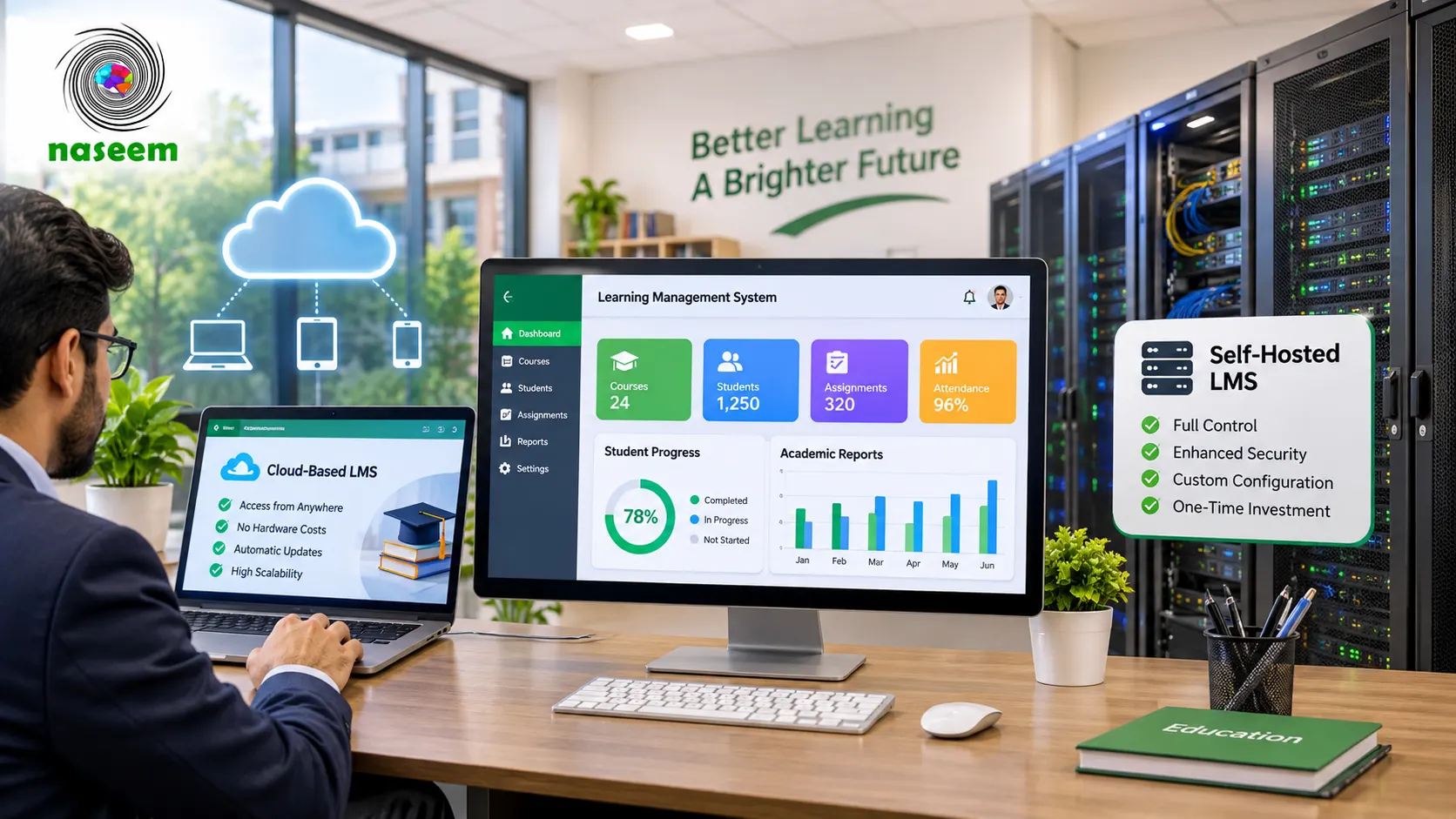
Pricing and deployment. The software is free, but running it isn’t. Budget for a server or a hosting plan, setup, teacher training, and support. MoodleCloud tier prices change, so confirm them on Moodle’s page. Our guide to cloud-based vs. self-hosted LMS covers the maintenance trade-off in more detail.
As a Canvas alternative (editorial assessment). Moodle suits a school with in-house IT or a trusted hosting partner and a preference for ownership and customization. It suits a school that wants teachers productive within days, with no administrator involvement, much less well. Schools running Moodle that are weighing a move the other way can read our guide to Moodle alternatives for schools.
2. Google Classroom
What it is and who it serves. Google Classroom is part of Google Workspace for Education. It is built around classes: teachers post classwork, collect submissions, grade, and give feedback.
Capabilities. Google lists rubrics, bulk grading, reusable comment banks, and customizable grading periods and scales. Guardians can view classwork through a link or weekly email summaries. Classroom analytics, originality reports, and student information system (SIS) class sync are labeled as paid-edition features, as is the sync with Clever and OneRoster-supported partners. Gemini AI tools are available, with advanced capabilities tied to Education Plus.
Advantages. If students and teachers already have Google accounts, Classroom adds little to learn. Docs, Drive, Meet, and Calendar connect directly.
Limitations. Classroom is organized around classes and assignments, not around a school-wide course catalog or curriculum structure. Leadership-level reporting, SIS sync, and plagiarism checks depend on paid editions. Every student also needs a Google account managed by the school.
Pricing and deployment. Classroom is cloud-only and priced through Workspace for Education editions. Compare Education Fundamentals with Education Plus on Google’s edition comparison page, and confirm eligibility and pricing for your country.
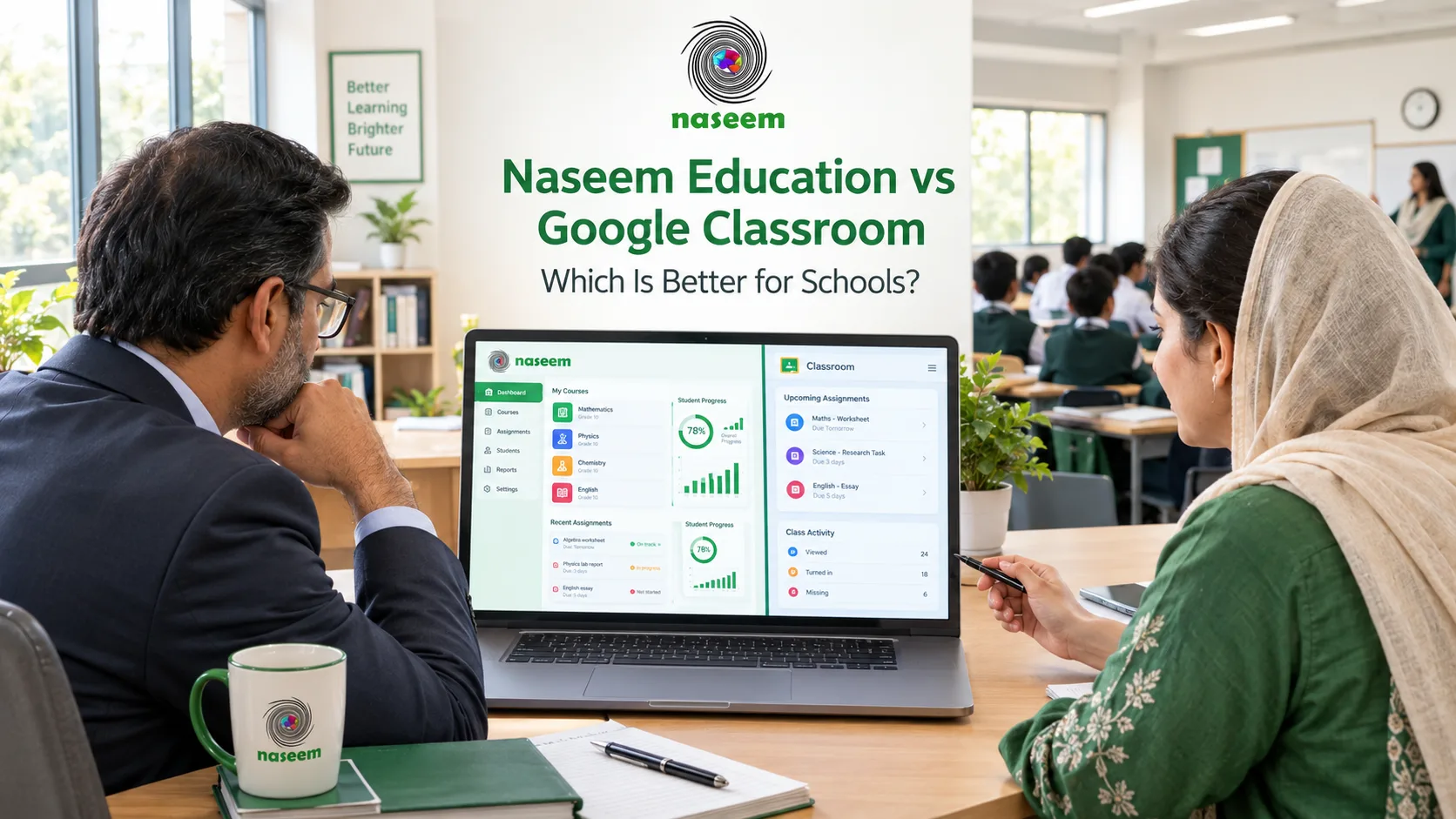
As a Canvas alternative (editorial assessment). This is a strong choice for Workspace schools whose main need is clean classwork and grading. It is a weaker drop-in for schools that need structured course design and school-wide reporting at the base tier. We compare it directly with our own product in Naseem Education vs Google Classroom.
3. Microsoft Teams for Education
What it is and who it serves. Teams for Education is part of Microsoft 365 Education. Microsoft’s documentation lists Teams, assignments, and Class Notebooks among the tools available with the free A1 license.
Capabilities. Teams Assignments supports Word, Excel, and PowerPoint files and Learning Accelerators such as Reading Progress. Education Insights collects engagement and practice data for educators.
Advantages. A free entry tier and tight integration with Office documents make it easy to pilot. Schools already on Microsoft 365 avoid adding another vendor.
Limitations. Microsoft also ships LTI tools that run Teams Assignments inside other LMS products, including Canvas and Schoology. That suggests many schools pair Teams with a dedicated LMS rather than replace one (editorial inference). Confirm what guardians can see and how course structure, gradebook, and reporting work for your grade levels.
Pricing and deployment. Cloud-delivered. The A1 plan is free for eligible institutions, and A3 and A5 add paid capabilities. Check eligibility and licensing for Pakistan with Microsoft or a reseller.
As a Canvas alternative (editorial assessment). It fits a school that wants a lightweight class space at minimal cost and already works in Microsoft 365. It is less suited to a school expecting a full parent portal and structured curriculum management from one product.
4. D2L Brightspace
What it is and who it serves. D2L Brightspace is a learning platform for higher education, K-12, associations, and business, with a dedicated K-12 offering focused on personalized learning, early intervention, and reducing teacher workload.
Capabilities. Optional add-ons include Creator+ for interactive content, Performance+ for learning analytics, Achievement+ for outcomes dashboards, Lumi for AI assistance, and D2L Link for integrations. D2L describes itself as the first commercial LMS certified for LTI and offers regional sites, including English for India and APAC.
Advantages. Analytics and outcomes tools are a visible strength, and D2L publishes a detailed integration and migration story, including bulk course migration.
Limitations. The add-on structure means two quotes for “Brightspace” may not be comparable. D2L’s showcased results lean toward higher education and competency-based programs. A small school may find the breadth more than it needs.
Pricing and deployment. Quote-based and vendor-hosted. Ask for a line-by-line list of included modules.
As a Canvas alternative (editorial assessment). It makes sense for a larger school or multi-school group with curriculum and IT staff that wants analytics and outcomes reporting. It is likely heavier than a single small school needs.
5. Blackboard Learn
What it is and who it serves. Blackboard Learn is a long-established LMS used mainly in higher education. Its parent company, Anthology, rebranded as Blackboard after emerging from Chapter 11, and the company said the business now operates stand-alone with continued investment in the LMS.
Capabilities. Learn offers course content, tests, a gradebook, and discussions. It comes in two course views, Original and Ultra, and some Original features are absent or changed in Ultra, as Blackboard’s own documentation on the Ultra experience indicates. Ally accessibility tooling is part of the same company.
Advantages. It is a mature product with deep administrative options and an accessibility toolset.
Limitations. The company has just been through bankruptcy restructuring and plans a CEO transition. We found little recent K-12-specific positioning compared with Schoology, itslearning, or Brightspace’s K-12 pages. Be clear about whether you would deploy Original or Ultra.
Pricing and deployment. Quote-based. A review by The Motley Fool also notes that pricing is only available through a sales representative. It is vendor-hosted SaaS.
As a Canvas alternative (editorial assessment). This is rarely the first stop for a school without an existing Blackboard relationship. It is most relevant when a school or its group already uses Blackboard and wants continuity.
6. Schoology Learning
What it is and who it serves. Schoology Learning is PowerSchool’s K-12 learning management system, listed as part of PowerSchool’s unified classroom offering. The PowerSchool site is the starting point for official product information.
Capabilities. Third-party listings describe courses, assignments, a gradebook, assessments, parent and student access, and mobile apps. Confirm each of these against PowerSchool’s current documentation, because we could not open a dedicated official product page for this review.
Advantages. It is designed for K-12 only, with separate parent and student experiences according to independent reviewers. It sits within a larger PowerSchool product family.
Limitations. Pricing is quote-based, and third-party sources disagree on whether a free tier is still offered. A Capterra listing for the product does not name Pakistan among its available countries, so confirm availability and support directly with PowerSchool. Integration with non-PowerSchool systems is another point to test.
Pricing and deployment. Quote-based and vendor-hosted.
As a Canvas alternative (editorial assessment). A good candidate for a K-12 school that wants a school-first LMS and can obtain support and licensing in its region. Regional availability is the first thing to settle.
7. Chamilo
What it is and who it serves. Chamilo is a free and open-source e-learning platform. Its site says it is certified as a Digital Public Good and has been governed by BeezNest Belgium since January 2026.
Capabilities. The site emphasizes open-source licensing, GDPR compliance, and IMS certification. We did not find K-12 feature detail comparable to the other vendors’ pages, so assessment depth and parent access should be tested in Chamilo’s public demo.
Advantages. There are no license fees, and the open-source model gives a technical team control over deployment.
Limitations. The ecosystem of school-specific tools, partners, and local service providers is smaller than Moodle’s (editorial). The 2026 governance change is worth a question about long-term support.
Pricing and deployment. The software is free. Hosting, maintenance, security, and training are your costs, as with any self-hosted system.
As a Canvas alternative (editorial assessment). It suits a small school with real technical capacity and a strong reason to prefer open source. A school wanting a turnkey experience is likely to find it too much work.
8. itslearning
What it is and who it serves. itslearning is an LMS built for education. It was founded in Norway in 1999 and is now part of Sanoma. Its site organizes the product by primary, secondary, vocational, higher education, and international schools.
Capabilities. Plans, its lesson-planning tool, is described as the heart of the product. It also offers assessment tools covering quizzes, surveys, and peer assessment, plus communication, administration, a mobile app, and an AI toolkit. Named integration partners include Google, Microsoft, and Turnitin.
Advantages. It is school-first, and the structured plan approach helps students see what to do and in what order.
Limitations. The footprint and marketing are Europe-centered, and the site notes a temporary issue with translated pages. Confirm support hours, onboarding, and contracting for South Asia.
Pricing and deployment. itslearning publishes a pricing page. Check what it contains for your situation and request a quote. It is vendor-hosted.
As a Canvas alternative (editorial assessment). It is a fit for international and secondary schools that value planning structure and can verify regional support. A school that needs in-country service should test that early.
9. Naseem Education
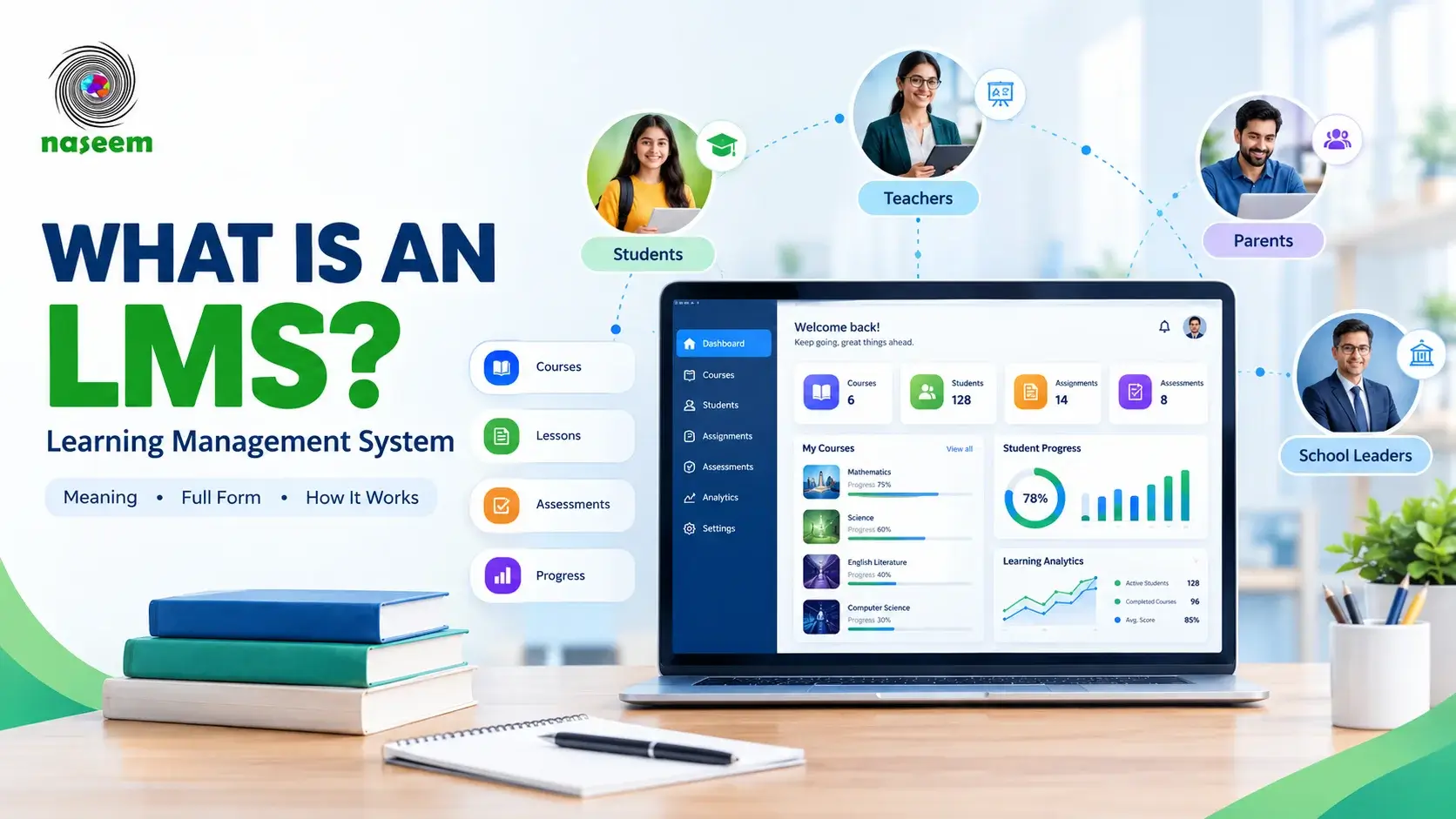
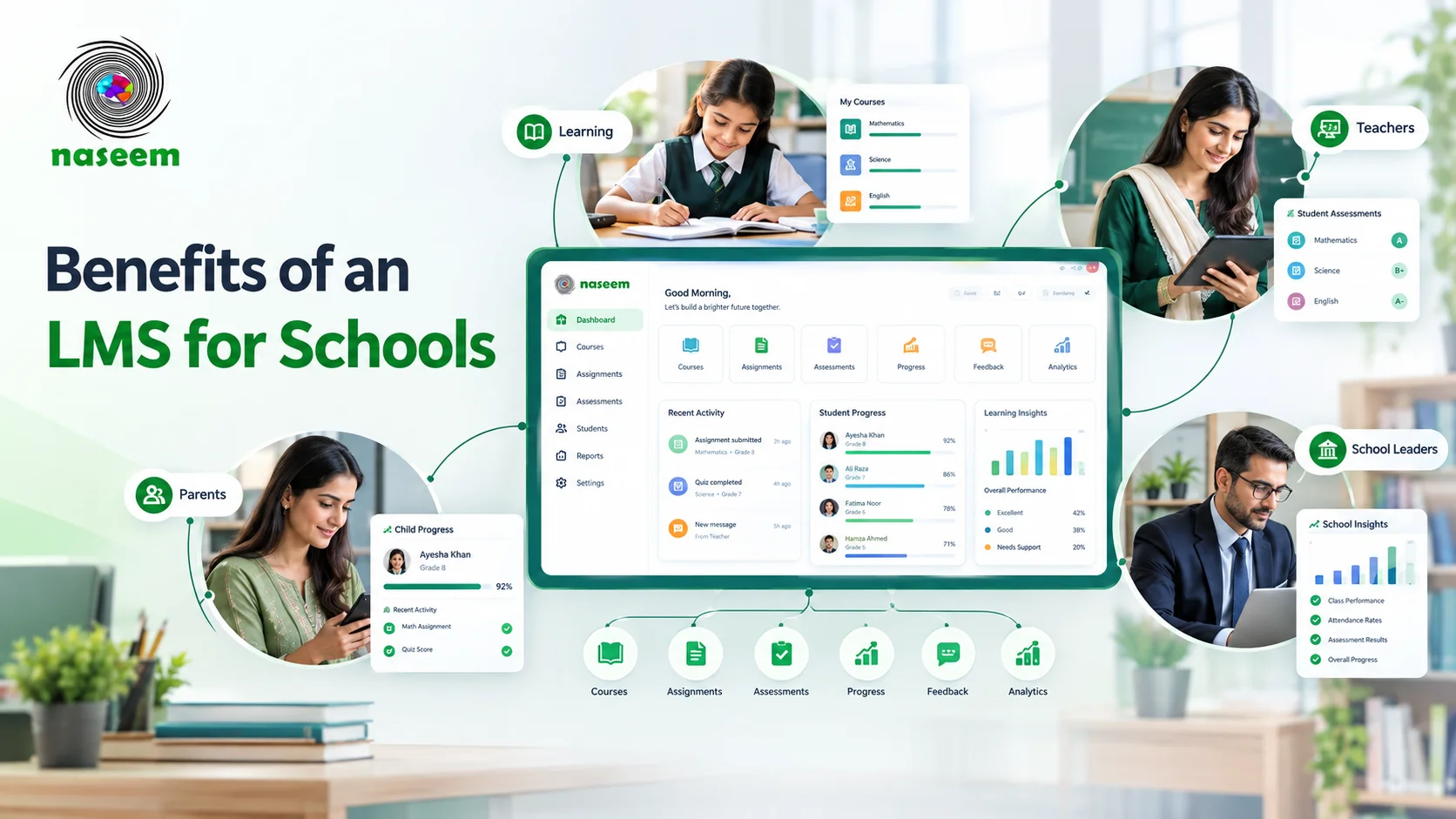
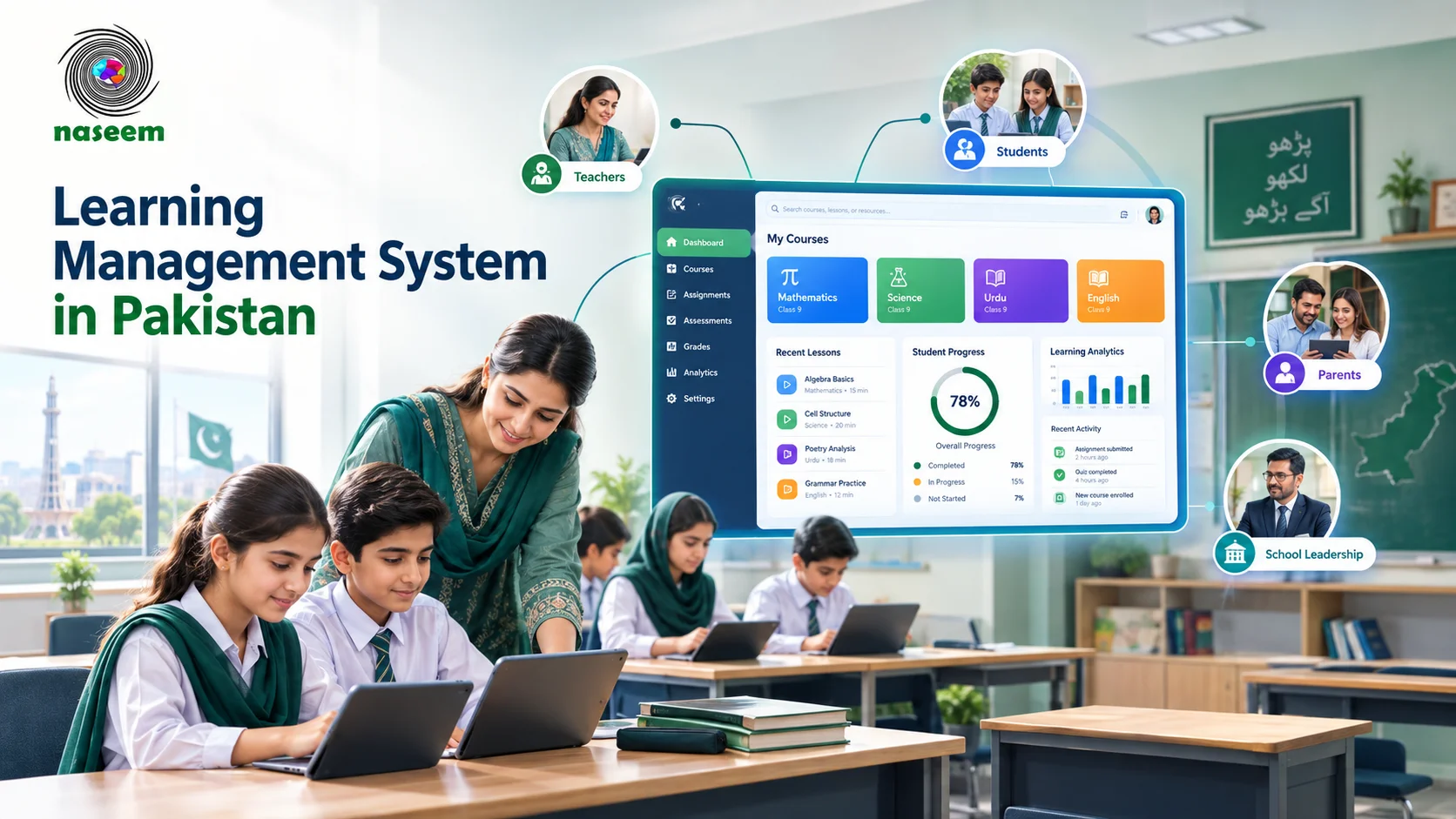
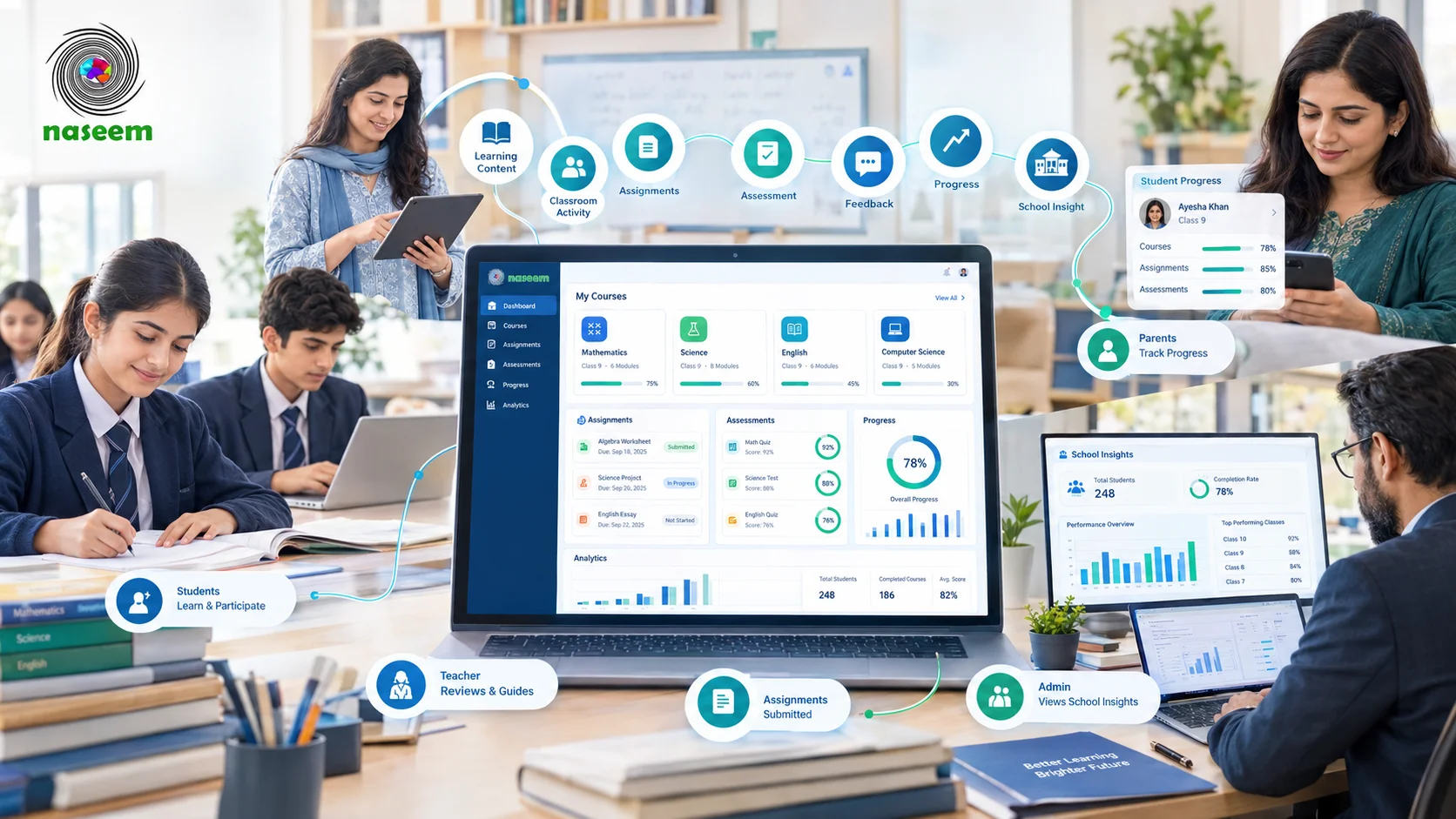
What it is and who it serves. Naseem Education is a web-based LMS aimed at schools in Pakistan. It is presented as one online environment for learning resources, assessments, student progress, and teaching activities, with separate views for students, teachers, parents, and principals. The company’s address is listed as the National Science and Technology Park in Islamabad.
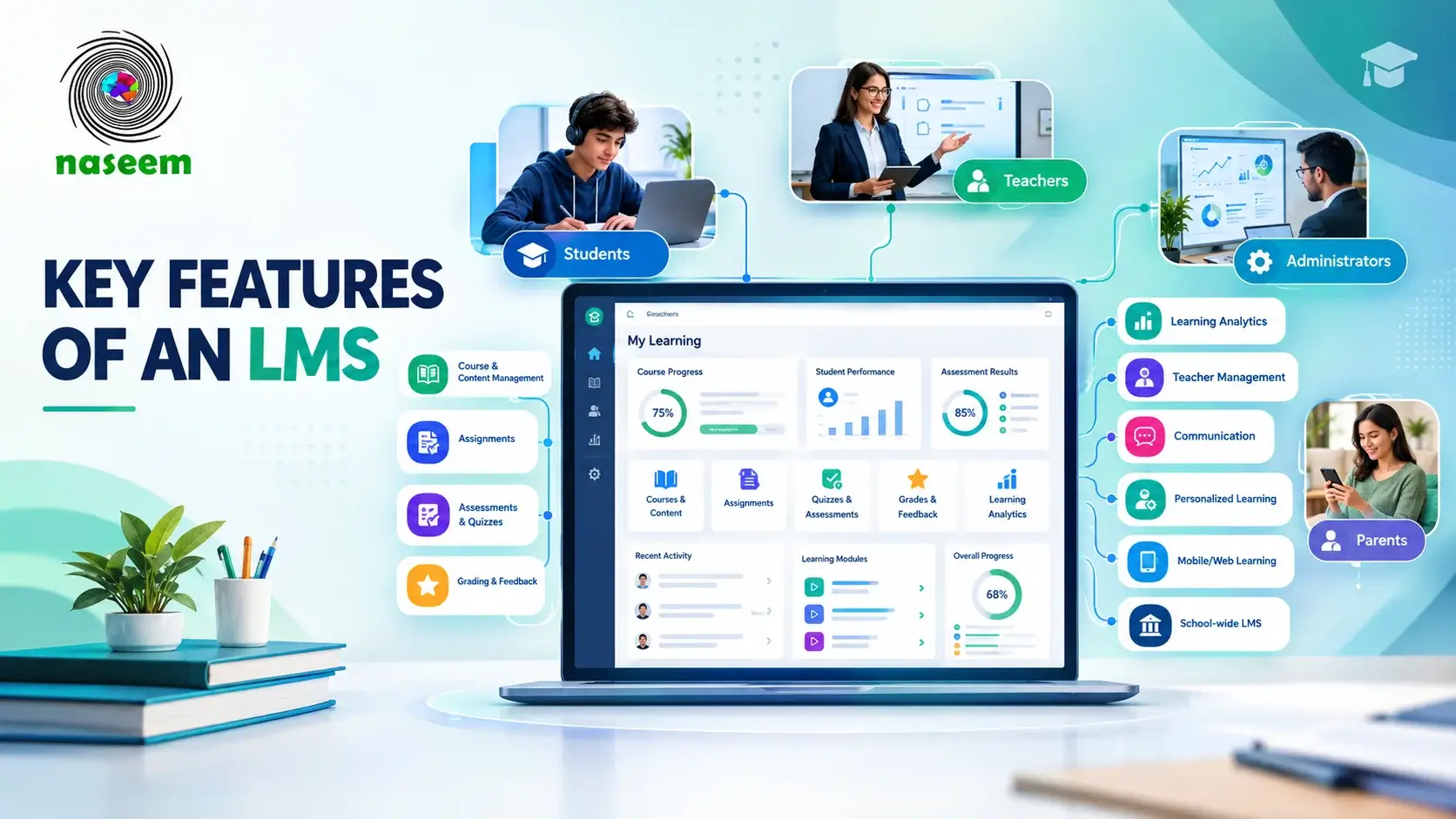
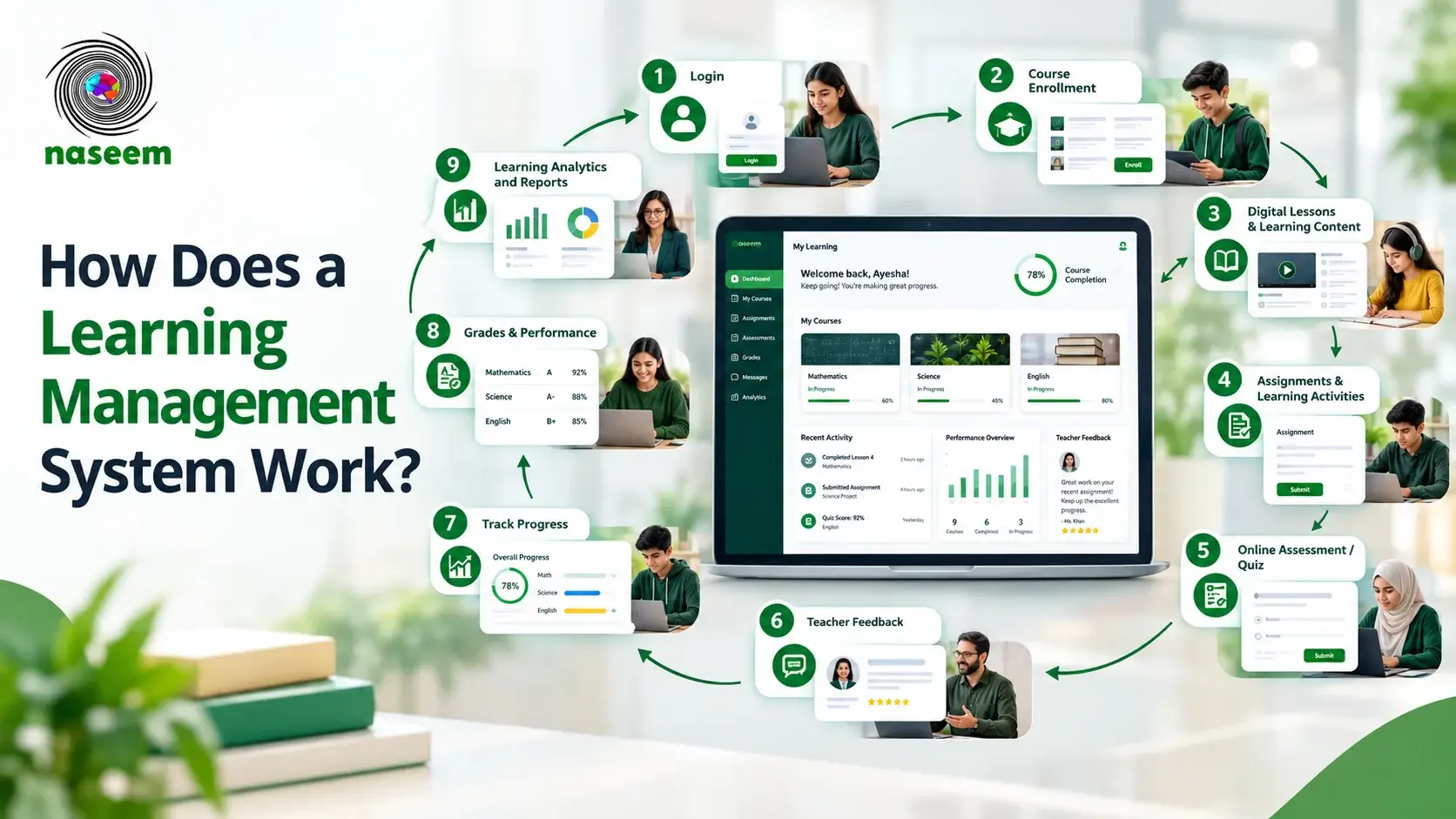
Capabilities. The product pages describe course and learning materials, assignments, assessments with auto-grading where applicable, student progress tracking, and learning analytics. Dashboard screenshots on the site show a teacher portal with pending submissions and schedules, a parent portal with a child’s attendance and grades, and a principal dashboard with attendance, fee collection, and class snapshots. The site also offers live demos of a standard LMS and a separate special education LMS. It publishes a privacy policy, and a security policy page is also linked.
Advantages. It is built around the four school roles from the start. The tools sit in one product and are geared to Pakistan’s private-school context, with an Islamabad-based team.
Limitations. The public pages describe capabilities in general terms and defer specifics, such as question types and report contents, to a demonstration. We didn’t find a published pricing model, published integration documentation, or confirmation of dedicated mobile apps. It is a younger product than the international platforms here. Our description of its attendance and fee views comes from screenshots, so confirm they are live features.
Pricing and deployment. Quote on request. Ask about hosting arrangements, backup and recovery, and what each package includes.
As a Canvas alternative (editorial assessment). It deserves a place on the shortlist of a Pakistani private school that wants teacher, student, parent, and principal views in a single product and values local support. It is less proven than long-established platforms, so use the demo to test the specifics: auto-grading question types, what parents see, school-level reports, import tools, and data handling.
Explore Naseem Education’s LMS to see how its school-focused features fit your requirements. You can also request a demonstration to walk through teacher, parent, and principal workflows.
Canvas LMS vs. Its Alternatives: Key Differences Explained
School-focused or higher-education-focused
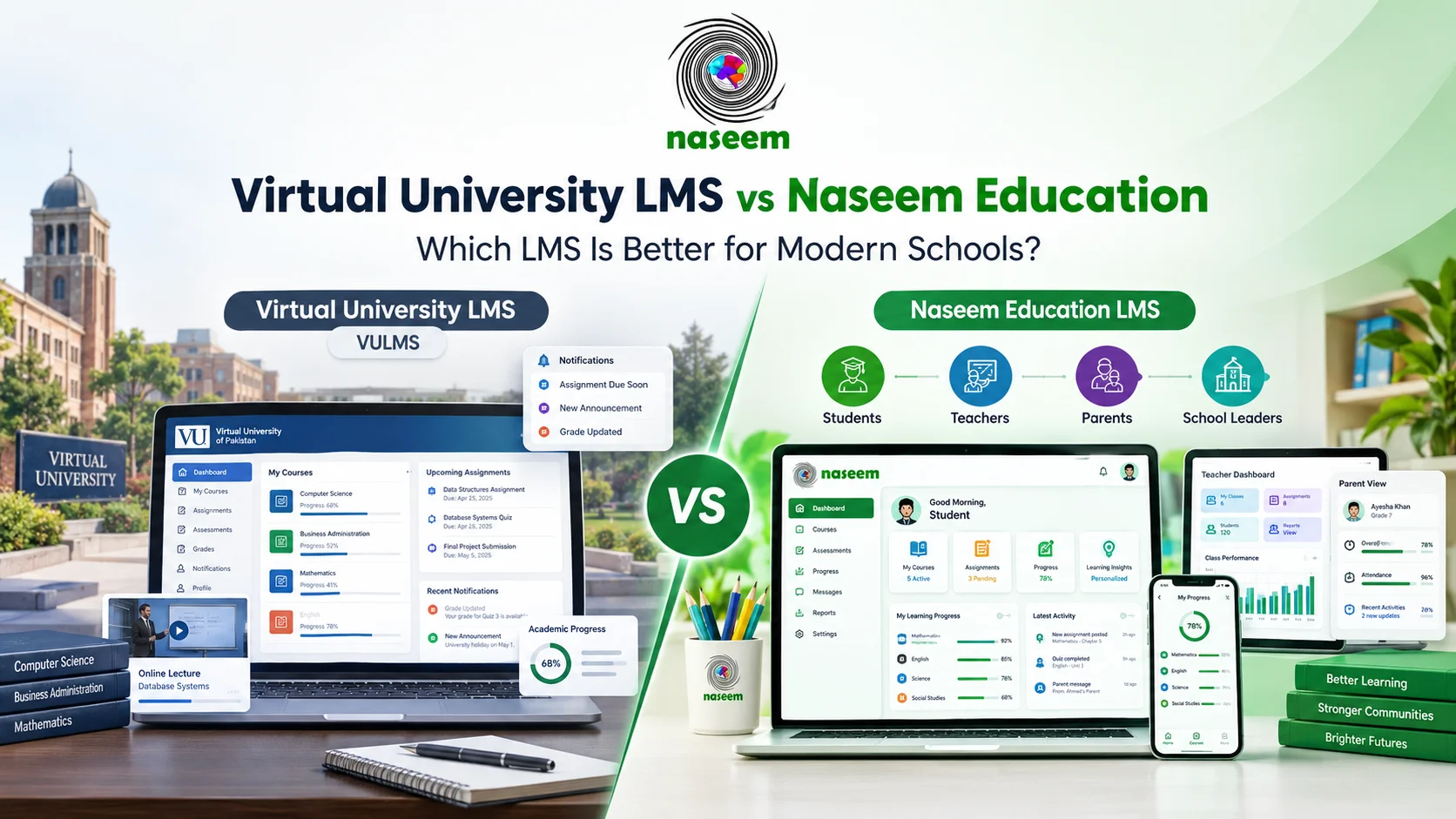
Schoology Learning and itslearning are designed for K-12 and school use. Naseem Education is built around school roles. Canvas, Brightspace, Blackboard, Moodle, and Chamilo serve broader markets, so a school may carry structures it never uses. Google Classroom and Teams are classroom tools within larger suites. For a Pakistan-specific example of university-style and school-style systems side by side, see Virtual University LMS vs Naseem Education.
Open source or vendor-managed
Moodle and Chamilo trade license fees for responsibility. Someone must host, patch, back up, and support them. Canvas, Brightspace, Blackboard, Schoology, itslearning, Classroom, Teams, and Naseem are vendor-managed. Update timing and hosting then sit with the provider, and the main work shifts to evaluating contracts and security documentation.
Teacher, student, and parent experience
Parent access varies the most. Google Classroom offers guardian summaries and links. Schoology and Canvas describe family-facing experiences, and Naseem offers a parent portal. Moodle and Chamilo need configuration. Test the same scenario in every demo: a parent checks a child’s missing assignment and recent grades. Then have a teacher build and mark a quiz.
Reporting, integrations, and cost of ownership
Google, Brightspace, and Microsoft each place deeper analytics behind paid editions or add-ons. Canvas cites more than 1,000 partners, Brightspace emphasizes LTI and D2L Link, and Google and Microsoft integrate with their own app families. Naseem’s integration options should be confirmed in a demo. Subscription price matters less than the combined cost of hosting, setup, training, support, and integrations. Our guide to LMS integration with school management software covers the data-sync side.
Which Canvas Alternative Is Best for Different Types of Schools?
No single option wins everywhere. Each recommendation below depends on what you verify in the demo.
| School situation | Platforms worth shortlisting | What to verify first |
|---|---|---|
| Small private school | Google Classroom, Naseem Education, Teams | Parent visibility, training time, price per student |
| Growing school with many grade levels | Schoology, itslearning, Brightspace, Naseem | Reporting by grade, rostering, support during growth |
| Limited technical resources | Vendor-managed options (Classroom, Naseem, itslearning, Schoology) | Who handles onboarding and issues |
| Wants open source | Moodle, Chamilo | Who hosts, patches, and supports it |
| Heavy Google Workspace user | Google Classroom | Edition needed for reports and SIS sync |
| School in Pakistan | Naseem Education, Google Classroom, Moodle via a local host | Local support hours, pricing clarity, data handling |
| Needs strong parent visibility and progress monitoring | Naseem, Schoology, Google (guardian summaries) | Exactly what parents see and how often |
For a Pakistani school, the practical differences are often support and logistics. Ask whether demos and onboarding happen during local business hours, whether invoices can be paid locally, how the platform behaves on slower connections and phones, and where data is stored. Our guide to LMS in Pakistan goes deeper on these points. Schools with several campuses should also read our guide to LMS for multi-campus schools.
How Much Do Canvas LMS Alternatives Cost?
Published price and total cost are different things. We list prices only where a vendor publishes them and have not repeated third-party figures that disagree.
| Platform | What is publicly stated | What to confirm |
|---|---|---|
| Canvas | Quote-based; tiered structure announced April 2026 | Tier contents, per-user vs. institution pricing |
| Moodle | Software free; MoodleCloud standard and premium hosting | Current plan tiers, partner hosting quotes |
| Google Classroom | Priced via Workspace editions | Eligibility, edition needed for analytics |
| Teams for Education | Free A1 tier; paid A3 and A5 | Licensing availability locally |
| Brightspace | Quote with optional add-ons | Which add-ons are in the quote |
| Blackboard Learn | Quote | Original vs. Ultra, support terms |
| Schoology | Quote; free-tier status unclear | Package scope, regional availability |
| Chamilo | Software free | Hosting and support provider |
| itslearning | Pricing page published | What it contains for your size |
| Naseem Education | Quote on request | Packages, onboarding, support, hosting |
Distinguish these models. Open-source software has no license fee but carries hosting and administration costs. Free entry plans, such as Microsoft’s A1, can suit a pilot, but advanced analytics and AI features often sit in paid tiers. Paid subscriptions may be per user or institution-wide. Beyond the subscription, add hosting and maintenance, setup and data migration, training, integrations, and support. Our guide to LMS pricing in Pakistan explains how to budget for these.
How to Choose the Right Canvas Alternative for Your School
- Write down your requirements. List the workflows that must work on day one, such as quizzes with auto-marking and parent access to grades. Separate them from nice-to-haves.
- Involve teachers and administrators. Ask teachers which tasks consume the most time, and ask administrators what reports they need.
- Test student and parent workflows. Use real devices and typical connections.
- Test assessment and reporting. Build a quiz, mark it, then pull a class report.
- Check security and privacy documents. Ask about access controls, backups, data location, and incident response. The 2026 Canvas incident is a reminder to ask every vendor.
- Review integrations. Check connections to your school management system and sign-in method.
- Calculate total cost of ownership. Include hosting, setup, training, and support over three years.
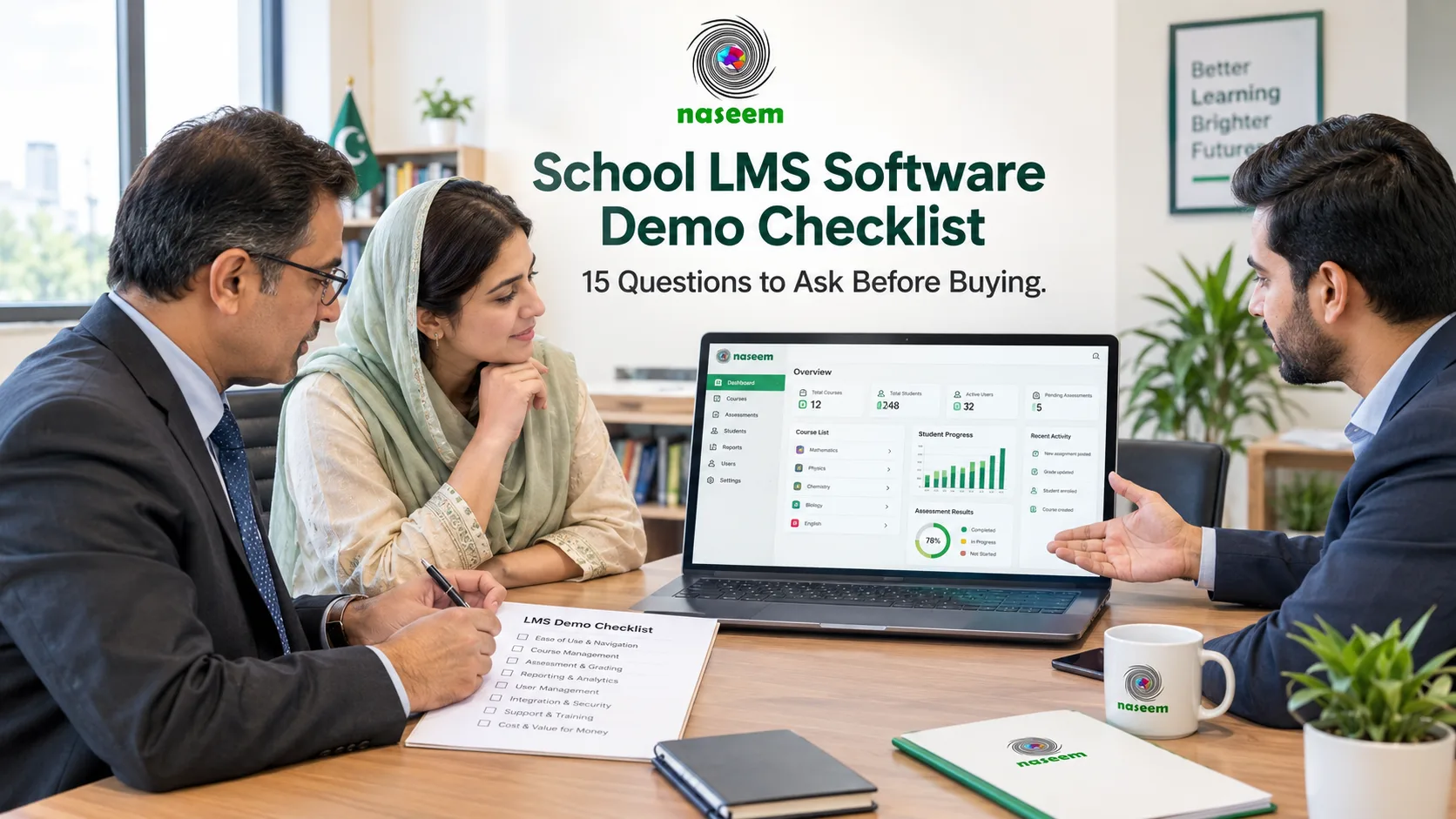
- Request a demonstration. Use the 15-question school LMS demo checklist, and make every vendor follow the same script.
- Evaluate onboarding and support. Ask for support hours and response times.
- Pilot first. Run one grade level or department for a term before committing.
If you are moving from Canvas, read our guide on how to move courses, students, and records when switching LMS platforms before signing.
Final Thoughts: Choosing a Canvas Alternative That Fits Your School
The right platform depends on school size, academic requirements, technical resources, budget, and the experience teachers, students, and parents expect. Canvas remains a strong option for many schools. If you are weighing alternatives, test the same scenarios on each platform and compare total cost over several years.
For a wider view of hosted options, see eight cloud-based LMS platforms compared for schools.
If you want a school-focused option with teacher, student, parent, and principal views, explore Naseem Education’s learning management system and request a demonstration to evaluate its workflows against your requirements.
Frequently Asked Questions About Canvas LMS Alternatives
Ready to Bring Your School’s Learning Together?
Give your school a connected learning management system designed to support students, teachers, parents, and school leaders.