Digital Citizenship in Schools: Essential Skills, Examples, and Strategies for Teachers
Most students now spend part of every day online. They search for homework answers, watch videos, message friends, play games, and increasingly submit assignments through school platforms. Many of them are confident with the technology long before they understand its risks: who can see what they post, how to tell a reliable source from a convincing fake, or what to do when a group chat turns unkind.
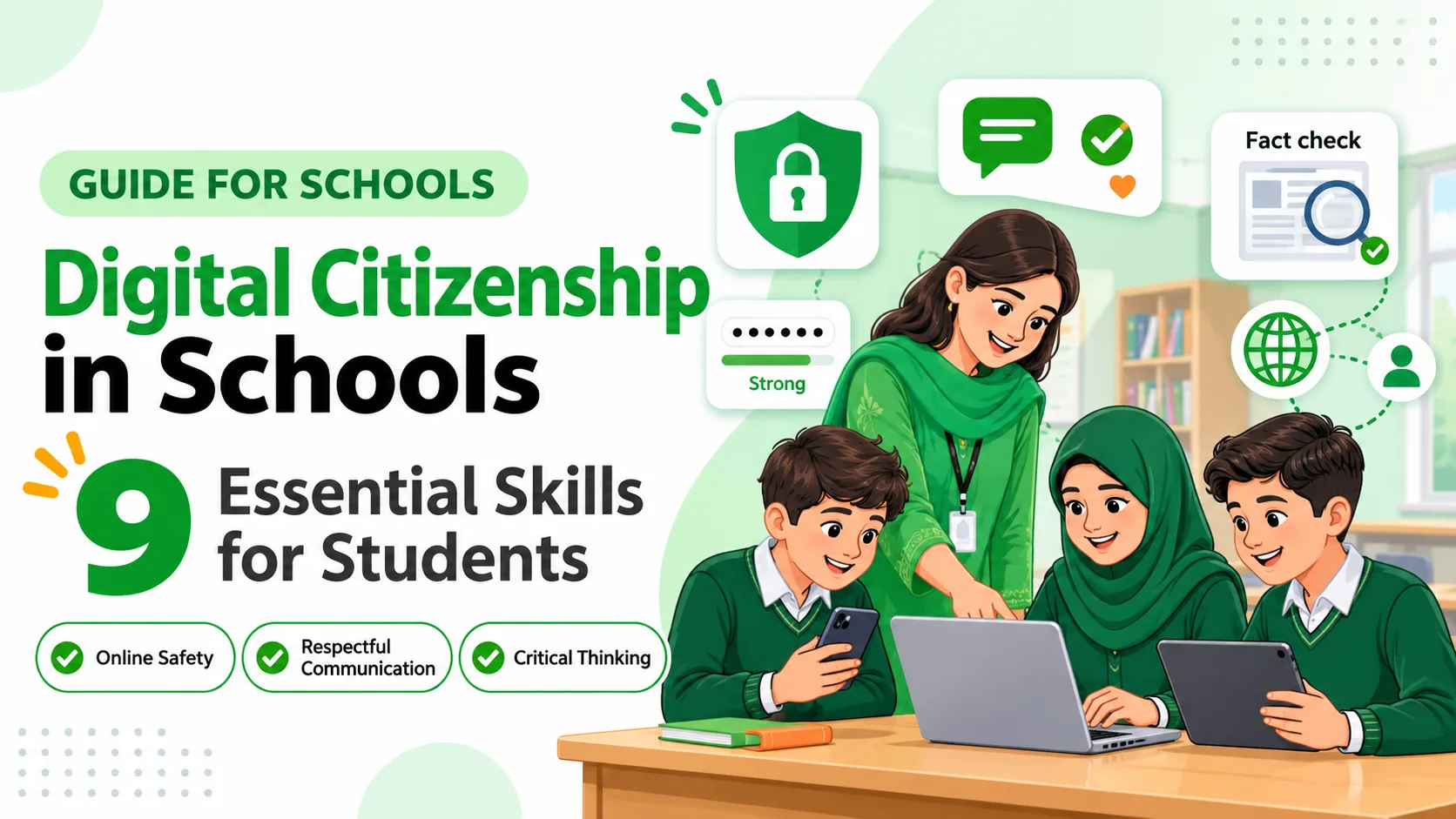
Digital citizenship is the set of skills and habits that close that gap. This guide explains what digital citizenship means, why it matters for students, the nine essential elements schools should teach, and practical ways teachers can build them into ordinary lessons. It also covers classroom activities, differences by grade level, common challenges, and how schools can plan a digital citizenship program.
What Is Digital Citizenship?
Digital citizenship is the ability to use technology safely, responsibly, and respectfully, and to take part in online communities in ways that benefit yourself and others. A good digital citizen protects their own information, treats people online with the same respect they would show face to face, thinks critically about what they read, and understands that online actions have real consequences.
Digital citizenship is broader than internet safety. Safety is about avoiding harm. Citizenship also covers positive behavior: communicating well, giving credit for others' work, contributing useful information, and standing up for classmates who are targeted online.
Several frameworks describe it. The ISTE Standards for Students include a "Digital Citizen" standard, which asks students to recognize their rights, responsibilities, and opportunities in an interconnected digital world and to act in ways that are safe, legal, and ethical. Mike Ribble's widely used framework also describes nine elements, grouped slightly differently from the ones in this guide. The details vary between frameworks, but the core ideas are the same: safety, responsibility, respect, and critical thinking.
Why Is Digital Citizenship Important for Students?
Students are online at younger ages, often on shared family phones and without an adult watching. Schools are also moving more learning onto digital platforms. Both trends make digital citizenship a basic part of education rather than an optional extra.
Teaching digital citizenship helps students to:
- Stay safe online: recognize scams, suspicious links, and strangers who ask for personal information or photos.
- Protect their privacy: understand what to share, what to keep private, and how to use privacy settings and strong passwords.
- Communicate respectfully: write messages, comments, and posts that they would be comfortable saying face to face.
- Recognize and respond to cyberbullying: know what to do when they or a classmate are targeted, and who to tell.
- Think critically: question sources, check claims, and spot misinformation before sharing it.
- Build a positive digital footprint: understand that what they post can last, and can be seen later by schools, employers, and others.
- Use technology for learning: find, evaluate, and use digital information well, which supports learning in every subject.
Digital citizenship also has legal and social stakes. In Pakistan, for example, online harassment, cyberstalking, and sharing someone's private images without consent can be offences under the Prevention of Electronic Crimes Act 2016. Students rarely know this, and schools are well placed to explain it in an age-appropriate way.
The 9 Essential Elements of Digital Citizenship
The nine elements below cover the skills students need to use technology well. They overlap, and most lessons will touch more than one. Each section explains what the element means and gives a classroom example.
1. Digital Literacy
Digital literacy is the ability to find, understand, evaluate, create, and share information using digital tools. It includes practical skills such as using search effectively, organizing files, typing, and using learning platforms, as well as knowing which tool suits which task.
Example: Grade 5 students learn to search with specific keywords instead of full questions, then compare the first three results for the same topic and choose the most useful one.
2. Online Safety and Privacy
Students need to know how to protect themselves and their information. That means creating strong passwords and not sharing them, recognizing phishing messages and scams, using privacy settings, and never sharing personal details such as their address, school, phone number, or location with strangers.
They also need a clear rule for what to do when something feels wrong: stop, do not reply, keep the evidence, and tell a trusted adult.
Example: Grade 7 students sort sample messages into "safe," "suspicious," and "dangerous," and explain the warning signs in each, such as urgency, requests for passwords, or offers that seem too good to be true.
3. Digital Etiquette
Digital etiquette is about good manners online: being polite, using appropriate language, respecting others' time, and choosing the right tone for the setting. Messages to a teacher or in a class group need a different tone from a chat with close friends.
Example: a Grade 8 class agrees on rules for the class messaging group: school-related messages only, no messages after 9 p.m., no forwarding without permission, and a polite greeting when writing to a teacher.
4. Digital Responsibility
Digital responsibility means taking ownership of online actions and their effects. It includes using school devices and accounts properly, following the school's acceptable use rules, managing screen time, and thinking before posting or forwarding.
Example: students in a school computer lab sign a short acceptable use agreement in their own words, covering how they will treat equipment, accounts, and each other.
5. Cyberbullying Awareness
Cyberbullying is repeated, deliberate harm using digital technology: hurtful messages, spreading rumors, sharing embarrassing images, excluding someone from a group, or impersonating them. Because it can follow students home and reach a wide audience, it can be especially damaging.
Students need to recognize cyberbullying, understand its effects, and know how to respond: do not retaliate, keep screenshots, block and report the account, and tell a trusted adult. Bystanders matter too. Students who refuse to forward a hurtful post and support the person targeted can stop bullying from spreading.
Example: Grade 9 students read an anonymous scenario about a mocking group chat and discuss what each person in the chat could have done differently.
6. Digital Footprint
A digital footprint is the trail of information people leave online: posts, photos, comments, likes, searches, and information collected by apps. Much of it is permanent or hard to remove, and it can be copied and shared beyond the original audience.
Students should learn to ask before posting: Would I be comfortable if my parents, teachers, or a future employer saw this? A positive footprint can also be built deliberately, for example by sharing good work or contributing helpful information.
Example: Grade 10 students search for a fictional person's name and use the results to describe what they can learn about that person, then reflect on what their own public posts might show.
7. Responsible Online Communication
Online communication lacks tone of voice and facial expression, so messages are easily misunderstood. Responsible communication means writing clearly, reading messages carefully before reacting, pausing before replying when upset, and moving difficult conversations offline.
It also includes respecting other people's privacy: not sharing screenshots of private conversations, not posting photos of others without permission, and not adding people to groups without asking.
Example: students rewrite an angry message about a group project into a calm one that explains the problem and suggests a solution.
8. Copyright and Intellectual Property
Students copy and paste easily. Digital citizenship includes understanding that other people's writing, images, music, and videos belong to them, and that using them requires permission or proper credit. Students should learn how to cite sources, how to find images that are free to use, and why copying work and presenting it as their own is plagiarism.
Example: for a Grade 6 project on Pakistan's national parks, students list the source of every image and fact they use, and find at least one image they are allowed to reuse.
9. Critical Thinking and Evaluating Online Information
Not everything online is true. Students need to check who created information and why, look for evidence, compare several sources, and notice warning signs such as sensational headlines, missing dates, or edited images. This matters more as AI tools make convincing text and images easy to create.
A simple routine helps: Who made this? What evidence do they give? What do other reliable sources say? Should I share it?
Example: a Grade 8 class examines a viral health message, checks the claim against an official source, and decides together whether it should be forwarded.
Digital Citizenship Examples for Students
Digital citizenship shows up in everyday choices. The table below contrasts responsible and irresponsible actions in common situations.
| Situation | Good Digital Citizenship | Poor Digital Citizenship |
|---|---|---|
| A classmate shares a funny photo of another student | Does not forward it and tells the sender it could hurt | Forwards it to other groups |
| A message asks for a password to "verify" an account | Ignores it, does not click, and tells an adult | Clicks the link and enters the password |
| Researching a school project | Checks several reliable sources and cites them | Copies the first result word for word |
| A viral news message in the family group | Checks it with a trusted source before sharing | Forwards it immediately |
| Disagreeing with someone online | Responds politely or moves the discussion offline | Replies with insults |
| Signing up for a new app | Reads what information it asks for and checks privacy settings | Accepts everything without reading |
| Using a shared family phone | Logs out of accounts after use | Leaves accounts open for anyone to use |
12 Ways Teachers Can Teach Digital Citizenship
Digital citizenship is learned best through regular, practical lessons rather than a single assembly. These 12 approaches fit into ordinary teaching.
- Model good habits. Cite your sources in presentations, ask permission before posting class photos, and show how you check information before sharing it.
- Set clear rules for devices and accounts. Agree on when devices are used, how accounts are shared, and what happens when rules are broken, and make these part of your classroom routines.
- Teach it in context. Cover source evaluation in a history research task, copyright in an art project, and respectful comments during online discussion, rather than only in a separate lesson.
- Use real scenarios. Discuss realistic, anonymous situations students might face, such as a mocking group chat or a suspicious message.
- Encourage questions without judgment. Students will only report problems if they believe they will be helped, not punished for being online.
- Teach strong password habits. Show students how to create long passphrases, keep passwords private, and log out of shared devices.
- Practice fact-checking. Give students claims to verify and teach a simple routine for checking sources.
- Teach citation early. Even young students can write "picture from" and the source under an image they use.
- Discuss the digital footprint. Help students think about who might see what they post, now and in the future.
- Build empathy. Ask students how a message might feel to the person receiving it, and practice rewriting unkind messages.
- Involve parents. Share what students are learning and suggest simple rules families can use at home, such as keeping devices out of bedrooms at night.
- Revisit it regularly. Return to digital citizenship throughout the year, especially when students start using a new platform or app.
Digital Citizenship Activities for the Classroom
Short, active tasks make digital citizenship lessons memorable. Most of the activities below need little or no technology.
| Activity | How It Works | Skill Practiced |
|---|---|---|
| Safe or suspicious? | Students sort printed sample messages and explain the warning signs | Online safety |
| Rewrite the message | Students turn rude or angry messages into respectful ones | Responsible communication |
| Footprint detective | Students study a fictional profile and decide what it reveals about the person | Digital footprint |
| Fact-check challenge | Pairs verify a viral claim using reliable sources | Critical thinking |
| Password workshop | Students create strong passphrases and test them against simple rules | Online privacy |
| Bystander role-play | Students act out ways to support a classmate targeted online | Cyberbullying awareness |
| Source it right | Students add proper credits to images and quotes in a project | Copyright |
| Class tech agreement | Students write their own rules for using devices and class groups | Digital responsibility |
Digital Citizenship Across Different Grade Levels
The topics stay similar across ages, but the depth and focus change as students grow and use technology more independently.
Primary School (Grades 1 to 5)
Focus on simple, clear rules and trusted adults. Teach young students that personal information stays private, that they should always tell an adult if something online makes them uncomfortable, and that people online are not always who they say they are. Kindness, taking turns on devices, and asking before using someone else's work are good starting points.
Middle School (Grades 6 to 8)
This is when many students start using messaging apps and social media. Focus on cyberbullying, group chat behavior, privacy settings, digital footprint, and recognizing scams. Students at this age respond well to realistic scenarios and discussion.
High School (Grades 9 to 12)
Older students need deeper critical thinking: evaluating sources, recognizing misinformation and manipulated media, understanding how platforms collect data, and the legal consequences of online actions. Discuss their digital footprint in relation to university applications and careers, and responsible use of AI tools for schoolwork.
| Grade Level | Main Focus | Example Topics |
|---|---|---|
| Primary (Grades 1 to 5) | Safety and kindness | Private information, trusted adults, kind words online |
| Middle (Grades 6 to 8) | Social behavior and privacy | Group chats, cyberbullying, privacy settings, scams |
| High (Grades 9 to 12) | Critical thinking and responsibility | Misinformation, data privacy, digital footprint, AI use, the law |
Common Digital Citizenship Challenges in Schools
Schools that teach digital citizenship face practical obstacles. Most can be reduced with realistic planning.
| Challenge | Practical Response |
|---|---|
| No dedicated time in the timetable | Build short lessons into existing subjects such as English, computer studies, and social studies |
| Limited devices in school | Use printed scenarios, role-play, and discussion; most lessons do not need devices |
| Students know more about apps than teachers | Focus on judgment and behavior, which teachers can guide whatever the app |
| Problems happen outside school hours | Agree on a clear reporting process and work with parents |
| Students fear losing their devices if they report problems | Make it clear that reporting will lead to help, not punishment |
| Rapidly changing apps and risks | Teach lasting principles and review the program each year |
| Parents unsure how to help | Share simple guidance and home rules through workshops and messages |
How Schools Can Develop a Digital Citizenship Program
Individual lessons help, but a school-wide approach is more effective. A practical sequence:
- Review current practice. Find out what is already taught, which devices and platforms students use, and what problems staff are seeing.
- Set clear policies. Agree on an acceptable use policy for devices, accounts, and online communication, written in language students understand.
- Plan a curriculum by grade. Decide which topics are covered at each grade and in which subjects, so learning builds year by year.
- Train teachers. Give staff practical guidance and time to plan, so every teacher can handle common situations confidently.
- Create a reporting process. Make sure students know how to report online problems and who will respond, and keep records of incidents.
- Involve parents. Share the school's approach, explain home rules, and invite families to workshops.
- Review and update. Look at incidents, student feedback, and new technology each year, and adjust the program.
How Technology and Digital Learning Environments Influence Digital Citizenship
The digital environments schools use shape students' habits. When a school uses a structured learning platform, students practice digital citizenship every day: logging in with their own accounts, submitting work on time, communicating with teachers through appropriate channels, and keeping their passwords private.
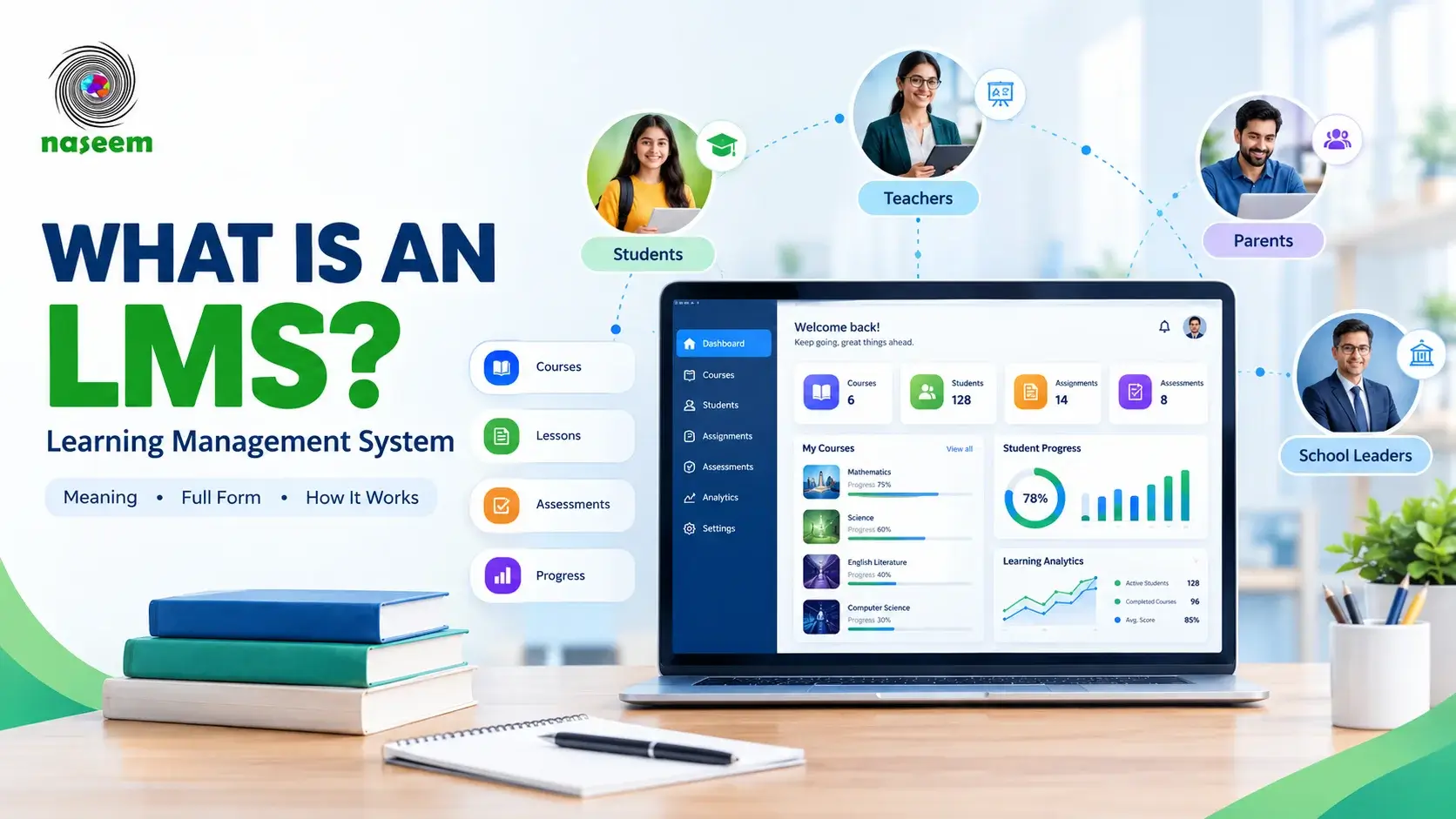
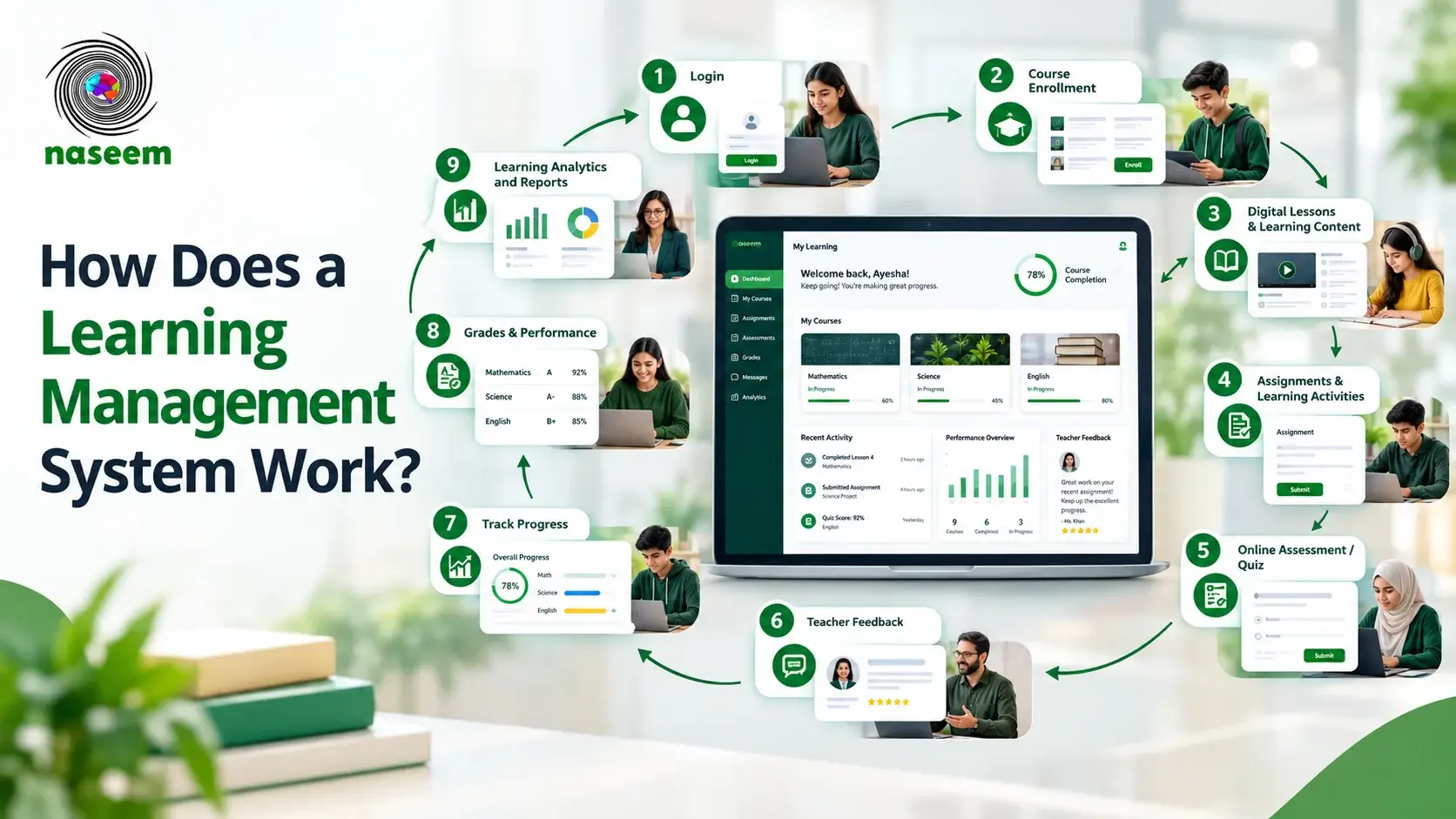
A learning management system (LMS) is one example. It gives students a safe, school-controlled space for coursework, assignments, and communication, instead of scattering learning across public apps and personal messaging groups. Our guide to how an LMS works explains how courses, assignments, and assessments fit together in one place.
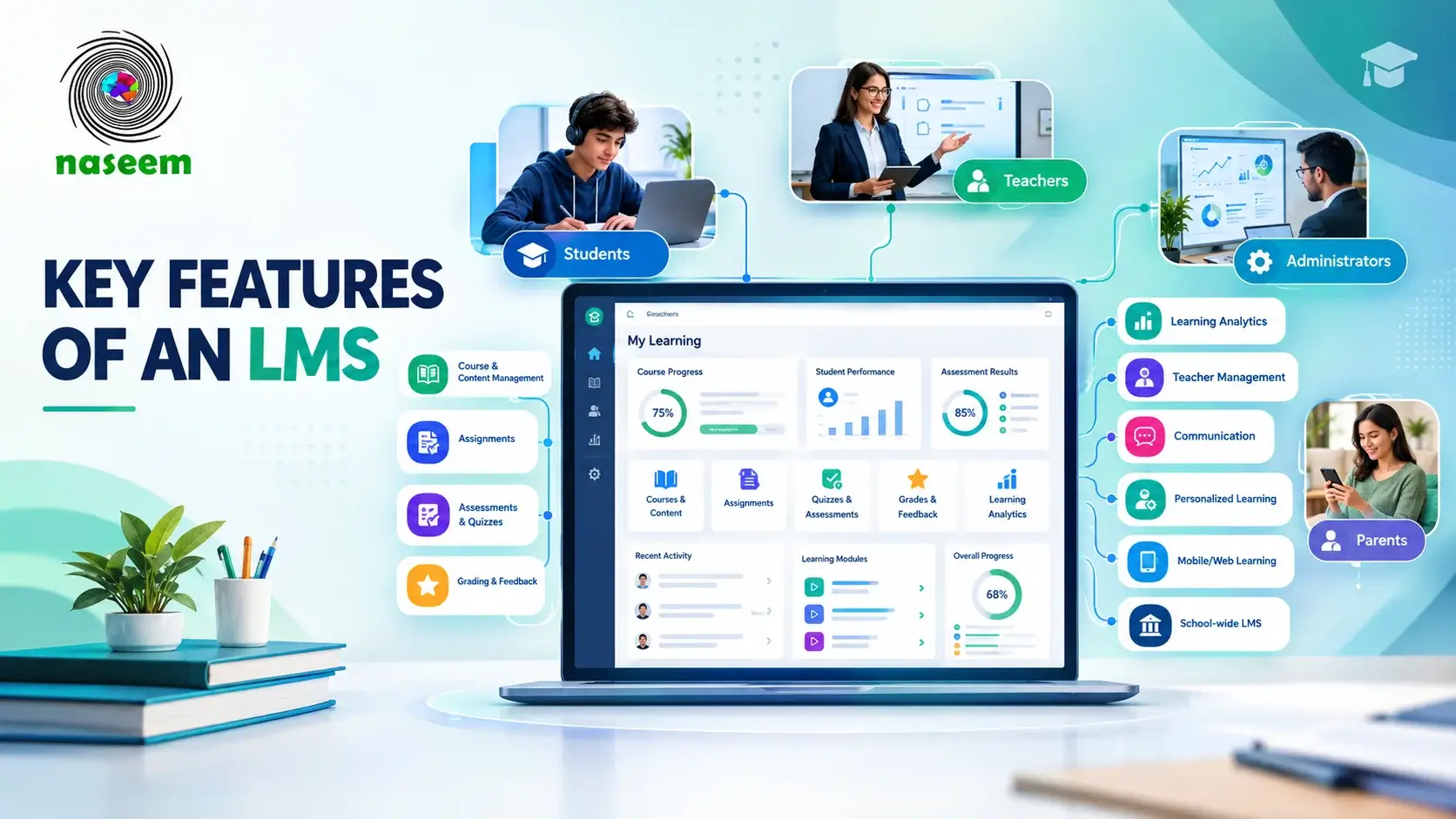
Platform design matters too. LMS features such as role-based permissions, controlled access, and secure accounts protect student information and model good privacy practice. Teachers can see who has accessed materials and submitted work, which supports accountability without constant monitoring.
Technology still needs teaching alongside it. Students need to understand why accounts are private, how to communicate respectfully in class discussions, and how to use digital resources honestly. In Pakistan, where many students learn on shared family phones and connectivity varies, schools adopting an LMS in Pakistan should plan digital citizenship lessons as part of their rollout.
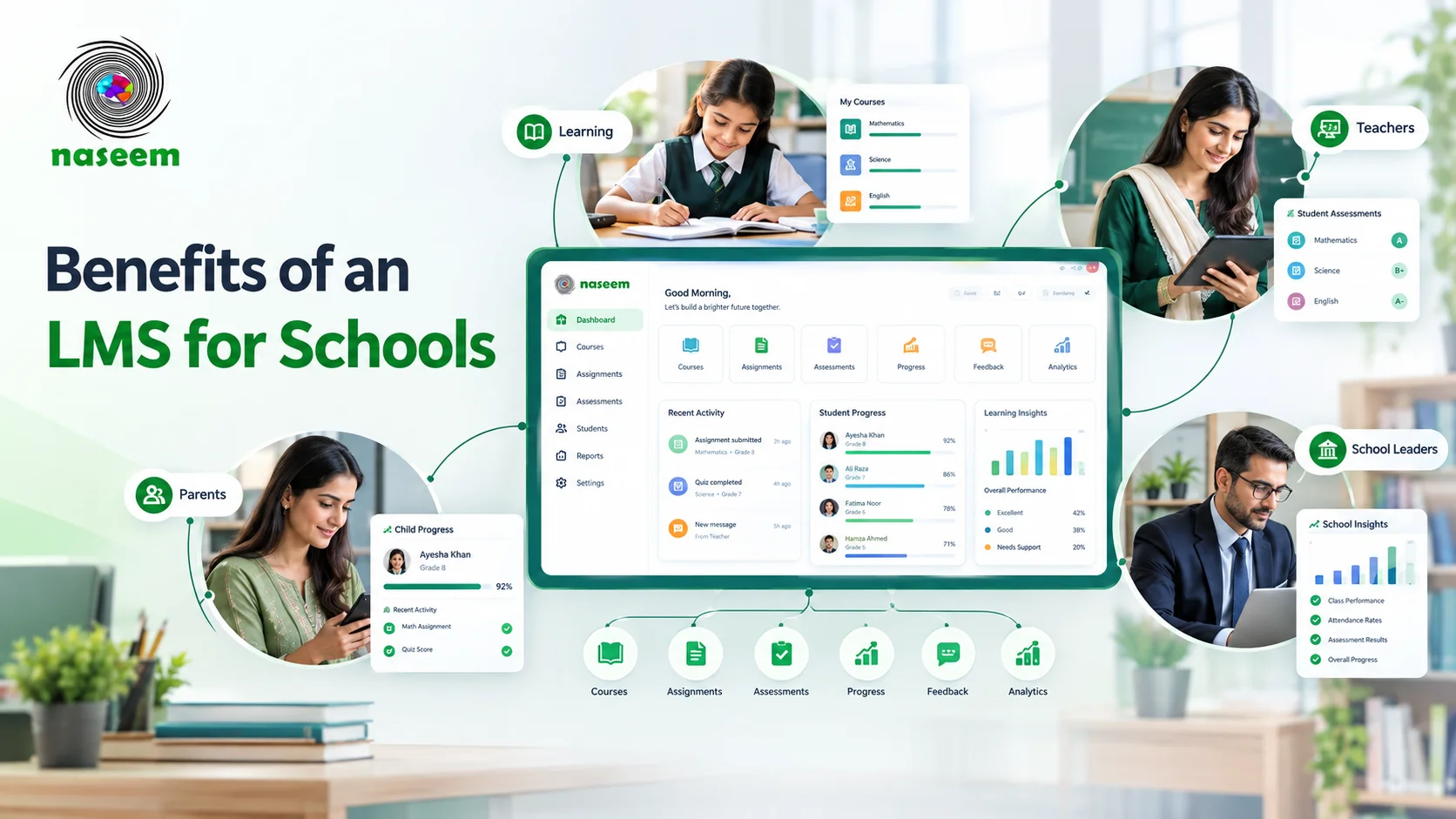
Naseem Education is a school-focused LMS that connects students, teachers, parents, and school leaders through authorized, role-based accounts. Schools can use it to give students one organized place for learning, with teachers and parents able to follow progress. Ask to see how accounts, permissions, and communication are managed during a demonstration.
Frequently Asked Questions
Ready to Bring Your School’s Learning Together?
Give your school a connected learning management system designed to support students, teachers, parents, and school leaders.